Why there are Amazon links here: Brave Review is paid a commission for qualifying Amazon purchases made through the links below. Your price does not change, and using our links is entirely optional. How this works
Best Thread Border Router for a Faster, Smarter Home
A Thread border router is the piece of hardware that lets Thread devices — locks, sensors, bulbs, switches — talk to the rest of a smart home over Matter. Without one, those devices stay isolated. This guide covers five models that fit different buyers: a beginner who wants a plug-and-play hub, a Home Assistant user who prefers a USB or PoE dongle, and a small-business or large-home owner who needs wired networking and range.
The picks below range from budget gateways to a premium hub, and the overview table lines them up side by side so a reader can spot the right one in seconds. Each entry explains who it suits and where it falls short.
The Picks at a Glance
| Product | Key Spec | Best Use | Price Tier |
|---|---|---|---|
| Aqara Smart Hub M100 | Thread border router, Zigbee, Wi-Fi, Matter controller | Beginners in Apple Home or Alexa | Budget |
| YEELIGHT E1 Smart Home Hub | Thread border router, Matter controller, Wi-Fi and Ethernet | Yeelight owners wanting a cheap Matter bridge | Budget |
| SONOFF Zigbee USB Dongle Plus CC2674P10 | Zigbee gateway and Thread border router, TI CC2674P10 chip | Home Assistant and Zigbee2MQTT users | Mid-range |
| Aqara Smart Home Hub M3 | Thread border router, Zigbee, Bluetooth, Wi-Fi, PoE, IR | Advanced automation and large homes | Premium |
| SONOFF Zigbee/Thread PoE Dongle Max | Zigbee gateway, Ethernet, Wi-Fi and USB | Wired, always-on Home Assistant setups | Mid-range |
1. Aqara Smart Hub M100

Type: Thread border router and Matter controller
Wireless: Wi-Fi
Zigbee: Aqara Zigbee only (not third-party)
Ecosystems: Apple HomeKit, Amazon Alexa, IFTTT, Home Assistant
Price Tier: Budget
The M100 is the entry point into Aqara’s hub line. It bridges Thread devices into Matter and also acts as a Matter controller, so Apple Home and Alexa users get a single box that ties a Thread network together without extra hardware. The Zigbee radio is deliberately limited to Aqara’s own devices, which keeps setup simple for a household that stays inside that brand.
This is the pick for a first border router: a renter or new smart-home owner with an iPhone or Echo who wants Thread sensors and locks working with minimal configuration. The caution is that the Zigbee side will not adopt third-party Zigbee gear, so anyone with a mixed-brand Zigbee collection should look elsewhere.
Trade-off: The narrow Zigbee compatibility limits expansion for buyers who already own non-Aqara Zigbee devices.
Check the current price on Amazon
2. YEELIGHT E1 Smart Home Hub
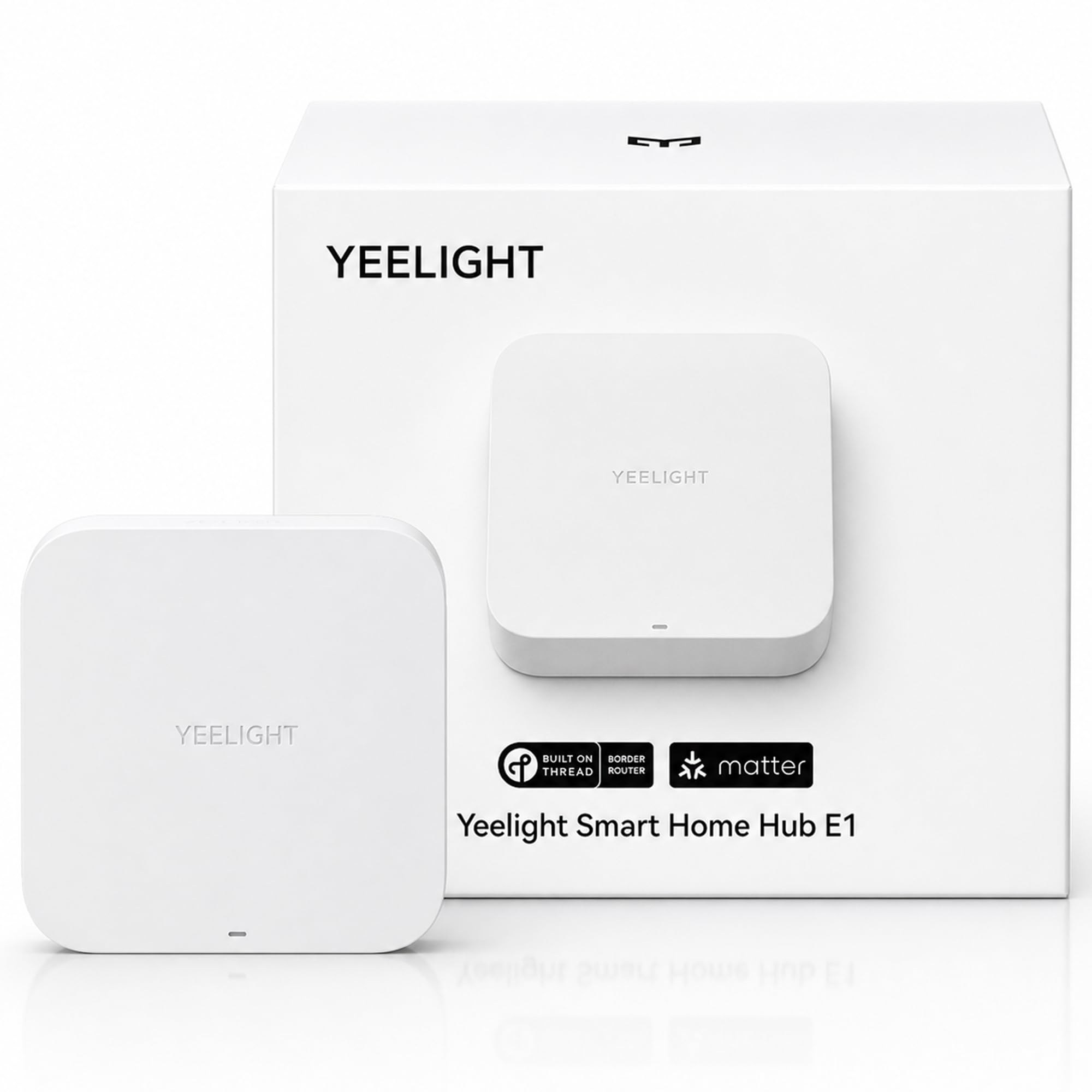
Type: Thread border router and Matter controller
Connectivity: Wi-Fi and Ethernet
Ecosystems: Apple Home, Alexa, Google Home, SmartThings
Device Support: YEELIGHT Matter devices only
Price Tier: Budget
The E1 is the cheapest way into a Thread border router with a wired option. It offers both Wi-Fi and Ethernet, which matters for a hub tucked behind a router or in a media cabinet where wireless is unreliable. It works with all four major Matter platforms, so it slots into almost any household.
The trade-off is scope: it supports YEELIGHT Matter devices only, so it functions best as a companion hub for a Yeelight lighting setup rather than a general-purpose Thread router for a mixed-brand home. Buyers who already run Yeelight bulbs and strips get a tidy, low-cost bridge; everyone else should keep reading.
Trade-off: The YEELIGHT-only device support makes it a poor fit for homes with devices from several brands.
Check the current price on Amazon
3. SONOFF Zigbee USB Dongle Plus CC2674P10
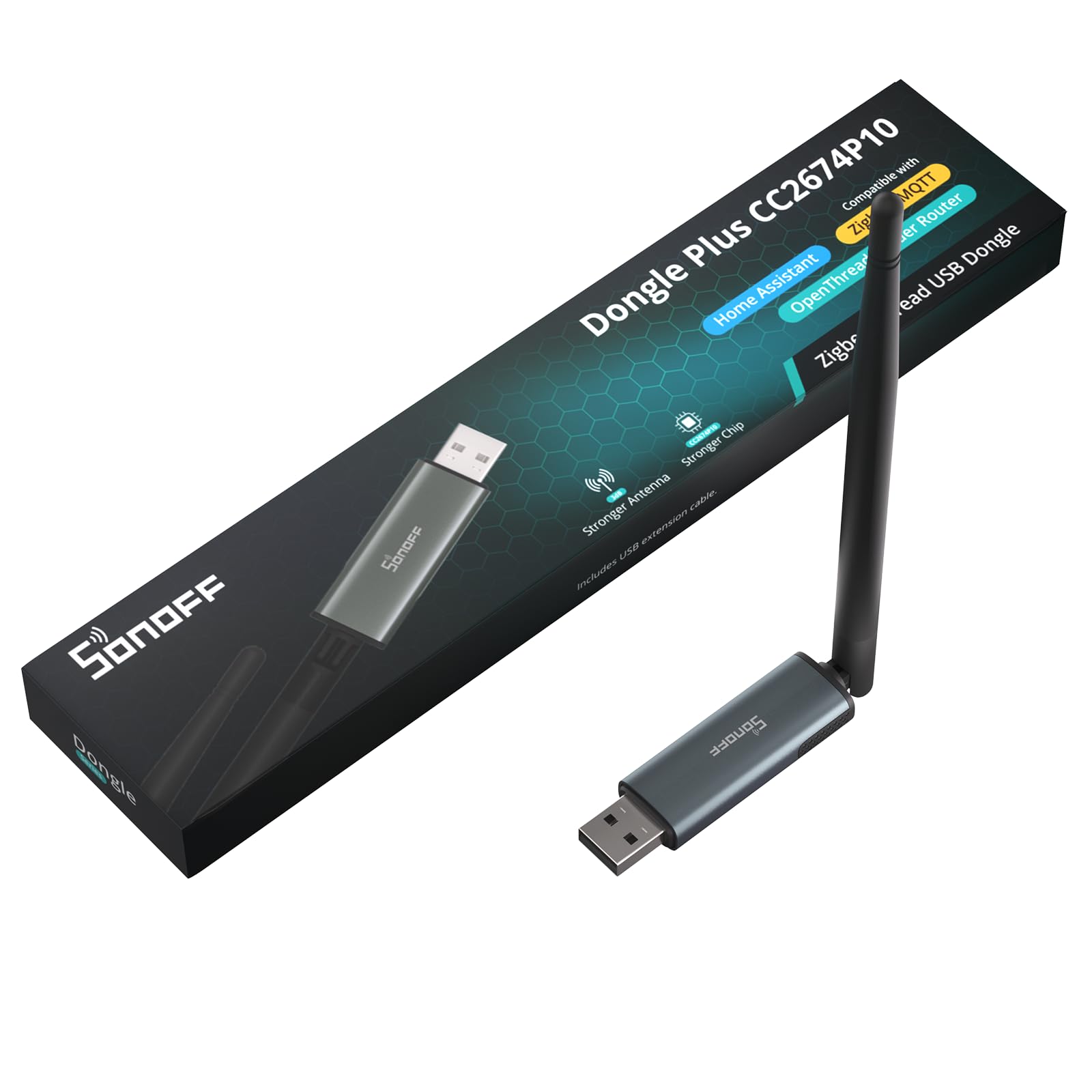
Type: USB Zigbee gateway and Thread border router
Chip: TI CC2674P10
Software: ZHA in Home Assistant, Zigbee2MQTT
Form Factor: USB dongle
Price Tier: Mid-range
This is a dongle rather than a hub, and that is the point. It plugs into the machine running Home Assistant and, with the CC2674P10 chip, handles both Zigbee and Thread in a single open-source stack. ZHA and Zigbee2MQTT users get local control with no cloud dependency and no vendor app.
It suits the tinkerer who already runs Home Assistant and wants Thread support without buying a closed ecosystem hub. The caution is that it is not plug-and-play: setup requires a server, a compatible software stack, and some patience with configuration, so a non-technical household should skip it.
Trade-off: Setup demands a Home Assistant host and comfort with open-source software, which rules out casual users.
Check the current price on Amazon
4. Aqara Smart Home Hub M3

Type: Thread border router and Matter controller
Wireless: Zigbee, Bluetooth, Wi-Fi
Wired: PoE
Ecosystems: Apple HomeKit, Alexa, SmartThings, Home Assistant
Extras: Infrared (IR) control
Price Tier: Premium
The M3 is the flagship of the group. It stacks Zigbee, Bluetooth, Wi-Fi, and Power over Ethernet into one hub, adds infrared control for legacy appliances, and works across HomeKit, Alexa, SmartThings, and Home Assistant. PoE means a single cable for power and data, which is ideal for a ceiling or closet mount in a larger home.
This is for the buyer running serious automation — dozens of devices, multiple protocols, and a preference for local processing — who wants one capable hub instead of three. The drawback is price: it costs several times what a budget gateway does, and a small apartment with a handful of Thread sensors will never use the extra radios.
Trade-off: The premium price only pays off in a large, multi-protocol setup; simple homes are over-served.
Check the current price on Amazon
5. SONOFF Zigbee/Thread PoE Dongle Max
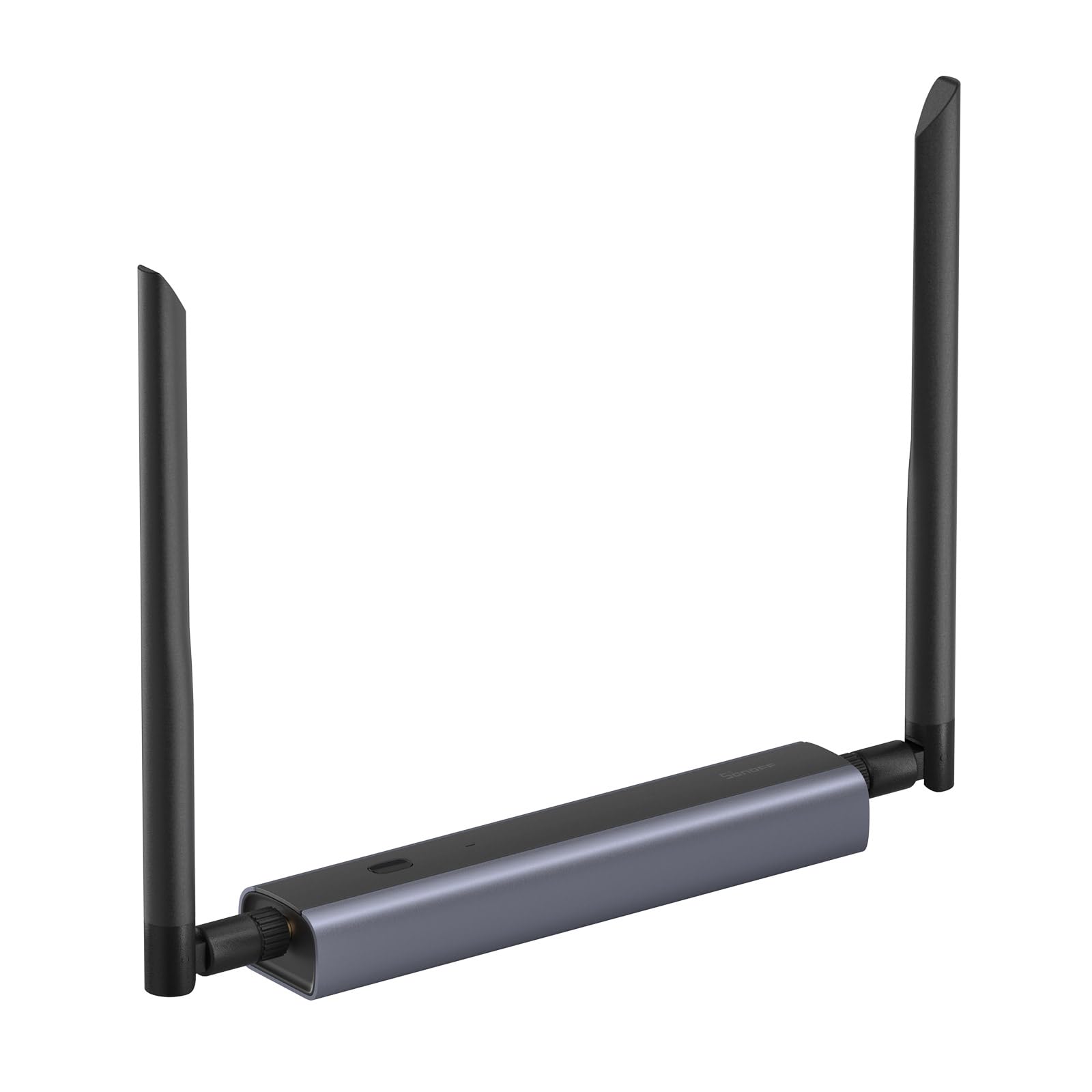
Type: Zigbee gateway and Thread border router
Chip: EFR32MG24 and ESP32D0
Connectivity: Ethernet, Wi-Fi, USB
Software: Home Assistant, Zigbee2MQTT
Price Tier: Mid-range
The Dongle Max is the wired sibling of the USB dongle above. Ethernet and PoE support let it sit far from the Home Assistant server, which fixes the classic problem of a USB stick losing range in a metal rack or back room. Wi-Fi and USB fallbacks keep it flexible across setups.
It suits the Home Assistant user who wants a Thread border router that stays online and placed for good coverage, not dangled off a PC. The caution is the same as its sibling: it assumes a Home Assistant or Zigbee2MQTT host, so it is a poor choice for a household that wants an app-and-go hub.
Trade-off: It requires a Home Assistant host and network configuration, so it is not a standalone consumer hub.
Check the current price on Amazon
Before You Buy
- Ecosystem compatibility: Confirm the router works with the platform already in use — Apple Home, Alexa, Google Home, SmartThings, or Home Assistant.
- Wired vs. wireless: Ethernet or PoE gives a more stable backbone for a Thread network than Wi-Fi, especially in larger homes.
- Device support: Some hubs only bridge their own brand’s devices; check that the router will adopt the Thread and Zigbee gear already owned.
- Technical skill: USB and PoE dongles need a Home Assistant host and configuration; standalone hubs are plug-and-play.
- Placement and range: A border router should sit central to the Thread devices it serves, and PoE models can be mounted where Wi-Fi cannot reach.
- Protocol coverage: A router that handles Thread plus Zigbee and Bluetooth replaces several single-purpose bridges.
- Future expansion: A budget hub with limited radios may need replacing as a smart home grows; a multi-protocol model scales further.
Frequently Asked Questions
-
What does a Thread border router actually do?
It connects a Thread mesh network to the home’s IP network and to Matter platforms, so Thread devices can be controlled alongside Wi-Fi devices. -
Do I need a separate hub if I already have a Thread border router?
Not always. Many border routers also act as Matter controllers, but brand-specific features may still require that brand’s app or hub. -
Can a Thread border router work with Home Assistant?
Yes. Several models on this list support Home Assistant, and the USB and PoE dongles are built specifically for it via ZHA or Zigbee2MQTT. -
Is Ethernet better than Wi-Fi for a border router?
Ethernet, and especially PoE, generally gives a more reliable backbone and lets the router be placed for better coverage. -
Will a budget border router limit a smart home later?
It can. Hubs with narrow device support or fewer radios may need replacing as more devices and protocols are added. -
How many Thread border routers does a home need?
One is enough to start; larger or multi-floor homes benefit from a second router to extend coverage.
Bottom Line
For most buyers, the Aqara Smart Hub M100 is the best Thread border router to start with: it is affordable, works with Apple Home and Alexa, and doubles as a Matter controller. Home Assistant users should go straight to the SONOFF Zigbee USB Dongle Plus CC2674P10, while large, multi-protocol homes will get the most from the Aqara Smart Home Hub M3.
Check the current price of the Aqara Smart Hub M100 on Amazon