Why there are Amazon links here: Brave Review is paid a commission for qualifying Amazon purchases made through the links below. Your price does not change, and using our links is entirely optional. How this works
Best Freezer Temperature Alarm for Remote Monitoring and Food Safety
A freezer temperature alarm watches the temperature inside a freezer and warns the household when it drifts too warm — before a whole batch of food is lost. The five picks below cover the main ways to do that: budget Wi-Fi sensors, a simple wireless display, long-range battery-powered kits, and multi-sensor setups with data export. This guide suits three buyer profiles: the household that wants cheap phone alerts, the cook who wants a glanceable display on the counter, and the small business or serious prepper who needs long range and history logs. The overview table below shows every pick at a glance; detailed reviews follow.
The Picks at a Glance
| Product | Key Spec | Best Use | Price Tier |
|---|---|---|---|
| GoveeLife WiFi Refrigerator Thermometer, 2-Pack & Gateway | 2.4G Wi-Fi, app alerts and buzzer, 230 ft range | Best for two freezers on one app | Budget |
| AcuRite Digital Wireless Fridge and Freezer Thermometer with Alarm (00515M) | Wireless display with max/min memory | Best no-phone option | Mid |
| YoLink Freezer Thermometer Hygrometer Kit, 3-Pack + Hub | LoRa protocol, up to 2034 ft, 5-year battery | Best long range and battery life | Mid |
| GoveeLife WiFi Refrigerator Thermometer, 1-Pack & Gateway | 2.4G Wi-Fi, app alerts and buzzer, 230 ft range | Best single-freezer budget entry | Budget |
| WiFi Thermometer Freezer Alarm with 2 Remote Sensors | Email alert, app notification, data export, no subscription | Best for records and notifications | Mid |
1. GoveeLife WiFi Refrigerator Thermometer Sensor with Alarm, 2-Pack & Gateway

Type: Wi-Fi thermometer with gateway hub
Sensors: Two
Alerts: App alerts and buzzer
Range: 230 ft
Network: 2.4G Wi-Fi only
Best Use: Two freezers on one app
GoveeLife WiFi Refrigerator Thermometer Sensor with Alarm, 2-Pack & Gateway
The GoveeLife kit pairs two remote sensors with a small gateway that relays readings to a phone over 2.4G Wi-Fi. Each sensor reports temperature back to the app, and the alarm fires both as a push alert and as an audible buzzer when readings leave the set range. The 230 ft range means the gateway can sit near the router while the sensors go inside a garage freezer. The two-pack arrangement suits a household with a kitchen fridge and a chest freezer, since both show on one screen. Setup is aimed at ordinary users rather than tinkerers.
This pick earns its place as the mainstream recommendation for households that want phone alerts without paying much. It is the cheapest way to cover two appliances with one hub, and the buzzer adds a local warning for anyone home. The trade-off is the Wi-Fi requirement: the gateway only joins a 2.4G network, so a 5G-only router setup will need attention before the kit works.
Trade-off: The gateway depends on a 2.4G Wi-Fi connection, so it is not the pick for a home network that broadcasts 5G only.
2. AcuRite Digital Wireless Fridge and Freezer Thermometer with Alarm (00515M)

Type: Wireless thermometer with digital display
Display size: 4.25" x 3.75"
Memory: Max/min temperature
Alerts: Audible alarm
Intended use: Home and restaurants
Best Use: No-phone households
The AcuRite unit is the old-school answer to a freezer temperature alarm: a wireless sensor inside the freezer and a digital display that sits on the counter or mounts on a wall. The max/min memory records the coldest and warmest readings since the last reset, so a household can check overnight whether the freezer dipped or spiked. The audible alarm sounds at the display when temperatures cross the set threshold. The display footprint is compact for a countertop, and the layout is built for a quick glance rather than app menus.
This is the pick for anyone who does not want another phone app or a Wi-Fi dependency. It works on its own wireless link, which makes it a sensible choice for a cabin, a garage freezer, or a household with older family members. The trade-off is reach: without a network, alerts only work while someone is within earshot of the display, so it is a poor fit for remote monitoring away from home.
Trade-off: Alerts stay local to the display unit, so this is not the pick for monitoring a freezer from another location.
3. YoLink Freezer Thermometer Hygrometer Kit: 3-Pack + Hub
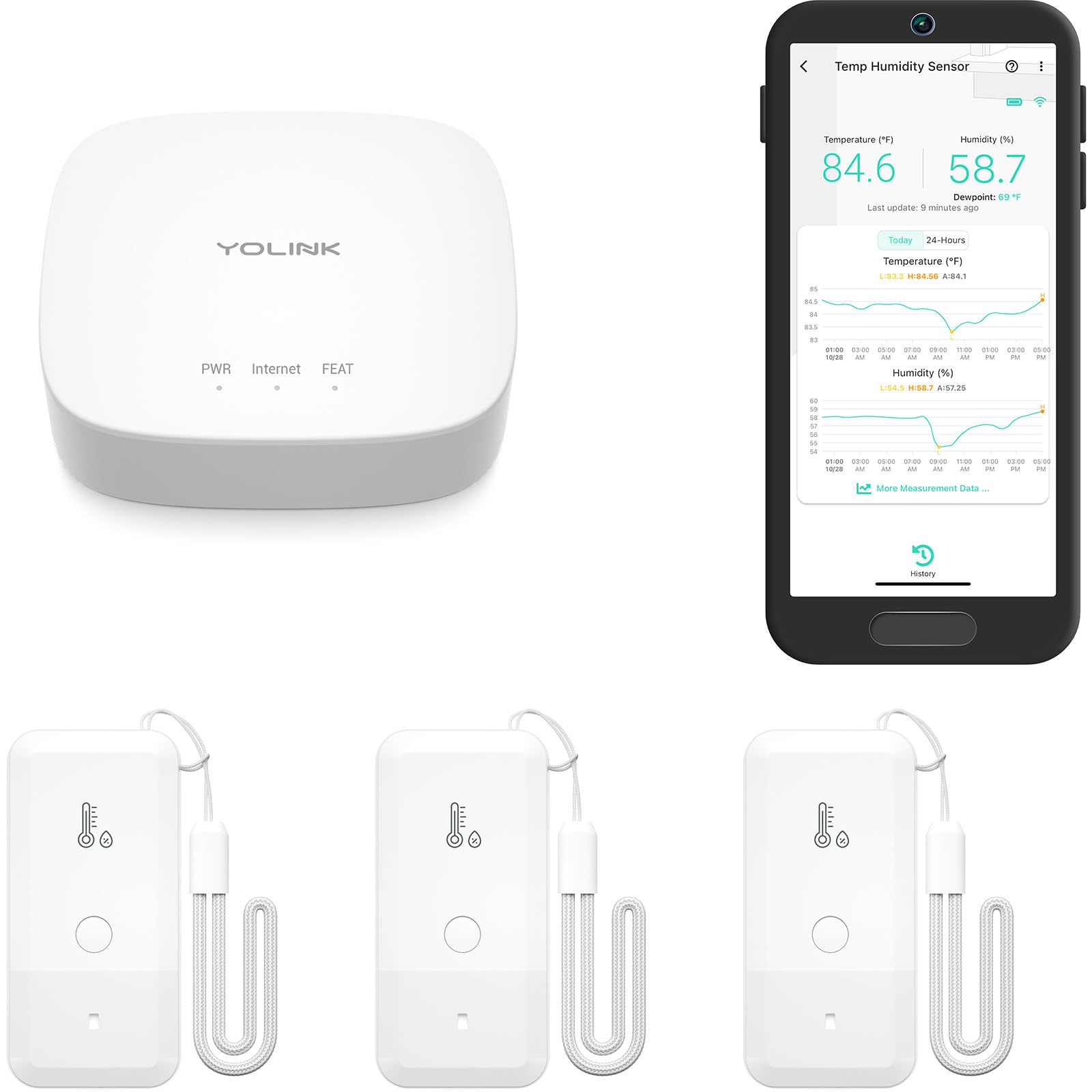
Type: LoRa thermometer and hygrometer kit with hub
Sensors: Three
Battery: Up to 5 years
Range: Up to 2034 ft
Alerts: Temp and humidity alerts, history export
Integrations: Works with IFTTT
Best Use: Outbuildings and long range
YoLink Freezer Thermometer Hygrometer Kit: 3-Pack + Hub
The YoLink kit uses the LoRa protocol rather than Wi-Fi, which is why it claims a range measured in thousands of feet instead of hundreds. Three sensors each report both temperature and humidity, and the hub passes those readings to the app for alerts and history export. The battery claim of up to five years is the standout feature — sensors inside a freezer are awkward to reach, so long service life matters more here than in most smart-home gear. IFTTT support lets the alerts trigger other devices or routines. The kit targets outbuildings, garages, and larger properties where a Wi-Fi signal will not reach.
This pick is for the buyer whose freezer is far from the router: a detached garage, a barn, or a second building. Three sensors also cover a fridge, a freezer, and a backup unit at once. The trade-off is ecosystem lock-in — the sensors need the YoLink hub and app, so this is a bigger commitment than a stand-alone unit.
Trade-off: The kit only works within the YoLink ecosystem, so it suits buyers willing to adopt that hub and app rather than mix brands.
4. GoveeLife WiFi Refrigerator Thermometer Sensor with Alarm, 1-Pack & Gateway
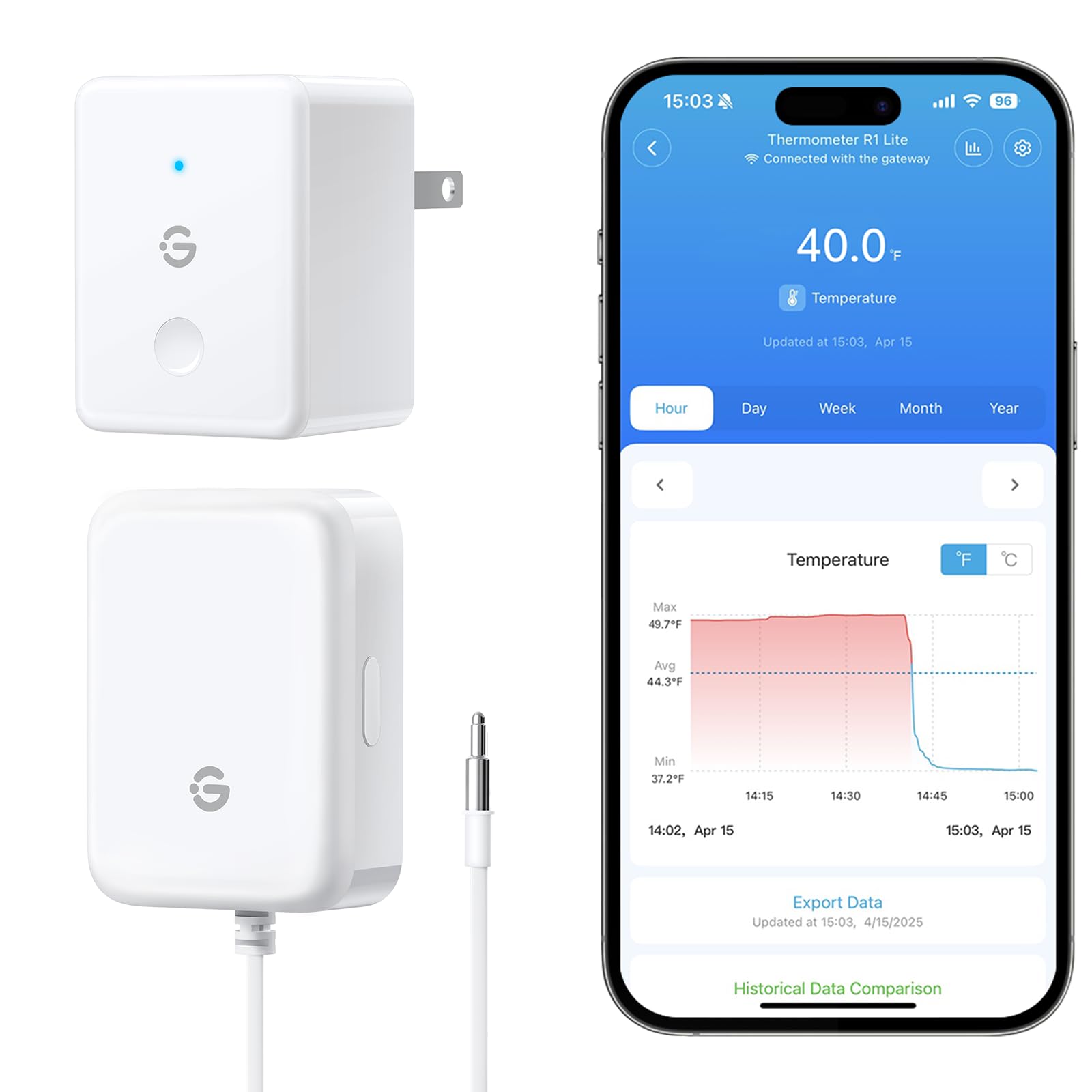
Type: Wi-Fi thermometer with gateway hub
Sensors: One
Alerts: App alerts and buzzer
Range: 230 ft
Network: 2.4G Wi-Fi only
Best Use: One freezer on a budget
GoveeLife WiFi Refrigerator Thermometer Sensor with Alarm, 1-Pack & Gateway
This is the same GoveeLife system as the two-pack, sold with a single sensor and gateway. One sensor goes in the freezer, the gateway links it to the app over 2.4G Wi-Fi, and alerts arrive as push notifications plus a buzzer at the gateway. The 230 ft range gives flexibility on where the hub sits. For a household with just one freezer to watch, this is the lowest-cost route into app-based monitoring. The hardware and app experience mirror the two-pack, so buyers who later add a second appliance can expand within the same system.
This pick earns its place as the entry point: it covers one freezer for less than any other app-connected option here. It suits renters, small households, and anyone testing whether app alerts fit their routine before committing to a multi-sensor kit. The trade-off is that a single sensor leaves no spare for a second appliance, and the same 2.4G network requirement applies.
Trade-off: One sensor covers one appliance only, and the gateway still needs a 2.4G Wi-Fi network to deliver alerts.
5. WiFi Thermometer Freezer Alarm with 2 Remote Sensors
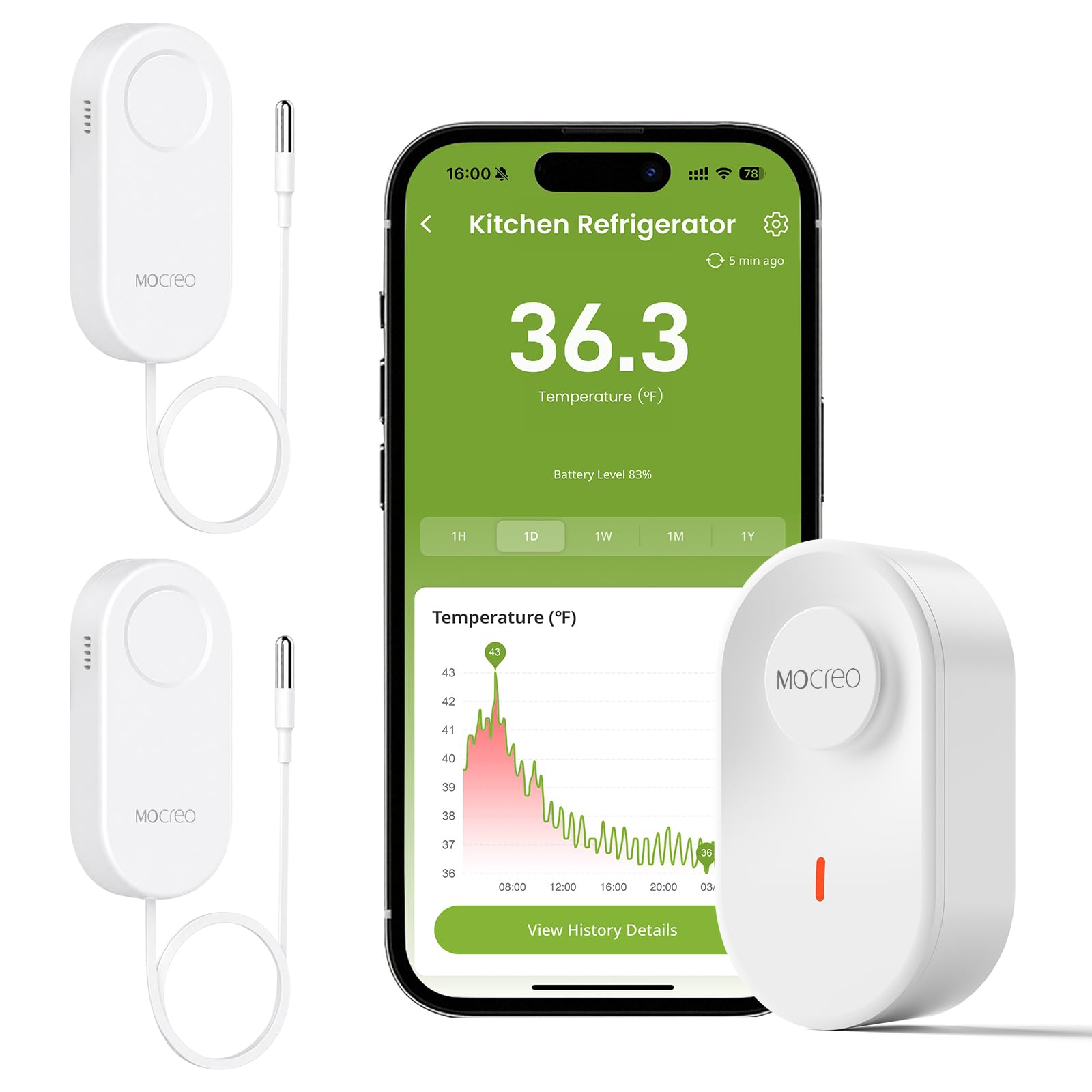
Type: Wi-Fi thermometer with two remote sensors
Alerts: Email alert and app notification
Records: Data record export
Subscription: No subscription fee
Intended use: Refrigerator, freezer, hot tub
Best Use: Record keeping and email alerts
WiFi Thermometer Freezer Alarm with 2 Remote Sensors
This unit connects directly over Wi-Fi and ships with two remote wireless sensors for a fridge and a freezer, or a freezer and a hot tub. The alert options are broader than most: email as well as app notification, which suits anyone who checks email more reliably than push alerts. Data record export is the feature that separates it from the budget picks — a log of past readings can be downloaded rather than only viewed live. There is no subscription fee for the core features, which matters for a device that may run for years. It is aimed at buyers who want a paper trail, such as home food businesses or landlords.
This pick suits the buyer who needs evidence, not just a warning: a log of temperatures is useful for insurance claims after a power outage or for anyone running a small food operation from home. Two sensors cover the common fridge-plus-freezer setup. The trade-off is that the extra features come at the top of this list’s price band, and the app and export workflow take more setting up than a simple display.
Trade-off: The data-logging and email features push this to the top of the price range and add setup steps a basic alarm avoids.
Before You Buy
- Connectivity: Wi-Fi models send alerts anywhere; wireless display models only warn people within earshot — decide whether remote monitoring is required.
- Network band: Several Wi-Fi alarms only join 2.4G networks, so check the router before buying.
- Sensor count: One sensor covers one appliance; a two- or three-pack covers a fridge, a freezer, and a backup unit together.
- Battery life: Sensors inside a freezer are hard to reach, so long battery claims are worth paying for in outbuildings.
- Range: Standard wireless reaches across a house; LoRa kits reach detached garages and outbuildings.
- Data history: Buyers who need records after an outage should look for export or max/min memory rather than alerts alone.
- Ecosystem: Hub-based kits lock the buyer into one brand’s app, while stand-alone units stay independent.
Frequently Asked Questions
-
What does a freezer temperature alarm actually do?
It measures the temperature inside a freezer and triggers an alert — a buzzer, push notification, or email — when readings rise above a set threshold, giving the household time to act before food spoils. -
Is a Wi-Fi alarm better than a wireless display?
A Wi-Fi alarm sends alerts to a phone from anywhere, which suits travel and workdays. A wireless display is simpler and needs no network, but only warns people nearby. -
How many sensors are needed?
One per appliance. A two-pack covers a fridge and freezer; a three-pack adds a chest freezer or backup unit. -
Do these alarms require a subscription?
The models here are sold without a mandatory subscription, and the Wi-Fi alarm with data export explicitly states no subscription fee for its features. -
Will a freezer’s metal walls block the signal?
Range figures assume a clear path, and a freezer interior does weaken wireless signals, so the gateway or display should sit as close to the appliance as practical. -
Can an alarm monitor a hot tub as well as a freezer?
Some models list hot tubs alongside refrigerators and freezers, so the same sensor type can watch water temperature as well as frozen food.
Bottom Line
For most households, the GoveeLife two-pack is the best freezer temperature alarm here: two sensors, app alerts plus a local buzzer, and a budget price that undercuts every other app-connected pick. Buyers who need range for an outbuilding should step up to the YoLink kit, and anyone who wants a temperature log should choose the Wi-Fi alarm with data export. Check current prices on Amazon before deciding, since these figures move often.
