Why there are Amazon links here: Brave Review is paid a commission for qualifying Amazon purchases made through the links below. Your price does not change, and using our links is entirely optional. How this works
Best Backup Internet Connection for Home and Travel
A backup internet connection keeps a home office, a small business or a travel kit online when the main line drops. The picks below split into three groups: add-ons for an existing mesh system, standalone hotspot devices, and travel routers that lean on a wired or tethered source. Each entry states who it suits and where it falls short, so a reader can match a device to a real outage scenario. The overview table gives the fastest path to a shortlist.
Overview of the Picks
| Product | Key Spec | Best Use | Price Tier |
|---|---|---|---|
| Amazon eero Signal 4G LTE | 4G LTE cellular backup, eero Plus required | Existing eero households | Mid |
| 4G LTE Portable Hotspot | 300Mbps, 12 devices, 3000mAh | Business travel and home fallback | Budget |
| Next-Gen Wifi6+ Portable Router | Wi-Fi 6+, 300Mbps, pocket size | Cheap travel connectivity | Budget |
| T8 Portable WiFi Hotspot | 100GB USA data, 365-day plan | Remote work with prepaid data | Premium |
| GL.iNet GL-MT3000 Beryl AX | Wi-Fi 6 dual band, 2.5G WAN, OpenWrt | VPN users and router-level failover | Mid |
Amazon eero Signal 4G LTE Cellular Backup
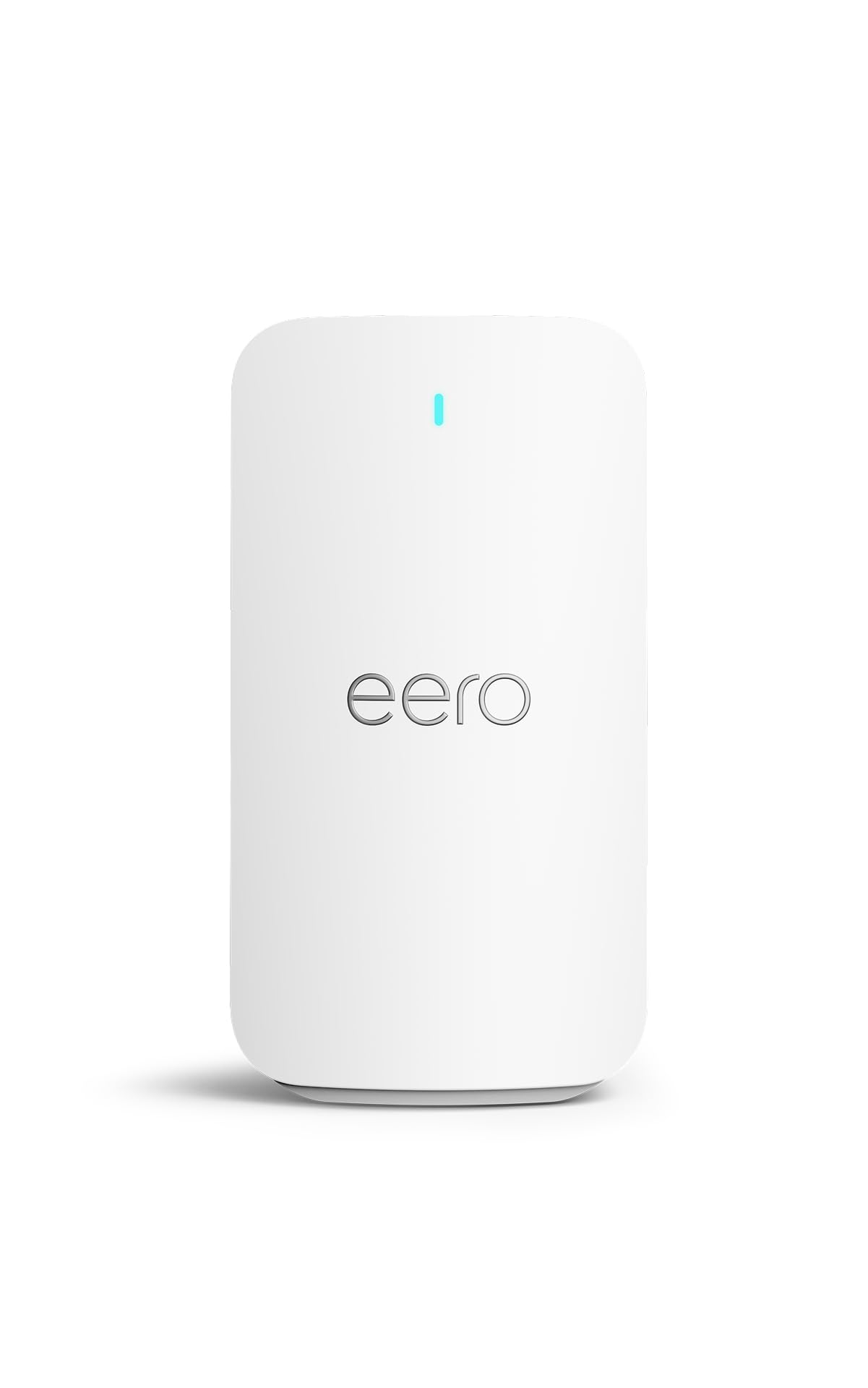
Type: Cellular backup add-on for eero mesh systems
Connection: 4G LTE
Compatibility: eero systems only
Subscription: Annual eero Plus required for connectivity
Setup: Managed in the eero app
Price Tier: Mid
Amazon eero Signal 4G LTE Cellular Backup is the neatest option for a household already running eero mesh hardware. It plugs into an existing eero network and takes over when the primary broadband line fails, so the mesh keeps broadcasting the same network name instead of forcing a switch to a separate hotspot. Setup runs through the eero app rather than a browser page, which keeps the experience consistent with the rest of the system. The unit is small and unobtrusive, designed to sit quietly near a router rather than be carried around.
The catch is the subscription. Connectivity depends on an annual eero Plus plan, so the hardware cost is only part of the outlay and the backup stops working if the plan lapses. Buyers who want a self-contained device with no recurring app fee should look at the standalone hotspots instead.
Trade-off: The required eero Plus subscription turns a one-time purchase into an ongoing cost, and the device is useless outside an eero network.
Check the current price on Amazon
4G LTE Portable Hotspot with 3000mAh Battery
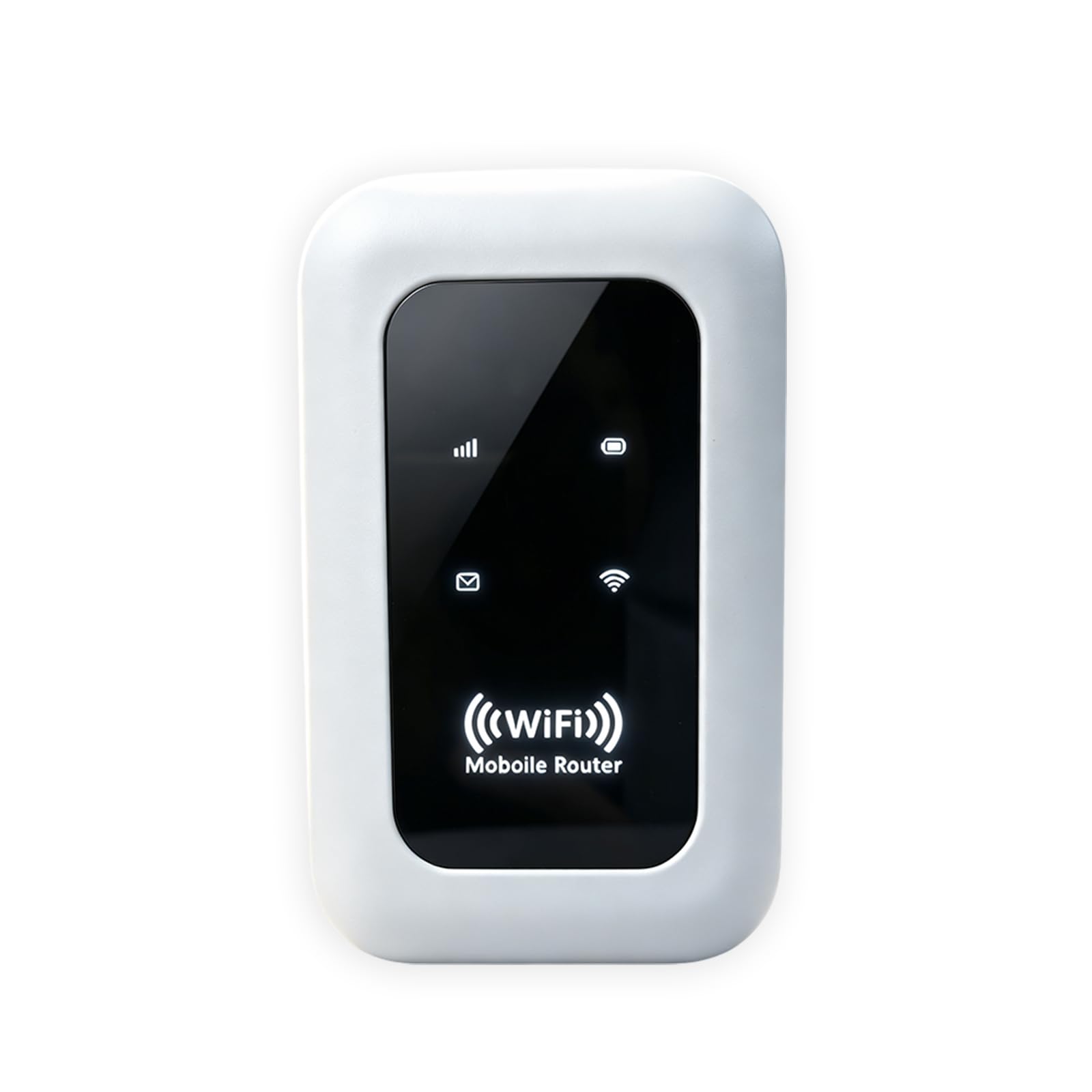
Type: Unlocked portable hotspot
Speed: 300Mbps
Capacity: 12 devices
Battery: 3000mAh
Charging: USB-C
SIM: Unlocked SIM card slot
Price Tier: Budget
4G LTE Portable Hotspot is the straightforward workhorse of the group. The unlocked SIM slot means the buyer supplies their own data plan, which suits anyone who already has a spare SIM or a cheap data-only line. A 3000mAh battery and USB-C charging make it practical to top up from a laptop or power bank, and the 12-device capacity covers a small household or a working group on the move.
At this price the build is functional rather than premium, and the plastic shell will not survive much abuse in a bag. Speed tops out at 300Mbps, which is fine for calls and browsing but tight for heavy file transfers.
Trade-off: Budget construction and a 300Mbps ceiling mean this is a fallback for email and video calls, not for bandwidth-heavy work.
Check the current price on Amazon
Next-Gen Wifi6+ Portable Router

Type: Pocket portable router
Wireless: Wi-Fi 6+
Speed: 300Mbps
Form Factor: Pocket size
Quantity: 1 unit
Price Tier: Budget
Next-Gen Wifi6+ Portable Router is the cheapest entry point in this roundup and the one to treat with the most caution. The Wi-Fi 6+ label and 300Mbps figure describe a small travel router aimed at keeping a phone or laptop connected on the road. Its pocket footprint makes it easy to slip into a bag, and the low price makes it an easy experiment for a secondary connection.
The "satellite" wording in the listing is marketing rather than a description of satellite service, so buyers should not expect coverage beyond a normal mobile network. Performance and support at this price tier are the weakest in the group, and it is the least proven of the five.
Trade-off: The lowest price in the roundup buys the least proven hardware, and the satellite branding overstates what the device actually does.
Check the current price on Amazon
T8 Portable WiFi Hotspot with 100GB USA Data Plan
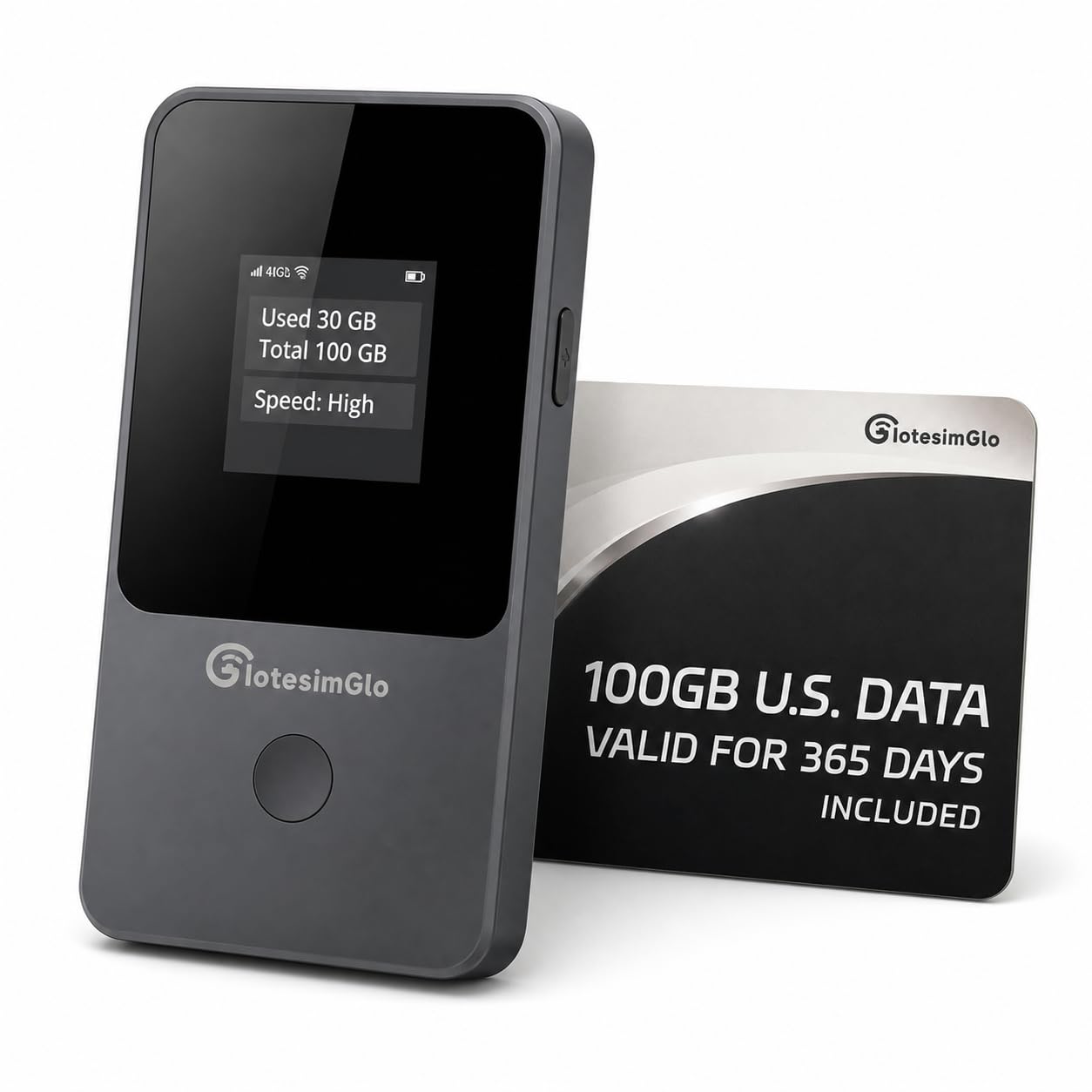
Type: Portable hotspot with bundled data
Connection: 4G LTE
Data: 100GB USA plan
Validity: 365 days
Best For: Remote work, travel and backup
Price Tier: Premium
T8 Portable WiFi Hotspot bundles the data with the hardware, which removes the most annoying step in setting up a backup line. The 100GB USA plan runs for 365 days, so a buyer can leave the device in a drawer and only pay attention when the main connection drops. That makes it the least fiddly option for remote workers who want a connection that is ready without a separate SIM purchase.
The premium price is the obvious barrier, and the value depends entirely on how much of that 100GB actually gets used in a year. Light users will find the data allowance generous; heavy ones will burn through it and need to top up.
Trade-off: The high upfront price only pays off if the included allowance is actually used, and heavy users will need to buy more data before the year is out.
Check the current price on Amazon
GL.iNet GL-MT3000 Beryl AX Wi-Fi 6 Travel Router

Type: Wi-Fi 6 travel router
Wireless: Dual band, 574Mbps at 2.4GHz plus 2402Mbps at 5GHz
WAN: 2.5G
LAN: Gigabit
Port: USB 3.0
Software: VPN, OpenWrt
Price Tier: Mid
GL.iNet GL-MT3000 Beryl AX is the pick for buyers who want control rather than a sealed appliance. The 2.5G WAN port and gigabit LAN let it serve as a proper router-level failover point, and the dual-band Wi-Fi 6 radios are the fastest in this roundup by a wide margin. OpenWrt and VPN support mean it can be configured for a specific network, a specific tunnel or a specific failover rule instead of whatever the vendor decided.
It is not a cellular device on its own. It needs a modem, a tethered phone or a USB cellular stick to provide the backup link, which adds a step the hotspots do not require. The configuration depth is also a poor fit for anyone who wants a plug-and-play box.
Trade-off: The router has no built-in cellular radio, so the backup connection depends on a separate modem or tethered device, and OpenWrt rewards tinkering rather than plug-and-play use.
Check the current price on Amazon
Before You Buy
- Compatibility: An eero Signal only works inside an eero network and needs an active eero Plus plan; standalone hotspots work with any SIM.
- Data source: Decide whether the backup will use a bundled plan, a spare SIM or a tethered phone, since that choice rules out half the list.
- Speed ceiling: The budget hotspots cap at 300Mbps, which suits calls and browsing but not large uploads.
- Battery and power: A built-in battery with USB-C charging keeps a hotspot usable during a power cut; a router needs mains power.
- Device count: Check how many devices need to stay online — the hotspot here lists 12, while a router covers a whole household.
- Setup effort: App-managed devices are quick to deploy; OpenWrt routers reward configuration time but punish anyone in a hurry.
- Running costs: A subscription or a bundled data plan changes the true cost well beyond the sticker price.
Frequently Asked Questions
-
What is the best backup internet connection for a home office?
The GL.iNet Beryl AX is the strongest choice when a router-level failover is wanted, while the eero Signal is simpler for households already on eero hardware. -
Do these devices need a separate data plan?
The T8 hotspot includes a 100GB USA plan for a year; the unlocked hotspot needs a SIM, and the eero Signal needs an eero Plus subscription. -
Can a backup connection run during a power cut?
A battery-powered hotspot can, provided it is charged. A router or an eero add-on needs mains power and will drop with the rest of the house. -
Is a travel router better than a hotspot?
A router offers faster Wi-Fi and more control but needs a modem or tethered phone. A hotspot is self-contained and quicker to deploy. -
How many devices can stay online on a backup line?
The budget hotspot lists support for 12 devices; a router covers a full household, though the cellular link itself is the real limit. -
What should a buyer check before ordering?
Compatibility with the existing network, the source of the data plan, the speed ceiling and any recurring subscription cost.
Bottom Line
For most households the Amazon eero Signal 4G LTE Cellular Backup is the easiest way to keep an existing network alive during an outage, provided the eero Plus subscription is acceptable. Buyers who want a self-contained device with no app dependency should take the unlocked 4G LTE hotspot instead, and anyone who needs router-level control should go straight to the GL.iNet Beryl AX.