Why there are Amazon links here: Brave Review is paid a commission for qualifying Amazon purchases made through the links below. Your price does not change, and using our links is entirely optional. How this works
Best Do Not Disturb Sign Automation for Hands-Free Focus
A do not disturb sign automation system flips the sign for the worker, so nobody has to remember to do it between calls. This roundup covers five picks for three kinds of buyers: the home-office worker juggling back-to-back video calls, the streamer or podcaster who needs a visible on-air cue, and the small-office team that wants a simple desk indicator. The overview below lines up every pick by key spec and best use, and each review explains who the product suits and where it falls short.
Overview of the Picks
| Product | Key Spec | Best Use | Price Tier |
|---|---|---|---|
| BusyBox S App-Controlled Do Not Disturb and On Air Sign | App-controlled, rechargeable | App-driven automation | Mid |
| BusyBox D Digital Do Not Disturb and On Air Sign | Stream Deck and IFTTT support | Power-user automation | Premium |
| DO NOT DISTURB Sign for Desk, LED Light Box | USB powered, compact tabletop | Simple office desk signal | Budget |
| On Call Neon Sign for Office Desk | Acrylic stand, USB powered | Video-call and podcast studios | Mid |
| On A Call Desk Light Sign | USB powered, dimmable | Remote-work video calls | Budget |
1. BusyBox S App-Controlled Do Not Disturb and On Air Sign

Type: App-controlled desk sign
Power source: Rechargeable battery
Automation: App-based automations
Intended use: Do not disturb and on-air signaling
BusyBox S App-Controlled Do Not Disturb and On Air Sign, Rechargeable, Automations
The BusyBox S is the entry point into sign automation: a small rechargeable display that pairs with a phone app and switches between do not disturb and on-air states on a schedule or a tap. Because it runs on an internal battery, it can sit anywhere on a desk without a cable trailing to a USB port. The app layer is what makes it an automation product rather than a static sign, and it suits buyers who want the sign to change without leaving their chair.
This pick earns its place as the default for app-first buyers who do not want to build a smart-home routine. The trade-off is that automation lives entirely in the companion app, so a phone-free desk setup gets less out of it than a phone-centric one.
2. BusyBox D Digital Do Not Disturb and On Air Sign with App Automations
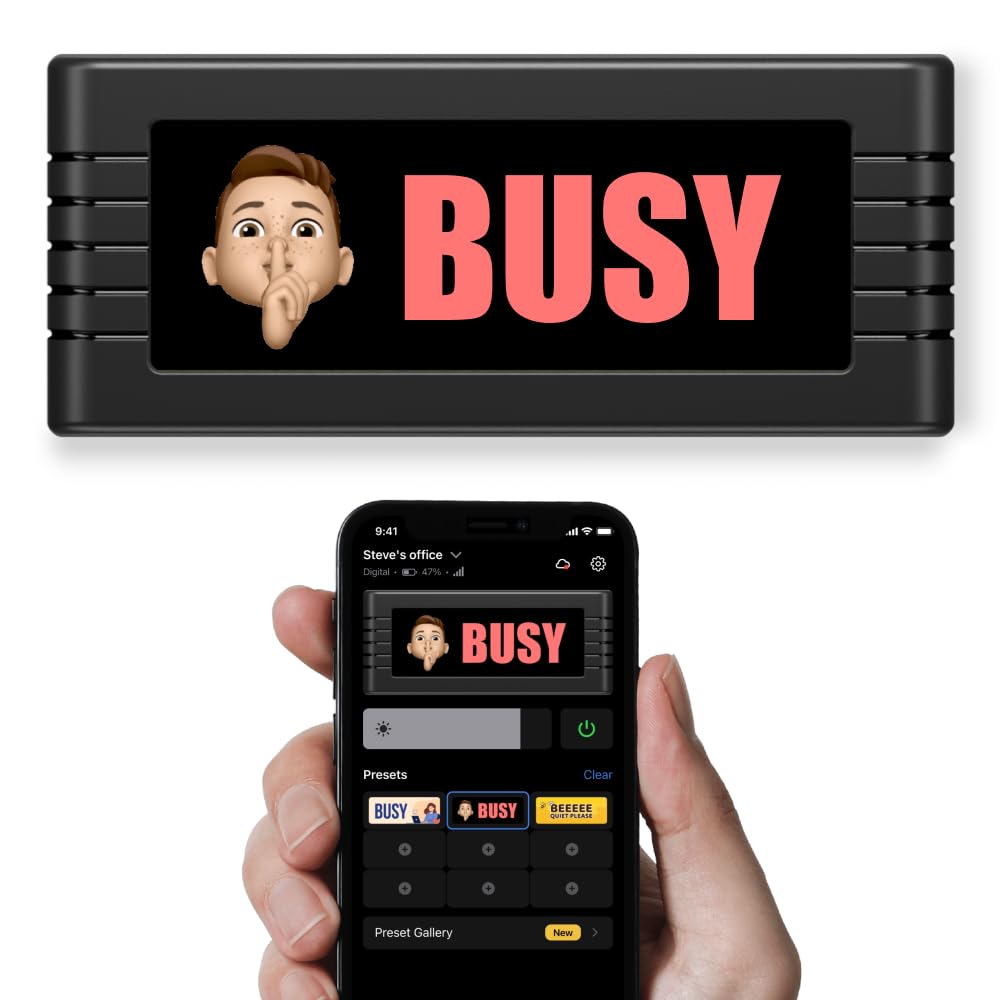
Type: Digital desk display
Power source: Rechargeable battery
Automation: App, Stream Deck and IFTTT
Controls: App and manual
Intended use: Calls, recording, streaming, workspaces
BusyBox D Digital Do Not Disturb and On Air Sign with App Automations
The BusyBox D is the more capable sibling: same rechargeable display concept, but with manual controls on the unit, Stream Deck support and IFTTT hooks alongside the app. That combination turns the sign into a node in a wider workflow — a Stream Deck button can flip it before a recording, and an IFTTT recipe can tie it to a calendar or another connected service. For streamers and people who already automate their desk, that is the difference between a sign and a status indicator.
It suits buyers who run Stream Deck or IFTTT already and want the sign to follow the rest of the setup. The trade-off is cost and complexity: the premium tier buys integration most casual users will never configure, and the extra control paths add setup steps a simple app sign avoids.
3. DO NOT DISTURB Sign for Desk, LED Light Box for Office Meetings
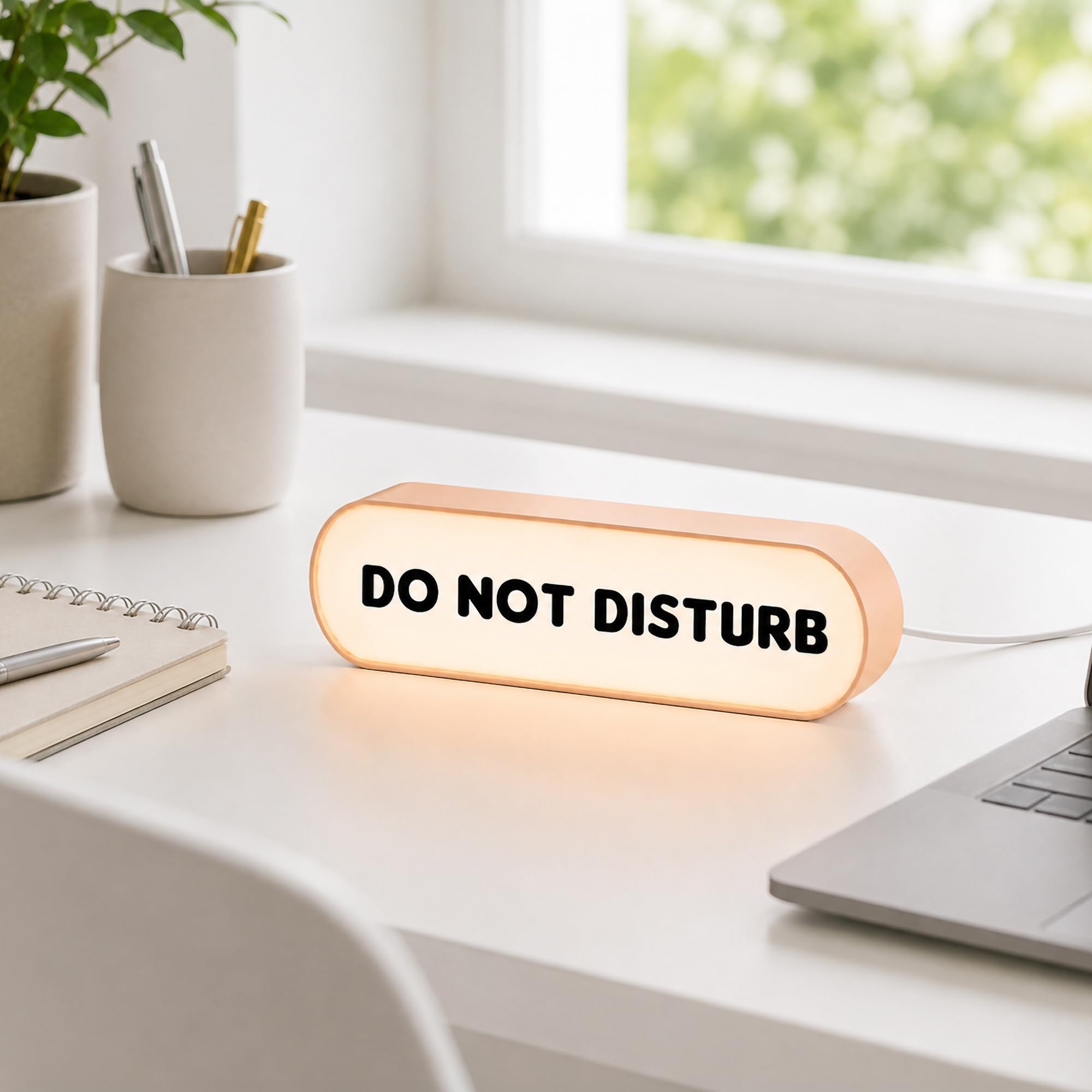
Type: Compact tabletop LED light box
Power source: USB
Display: High-contrast lettering
Intended use: Office meetings and do not disturb indication
DO NOT DISTURB Sign for Desk, LED Light Box for Office Meetings
This is the straightforward option: a compact tabletop light box with high-contrast lettering that lights up to signal a meeting in progress. It is USB powered, so it draws from a desk hub, monitor port or wall adapter and stays on as long as the desk has power. There is no app and no automation layer — the sign is switched on when the meeting starts and off when it ends.
It earns a spot as the budget pick for small offices and shared desks where a clear, readable indicator matters more than smart features. The trade-off is that it is manual by design, so the automation in this article’s title is the buyer’s own hand on the switch.
4. On Call Neon Sign for Office Desk, Video Call Light
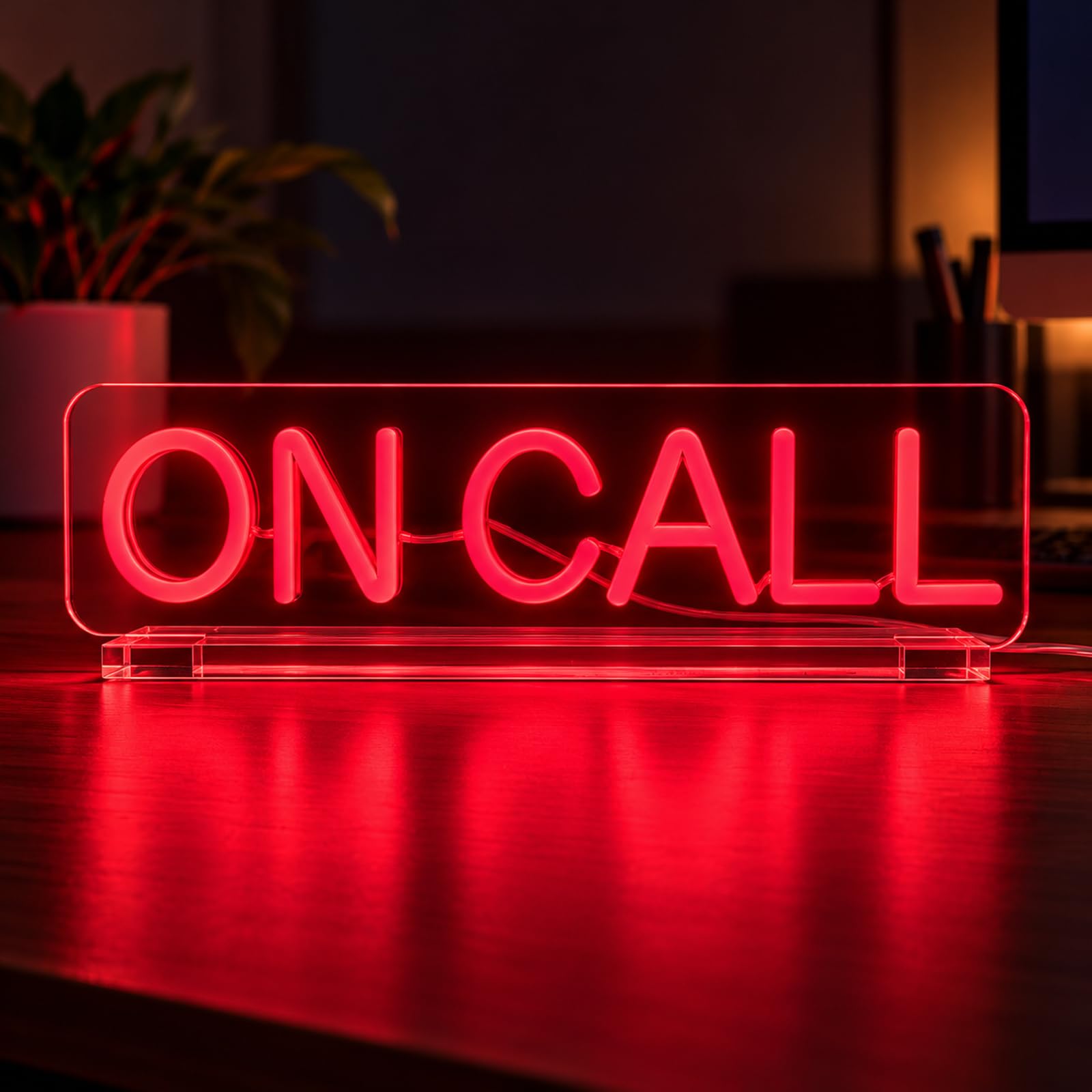
Type: Neon-style desk sign on acrylic stand
Power source: USB
Mounting: Acrylic stand
Intended use: Video calls, Zoom meetings, podcast studios, focus mode
On Call Neon Sign for Office Desk, Video Call Light, Do Not Disturb Sign
The On Call neon sign takes a different angle: instead of a digital display, it uses a lit neon-style face on an acrylic stand, which reads clearly on camera and adds a bit of studio character to a desk. It is USB powered and aimed at remote workers, podcasters and anyone whose background shows up in video calls. The gift-ready framing suggests it is also sold as a present for the home-office worker in someone’s life.
It fits buyers who want a visible on-call cue that looks intentional on a webcam feed rather than a plain indicator light. The trade-off is that a neon-style sign is a single fixed message with no automation, so it has to be switched manually and cannot change state on its own.
5. On A Call Desk Light Sign, USB Powered Dimmable Light Box
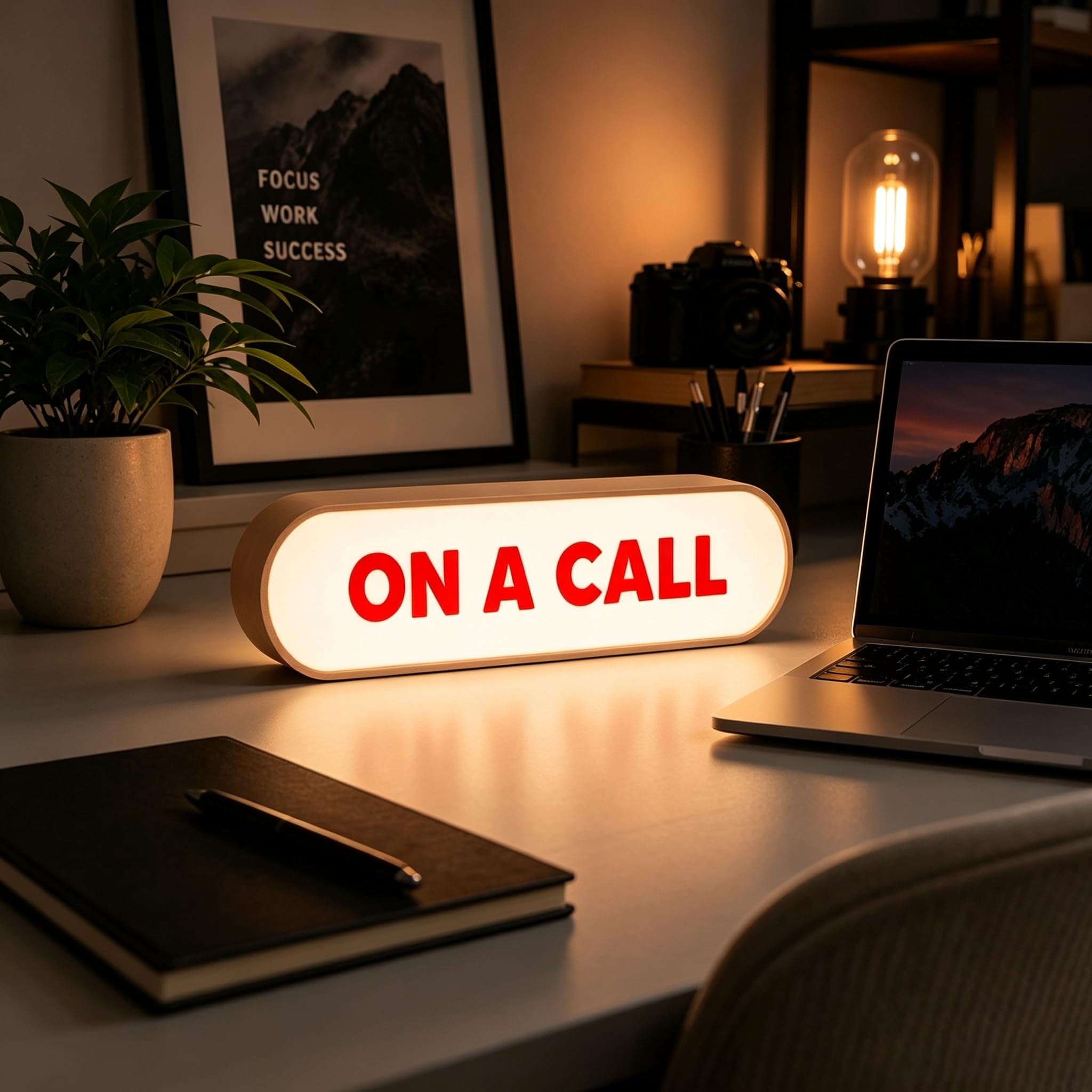
Type: Desk light box
Power source: USB
Feature: Dimmable
Intended use: Home office, meeting indication, video calls
On A Call Desk Light Sign, USB Powered Dimmable Light Box
The On A Call light box is the second budget pick: a USB-powered desk sign with dimmable output, aimed at remote workers who want an on-call indicator that can be toned down for a dim room or a late call. The dimming control is the differentiator here — most signs in this tier are either on or off, and adjustable brightness makes the sign easier to live with on a desk that doubles as a living space.
It suits remote workers who want a simple, adjustable cue and do not need app control. The trade-off is manual operation and a single message, so it cannot switch itself between states the way the BusyBox models can.
Before You Buy
- Automation level: Decide whether the sign needs to change itself. App and IFTTT models automate; light boxes are switched by hand.
- Power source: Rechargeable signs go anywhere on a desk; USB signs need a free port or adapter nearby.
- Message: Fixed-message signs say one thing only. Digital displays can show different states.
- Visibility: Consider where the sign sits relative to a webcam and whether it needs to read clearly on camera.
- Dimming: A dimmable sign is easier to keep on in a dark room or a shared living space.
- Setup effort: Stream Deck and IFTTT support adds power but also configuration time.
- Desk space: Compact tabletop boxes suit small desks; neon-style stands take a little more room.
Frequently Asked Questions
-
What does do not disturb sign automation actually mean?
It means the sign changes state without manual switching — through an app, a scheduled routine, a Stream Deck button or an IFTTT recipe — rather than being flipped by hand. -
Do all five picks automate?
No. The two BusyBox models automate through their apps and integrations; the light box and neon-style signs are manual, fixed-message indicators. -
Which pick suits a streamer?
The BusyBox D, because Stream Deck and IFTTT support let the sign follow a recording or streaming workflow. -
Can a USB sign run from a monitor port?
Usually yes, since USB power is USB power, though a powered hub or wall adapter is the safer choice for a sign that stays on all day. -
Is a rechargeable sign better than a USB one?
It is more flexible on placement, but it needs charging. USB signs stay powered as long as the desk has power. -
Which is the best budget option?
The DO NOT DISTURB LED light box for a plain office signal, or the dimmable On A Call box for a home office.
Bottom Line
For most buyers who want real do not disturb sign automation, the BusyBox S App-Controlled Do Not Disturb and On Air Sign is the pick: rechargeable, app-driven and simple enough to set up in minutes. Buyers already running Stream Deck or IFTTT should step up to the BusyBox D, while everyone who just needs a clear desk indicator can save money with one of the USB light boxes.