Why there are Amazon links here: Brave Review is paid a commission for qualifying Amazon purchases made through the links below. Your price does not change, and using our links is entirely optional. How this works
Best WiFi for a Bungalow: 5 Picks That Actually Cover Every Room
A bungalow is compact but awkward for WiFi: long single-floor layouts, thick interior walls, and a router tucked in one corner leave the far bedrooms and the backyard struggling. The five picks here cover that range — a cheap extender for a dead spot, a single mesh router for a small footprint, and full multi-unit systems for whole-home coverage. Renters with one weak room, new homeowners wiring a whole floor, and heavy households running dozens of devices will each find a fit below. The overview table sums up the differences; the reviews explain the trade-offs.
The Picks at a Glance
| Product | Key Spec | Best Use | Price Tier |
|---|---|---|---|
| TP-Link RE315 Extender | Dual-band, up to 1,600 sq. ft., 32 devices | Cheap fix for one weak room | Budget |
| Amazon eero 7 | WiFi 7, up to 2,000 sq. ft., 1-pack | Small bungalow, single unit | Mid-range |
| Amazon eero 6+ 3-pack | Up to 4,500 sq. ft., 75+ devices | Whole-home mesh on a budget | Mid-range |
| NETGEAR Orbi 370 3-pack | WiFi 7, up to 6,000 sq. ft., 2.5 Gig port | Large bungalow, multi-gig internet | Premium |
| TP-Link RE550 Extender | Dual-band, up to 2,200 sq. ft., 32 devices | Stronger single-room boost | Budget |
1. TP-Link AC1200 WiFi Extender (RE315) — Best Budget Pick

Type: Dual-band WiFi extender
Coverage: Up to 1,600 sq. ft.
Devices: Up to 32
Speed: 1.2 Gbps
Ports: One Ethernet port
Mesh: EasyMesh compatible
TP-Link AC1200 WiFi Extender (RE315)
The RE315 is the simplest fix for a bungalow with one stubborn dead zone — a back bedroom, a garage office, or a porch that drops the signal. It repeats the existing network on both the 5GHz and 2.4GHz bands, and the single Ethernet port lets a wired device ride the boosted signal. EasyMesh compatibility means it can pair with a compatible router rather than running as a lone repeater. Setup goes through the TP-Link app, and the compact body plugs straight into a wall outlet.
This pick suits renters and budget buyers who already have a working router and just need one room fixed. It earned its place because it costs little and asks nothing of the existing setup. The caution: an extender repeats a signal rather than creating a new one, so it cannot rescue a bungalow where the router itself is weak — and it typically halves throughput at the edge of coverage.
Trade-off: It improves reach in one area but will not deliver full speed at the far end of the boost.
2. Amazon eero 7 Dual-Band Mesh Wi-Fi 7 Router — Best Single-Unit Pick
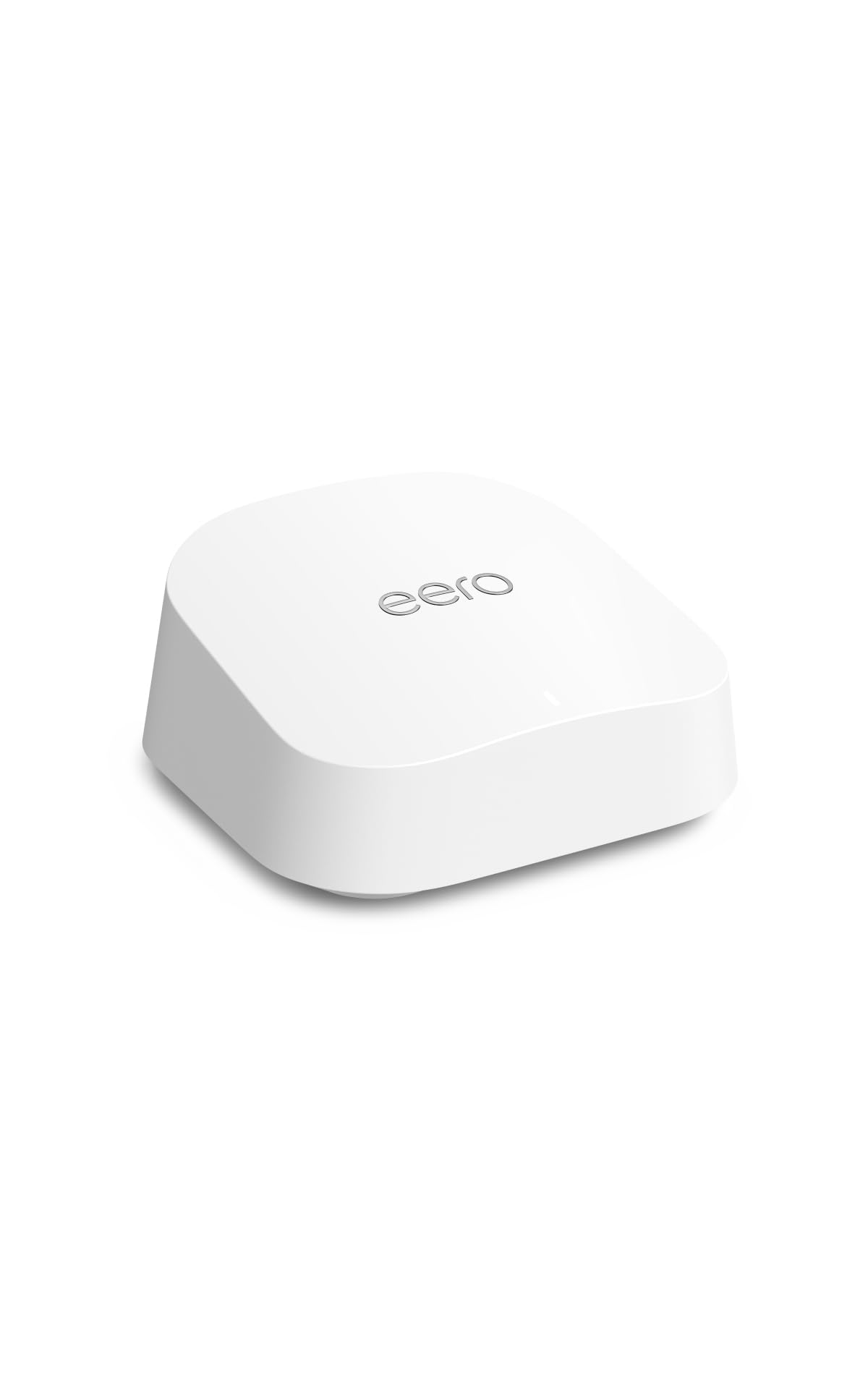
Type: Dual-band mesh WiFi 7 router
Coverage: Up to 2,000 sq. ft.
Internet plans: Up to 2.5 Gbps
Form: 1-pack
Generation: WiFi 7
Amazon eero 7 Dual-Band Mesh Wi-Fi 7 Router
The eero 7 is a single mesh unit built for a compact bungalow where one well-placed router can reach most rooms. WiFi 7 support and compatibility with internet plans up to 2.5 Gbps mean it will not bottleneck a fast fiber connection, and the mesh design lets a second eero be added later if coverage falls short. Setup runs through the eero app, which handles the network name and device management in one place.
This suits a small bungalow or a buyer who wants modern WiFi without buying a multi-pack on day one. It earned its place as the cleanest one-box upgrade for a home under roughly 2,000 square feet. The caution: a single unit still has to fight bungalow walls, and dual-band means no dedicated backhaul band — buyers in a long, walled layout should plan on adding a second node.
Trade-off: One unit is the cheapest way in, but expanding later costs more than buying a multi-pack up front.
3. Amazon eero 6+ Mesh WiFi System (3-Pack) — Best Whole-Home Value
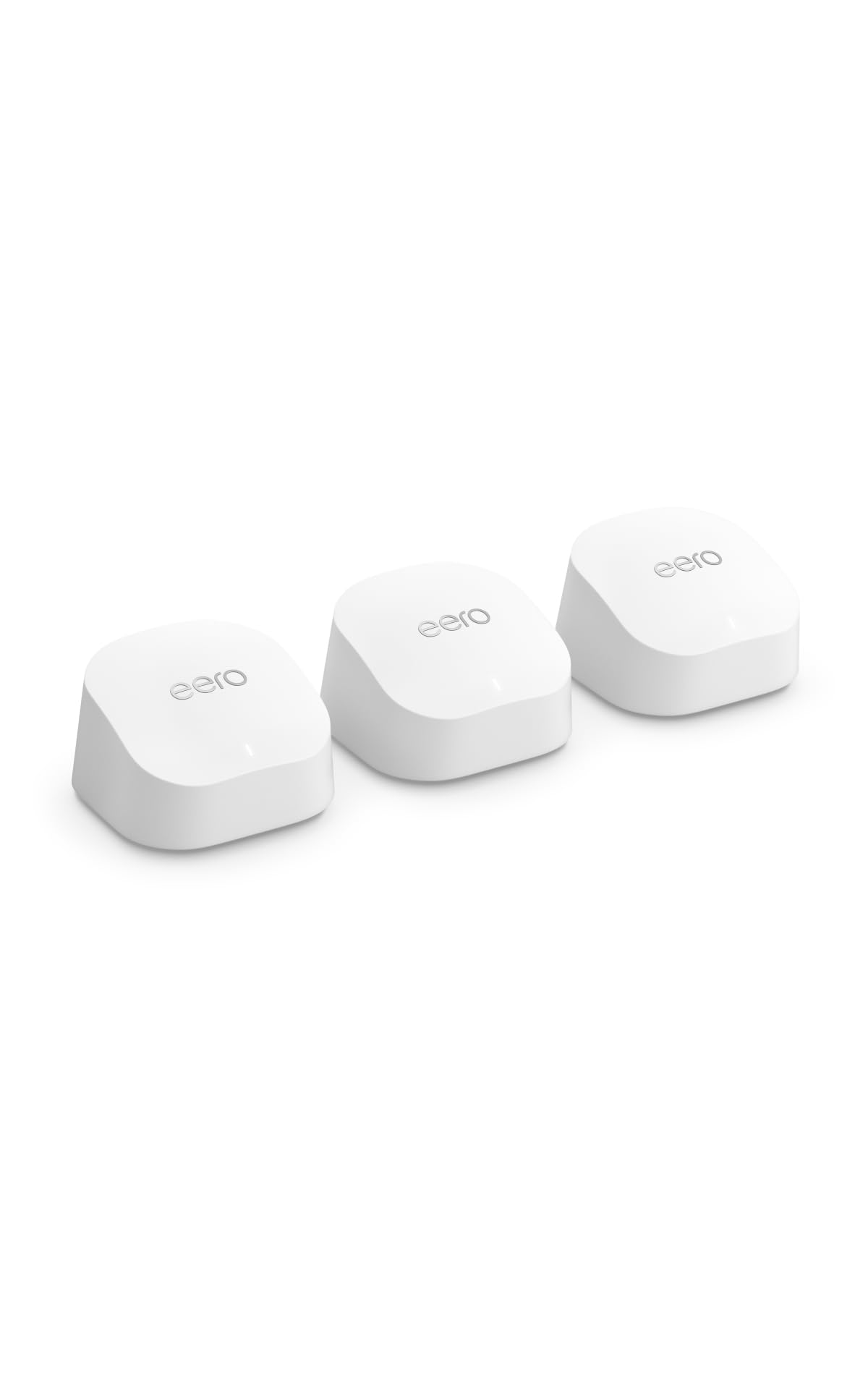
Type: Mesh WiFi system
Coverage: Up to 4,500 sq. ft.
Devices: 75+
Internet plans: Up to a Gigabit
Form: 3-pack
Amazon eero 6+ Mesh WiFi System (3-Pack)
Three eero 6+ units spread a single network name across a bungalow, so devices hand off between nodes as the user moves from the kitchen to the back bedroom. Coverage up to 4,500 square feet and support for 75+ devices make it a fit for a full household of phones, laptops, TVs and smart-home gear. It handles internet plans up to a Gigabit, which covers most cable and fiber packages. The app handles setup and lets the owner pause devices or check the network.
This is the pick for a whole-floor bungalow with several heavy rooms and a busy device list. It earned its place because three nodes solve the long-layout problem that a single router cannot. The caution: the Gigabit ceiling means buyers on multi-gig plans are paying for speed the system cannot pass through, and the nodes still need sensible placement to work well.
Trade-off: Excellent coverage for the money, but it caps out at Gigabit internet speeds.
4. NETGEAR Orbi 370 Series WiFi 7 Mesh System (3-Pack) — Best Premium Pick

Type: WiFi 7 mesh system, router plus 2 satellites
Coverage: Up to 6,000 sq. ft.
Devices: 70
Speed: Up to 5 Gbps
Port: 2.5 Gig
Security: Built-in security features
NETGEAR Orbi 370 Series WiFi 7 Mesh System (3-Pack)
The Orbi 370 is the heavy-duty option: a router plus two satellite extenders covering up to 6,000 square feet, with WiFi 7 and a 2.5 Gig port for multi-gig internet plans. Speeds up to 5 Gbps and support for 70 devices make it suited to a large bungalow with a home office, streaming in several rooms, and a growing smart-home setup. Built-in security features add a layer the budget picks leave to the router. The satellites are designed to be placed around the home and set up through the app.
This suits large bungalows, multi-gig fiber subscribers, and households that want headroom for years. It earned its place as the only pick here that pairs WiFi 7 with a 2.5 Gig port and satellite coverage on this scale. The caution: it is the most expensive option by a wide margin, and a bungalow without a fast internet plan will never use the speed it offers.
Trade-off: Top-tier speed and coverage, but the price only makes sense with a fast plan and a big footprint.
5. TP-Link AC1900 WiFi Range Extender (RE550) — Best Step-Up Extender

Type: Dual-band WiFi range extender
Coverage: Up to 2,200 sq. ft.
Devices: Up to 32
Speed: AC1900
Port: Gigabit Ethernet
Mesh: EasyMesh compatible
TP-Link AC1900 WiFi Range Extender (RE550)
The RE550 is the stronger of the two extenders here, with more coverage and a Gigabit Ethernet port for a wired device at the far end of the house. It repeats the existing dual-band network and supports up to 32 devices, which covers a typical bungalow’s phones, TVs and smart speakers. EasyMesh compatibility lets it join a compatible mesh setup, and the app handles placement and setup. The higher speed rating makes it a better match for a fast router than a basic extender.
This suits buyers who want a single-room fix but need more throughput than the cheapest extender offers. It earned its place as the middle ground between a budget repeater and a full mesh system. The caution: like any extender, it repeats rather than creates signal, so placement matters — put it too far from the router and it boosts a weak signal into a weak signal.
Trade-off: More speed than a basic extender, but still a repeater, not a replacement for a mesh system.
Before You Buy
- Coverage: Match the stated square footage to the actual floor plan, and remember that bungalow walls and room count matter more than the headline number.
- Internet plan: A system rated up to a Gigabit will not pass through a multi-gig plan; check the ceiling before paying for speed.
- Compatibility: EasyMesh extenders pair with compatible routers, while mesh systems work best when all nodes come from the same brand.
- Placement: Extenders need to sit roughly halfway between the router and the dead zone; mesh nodes need to be spread out, not stacked in one room.
- Ports: A Gigabit or 2.5 Gig Ethernet port matters for a desktop, TV or console that should be wired.
- Device count: Add up phones, laptops, TVs, consoles and smart-home gear; a 32-device extender can run out in a busy household.
- Expansion: Buying a single unit now and adding later usually costs more than a multi-pack, so plan for the whole bungalow.
Frequently Asked Questions
-
Is a mesh system or an extender better for a bungalow?
A mesh system is better for whole-home coverage because it creates one network with several nodes. An extender is cheaper and fine for fixing one weak room. -
How much coverage does a bungalow need?
Match the system’s stated coverage to the floor plan with some margin. A single unit suits a compact layout, while a long bungalow with several bedrooms usually needs a multi-pack. -
Will a WiFi 7 router help on an older internet plan?
It can improve device handling and future-proof the setup, but the internet speed itself will not increase. The plan’s speed is the ceiling. -
Can extenders be mixed with a mesh system?
EasyMesh-compatible extenders can join a compatible mesh network, but mixing brands can limit features. Matching brands keeps management in one app. -
Where should the router go in a bungalow?
Central and elevated is best, away from metal, thick walls and appliances. A corner placement forces every other room to fight the signal.
Bottom Line
For most bungalows, the Amazon eero 6+ 3-pack is the best WiFi for a bungalow overall: three nodes cover a long single floor, the app keeps management simple, and the price sits well below the premium option. Buyers with one weak room can start with the TP-Link RE315 for far less, while multi-gig households with a large footprint should look at the Orbi 370.
