Why there are Amazon links here: Brave Review is paid a commission for qualifying Amazon purchases made through the links below. Your price does not change, and using our links is entirely optional. How this works
Best Offsite Backup for a Home NAS: 5 Picks for Safe, Off-Site Data
A home NAS only protects data if a copy lives somewhere other than the house. The five devices here each add a path to offsite backup for a home NAS — through remote access, private cloud sync, phone uploads or a second location — without a monthly subscription for basic storage. Buyers who want a simple set-and-forget box, buyers who want Docker and full control, and buyers who just want photos off their phones will each find a match below. The overview table ranks every pick by key spec, best use and price tier, so a decision is possible before the reviews.
Overview of the Picks
| Product | Key Spec | Best Use | Price Tier |
|---|---|---|---|
| UGREEN NAS DH2300 | 2-bay, diskless, 4GB RAM | Beginners building a first private cloud | Budget |
| Synology DS223 | 2-bay, diskless backup hub | Centralized file and property monitoring | Mid-range |
| Yxk Zero1 | 2.5GbE, 4K HDMI, Docker | Hands-on users who want speed and apps | Mid-range |
| Synology BeeStation 4TB | 4TB included, no subscription | Phone and photo backup with zero setup | Mid-range |
| Synology DS225+ | Intel CPU, hardware transcoding | Media servers that also back up offsite | Premium |
1. UGREEN NAS DH2300 — Best Budget Entry Point

Type: 2-bay desktop NAS
Drives: Diskless (drives sold separately)
Memory: 4GB RAM on board
Remote access: Private cloud and remote access built in
Backup targets: Multi-device and phone backup
Extras: File sharing and home entertainment apps
Check the current price on Amazon
The DH2300 is aimed squarely at first-time NAS owners, and the spec sheet reflects that: a two-bay chassis, 4GB of onboard RAM and a software stack that bundles private cloud, remote access and phone backup in one place. Two bays are enough to run a mirrored pair of drives, which is the usual foundation for a home backup plan. Remote access is the key feature here, because it lets the box sync a copy of its data to another location — a friend’s house, a second address or a cloud target — rather than relying on a single room.
This is the pick for buyers who have never configured a NAS and want the shortest path to a private cloud with offsite potential. It earns its place on price and simplicity rather than raw power. The trade-off is that 4GB of RAM and a beginner-focused feature set will feel limiting once Docker containers, virtual machines or heavy media transcoding enter the picture.
2. Synology DS223 — Best for File Centralization and Monitoring

Type: 2-bay desktop NAS
Drives: Diskless (drives sold separately)
Role: Home and office backup hub
Core functions: File centralization, data protection, property monitoring
Software ecosystem: Synology DiskStation Manager
Form factor: Compact desktop enclosure
Check the current price on Amazon
Synology positions the DS223 as a backup hub rather than a media toy, and the name says it plainly: centralize files, protect data, monitor property. The two-bay diskless design means buyers supply their own drives, which keeps the entry cost down and lets capacity grow later. Synology’s DiskStation Manager is the real draw — it is the most mature NAS operating system at this price, with mature backup, sync and cloud-relay tools that make offsite copies straightforward.
Buyers who already own IP cameras or want a single box that handles files, backups and basic property monitoring will get the most from it. It suits a household or small office that values software polish over hardware muscle. The trade-off is that the hardware itself is modest for the money, so anyone planning to run heavy containers or transcode video should look at the DS225+ instead.
3. Yxk Zero1 — Best for Speed and Tinkering
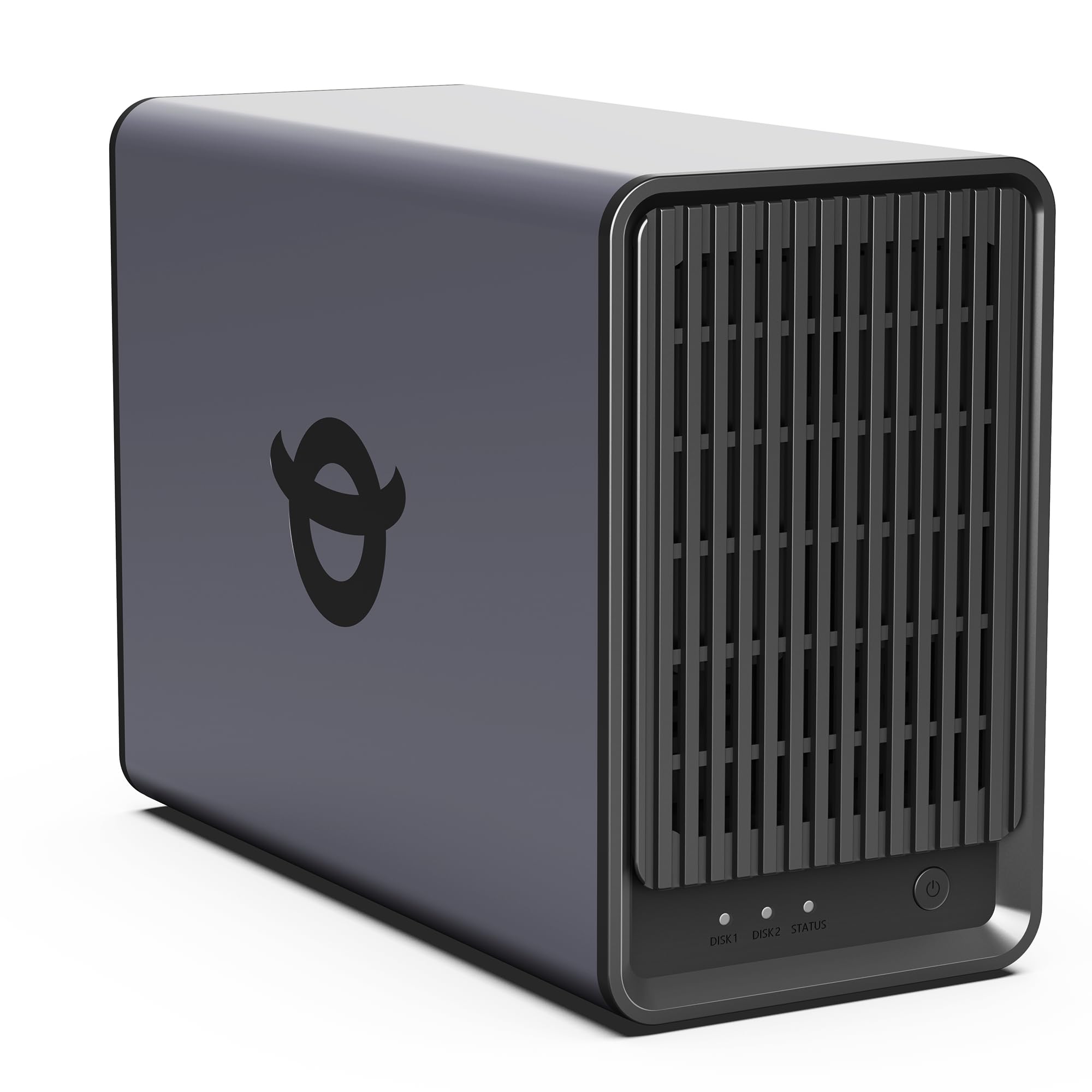
Type: 2-bay desktop NAS
Drives: Diskless (drives sold separately)
Memory: 4GB RAM
Networking: 2.5GbE
Video output: 4K HDMI
Software: Docker support, private cloud, remote access, phone backup
Check the current price on Amazon
The Zero1 packs an unusual amount of connectivity into a two-bay chassis: 2.5GbE networking, a 4K HDMI output and Docker support alongside the usual private cloud and phone backup features. The faster network port matters for offsite backup because large sync jobs finish sooner, and HDMI output means the box can double as a direct-play media player. Docker support opens the door to third-party sync and backup containers, which is how many owners push data to a remote target.
This is the pick for buyers who are comfortable in a terminal and want hardware headroom without paying premium prices. It earns its spot on connectivity per dollar. The trade-off is that a newer brand means a smaller community and thinner documentation, so troubleshooting falls more on the owner than it would with a Synology.
4. Synology BeeStation 4TB — Best for Subscription-Free Photo Backup
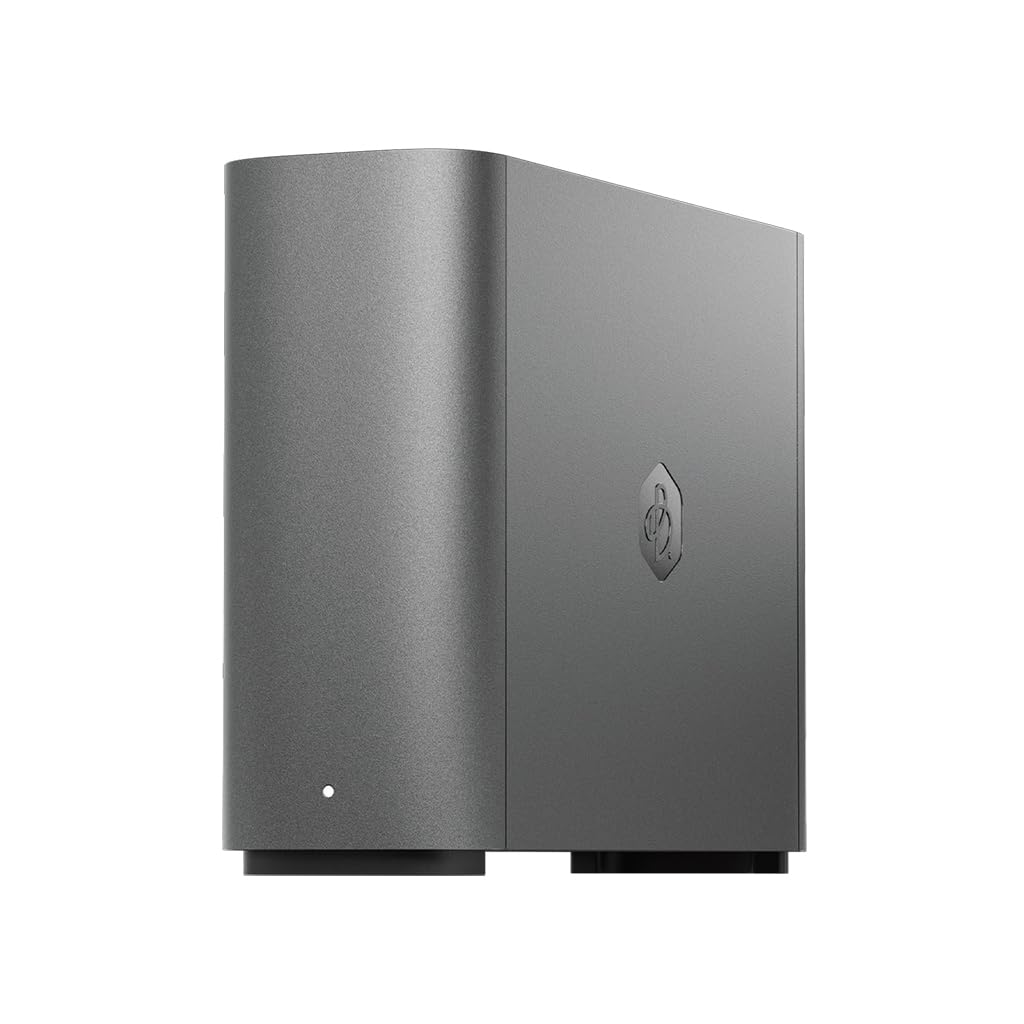
Type: Personal cloud storage device
Capacity: 4TB included
Backup: Automatic photo and video backup
Subscription: None required
Setup: App-driven, no drive installation
Form factor: Single desktop unit
Check the current price on Amazon
The BeeStation is the odd one out in this list and that is its strength: it ships with 4TB of storage already installed and needs no subscription for its core photo and video backup features. Setup runs through an app rather than a browser-based NAS operating system, which removes most of the friction that stops people from backing up their phones. It can also act as a target for a primary NAS, giving a household a second local copy before an offsite sync is arranged.
Buyers who mainly want family photos and videos off their phones and into a private box will find this the easiest option here. It earns its place on zero-subscription simplicity. The trade-off is that it is a single-drive appliance with a fixed 4TB capacity — buyers who want redundancy or room to expand should choose a two-bay NAS instead.
5. Synology DS225+ — Best for Media and Serious Backup

Type: 2-bay desktop NAS
Drives: Diskless (drives sold separately)
Processor: Intel CPU with hardware transcoding
Role: Private cloud media server
Core functions: Streaming, photo backup, file sharing
Software ecosystem: Synology DiskStation Manager
Check the current price on Amazon
The DS225+ is the premium pick, and the Intel CPU with hardware transcoding is the reason. That chip keeps video streams smooth while the box is simultaneously running backup and sync jobs, which is exactly the workload a busy household creates. DiskStation Manager supplies the same mature backup tooling as the DS223, so offsite copies to a remote NAS or cloud target are a few clicks rather than a project.
This suits buyers who want one machine to stream media, hold the family archive and push an offsite copy without stuttering. It earns its place on sustained performance. The trade-off is cost: the premium over the DS223 buys processing power, not drives, so the total build price climbs once disks are added.
Before You Buy
- Drives: Every pick except the BeeStation is diskless, so budget for two NAS-grade drives and check the manufacturer’s compatibility list before ordering.
- Offsite method: Decide early whether the second copy will live at another address via remote sync or in cloud storage — the NAS software determines which options are simple.
- Capacity: Two-bay units in a mirrored setup give usable space equal to one drive, so buy disks sized for the whole archive, not half of it.
- Network: A 2.5GbE port only helps if the router and cabling support it; older networks will cap transfer speeds well below the hardware limit.
- Software ecosystem: Synology models carry the largest app catalog and community support; newer brands trade that for better hardware per dollar.
- Power and placement: A NAS runs continuously, so plan for a ventilated spot near the router and consider a small UPS to ride out short outages.
Frequently Asked Questions
-
What counts as offsite backup for a home NAS?
Any copy of the NAS data stored on a device or service in a different building — a second NAS at a relative’s house, a cloud storage target or a remote server reached over the internet. -
Can a single NAS handle both local and offsite backup?
Yes. A two-bay unit keeps a mirrored local copy, while its software syncs a second copy to a remote destination on a schedule. -
Is a subscription required for offsite backup?
Not necessarily. The BeeStation explicitly requires no subscription for its core backup features, and NAS units can sync to a second owned device at no recurring cost. -
How much storage is needed for a family photo archive?
It depends on video volume, but 4TB covers most households’ photos and short clips comfortably; two-bay buyers can start with a pair of larger drives and expand later. -
Which pick is easiest for a first-time NAS owner?
The UGREEN DH2300 and the BeeStation are the two simplest starting points — one is a beginner-focused NAS, the other an app-driven appliance with storage included. -
Do these devices back up phones automatically?
The UGREEN, Yxk and BeeStation listings all name phone or photo backup, and Synology units handle it through their mobile apps.
Bottom Line
For most households, the Synology DS225+ is the best offsite backup for a home NAS because its Intel CPU keeps backup, sync and streaming running together without strain, and DiskStation Manager makes remote copies genuinely simple. Buyers on a tight budget should start with the UGREEN DH2300, while anyone who only wants phone photos safely stored should take the BeeStation.
