Why there are Amazon links here: Brave Review is paid a commission for qualifying Amazon purchases made through the links below. Your price does not change, and using our links is entirely optional. How this works
Best Smart Home Upgrade for an Old System for Fast, Affordable Modernization
An old house full of dumb switches, a legacy alarm panel, and a garage door that only answers to a clicker does not need a full rewire to go smart. The right upgrade is usually a single bridge device that speaks the old protocol and the new one at the same time. This guide covers five picks for three buyer types: renters who cannot touch the wiring, tinkerers who want local control, and homeowners who just want Alexa to run the garage. The overview table below sorts every pick by what it actually does, so a decision is possible before the reviews.
The Picks at a Glance
| Product | Key Spec | Best Use | Price Tier |
|---|---|---|---|
| Amazon Smart Thermostat | Works with Alexa and Ring | Replacing an old thermostat first | Budget |
| Home Assistant Green | Official Home Assistant hardware | Local control of mixed-brand gear | Mid |
| Aeotec Smart Home Hub2 – V4 | Zigbee and Matter, no Z-Wave | SmartThings and Matter bridging | Mid |
| YoLink Smart Home Hub YS1603 | LoRa, Wi-Fi or Ethernet | Long-range sensors across a large property | Mid |
| eKyro Smart Garage Door Opener | Universal Wi-Fi controller | Making an old garage door smart | Budget |
1. Amazon Smart Thermostat — Best First Upgrade for Alexa Households
Type: Smart thermostat
Works With: Alexa and Ring
Focus: Energy savings
Price Tier: Budget
Best For: Households already using Alexa or Ring
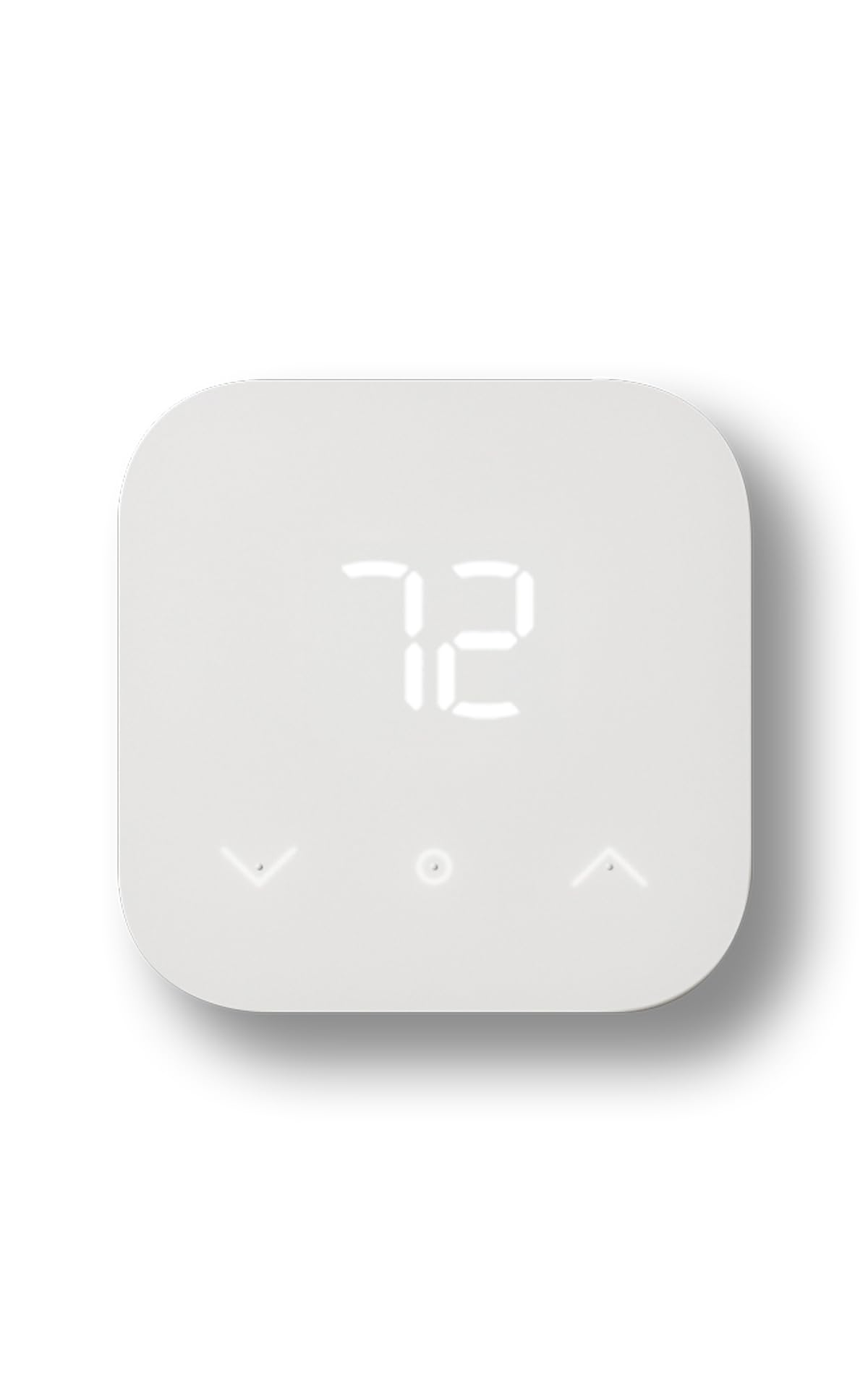
Amazon Smart Thermostat, Save money and energy, Works with Alexa and Ring
Check the current price on Amazon
The thermostat is the oldest smart-home upgrade in the book, and it is still the one that pays back fastest. This model is built for the Alexa ecosystem: scheduling, remote adjustment, and voice control all run through the Alexa app, and Ring integration ties it into a broader home setup. Installation replaces an existing thermostat on standard low-voltage wiring, which makes it a realistic weekend job rather than a contractor call. Buyers who already own an Echo speaker get the most out of it, because voice control is the primary interface.
This pick earns its place as the entry point for anyone whose "old system" is really just a dial on the hallway wall. It suits renters with landlord permission and homeowners who want a visible, immediate win before touching hubs or sensors. The catch is ecosystem lock-in: the feature set is deliberately narrow, and a household running Google or Apple as its assistant will find the controls awkward or unavailable.
Trade-off: It is an Alexa-first device, so buyers outside that ecosystem lose most of the convenience that justifies the purchase.
2. Home Assistant Green — Best for Local Control of Mixed Old Gear
Type: Smart home hub
Platform: Official Home Assistant hardware
Focus: Advanced automation
Price Tier: Mid
Best For: Tinkerers with several brands already installed

Home Assistant Green | Smart Home hub with Advanced Automation | Official Home Assistant Hardware
Check the current price on Amazon
Home Assistant Green is the official hardware for the Home Assistant platform, which means it arrives ready to run rather than requiring a flashed SD card and a weekend of setup. It is the upgrade for a house where the "old system" is a pile of mismatched apps: one brand of bulbs, another of plugs, a camera on a third platform. The hub pulls those devices into a single local dashboard and automation engine, and it keeps working when the internet drops. Advanced automation is the point here — routines can be conditional, scheduled, and cross-brand in ways the individual apps never allow.
This pick suits the buyer who is comfortable with a learning curve and wants control rather than convenience. It is the strongest choice for privacy-minded households, since automations run on the device instead of a vendor cloud. The drawback is that setup is a project, not a plug-in: buyers expecting a polished consumer app will find the interface dense and the documentation assumes some patience.
Trade-off: The platform rewards effort with flexibility, but a non-technical household will likely stall during initial configuration.
3. Aeotec Smart Home Hub2 – V4 — Best SmartThings and Matter Bridge
Type: Smart home hub
Protocols: Zigbee, Matter
Works With: Alexa, Google Assistant, Wi-Fi
Note: No Z-Wave
Price Tier: Mid
Best For: Households standardizing on SmartThings
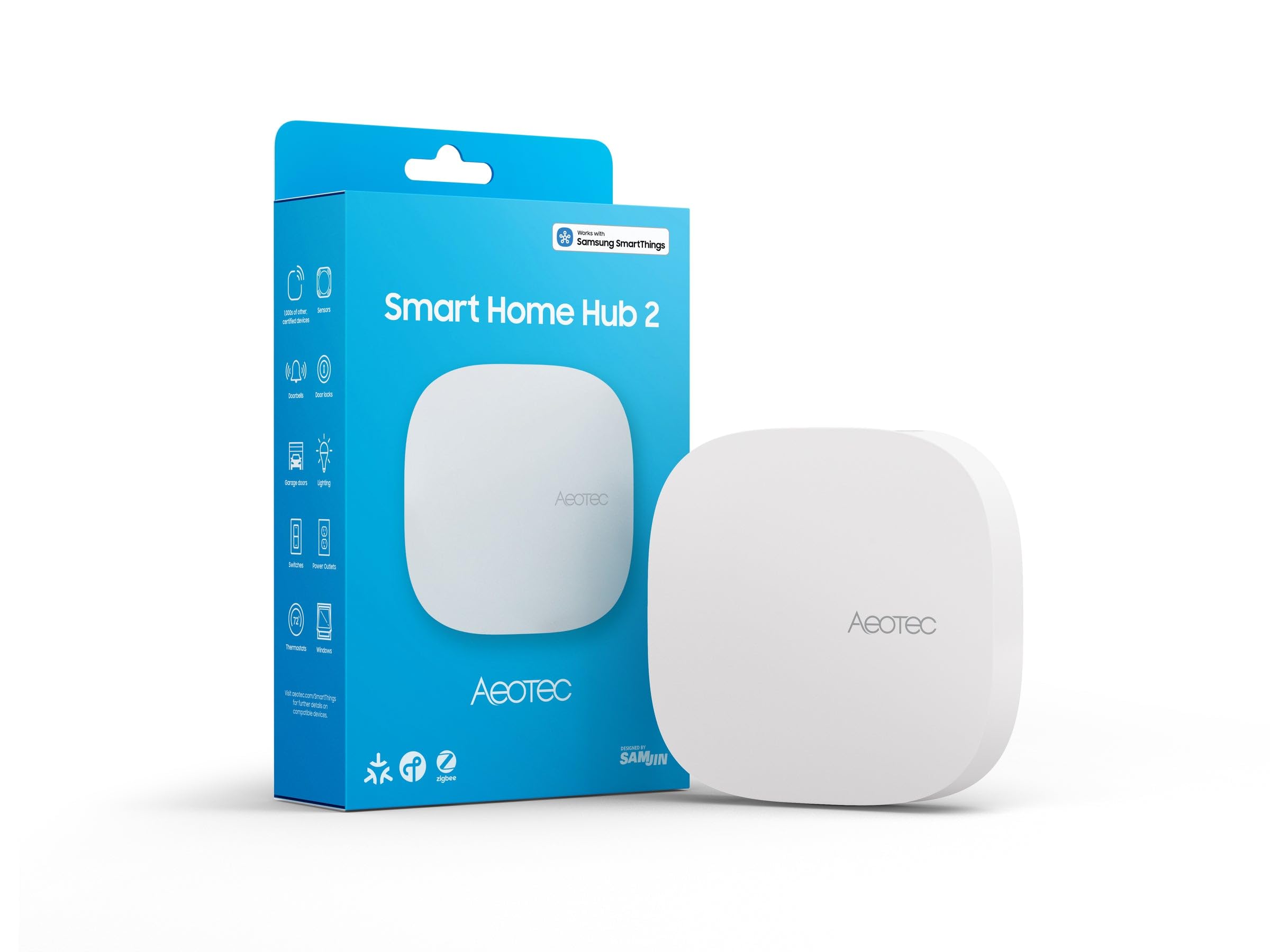
Check the current price on Amazon
This Aeotec unit runs as a SmartThings hub, which makes it the natural upgrade for a home already invested in that app or in Samsung appliances. Zigbee support covers the large installed base of older sensors and bulbs, while the Matter gateway brings newer devices onto the same network. It connects over Wi-Fi and bridges cleanly to Alexa and Google Assistant, so voice control survives the transition. For a household replacing an aging first-generation hub, this is the least disruptive swap.
It suits buyers who want one app for everything and are not interested in running a server. The naming is the critical detail: this version drops Z-Wave, so anyone with a drawer full of Z-Wave locks or sensors needs to check compatibility before ordering. Buyers who assumed all SmartThings hubs are interchangeable will be caught out here.
Trade-off: Dropping Z-Wave makes it a poor fit for legacy Z-Wave device collections, despite the SmartThings badge.
4. YoLink Smart Home Hub YS1603 — Best Long-Range Upgrade for Large Properties
Type: Smart home hub
Protocol: LoRa (YoLink)
Connection: Wi-Fi or Ethernet
Integration: IFTTT, Home Assistant
Range: Up to 2034 feet
Price Tier: Mid
Best For: Big houses, outbuildings, and detached garages

Check the current price on Amazon
Most smart-home hubs give up at the far end of a long hallway; this one is built around a LoRa radio rated to reach well beyond that, which changes what an old property can support. Sensors in a detached garage, a shed, or a basement corner can stay connected where Wi-Fi and Zigbee fail. The hub accepts either Wi-Fi or a wired Ethernet connection, and the Ethernet option is the more stable choice for a device meant to anchor a whole network. IFTTT and Home Assistant integration keep it from becoming a closed island.
This pick suits rural and large-property owners whose main obstacle is distance rather than device count. It is also a sensible bridge for a Home Assistant setup that needs coverage in outbuildings. The caution is ecosystem depth: the device catalog is narrower than Zigbee or Matter, so buyers should confirm the specific sensors they need exist on this protocol before committing.
Trade-off: Excellent range comes with a smaller device ecosystem, which limits expansion compared with mainstream protocols.
5. eKyro Smart Garage Door Opener — Best Budget Fix for an Old Garage Door
Type: Wi-Fi garage door controller
Compatibility: Alexa, Google Home, iPhone, Siri, Android
Features: Door-left-open alert, security
Model: Updated version
Price Tier: Budget
Best For: Making an existing opener remote-accessible

Check the current price on Amazon
A garage door is the upgrade that changes daily life fastest, and this controller does it without replacing the opener itself. It wires into the existing motor as a universal remote, then adds Wi-Fi control through an app plus voice commands via Alexa, Google Home, and Siri. The door-left-open alert is the quietly useful feature: it turns a forgotten garage into a notification instead of a worry. The updated model designation suggests the manufacturer has revised the hardware since the original release.
This pick suits homeowners with a working but dumb opener who want app and voice access without a new motor. It is the cheapest way to close a real security gap, and it works across both major voice platforms, so it is not locked to one assistant. The caution is installation: wiring into an opener varies by brand and motor type, and buyers with an unusual or very old unit should confirm the wiring matches before ordering.
Trade-off: Universal wiring kits still depend on the opener’s terminals, so a nonstandard motor can turn a budget fix into a frustrating one.
Before You Buy
- Protocol match: Check what the old devices actually speak — Zigbee, Z-Wave, Matter, or a vendor cloud — before choosing a hub.
- Z-Wave support: The Aeotec V4 drops Z-Wave, so legacy Z-Wave locks and sensors need a different bridge.
- Range: A standard house is fine on Wi-Fi and Zigbee; detached buildings call for the LoRa hub.
- Ecosystem: Alexa households get the most from the Amazon thermostat; Google and Apple homes should plan around it.
- Wiring: Thermostats need compatible low-voltage wiring, and garage controllers need a motor whose terminals match the kit.
- Setup effort: Home Assistant Green is the most capable and the most demanding; budget an evening for configuration.
- Network: A wired Ethernet connection is the steadier backbone for any hub that anchors a whole home.
Frequently Asked Questions
-
What is the best smart home upgrade for an old system to start with?
A thermostat or a garage controller, because both deliver a visible daily benefit without replacing existing hardware. The Amazon Smart Thermostat is the simplest starting point for Alexa households. -
Can an old system be modernized without replacing devices?
Yes. A hub bridges existing Zigbee, Z-Wave, or Matter devices into one app, and add-ons like the garage controller smarten a dumb motor directly. Replacement is only needed when a device uses a protocol no hub supports. -
Does a smart hub need the internet to work?
It depends on the platform. Home Assistant Green runs automations locally, while cloud-based hubs like SmartThings depend on a connection for remote control and voice assistants. -
Is a Z-Wave hub still worth buying?
Only if existing Z-Wave devices are in place. New buyers are usually better served by Matter and Zigbee, which is why the Aeotec V4 omits Z-Wave. -
How much range does a smart home hub need?
Enough to cover the farthest sensor from the hub’s location. Standard Wi-Fi and Zigbee suit a typical house, while large or detached properties benefit from a long-range protocol like LoRa. -
Can renters install these upgrades?
Thermostats and garage controllers are the most renter-friendly, since both are reversible. Hubs are fully portable and require no wiring at all.
Bottom Line
The fastest way to modernize an old system is to pick the upgrade that removes the biggest daily annoyance, and for most households that is the Amazon Smart Thermostat — cheap, Alexa-native, and installed in an afternoon. Buyers with a house full of mismatched brands should step up to Home Assistant Green for local control, while large properties belong on the YoLink hub and old garage doors on the eKyro controller.
