Why there are Amazon links here: Brave Review is paid a commission for qualifying Amazon purchases made through the links below. Your price does not change, and using our links is entirely optional. How this works
Best What to Automate First With Lighting: 5 Picks to Start Smart
Automating lighting is the cheapest, least disruptive way to start a smart home, and the first decision is not which bulb to buy — it is which room, which control method, and which guide to follow. This roundup covers five starting points: three books that teach the planning and the wiring, one free guide built around a single lighting brand, and one physical switch that gets a wall light onto a phone in an afternoon. Beginners who want a plan before spending, renters who cannot rewire, and tinkerers who want addressable LEDs will each find a pick below. The overview table shows the differences at a glance; the reviews explain who each one fits.
Overview of the Picks
| Product | Key Spec | Best Use | Price Tier |
|---|---|---|---|
| From Family Tech Guru to HomeKit Savant | HomeKit-focused planning guide | Apple households planning a full routine | Budget |
| LIGHT UP YOUR WORLD | Free Govee ecosystem guide | Govee owners automating app scenes | Free |
| WLED for Beginners | ESP32 addressable LED guide | DIY tinkerers building custom effects | Budget |
| Smart Home Automation For Beginners | Step-by-step routines guide | Total beginners mapping daily routines | Mid |
| Kasa Smart Light Switch HS200 | Wi-Fi single-pole switch, neutral wire | Replacing a wall switch for app control | Budget |
From Family Tech Guru to HomeKit Savant
Format: Kindle book
Topic: HomeKit automation using existing devices
Approach: Reuse what is already owned
Best For: Apple-centric households
Price Tier: Budget
This book takes the position that most homes already contain the hardware needed for meaningful automation, and that the missing piece is a plan rather than a shopping list. It walks through grouping lights, sensors, and scenes inside Apple’s HomeKit so that a morning or evening routine runs without manual input. The writing is aimed at the person in the family who ends up fixing everyone else’s devices.
The appeal is cost: a reader who already owns an iPhone and a few smart bulbs can build a routine without buying a hub or a new ecosystem. The trade-off is that the advice is tied to HomeKit, so households running Alexa or Google as the primary assistant will find only part of it useful.
Trade-off: The guidance assumes an Apple home base, which leaves Android-first households with less to apply.
Check the current price on Amazon
LIGHT UP YOUR WORLD
Format: Kindle book
Topic: Govee smart lighting ecosystem
Devices Covered: Floor lamp, TV backlight, outdoor lights, neon rope, LED strips
Integrations: Alexa, Google Home
Best For: Existing Govee owners
Price Tier: Free
This guide is organized around one brand’s product line, which makes it unusually specific: floor lamps, TV backlights, permanent outdoor lights, neon rope, and LED strips each get their own treatment. The automation chapters cover building scenes in the app and handing control to Alexa or Google Home for voice triggers. It is the closest thing to a manual for someone who has already bought into Govee.
Because it is offered at no cost, the barrier to trying it is low, and a reader can skim straight to the chapter matching the device already in the house. The trade-off is narrow scope — households using another brand will find little transferable, and the book will not help choose between ecosystems.
Trade-off: The content is brand-locked to Govee, so it offers no guidance for mixed or competing ecosystems.
Check the current price on Amazon
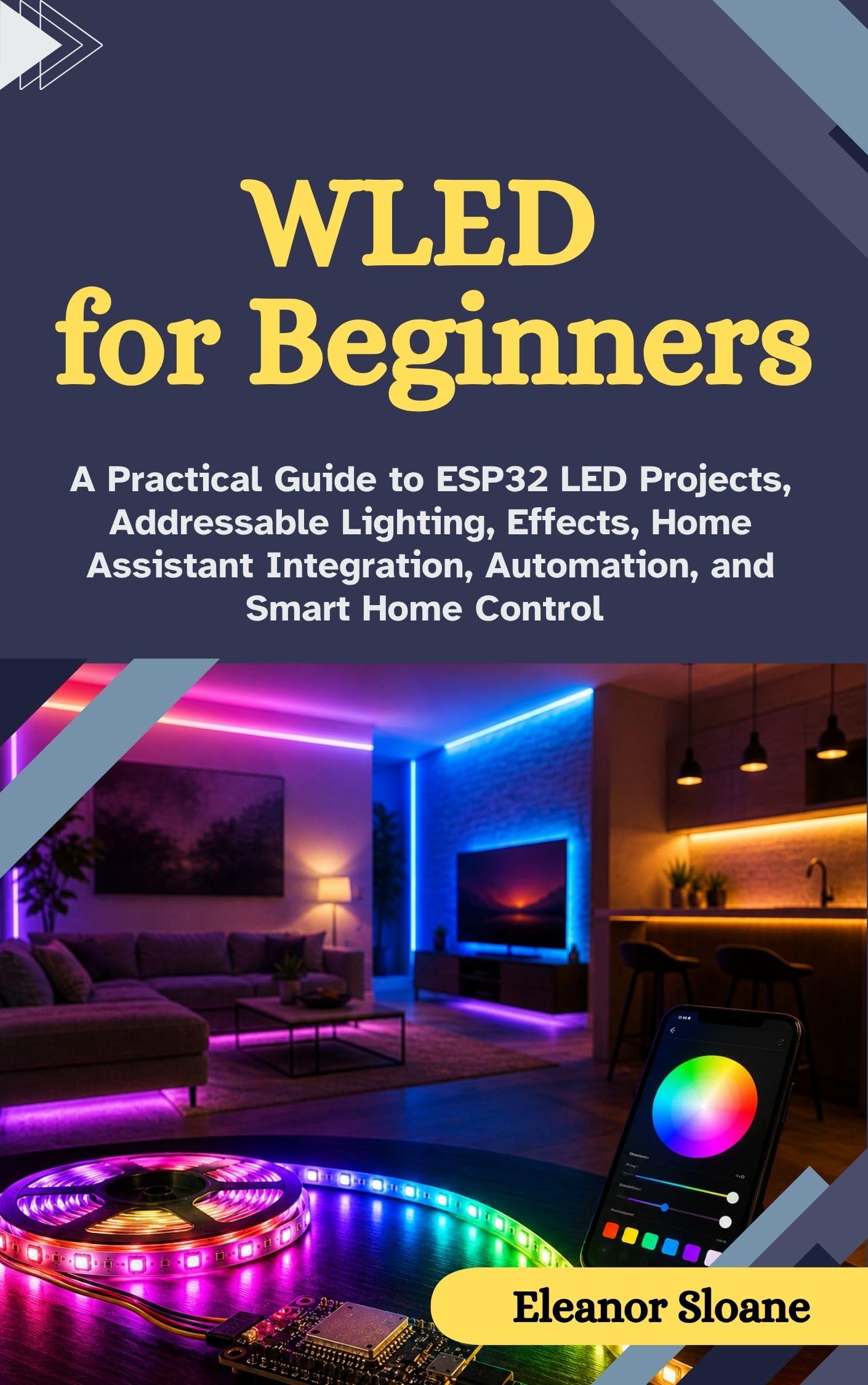
WLED for Beginners
Format: Kindle book
Platform: ESP32 microcontroller
Lighting Type: Addressable LED strips
Software: WLED firmware
Integration: Home Assistant
Best For: DIY tinkerers
Price Tier: Budget
This is the pick for the reader who wants addressable LEDs — strips where each diode can be a different color — driven by a cheap ESP32 board running WLED firmware. The book covers flashing the board, wiring the strip, and building effects, then moves into pulling the whole setup into Home Assistant for automation alongside the rest of the house. It assumes some comfort with a soldering iron or at least with jumper wires.
That makes it a poor first purchase for someone who wants a light to switch on at sunset tonight; the learning curve is real and the hardware is not plug-and-play. For a hobbyist, though, it is the most flexible path on this list, because addressable lighting can do things no retail bulb can.
Trade-off: The ESP32 route demands hardware tinkering and setup time that a plug-in bulb avoids entirely.
Check the current price on Amazon
Smart Home Automation For Beginners

Format: Kindle book
Topic: Beginner smart home automation
Coverage: Lights, security, daily routines
Approach: Step-by-step
Best For: Total beginners
Price Tier: Mid
This is the broadest book here, and the one that treats lighting as one part of a larger routine rather than the whole story. It sequences the work: pick a routine, choose the devices that support it, then link them so lights, security, and daily schedules reinforce each other. The step-by-step framing suits a reader who wants to be told the order of operations rather than left to improvise.
The wider scope is also the weakness — a reader who only wants to automate a hallway light will wade through security and scheduling chapters to get there. It is the best fit for someone planning a whole-house rollout over several weekends.
Trade-off: The broad coverage means less depth on lighting specifically than a dedicated guide provides.
Check the current price on Amazon
Kasa Smart Light Switch HS200

Connectivity: 2.4GHz Wi-Fi
Voice Assistants: Alexa, Google Home
Certification: UL Certified
Hub Required: No
Pole Type: Single pole
Wiring: Neutral wire required
Best For: Wall-light control
Price Tier: Budget
This is the only piece of hardware in the roundup, and it solves the most common starting point: a ceiling light on a plain wall switch. Replacing the switch puts that light on Wi-Fi, so it can be scheduled, triggered by voice, or grouped with other devices — no hub needed. The single-pole design covers the standard one-switch-one-light setup found in most rooms.
Two constraints matter before buying. The switch needs a neutral wire at the box, which older homes sometimes lack, and it is single-pole only, so three-way stairwell or hallway circuits are out of scope. A renter or anyone unwilling to touch a breaker panel should look at smart bulbs instead.
Trade-off: The neutral-wire requirement and single-pole limit rule out some older homes and multi-switch circuits.
Check the current price on Amazon
Before You Buy
- Wiring: A smart switch needs a neutral wire in the box; smart bulbs and plug-in strips do not.
- Ecosystem: Match the guide or device to the assistant already in use — HomeKit, Alexa, or Google Home.
- Skill level: Books on ESP32 and WLED assume tinkering; app-based switches and bulbs do not.
- Circuit type: Single-pole switches suit one-switch rooms; three-way circuits need different hardware.
- Brand lock-in: A brand-specific guide is only useful if that brand’s devices are already owned or planned.
- Budget: Free and low-cost guides let a household plan before committing to hardware.
Frequently Asked Questions
-
What should be automated first with lighting?
The entryway or main living-room light, because it is used daily and a schedule or voice command there is noticed immediately. A wall switch or a smart bulb in that room delivers the fastest payoff. -
Do I need a hub to automate lights?
Not for the Wi-Fi switch here or for most app-based bulbs and strips. A hub only becomes necessary when mixing protocols or building more advanced routines. -
Is a smart switch better than a smart bulb?
A switch keeps ordinary bulbs and works for everyone in the house, but needs neutral wiring. A bulb is renter-friendly and needs no wiring at all. -
Which guide suits a complete beginner?
The step-by-step routines book, since it sequences the work. The HomeKit book suits Apple households, and the Govee guide suits owners of that brand. -
Can addressable LED strips be automated too?
Yes, and the WLED guide covers exactly that, but the setup requires an ESP32 board and some hands-on wiring before automation is possible. -
What is the cheapest way to start?
Reading a free or low-cost guide first, then buying a single switch or bulb for one room, keeps the initial spend small while proving the routine works.
Bottom Line
Start with the room used most and the control method that fits the house: the Kasa Smart Light Switch HS200 is the fastest route for anyone with neutral wiring and a standard single-pole switch, while the Smart Home Automation For Beginners guide is the best read for planning the order of everything else.