Why there are Amazon links here: Brave Review is paid a commission for qualifying Amazon purchases made through the links below. Your price does not change, and using our links is entirely optional. How this works
Best Smart Lock for a Household With Children
A smart lock for a home with children has to do two jobs at once: keep the door convenient for adults and keep it closed for everyone else. The five picks below cover parents who want a hard anti-unlock safeguard, renters who need a quick, low-cost install, and families who want app control and a door sensor in one system. The overview table shows the key spec and best use of each, so a decision is possible before the reviews.
The Picks at a Glance
| Product | Key Spec | Best Use | Price Tier |
|---|---|---|---|
| Anweller MD11 Smart Door Lock | Child proof anti-unlock code, auto lock sensor | Lowest-cost full-feature safety pick | Budget |
| Child Proof WiFi Keypad Deadbolt | Double-sided keypad, 10000mAh battery | Front gates and doors needing long battery life | Mid-range |
| Bestkid Keyless Entry Door Lock | Dedicated child safety mode, built-in WiFi | Families wanting app control out of the box | Upper mid-range |
| DESLOC B200 Fingerprint Smart Lock | Two-knob design, child safe layout | Bedrooms and interior doors on a tight budget | Budget |
| Philips WiFi Keypad Deadbolt with Handle | Voice and fingerprint unlock, included handle | Whole-door upgrades with hands-free entry | Mid-range |
1. Anweller MD11 Smart Door Lock — Best Budget Safety Pick
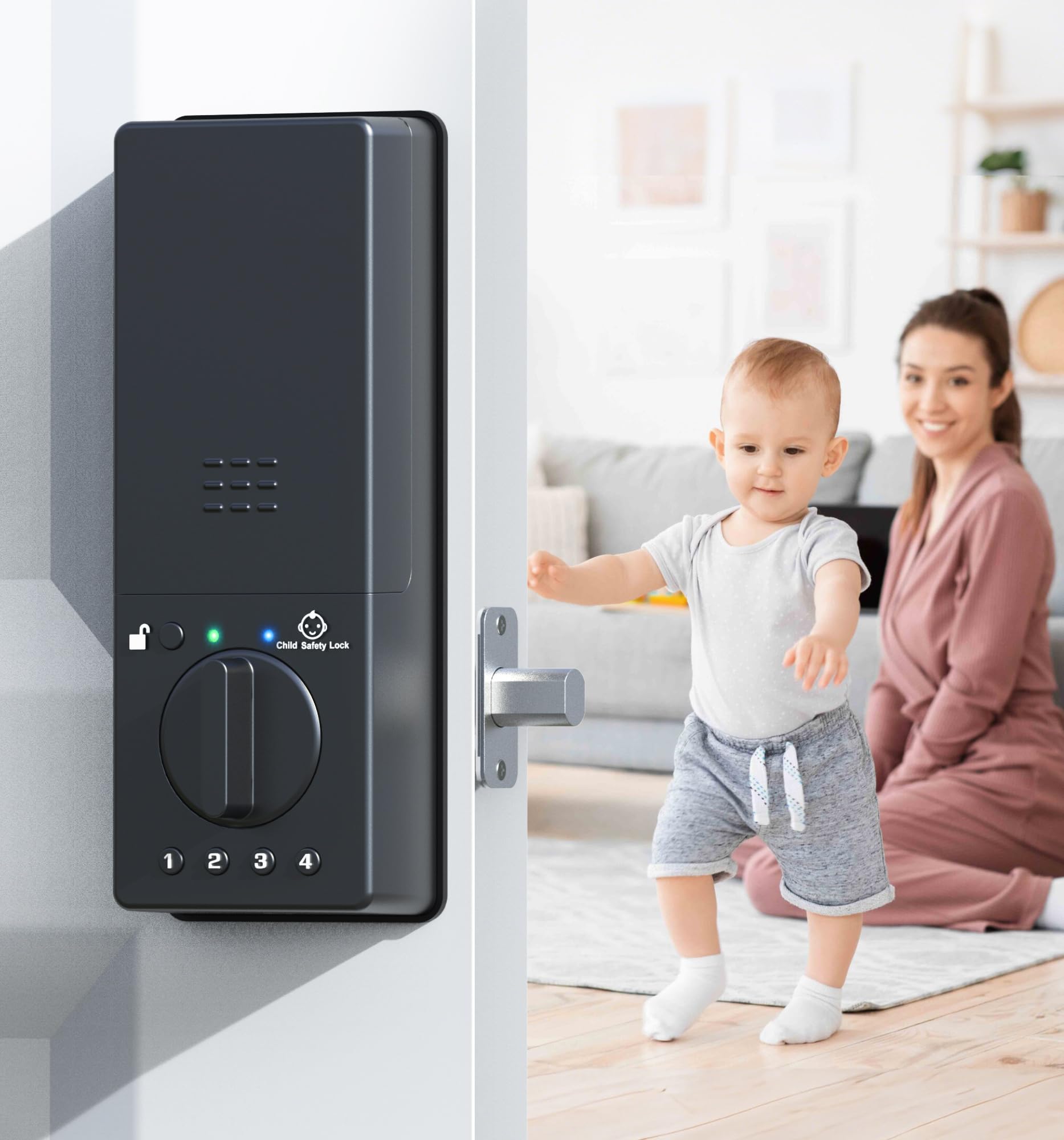
Type: Fingerprint keyless deadbolt
Child-safety feature: Anti-unlock code
Entry options: Fingerprint, PIN, RFID card, app
Connectivity: WiFi with remote control
Extras: Auto lock sensor
Price tier: Budget
Anweller MD11 Smart Door Locks for Kids Safety sits at the entry point of the range, yet it carries the safety feature most parents are actually searching for. The anti-unlock code is a deliberate extra step that has to be entered before the door can be opened from the inside, which is the piece that stops a small child from simply turning the thumbturn and walking out.
Around that core it stacks the full set of entry methods — fingerprint, PIN, RFID card and app — plus an auto lock sensor that re-secures the door once it closes. For a front door that sees school runs and deliveries, that combination means adults rarely need a key at all.
Trade-off: The budget price tier usually means a plastic-heavy interior housing and a plainer finish than premium locks, so a household that wants the lock to match high-end door hardware may find it looks utilitarian.
Check the current price on Amazon
2. Child Proof WiFi Keypad Deadbolt — Best for Gates and Long Battery Life
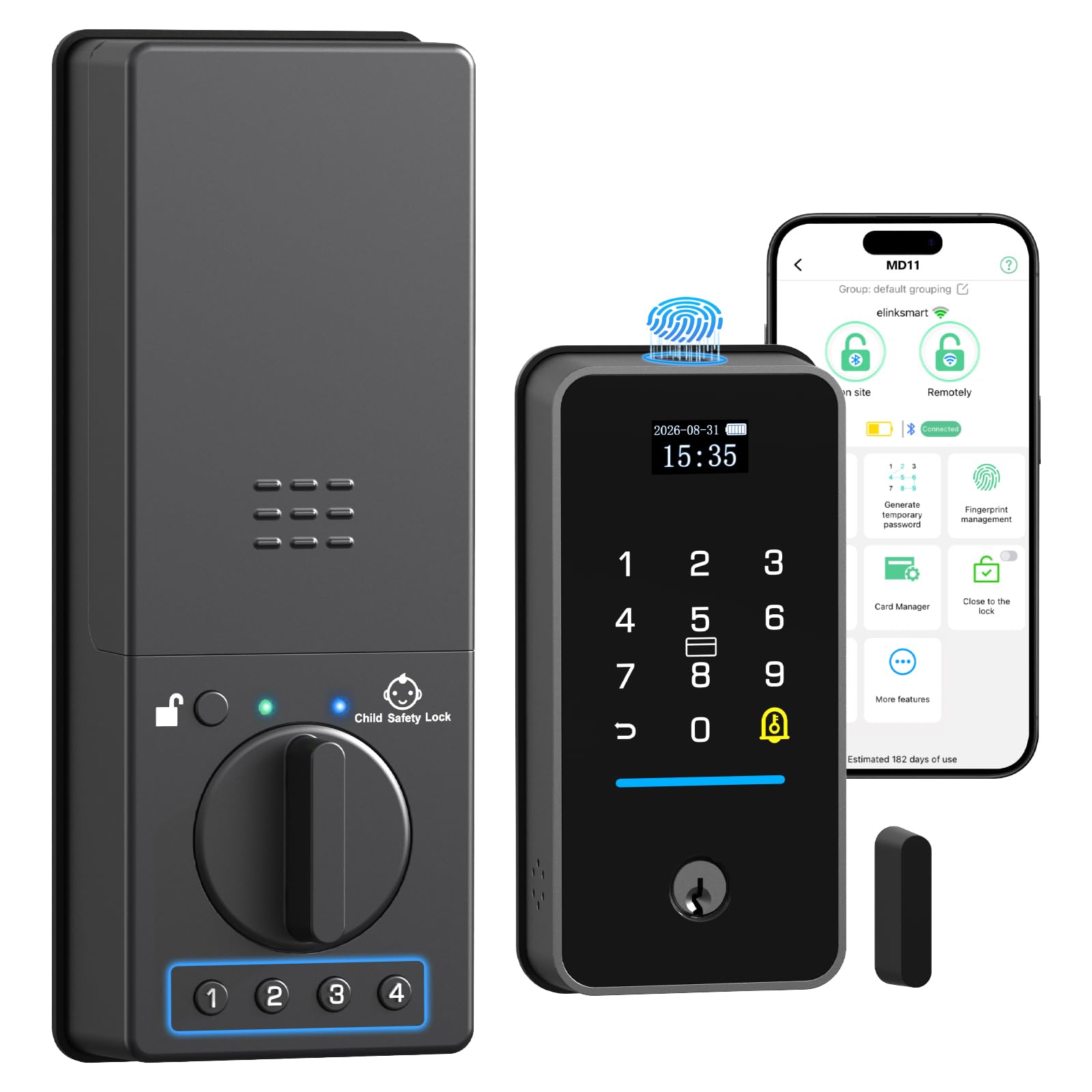
Type: WiFi keypad deadbolt
Child-safety feature: Child proof PIN-code control
Keypad: Double-sided
Power source: 10000mAh battery
Extras: Door sensor, app remote control
Intended use: Front gate and front door
Price tier: Mid-range
The Child Proof WiFi Keypad Deadbolt is built around independence from wiring. The 10000mAh battery is the largest capacity in this group, and a double-sided keypad means the code can be entered from the inside as well as the outside — useful on a gate or a door where the interior face is exposed.
The child proof PIN-code layer and the included door sensor work together: the sensor reports whether the door is actually shut, while the PIN control governs who can open it. App remote control covers the rest, so a parent can check status or unlock for a visitor without being at the door.
Trade-off: A battery this large makes the interior unit noticeably bulkier than compact deadbolts, and a front gate installation exposes the keypad to weather that a sheltered porch never tests.
Check the current price on Amazon
3. Bestkid Keyless Entry Door Lock — Best Child Safety Mode
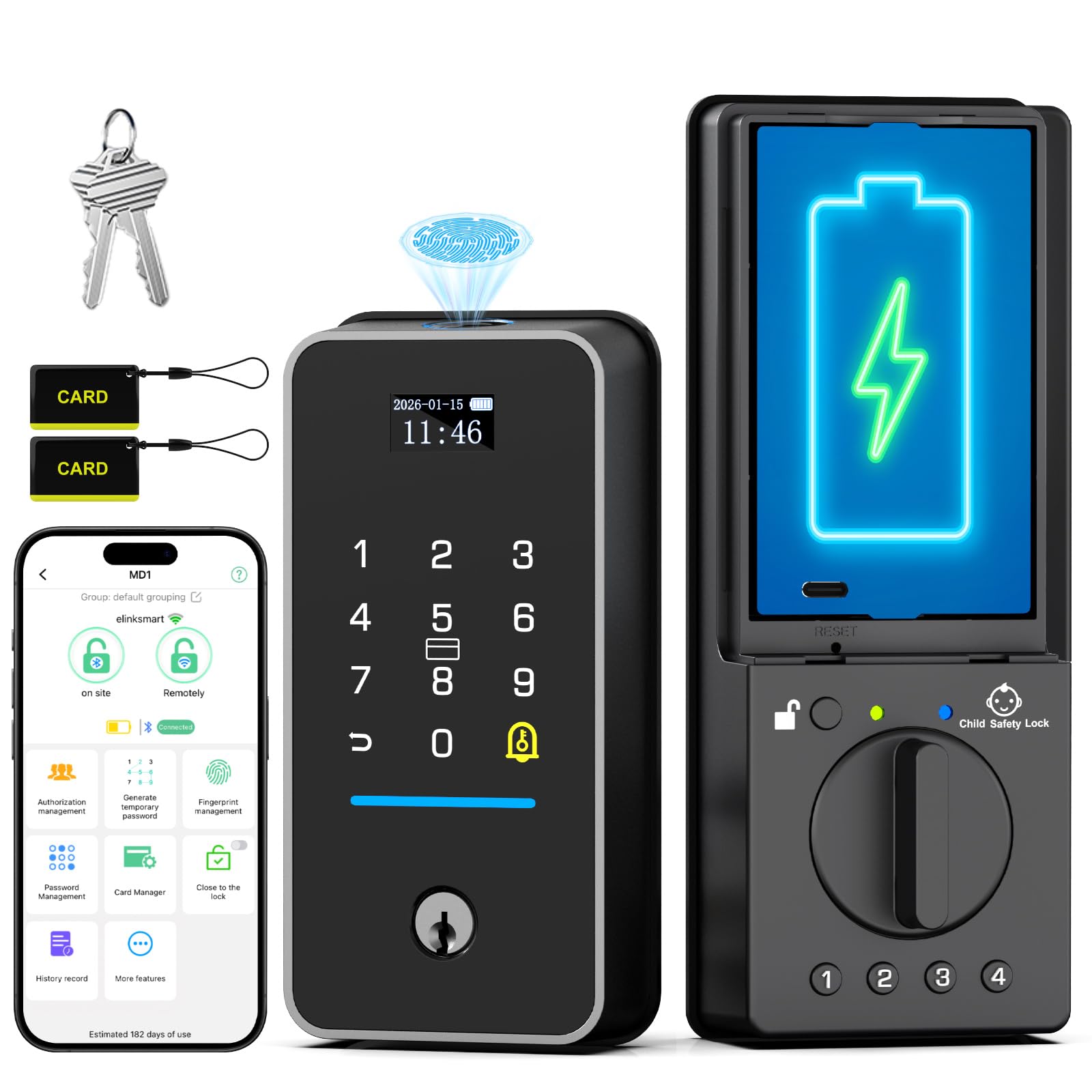
Type: Fingerprint smart deadbolt
Child-safety feature: Dedicated child safety mode
Entry options: Fingerprint, PIN, RFID card, app
Connectivity: Bluetooth and built-in WiFi
Extras: Auto-lock
Intended use: Front door and bedroom
Price tier: Upper mid-range
The Bestkid Keyless Entry Door Lock is the pick for a household that wants the safety setting to be a named, switchable mode rather than a side effect of the code structure. A dedicated child safety mode can be turned on when it matters and off when guests or grandparents need free passage.
Built-in WiFi means no separate bridge, and Bluetooth gives a local fallback when the network is down. Fingerprint, PIN, RFID and app entry all sit on top of auto-lock, so the door re-secures itself after every close.
Trade-off: The upper mid-range price buys software flexibility rather than premium hardware, and a lock with this many modes and entry methods takes more setup time than a basic keypad deadbolt.
Check the current price on Amazon
4. DESLOC B200 Fingerprint Smart Lock — Best Low-Cost Interior Option
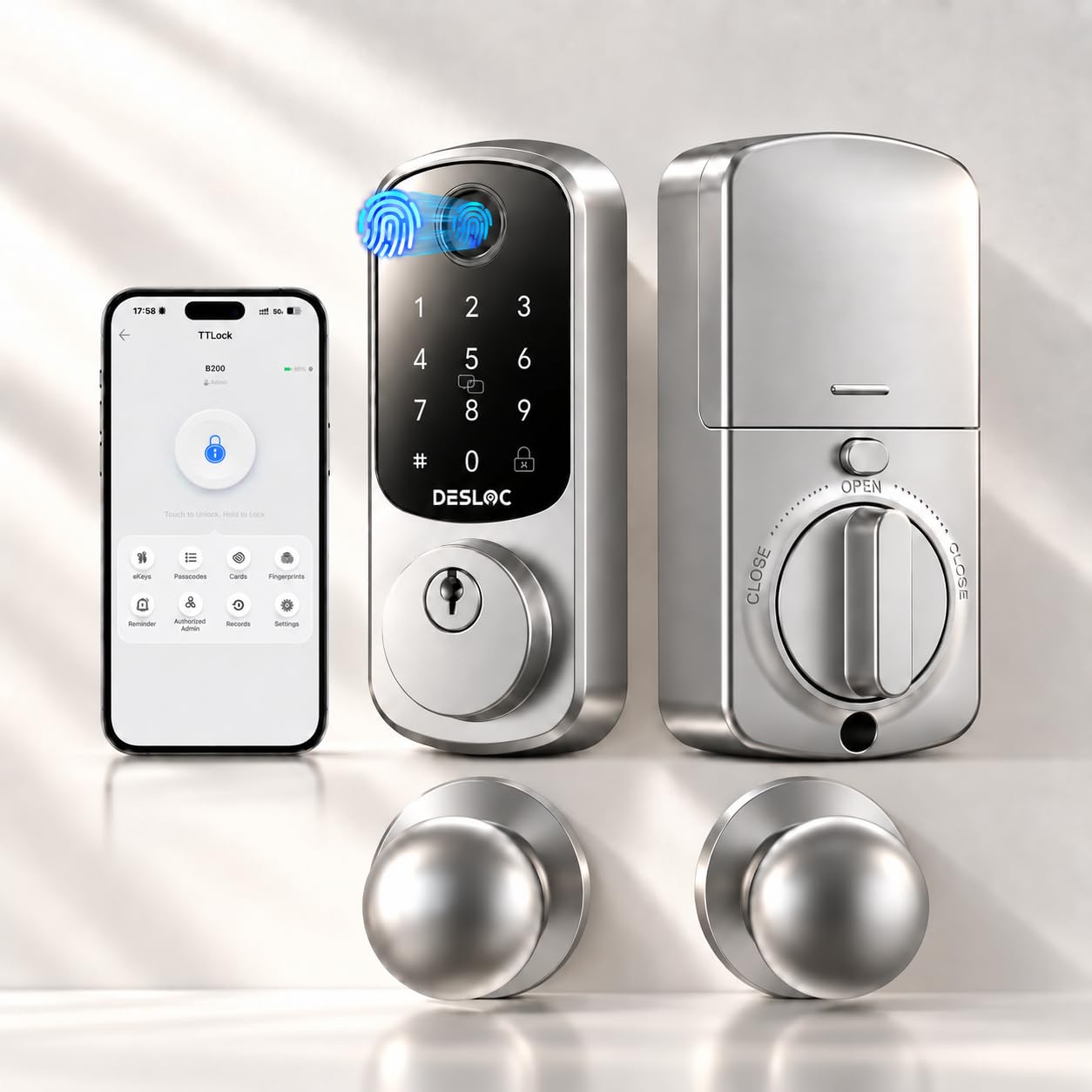
Type: Fingerprint smart lock with knobs
Child-safety feature: Child safe design
Entry options: Fingerprint, app control
Hardware: Two knobs included
Price tier: Budget
The DESLOC B200 Fingerprint Smart Lock is the cheapest way into fingerprint entry in this group, and the two included knobs make it a door-set purchase rather than a deadbolt-only one. For a bedroom, a playroom or a back door where the whole handle needs replacing anyway, that bundling saves a separate hardware purchase.
Fingerprint and app control cover the everyday cases: a child’s finger opens the door without a key to lose, and a parent can manage access from the phone. The child safe design is the stated focus of the layout rather than an add-on.
Trade-off: A lock at this price point typically offers a shorter list of entry methods and a smaller fingerprint sensor than the pricier models, so households wanting PIN codes and cards as well will need to look higher up the range.
Check the current price on Amazon
5. Philips WiFi Keypad Deadbolt with Handle — Best for Hands-Free Entry

Type: WiFi keypad deadbolt with lever handle
Entry options: Fingerprint, voice, flexible codes, app
Keypad: Backlit
Connectivity: Built-in WiFi
Extras: Auto-lock
Hardware: Door lever included
Price tier: Mid-range
The Philips WiFi Keypad Deadbolt with Handle is the most complete door package here. The included lever handle means the deadbolt and the handle are a matched set, which matters for a front door where a mismatched finish is immediately visible.
Voice unlock is the standout for a parent carrying a child, a stroller or groceries — the case where reaching for a keypad is genuinely awkward. Flexible codes let a household set temporary access for a sitter, and the backlit keypad keeps evening entry practical. Built-in WiFi and app remote control round it out.
Trade-off: Voice unlock only helps if the household already has a compatible voice assistant set up, and a bundled handle-plus-deadbolt set limits the choice of lever style and finish.
Check the current price on Amazon
Before You Buy
- Child-safety mechanism: Confirm whether the lock uses an anti-unlock code, a switchable child mode, or a physical design safeguard — they behave very differently day to day.
- Door thickness and backset: Measure the door before ordering; deadbolt and handle sets are built for standard doors and a thick or non-standard door can rule a model out.
- Connectivity: Built-in WiFi needs no extra hub, while Bluetooth-only locks limit remote control to close range.
- Power source: A larger battery means fewer changes but a bulkier interior unit; all of these locks need a plan for a dead battery.
- Entry methods: Fingerprint is fastest for adults, but a PIN code is easier to share with a grandparent or sitter.
- Finish and hardware: A bundled handle set must match the rest of the door hardware, and budget locks often offer fewer finish choices.
- Installation: Two-knob designs replace the whole handle set, which is more work than swapping a deadbolt alone.
Frequently Asked Questions
- What actually makes a smart lock child proof? The three mechanisms here are an anti-unlock code, a switchable child safety mode, and a child safe design layout — each adds a step before the door opens from the inside.
- Can a child still open the door from inside? On most of these locks, yes, unless the child safety setting is active; that setting is what adds the extra confirmation step.
- Is WiFi needed for a smart lock to work? No. Fingerprint, PIN and card entry work locally; WiFi is what enables app remote control and status checks when away.
- What happens when the battery dies? These locks warn before the battery runs down and are designed to be opened by key or external power as a fallback, so a spare key kept off-site is worth arranging.
- Which pick suits a rented home? The budget DESLOC B200 is the least expensive to fit and the least costly to leave behind, while the Anweller MD11 adds the anti-unlock safeguard for a similar price.
- Do these locks fit a standard front door? All five are built for typical deadbolt or handle-set doors, but door thickness and backset should be checked against the listing before ordering.
Bottom Line
For most families the Anweller MD11 Smart Door Lock is the pick: the anti-unlock code is the safeguard parents search for, and it comes with fingerprint, PIN, card and app entry plus auto-lock at the lowest price tier in this group. Households that want a named, switchable child mode and built-in WiFi should step up to the Bestkid, while a front gate with no power nearby is best served by the large-battery Child Proof WiFi Keypad Deadbolt.
