Why there are Amazon links here: Brave Review is paid a commission for qualifying Amazon purchases made through the links below. Your price does not change, and using our links is entirely optional. How this works
Best Router for a Household with a Home Office Upstairs
A home office upstairs is one of the hardest spots in a house to cover: the signal has to climb a floor, fight walls and compete with everyone else’s devices. The five routers here solve that in different ways, from a budget workhorse to a mesh system built for multi-gig internet. Buyers setting up a first dedicated office, remote workers who need stable video calls, and larger households splitting bandwidth between floors should start with the overview table and then jump to the pick that matches the budget.
The Picks at a Glance
| Product | Key Spec | Best Use | Price Tier |
|---|---|---|---|
| TP-Link Archer AX21 V5 | Dual-band WiFi 6, EasyMesh | Budget upstairs office | Budget |
| NETGEAR Nighthawk RS90 | BE3600 WiFi 7, 2.5G port | Fast single-router upgrade | Mid-range |
| Amazon eero 7 | Dual-band WiFi 7 mesh, 1-pack | Simple mesh starter | Mid-range |
| Amazon eero Pro 7 | Tri-band WiFi 7 mesh, 5 Gbps plans | Heavy multi-floor use | Premium |
| TP-Link Archer A54 | AC1200 dual-band, Fast Ethernet | Light-duty spare office | Budget |
TP-Link Archer AX21 V5

Type: Dual-band WiFi 6 router
Ports: Gigabit Ethernet
Mesh: EasyMesh compatible
Voice control: Works with Alexa
Setup: Certified for Humans
The Archer AX21 is the sensible starting point for a household that wants WiFi 6 without paying for features it will not use. It is a dual-band design with gigabit ports, so a wired desktop in the upstairs office can run off the LAN while phones and laptops use WiFi. EasyMesh compatibility means it can later be paired with another EasyMesh node if one router turns out to be too little for the floor plan. The Certified for Humans label points at a setup process built for people who do not want to configure anything technical.
This pick suits renters, single-office households and anyone upgrading from an old ISP router on a tight budget. It earns its place because it covers the basics well and leaves a mesh path open. The trade-off is that a single dual-band router at this price will struggle to push a strong signal through two floors and thick walls, so a very large house will likely need a node later.
NETGEAR Nighthawk RS90

Type: Dual-band WiFi 7 router
Wireless: BE3600, up to 3.6 Gbps
Coverage: Up to 2,000 sq ft
Ports: 1× 2.5G plus 3× Gigabit
Device load: 50 devices
The Nighthawk RS90 is the pick for a household that wants one fast router rather than a mesh kit. WiFi 7 with a BE3600 rating and a 2.5G port gives headroom for modern internet plans and for a wired connection to the upstairs office. Coverage is rated up to 2,000 square feet, which is realistic for a mid-size two-story home when the router sits centrally. Support for 50 devices covers a family with laptops, phones, TVs and smart home gear.
This suits remote workers who want a single box, a fast wired port and easy setup, and who live in a house where one well-placed router can reach the upper floor. The trade-off is that dual-band WiFi 7 still relies on one 5 GHz layer for all traffic, so a house full of simultaneous 4K streams and video calls may see more benefit from a tri-band mesh system.
Amazon eero 7
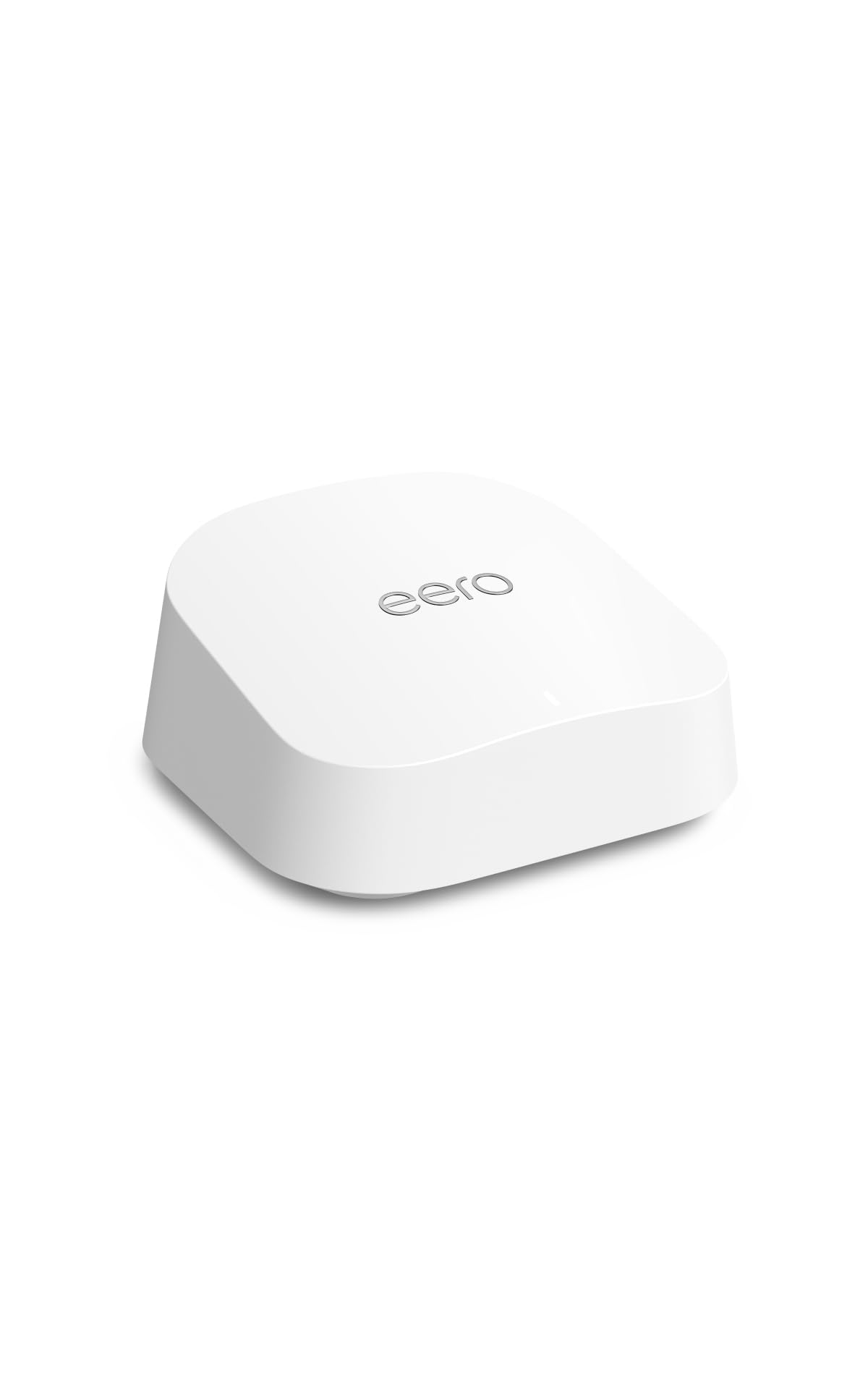
Type: Dual-band mesh WiFi 7 router
Coverage: Up to 2,000 sq ft
Internet plans: Up to 2.5 Gbps
Pack: 1-pack, expandable
Management: eero app
The eero 7 is the easiest route into mesh for a household that wants the upstairs office covered without thinking about networking. It is a dual-band WiFi 7 unit rated for coverage up to 2,000 square feet and internet plans up to 2.5 Gbps, and it is sold as a single pack that can be expanded with more eero units later. Setup and management run through the eero app, which keeps device naming, guest access and parental controls in one place.
This pick suits renters, less technical households and anyone who wants to add a second node upstairs rather than fight with router settings. It earns its place on simplicity and expandability. The trade-off is that a single dual-band mesh unit is still one radio layer, so a large or unusually walled house will need at least one extra node before the upstairs office feels genuinely fast.
Amazon eero Pro 7
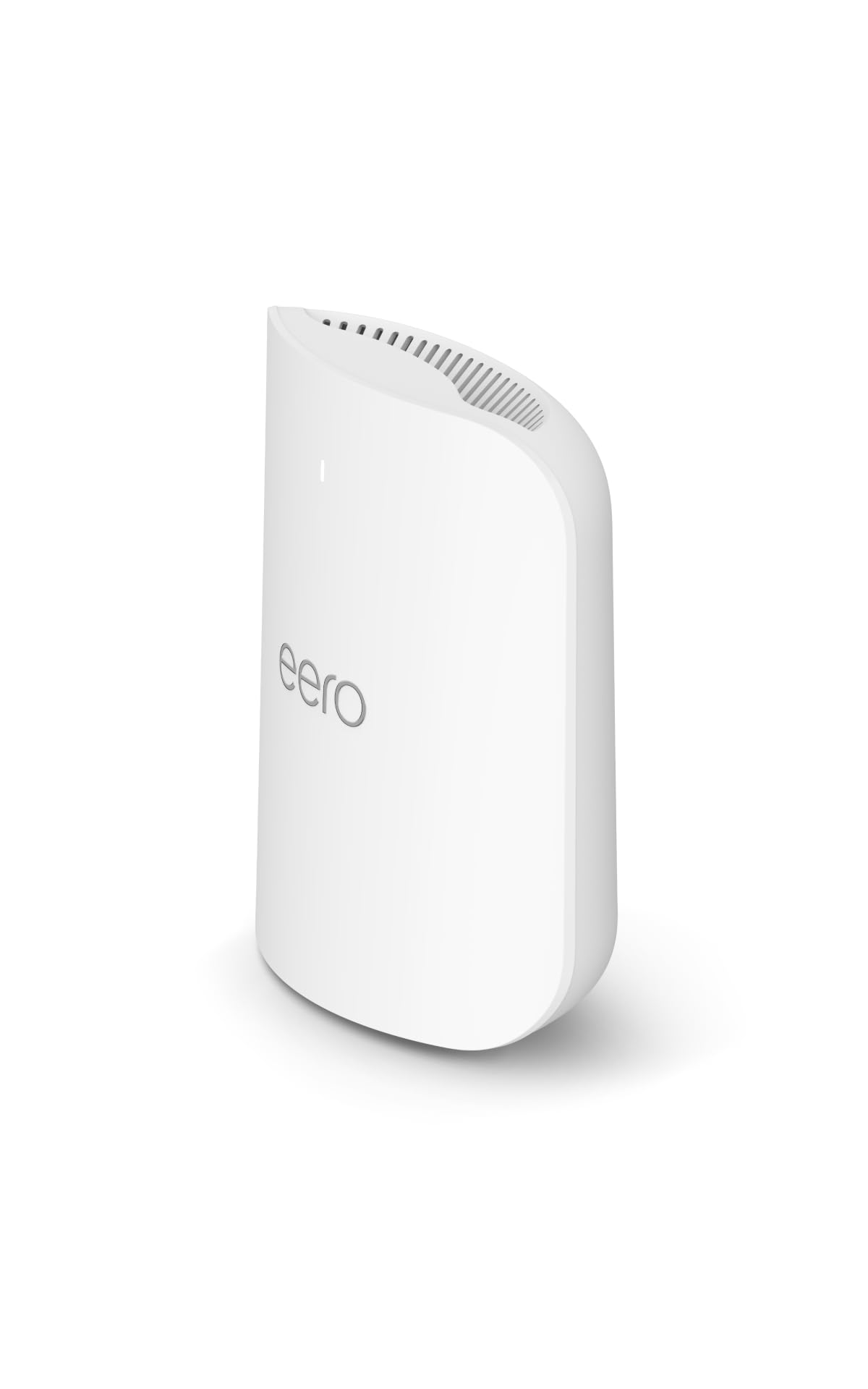
Type: Tri-band mesh WiFi 7 router
Coverage: Up to 2,000 sq ft
Internet plans: Up to 5 Gbps
Pack: 1-pack, expandable
Management: eero app
The eero Pro 7 is the premium pick for a busy household where the upstairs office is one of many demanding rooms. The tri-band design adds a separate radio layer, which matters when video calls, streaming and gaming happen at the same time. It supports internet plans up to 5 Gbps and covers up to 2,000 square feet per unit, and it uses the same eero app as the rest of the range.
This suits large families, people on multi-gig fiber and anyone who wants mesh headroom without adding nodes immediately. It earns its place because tri-band mesh handles a crowded airwave environment better than a dual-band unit. The trade-off is price: at the top of this list, it only makes sense for households that will actually use the extra band and the faster plan.
TP-Link Archer A54

Type: Dual-band AC1200 WiFi router
Ports: 4× 10/100 Mbps Fast Ethernet
Mesh: EasyMesh compatible
Modes: Access Point mode
Extras: Guest WiFi, IPv6, parental controls
The Archer A54 is the budget option for a light-duty upstairs office: email, browsing, printing and the occasional call. It is a dual-band AC1200 router with guest WiFi, parental controls and IPv6 support, and it can run in Access Point mode, which makes it useful as a cheap second WiFi point fed by an Ethernet cable from downstairs. EasyMesh compatibility means it can also join a compatible mesh setup.
This suits buyers on a very tight budget, spare-room offices and anyone who needs a second access point rather than a main router. It earns its place on price and flexibility. The trade-off is the wired side: the Fast Ethernet ports cap wired speed well below gigabit, so a desktop that transfers large files should be connected elsewhere.
Before You Buy
- Placement: A router on the ground floor has to push through a ceiling and walls; a central, elevated spot or a second node upstairs matters more than raw specs.
- Wired backhaul: If the house has Ethernet between floors, an access point or mesh node upstairs will beat any single router for office stability.
- Internet plan: Match the router to the plan — a 5 Gbps-capable mesh unit is wasted on a basic cable connection.
- Port speed: Check the WAN and LAN ports; Fast Ethernet caps wired throughput, while 2.5G ports leave room for faster plans.
- Device count: Count laptops, phones, TVs, consoles and smart devices before choosing; crowded households benefit from tri-band.
- Expandability: EasyMesh or eero compatibility keeps the door open for adding a node later without replacing everything.
- Management: App-based systems suit less technical buyers; browser-based routers give more manual control.
Frequently Asked Questions
-
Will one router cover an upstairs home office?
Often yes in a mid-size house if the router sits centrally and the office is directly above or nearby. Large or well-insulated homes usually need a mesh node or access point upstairs. -
Is WiFi 7 worth it for a home office?
It helps most on fast internet plans and in crowded households. On a basic plan with few devices, a good WiFi 6 router delivers similar day-to-day results for less money. -
Should the upstairs office be wired instead?
A wired connection is always the most stable option for video calls and large file transfers. Where cabling is impossible, a mesh node placed upstairs is the next best choice. -
Does a tri-band router make a difference upstairs?
Tri-band adds a separate radio layer, which reduces congestion when many devices are active at once. It matters most in busy homes, less so for a single remote worker. -
Can a budget router handle remote work?
A budget dual-band router handles email, browsing and standard video calls. It becomes a bottleneck for heavy file transfers, multiple simultaneous streams or very fast internet plans. -
How many mesh units does a two-story house need?
Many two-story homes do well with two units — one downstairs and one upstairs near the office. Larger or unusually shaped houses may need a third.
Bottom Line
For most households with an office upstairs, the Amazon eero 7 is the safest buy: mesh expandability, WiFi 7 and app-based management make it easy to add a node near the office if one unit is not enough. Buyers who want a single fast router with a 2.5G port should look at the NETGEAR Nighthawk RS90, while the eero Pro 7 is the pick for crowded, multi-gig homes.
