Why there are Amazon links here: Brave Review is paid a commission for qualifying Amazon purchases made through the links below. Your price does not change, and using our links is entirely optional. How this works
Best Local Control Hub for a House With No Broadband
A house without broadband still needs lights, sensors and cameras to work, and that rules out most cloud-dependent smart home gear. The five hubs here all keep automation running on the local network, so routines survive an outage or a property that never had an internet line. The picks suit three kinds of buyer: renters and cabin owners who want a small, cheap bridge, homeowners already invested in one ecosystem, and tinkerers who want a full local automation platform. The overview table below shows each pick’s key spec, best use and price tier, so a choice is possible before reading a single review.
The Picks at a Glance
| Product | Key Spec | Best Use | Price Tier |
|---|---|---|---|
| Lutron Caseta Smart Hub | Proprietary ultra-reliable radio, no Wi-Fi dependency | Lutron lighting and shade control | Mid |
| Hubitat Elevation C-8 Pro | Z-Wave, Zigbee and Matter, no subscription | Full local automation across brands | Premium |
| SONOFF Bridge Max | Matter bridge and Zigbee gateway, Ethernet and Wi-Fi | Bridging Zigbee devices into Matter apps | Budget |
| Smart WiFi Hub (BLE/SigMesh) | BLE and SigMesh, 5V 1A powered | Small local light and sensor setups | Budget |
| Home Assistant Green | Official Home Assistant hardware | Advanced local automation | Premium |
1. Lutron Caseta Smart Hub

Type: Proprietary smart hub
Radio: Lutron’s own ultra-reliable connection
Wi-Fi dependency: None for device control
Ecosystems: Alexa, Apple Home, Google Home
Color: White
Lutron Caseta Smart Hub is the pick for a house that already runs Lutron switches, dimmers or shades. The hub talks to those devices over Lutron’s own radio rather than Wi-Fi, which is exactly why it holds up in a property with no broadband: the lighting layer keeps working even when the router is idle or absent. It also bridges into Alexa, Apple Home and Google Home, so voice and app control exist once a local network is present.
The build is a small white bridge that sits on a shelf or mounts near a router, and setup runs through the Lutron app. Buyers who want one ecosystem done properly will find it the least fussy option here. It is not for anyone with Zigbee, Z-Wave or Matter devices from other brands — this hub controls Lutron gear and little else. The trade-off is ecosystem lock-in at a mid-tier price.
Check the current price on Amazon
Trade-off: The hub is only worth its price if the house already uses Lutron lighting, since it will not manage other brands’ devices.
2. Hubitat Elevation C-8 Pro Smart Home Hub
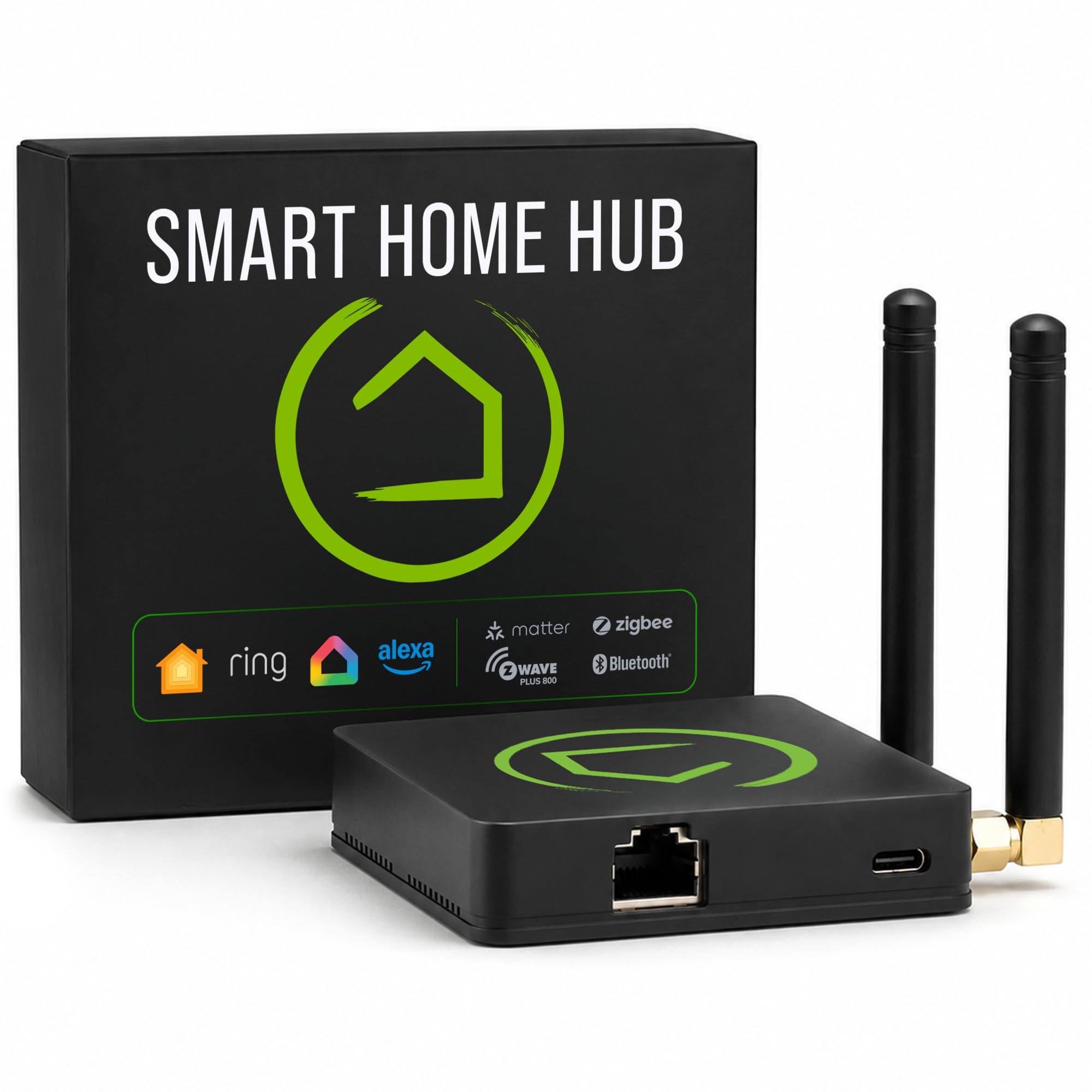
Type: Local automation hub
Protocols: Z-Wave, Zigbee, Matter
Connectivity: Bluetooth
Subscriptions: None required
Ecosystems: Alexa, Google, HomeKit
Cameras: Ring integration
Hubitat Elevation C-8 Pro is the strongest all-round local brain in this group. Automation rules run on the hub itself rather than in a cloud, so schedules, scenes and sensor logic keep firing with no broadband and no subscription. Z-Wave, Zigbee and Matter support means a mixed house of devices can be brought under one roof, and Ring cameras can be folded into the same dashboards.
This is the pick for a homeowner who wants one box to run everything and is willing to spend an evening learning the interface. Voice control through Alexa, Google and HomeKit is available as a layer on top, not a requirement. It is not for buyers who want plug-and-play simplicity — the depth of configuration is the point, and it is also the barrier. The trade-off is a premium price for capability many casual users will never touch.
Check the current price on Amazon
Trade-off: The premium price and configuration depth will overwhelm a buyer who only wants to switch a few lamps on a schedule.
3. SONOFF Bridge Max Smart Home Hub

Type: Matter bridge and Zigbee gateway
Connectivity: RJ45 Ethernet and Wi-Fi
Ecosystems: Apple Home, Alexa, Google Home, Home Assistant
Control: Local
SONOFF Bridge Max is the budget route into Matter. It takes Zigbee devices and exposes them to Apple Home, Alexa, Google Home and Home Assistant as Matter accessories, with control handled locally. The Ethernet port is the detail that matters for a no-broadband house: a wired link to the local router keeps the bridge stable without depending on Wi-Fi coverage.
Build quality is modest but functional, sized to sit quietly beside a router or switch. It suits a buyer with a handful of Zigbee sensors and bulbs who wants them visible in a mainstream app without a subscription. It is not for anyone expecting the bridge to run complex automation logic — it is a translator, not a brain. The trade-off is a narrow role at a low price.
Check the current price on Amazon
Trade-off: The bridge only translates Zigbee devices into Matter apps, so automation rules still depend on whatever platform sits above it.
4. Smart WiFi Hub for Smart Home Automation
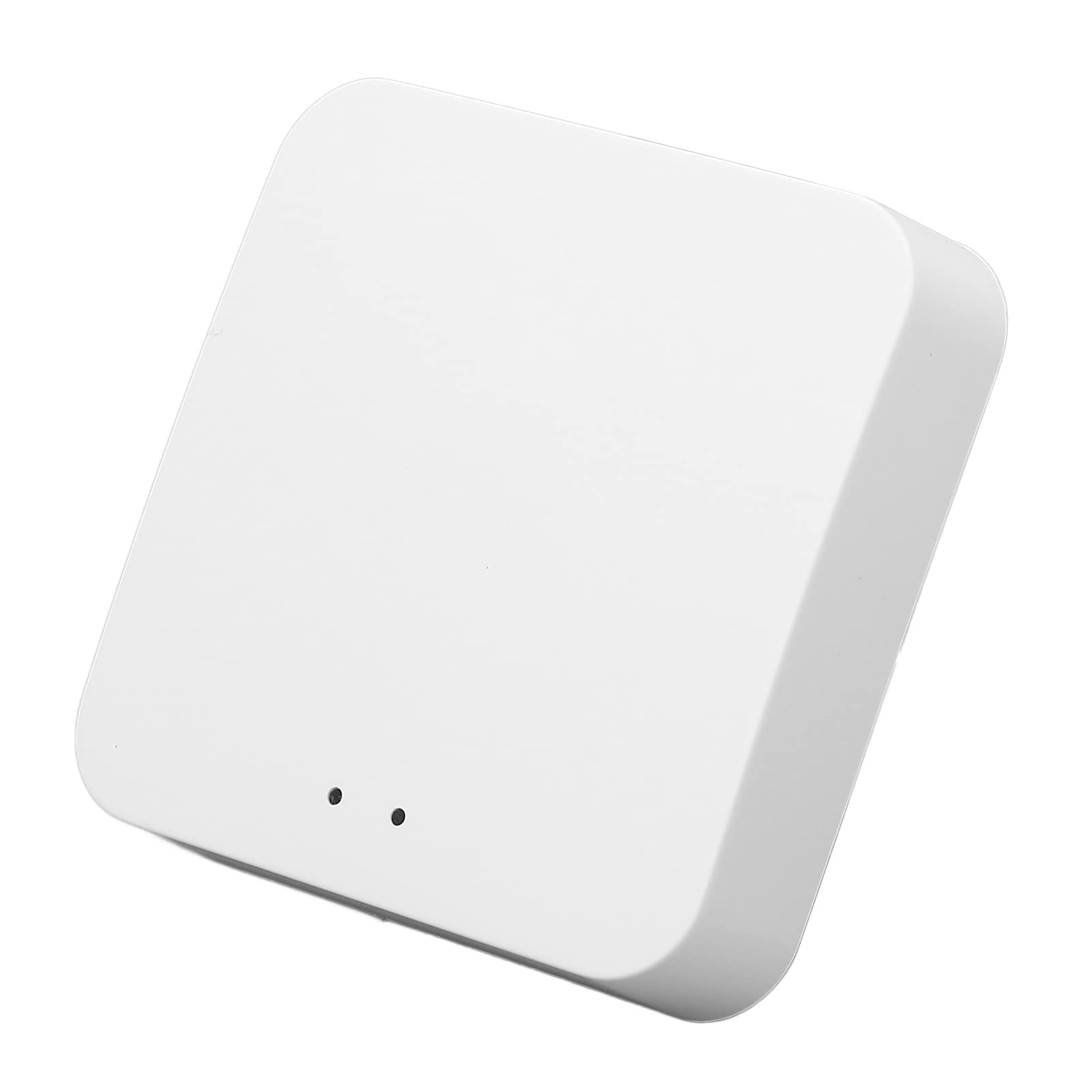
Type: Local control hub
Protocols: BLE and SigMesh
Power: 5V 1A controller
Internet: Not required for local control
Use: Lights and sensors, wireless remote control
Smart WiFi Hub is the cheapest way into local control on this list. It handles Bluetooth Low Energy and SigMesh devices — typically lights and sensors — and is built to run without an internet connection, which fits a shed, garage or off-grid room as well as a house waiting on a line. A 5V 1A supply keeps it small and easy to place.
This is a pick for a buyer with a specific, small job: a few mesh lights and a sensor or two that need to respond to a remote. It is not for anyone building a whole-house system, and it is not for Zigbee, Z-Wave or Matter gear. The trade-off is a narrow protocol set and a new-to-market listing with less of a track record behind it.
Check the current price on Amazon
Trade-off: The low price buys a narrow BLE and SigMesh-only hub, so it will not talk to mainstream Zigbee or Z-Wave devices.
5. Home Assistant Green

Type: Official Home Assistant hardware
Software: Home Assistant
Automation: Advanced, fully local
Setup: App-based onboarding
Home Assistant Green is the official hardware for Home Assistant, the open-source platform that runs everything on the local network by design. It arrives ready to power on and set up through an app, which removes the usual install-a-server hurdle, and then hands over one of the deepest automation engines available to a consumer. Every routine, dashboard and integration lives on the device, so a missing broadband line changes nothing.
It suits the tinkerer who wants total control and does not mind reading documentation to get integrations working. Buyers who want a polished, guided experience will find the learning curve steep. It is not for anyone who wants a hub that works out of the box in ten minutes. The trade-off is premium pricing paired with a real time investment.
Check the current price on Amazon
Trade-off: The premium price only pays off for a buyer prepared to learn Home Assistant’s configuration model.
Before You Buy
- Protocol match: Check what the existing devices speak — Lutron, Zigbee, Z-Wave, Matter, BLE or SigMesh — before choosing a hub, because none of these picks covers every standard.
- Local versus cloud: Confirm the hub runs automation on-device, since a cloud-dependent hub is useless in a house with no broadband.
- Wired networking: Prefer a hub with an Ethernet port where the router is reachable; a wired link is steadier than Wi-Fi in a property with no internet service.
- Subscription cost: Verify no recurring fee is required for the features that matter, as several platforms gate remote access behind one.
- Ecosystem fit: Match the hub to the apps already in use — Apple Home, Alexa, Google Home or Home Assistant — rather than planning to switch later.
- Setup appetite: Budget time for configuration; the most capable hubs here reward patience and punish a rushed install.
Frequently Asked Questions
-
Can a smart home hub work with no broadband at all?
Yes, provided the hub runs automation locally. A local router is still needed so devices and phones can talk to each other, but no internet connection is required for routines to fire. -
Which pick is best for a house that already has Lutron switches?
The Lutron Caseta Smart Hub, since it controls Lutron lighting and shades over Lutron’s own radio rather than Wi-Fi. -
Do any of these hubs require a subscription?
Hubitat Elevation explicitly requires none, and the local-control design of the others means core automation runs without a paid plan. -
What is the difference between a bridge and a hub?
A bridge translates devices from one protocol into another app, like the SONOFF Bridge Max, while a hub also stores and runs the automation rules itself. -
Is Home Assistant Green harder to set up than the others?
Yes. It is more capable, but it expects the owner to configure integrations and automations rather than follow a guided wizard. -
Can these hubs control cameras as well as lights?
Hubitat Elevation supports Ring camera integration; the others focus on lighting, sensors and switches.
Bottom Line
For most houses with no broadband, the Hubitat Elevation C-8 Pro is the safest single purchase: it runs automation locally, covers Z-Wave, Zigbee and Matter, and needs no subscription. Buyers already committed to Lutron should take the Caseta hub instead, and anyone who wants maximum control should go straight to Home Assistant Green.
