Why there are Amazon links here: Brave Review is paid a commission for qualifying Amazon purchases made through the links below. Your price does not change, and using our links is entirely optional. How this works
Best Mesh System for a House with Brick Walls: 5 Picks That Push Through
Brick walls absorb and reflect WiFi signals in a way drywall never does, so a single router often leaves dead zones in exactly the rooms that matter. The picks below are all multi-unit mesh systems that place a node in each problem area instead of trying to blast through masonry from one corner of the house. They suit three buyer types: large-home owners fighting dead zones, renters and older-home owners who cannot run new cabling, and budget shoppers who want reliable coverage without flagship pricing. The overview table below lines up all five so a decision can be made in under a minute.
The Picks at a Glance
| Product | Key Spec | Best Use | Price Tier |
|---|---|---|---|
| TP-Link Deco X55 AX3000 (3-Pack) | WiFi 6, up to 6,500 sq. ft., Ethernet backhaul | Large multi-floor brick homes | Mid-range |
| TP-Link Deco S4 AC1900 (3-Pack) | WiFi 5, up to 5,500 sq. ft., Gigabit ports | Budget whole-home coverage | Budget |
| Tenda Nova MW6 (3-Pack) | AC1200, 4–6 bedroom homes, Gigabit dual-band | Smaller brick houses on a tight budget | Budget |
| NETGEAR Orbi RBK13 | Router plus 2 satellites, up to 4,500 sq. ft. | Simple setup with dedicated satellite design | Mid-range |
| Amazon eero 6+ (3-Pack) | Gigabit plans, up to 4,500 sq. ft., 75+ devices | Crowded households and gigabit internet | Premium |
1. TP-Link Deco X55 AX3000 WiFi 6 Mesh System (3-Pack)

Type: Mesh WiFi system, 3-pack
Standard: WiFi 6 (AX3000)
Coverage: Up to 6,500 sq. ft.
Ports: 3 Gigabit ports per unit
Backhaul: Supports Ethernet backhaul
Replaces: Wireless router and extender
TP-Link Deco X55 AX3000 WiFi 6 Mesh System, Deco X55(3-Pack)
The Deco X55 is the largest-coverage pick here, and WiFi 6 is the main reason it earns the top slot for brick construction. Newer WiFi 6 radios handle interference and multiple connected devices better than older standards, which matters when signal has to survive thick masonry. Three Gigabit ports per unit mean a wired device can sit in every room a node reaches, and Ethernet backhaul lets a buyer wire the nodes together through existing cable or a powerline adapter when brick proves too stubborn for wireless links. It replaces both the old router and any extenders, so the network runs as one name.
This is the pick for owners of large, multi-floor brick houses who want headroom for years of devices and are willing to pay mid-range money. The trade-off is that WiFi 6 performance only pays off with reasonably modern phones and laptops; older hardware will connect fine but will not use the newer standard’s advantages.
2. TP-Link Deco S4 AC1900 WiFi Mesh System (3-Pack)

Type: Mesh WiFi system, 3-pack
Standard: WiFi 5 (AC1900)
Coverage: Up to 5,500 sq. ft.
Ports: Gigabit ports
Voice Control: Works with Alexa
Replaces: WiFi router and extender
TP-Link Deco S4 Mesh AC1900 WiFi System, Deco S4(3-Pack)
The Deco S4 is the value play: AC1900 WiFi 5 hardware covering up to 5,500 square feet with three units and Gigabit ports for wired connections. It is a generation behind WiFi 6, but for most brick-house households the limiting factor is wall penetration and node placement, not the radio standard, and a well-placed trio of WiFi 5 nodes beats one powerful WiFi 6 router every time. Alexa compatibility adds basic voice control, and the system replaces the existing router and extenders with a single managed network.
It fits budget-conscious buyers in medium-to-large brick homes who stream, browse and work from home but do not run heavy local-network transfers. The trade-off is future-proofing: as more devices in a home move to WiFi 6 and WiFi 7, this system will not unlock those speeds, so it is a buy-for-now choice rather than a decade-long one.
3. Tenda Nova MW6 Mesh WiFi System (3-Pack)
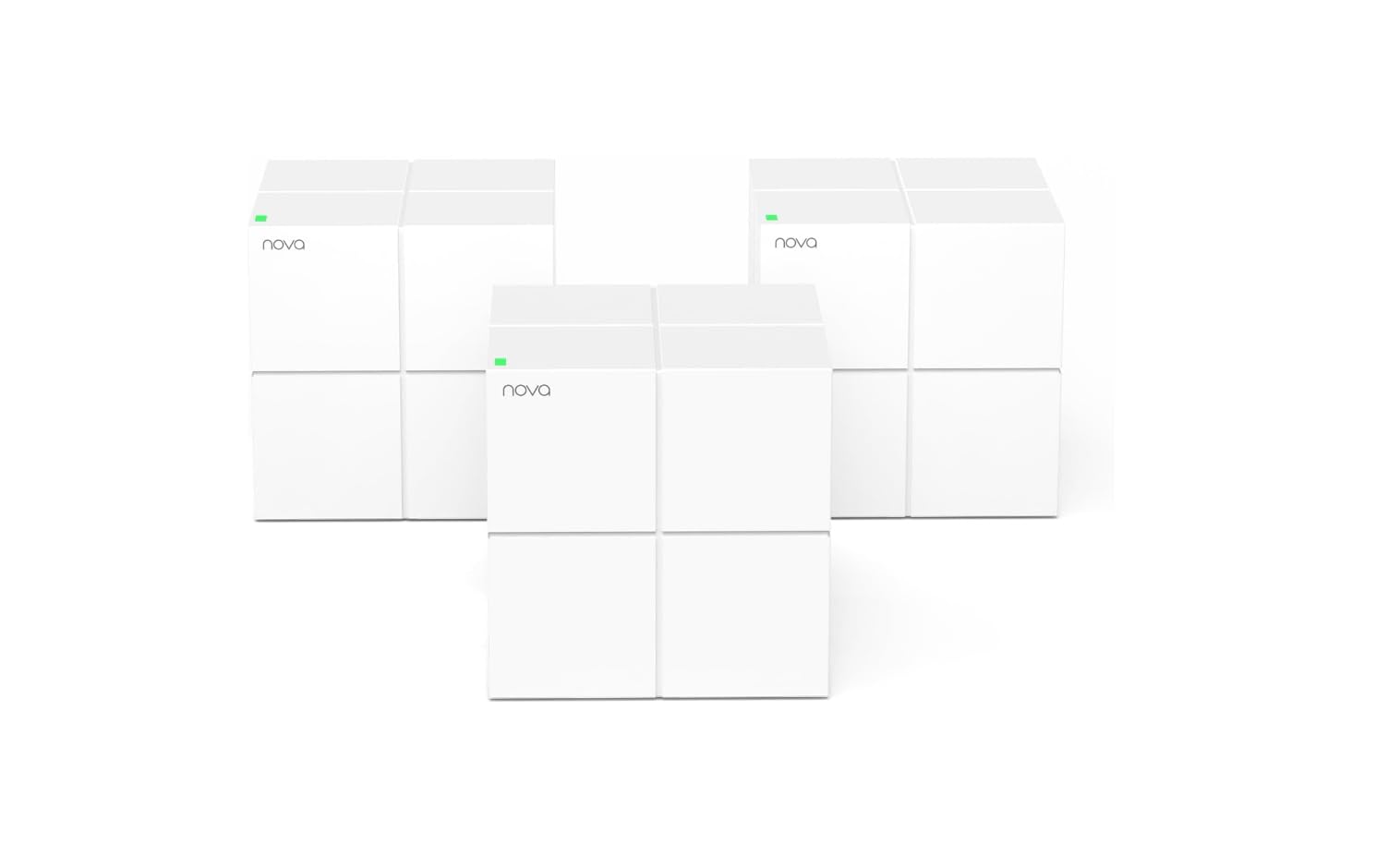
Type: Mesh WiFi system, 3-pack
Standard: AC1200 dual-band
Coverage: 4–6 bedroom houses
Ports: Gigabit
Replaces: Wireless router and WiFi extender
Best For: Smaller brick houses on a tight budget
Tenda Nova Mesh WiFi System MW6 – AC1200 Whole Home WiFi System – 3-Pack
The Nova MW6 is the entry-level option, sized by the manufacturer for four-to-six-bedroom houses with AC1200 dual-band WiFi and Gigabit ports. Three compact nodes spread signal across rooms rather than forcing one unit to punch through every brick wall, which is the whole point of mesh in this kind of construction. Setup is app-driven and the system replaces both the router and any extenders, keeping the network on one name as devices move between rooms.
This is the right pick for a smaller brick house or a flat where the budget is genuinely tight and the internet plan is modest. The trade-off is throughput: AC1200 is the slowest standard in this roundup, so households with gigabit internet or many simultaneous 4K streams will feel the ceiling.
4. NETGEAR Orbi Whole Home Mesh WiFi System (RBK13)
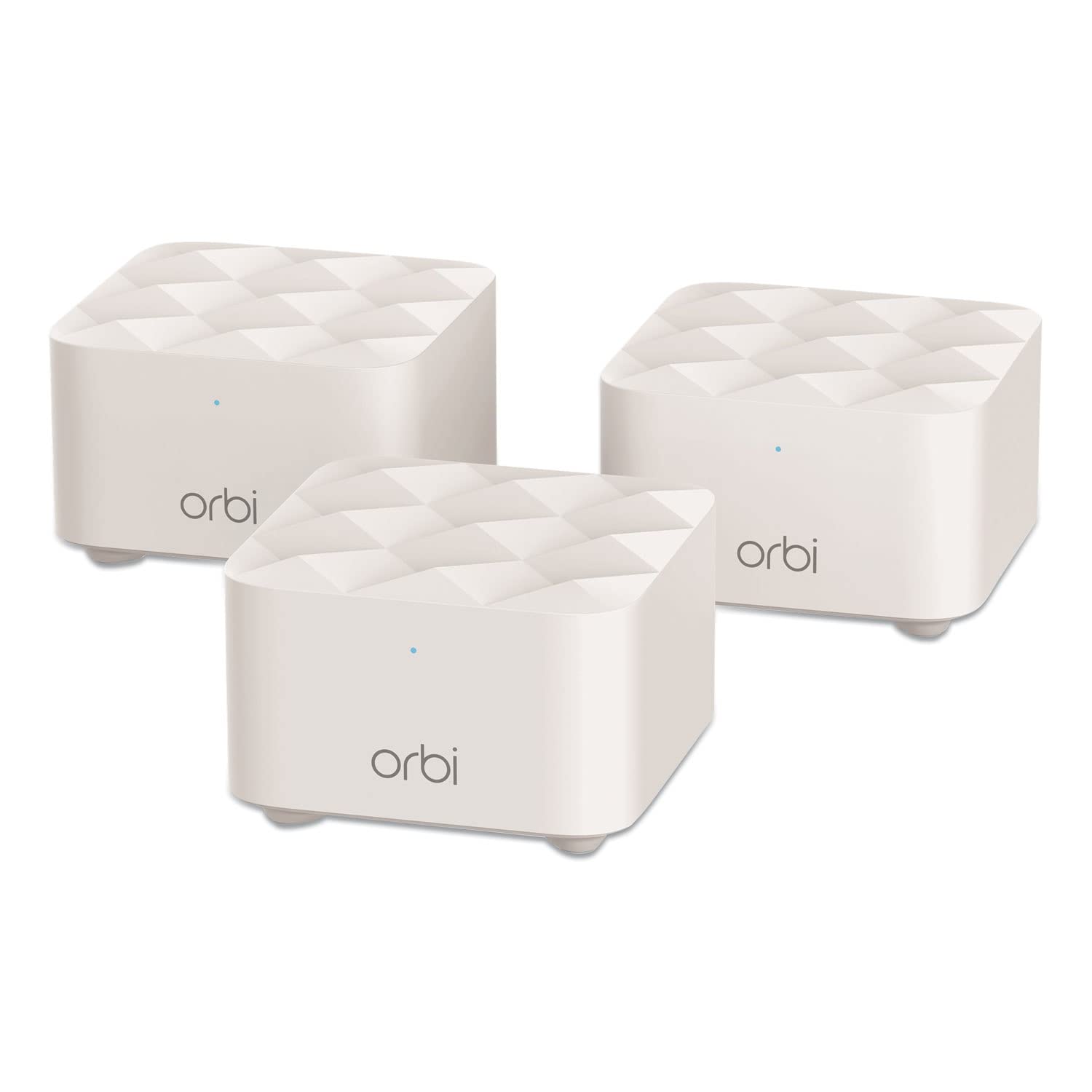
Type: Mesh WiFi system, router plus 2 satellites
Coverage: Up to 4,500 sq. ft.
Configuration: 1 router, 2 satellites
Replaces: Existing router
Best For: Straightforward satellite-based coverage
The Orbi RBK13 uses a router-plus-satellites design rather than three identical units, covering up to 4,500 square feet. The dedicated satellite approach makes placement intuitive: the router goes where the modem is, and each satellite goes in a room that currently has weak signal, bridging the gap across brick partitions. For a house where the dead zone is one far wing or an upstairs bedroom, this layout is easy to reason about without networking knowledge.
It suits buyers who want a recognizable brand and a simple mental model of how coverage works, in homes up to about 4,500 square feet. The trade-off is coverage per dollar: at this footprint the Orbi covers less area than the Deco systems above, so a very large brick house will need more satellites than the box provides.
5. Amazon eero 6+ Mesh WiFi System (3-Pack)
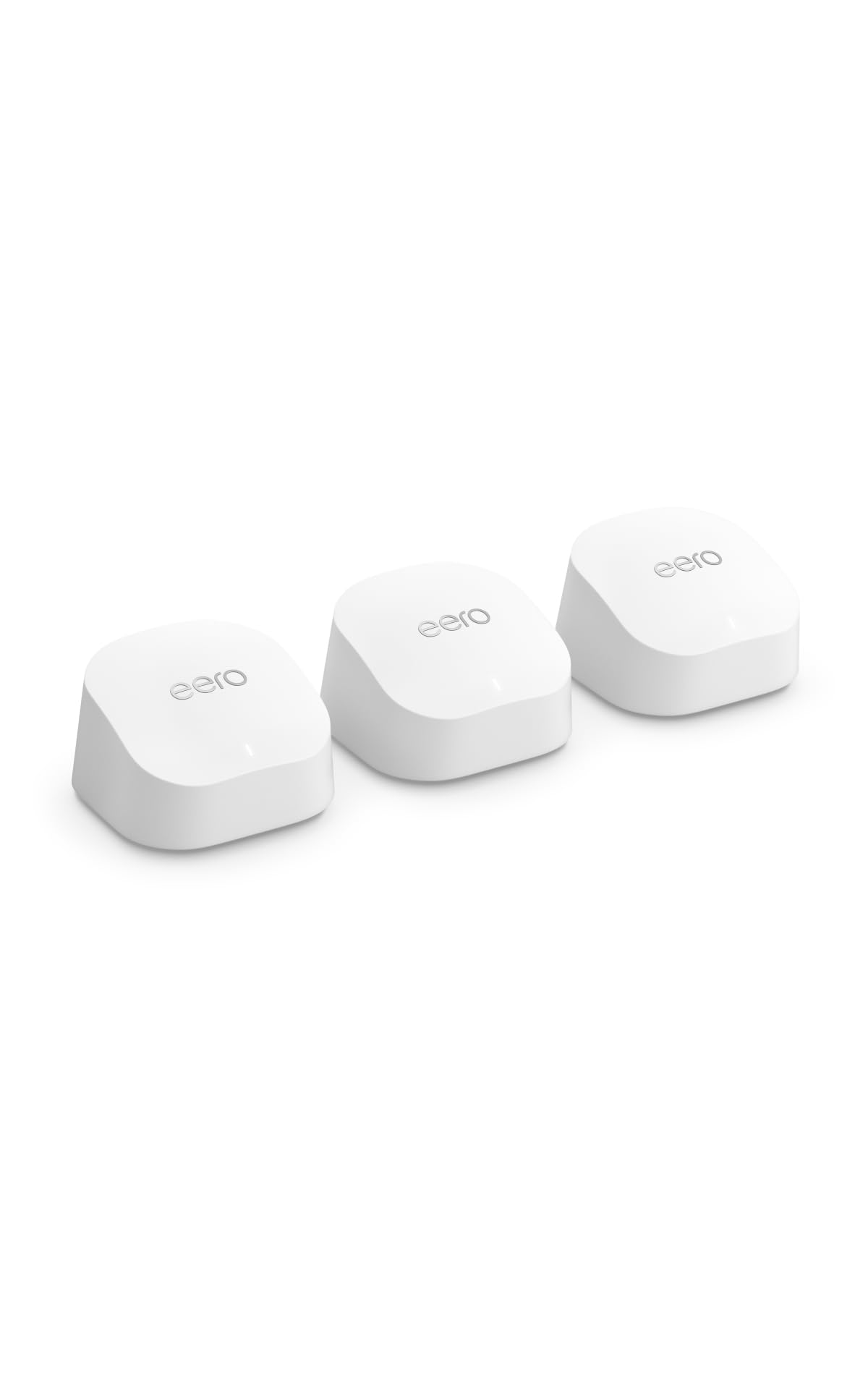
Type: Mesh WiFi system, 3-pack
Speed: Supports internet plans up to a Gigabit
Coverage: Up to 4,500 sq. ft.
Device Load: Connects 75+ devices
Best For: Crowded households on fast internet plans
Amazon eero 6+ mesh wifi system – 3-pack
The eero 6+ is the premium pick, built for gigabit internet plans and households connecting 75 or more devices across up to 4,500 square feet. Three units handle the brick-wall problem by saturating the floor plan with nodes, and the system is designed around simple app management rather than a web console. For a busy home with phones, laptops, TVs, cameras and smart-home gear all competing for airtime, the device capacity is the headline feature.
This is the choice for buyers who value polish and device density over raw coverage, and who already pay for a fast internet plan. The trade-off is price and coverage: it costs more than the Deco X55 while covering less square footage, so very large brick houses should look at the TP-Link first.
Before You Buy
- Coverage math: Manufacturer square footage assumes open-ish layouts; brick walls cut effective range, so buy one tier larger than the floor plan suggests.
- Placement: Nodes need line of sight through doorways where possible; a node behind a brick chimney or in a closed cabinet wastes its potential.
- Ethernet backhaul: If the house has any existing coax or Ethernet, check whether the system supports wired backhaul — it is the single biggest fix for stubborn brick walls.
- Standard: WiFi 6 systems cost more but handle interference and device load better; WiFi 5 is fine for modest internet plans and tighter budgets.
- Port count: Count wired devices (TVs, consoles, desktop PCs) and confirm each node has enough Gigabit ports.
- Internet plan: Match the system to the plan — a budget AC1200 mesh will bottleneck a gigabit connection.
- App and ecosystem: Check which app manages the network and whether the brand’s parental controls or subscription features matter to the household.
Frequently Asked Questions
-
Do mesh systems actually work through brick walls?
Yes, but differently than through drywall. Instead of one router fighting masonry, multiple nodes relay the signal room by room, so coverage improves as long as nodes are placed thoughtfully. -
How many mesh units does a brick house need?
More than the square footage alone suggests. A house at the top of a system’s rated coverage will likely need an extra node, especially with interior brick or plaster walls. -
Is WiFi 6 worth it for a brick house?
WiFi 6 helps most in crowded homes with many devices and fast internet plans. In a small brick house on a basic plan, a WiFi 5 system like the Deco S4 delivers most of the benefit for less money. -
Can Ethernet backhaul help with brick walls?
Considerably. Wiring nodes together bypasses the wireless hop through masonry entirely, and the Deco X55 explicitly supports Ethernet backhaul for exactly this kind of setup. -
Will a mesh system replace an existing router and extender?
All five picks here are designed to replace both, running the whole home on a single network name so devices switch nodes automatically. -
What is the biggest mistake when buying mesh for brick walls?
Buying by square footage alone. Placement and node count matter more than the rating on the box in masonry construction.
Bottom Line
For most brick-wall houses, the TP-Link Deco X55 AX3000 three-pack is the strongest buy: the largest coverage in this roundup, WiFi 6 for crowded networks, and Ethernet backhaul support for the cases where wireless simply will not cooperate. Buyers on a tight budget should drop to the Deco S4, while gigabit households with dozens of devices will get the most from the eero 6+.
