Why there are Amazon links here: Brave Review is paid a commission for qualifying Amazon purchases made through the links below. Your price does not change, and using our links is entirely optional. How this works
Best WiFi Extender for a House With a Basement
A basement is one of the hardest places to cover with home WiFi: the signal has to fight through a floor, concrete or masonry, and often a run of ductwork before it reaches the far corner. The five extenders below are the strongest options for pushing a usable signal down and out, from a budget plug-in to a premium WiFi 6 unit. Shoppers who want a quick fix at the lowest cost should look at the AC1200 pick, while larger homes and gadget-heavy basements will get more from the higher-capacity models. The overview table below puts all five side by side before the detailed reviews.
Overview of the Picks
| Product | Key Spec | Best Use | Price Tier |
|---|---|---|---|
| TP-Link AC1200 WiFi Extender (RE315) | Dual-band, up to 1.2Gbps, 1600 sq.ft, 32 devices | Small basement rooms on a tight budget | Budget |
| TP-Link AC1900 WiFi Range Extender (RE550) | Dual-band, up to 2200 sq.ft, gigabit port | Mid-size homes wanting a wired port downstairs | Mid-range |
| WiFi Extender Signal Booster for Home (18,000 sq.ft) | Long-range repeater, 65+ devices, Ethernet port | Very large multi-floor homes | Mid-range |
| TP-Link AX3000 WiFi 6 Range Extender (RE715X) | WiFi 6 dual-band, up to 2400 sq.ft, 64 devices | Fast, crowded networks and streaming in the basement | Premium |
| 2026 WiFi Extender Signal Booster for Home (15,000 sq.ft) | Long-range repeater, 99% device support, Ethernet port | Big homes on a mid-range budget | Mid-range |
TP-Link AC1200 WiFi Extender (RE315)

Type: Dual-band wall-plug extender
Speed class: Up to 1.2Gbps
Coverage: Up to 1600 sq.ft
Devices: Up to 32
Ports: One Ethernet port
Mesh: EasyMesh compatible
TP-Link AC1200 WiFi Extender Dual Band 5GHz/2.4GHz (RE315)
The RE315 is the smallest and cheapest way to get a signal into a basement, and it earns its place as the budget pick. It is a compact plug-in unit that goes straight into a wall outlet, with a single Ethernet port for wiring one device such as a smart TV or console. The dual-band design carries both 2.4GHz and 5GHz, and EasyMesh compatibility lets it join a mesh network rather than run as a lone repeater.
This is the right pick for a finished basement room that needs a modest boost, or for a buyer who wants to spend as little as possible to kill one dead corner. The trade-off is reach: a 1600 sq.ft rating and 32-device ceiling make it a poor fit for a large basement packed with gadgets, and the single port limits wired connections to one device.
TP-Link AC1900 WiFi Range Extender (RE550)

Type: Dual-band wall-plug extender
Speed class: AC1900
Coverage: Up to 2200 sq.ft
Devices: Up to 32
Ports: Gigabit Ethernet port
Mesh: EasyMesh compatible
Setup: App-based
TP-Link AC1900 WiFi Range Extender RE550 | Dual-Band Wireless Repeater
The RE550 steps up the speed class and swaps in a gigabit Ethernet port, which matters for a basement office or a media setup where a wired connection is preferred. Its 2200 sq.ft coverage and dual-band design make it a stronger fit for a medium home than the budget model, and app-based setup keeps configuration simple.
This pick suits buyers who want a noticeable speed bump over an entry-level extender without paying premium prices, and who may want to hardwire one device downstairs. The trade-off is that the 32-device ceiling stays the same as the cheaper unit, so a basement full of smart devices will still strain it.
WiFi Extender Signal Booster for Home (18,000 Sq Ft)
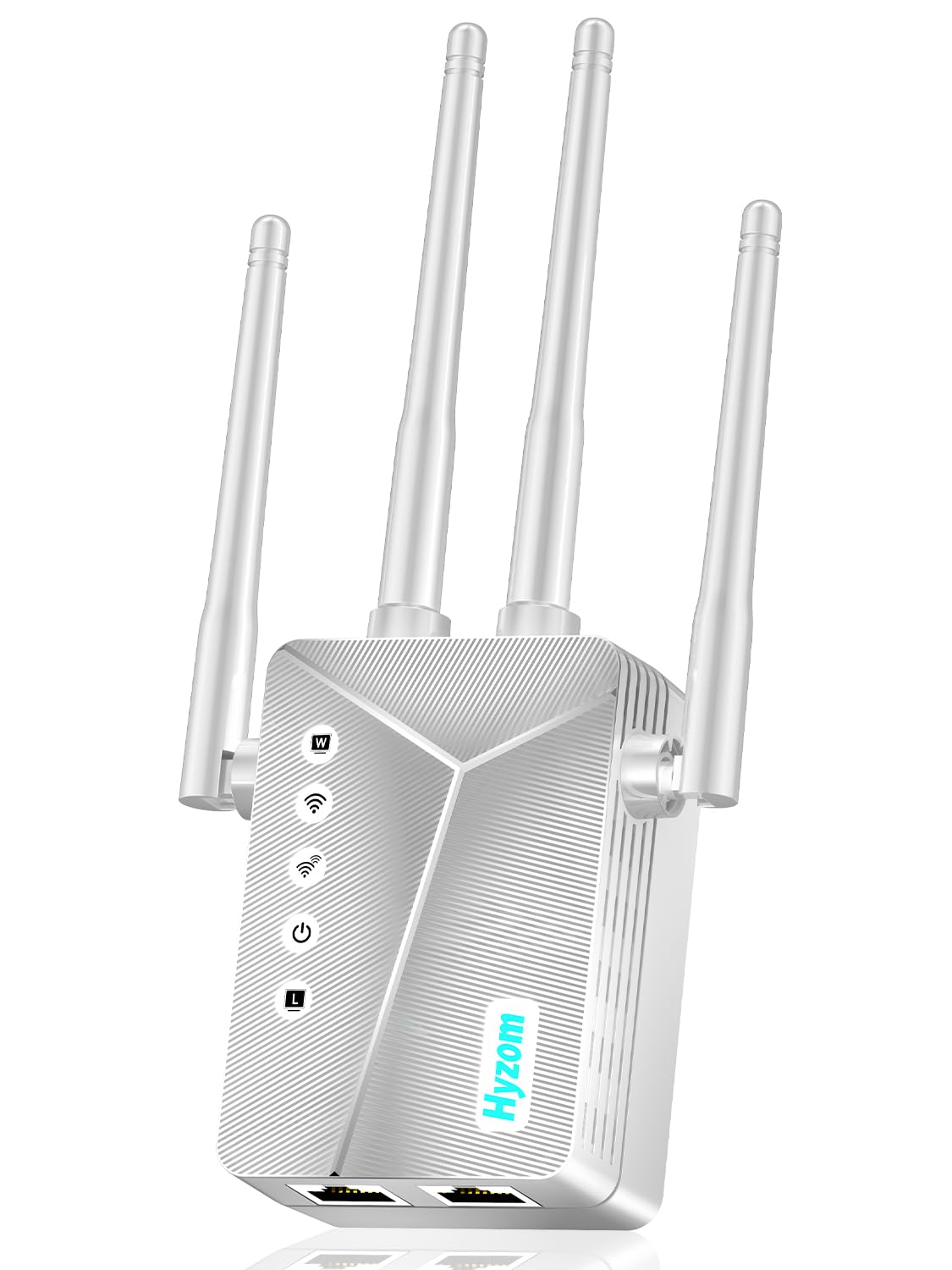
Type: Long-range wireless repeater
Coverage: Up to 18,000 sq.ft
Devices: 65+
Ports: Ethernet port
Setup: One-tap
Function: Eliminates dead zones, reduces buffering
WiFi Extender Signal Booster for Home, Covers Up to 18,000 Sq Ft
This unit is built for sheer reach, with a claimed coverage figure that dwarfs the mainstream brands and a device ceiling above 65. The one-tap setup and included Ethernet port make it approachable for a buyer who does not want to fiddle with network settings, and it is aimed squarely at eliminating dead zones and buffering.
It suits very large homes where the basement sits far from the router and a single strong repeater is the goal. The trade-off is that an 18,000 sq.ft claim is best treated as marketing reach rather than a guarantee, and a no-name brand at this price rarely matches the polish or support of the established names.
TP-Link AX3000 WiFi 6 Range Extender (RE715X)
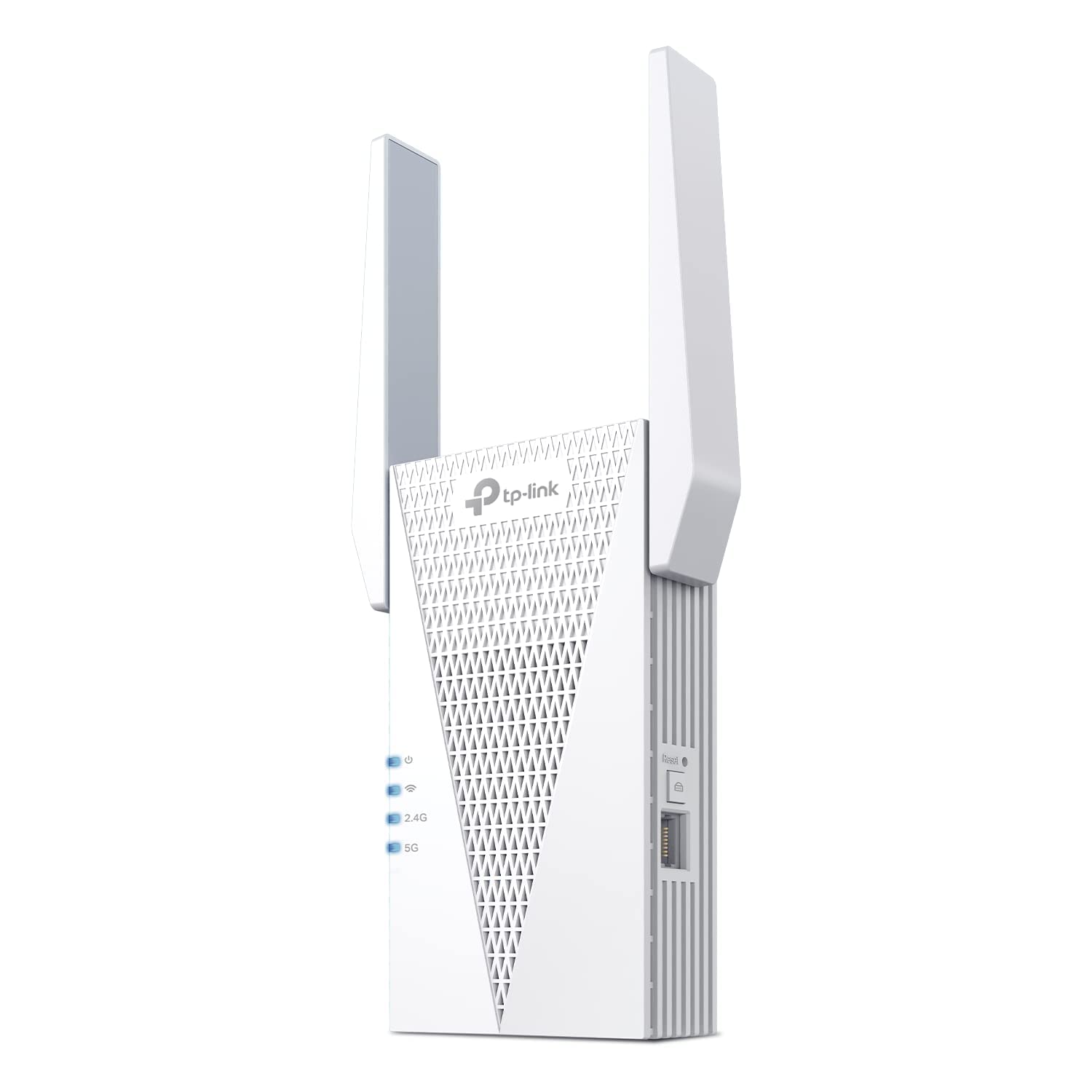
Type: Dual-band WiFi 6 extender
Speed class: AX3000
Coverage: Up to 2400 sq.ft
Devices: Up to 64
Ports: Ethernet port
Mesh: EasyMesh compatible
Setup: App-based
TP-Link AX3000 WiFi 6 Dual-Band Range Extender (RE715X)
The RE715X is the premium pick and the only WiFi 6 model here, which makes it the best choice for a crowded network with lots of simultaneous streams. It handles up to 64 devices, covers up to 2400 sq.ft, and carries an Ethernet port for a wired device in the basement. EasyMesh support and app setup round out a package built for modern routers.
This is the pick for a buyer running a fast router who wants the basement to keep pace for streaming, gaming, or working from home. The trade-off is price: it sits at the top of this list, and a buyer with a basic router and modest needs will not see the full benefit of WiFi 6.
2026 WiFi Extender Signal Booster for Home (15,000 sq.ft)
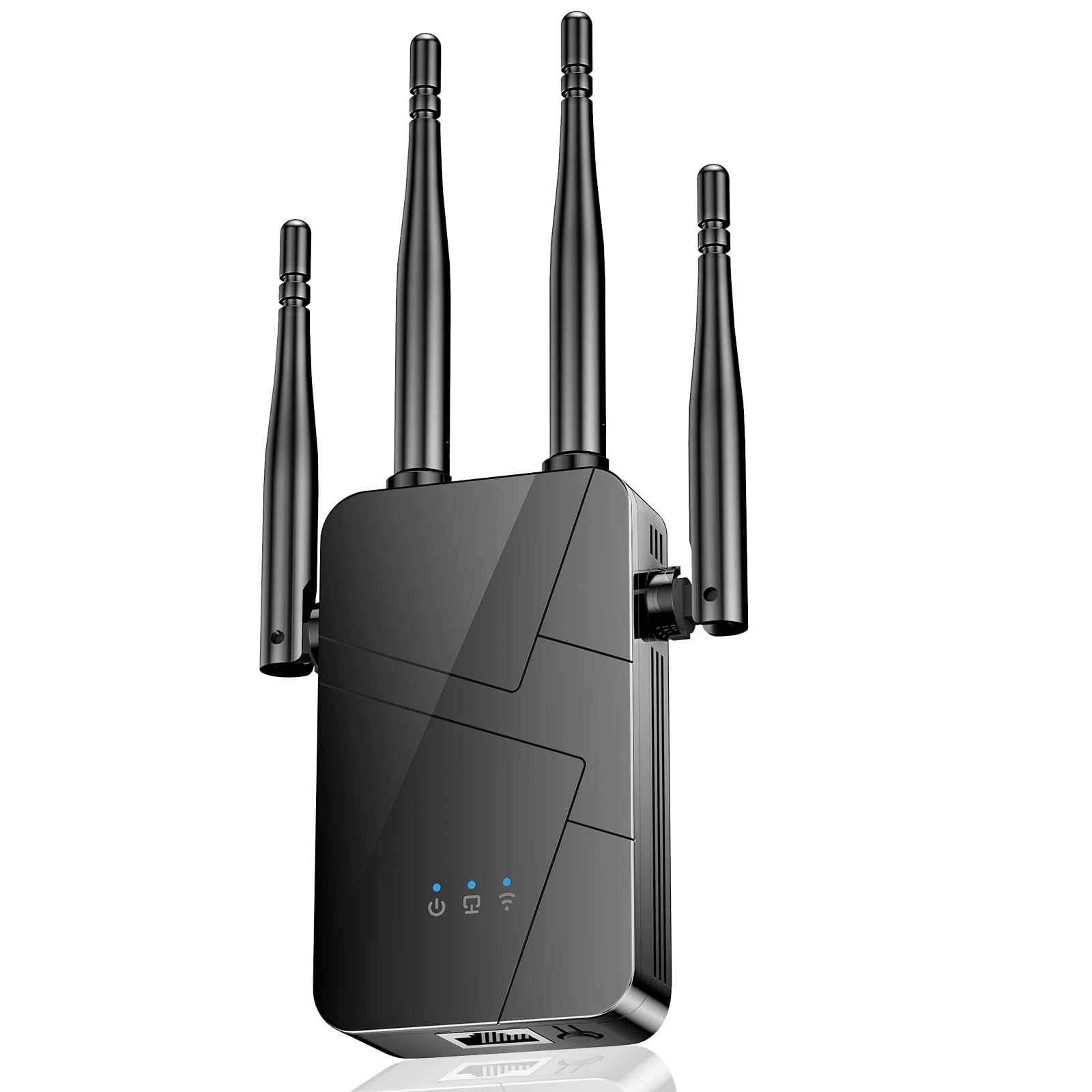
Type: Long-range wireless repeater
Coverage: Up to 15,000 sq.ft
Devices: Supports 99% of devices
Ports: Ethernet port
Setup: One-tap
Function: Long-range booster and signal amplifier
2026 WiFi Extender Signal Booster for Home, 15000sq.ft
This repeater targets big homes with a long-range claim and broad device compatibility, and the one-tap setup makes it easy for a non-technical buyer to deploy. An Ethernet port adds a wired option, and the 15,000 sq.ft figure positions it for whole-house coverage rather than a single room.
It suits buyers with a sprawling home who want a mid-priced repeater and do not need the fastest possible speeds. The trade-off is the same as its sibling: the coverage headline is optimistic, and a budget-tier brand should be expected to deliver basic reliability rather than premium performance.
Before You Buy
- Placement: An extender must sit roughly halfway between the router and the basement, where the signal is still decent — placing it in the dead zone itself does nothing.
- Floor construction: Concrete, masonry, and metal ductwork weaken signal sharply, so a unit with a wired Ethernet port is often the more reliable path into a basement.
- Coverage claims: Treat large square-footage numbers as best-case marketing; match the pick to the real size of the space that needs coverage.
- Device count: Count phones, TVs, consoles, and smart devices in the basement before choosing — a 32-device limit fills up fast.
- Speed class: WiFi 6 pays off only with a compatible router and fast internet; older routers do fine with a dual-band AC model.
- Compatibility: EasyMesh support lets an extender join an existing mesh network instead of running as a separate network with its own name.
Frequently Asked Questions
-
Will a WiFi extender work through a basement floor?
Yes, but placement is critical. The extender needs a decent signal where it sits, so it should go on the floor above or at the top of the stairs rather than deep in the basement. -
Is WiFi 6 worth it for a basement?
It helps most on crowded networks with many devices and heavy streaming. A basic router and light use are served fine by a dual-band AC extender. -
Do I need an Ethernet port on the extender?
It is useful for wiring a basement TV, console, or computer, which gives a more stable connection than WiFi alone. -
How many devices can these extenders handle?
The budget and mid picks list up to 32 devices, the premium WiFi 6 model lists 64, and the long-range units claim 65 or more. -
Can an extender join an existing mesh system?
The TP-Link models list EasyMesh compatibility, which allows them to work within a mesh network. The long-range no-name units are best treated as standalone repeaters. -
Where should the extender be plugged in?
Roughly midway between the router and the area that needs coverage, in an open spot away from metal and concrete obstructions.
Bottom Line
For most homes with a basement, the TP-Link AC1900 WiFi Range Extender (RE550) is the best balance of coverage, speed, and a gigabit Ethernet port for wiring a device downstairs. Buyers on a tight budget can drop to the AC1200 model, while a crowded, fast network is best served by the WiFi 6 RE715X at the top of the range.
