Why there are Amazon links here: Brave Review is paid a commission for qualifying Amazon purchases made through the links below. Your price does not change, and using our links is entirely optional. How this works
Best Router for a Flat With a Hallway Dead Spot: 5 Mesh Picks That Fix It
A hallway dead spot in a flat is rarely a speed problem — it is a placement problem, and the fix is usually a mesh system rather than a single box in the living room. The picks below cover three buyer profiles: renters who want one affordable unit, households on gigabit-plus fiber that need headroom, and long or L-shaped flats where one node cannot reach the back bedroom. The overview table shows the differences at a glance, and each review states who the pick is not for.
The Picks at a Glance
| Product | Key Spec | Best Use | Price Tier |
|---|---|---|---|
| TP-Link Archer AX21 V5 | AX1800 dual-band, Easy Mesh, Gigabit | Budget single-router start | Budget |
| Amazon eero 7 | Dual-band Wi-Fi 7, up to 2.5 Gbps plans, 2,000 sq. ft. | Small flat, future-proof Wi-Fi | Mid |
| Amazon eero Pro 7 | Tri-band Wi-Fi 7, up to 5 Gbps plans, 2,000 sq. ft. | Multi-gig fiber, heavy device load | Premium |
| Amazon eero 6+ | Dual-band, up to gigabit plans, 1,500 sq. ft., 75+ devices | Value pick for gigabit flats | Mid |
| TP-Link Deco S4 (3-Pack) | AC1900 mesh, up to 5,500 sq. ft., gigabit ports | Long flats, hallway coverage | Budget |
TP-Link Archer AX21 V5 — Best Budget Starting Point

Type: Dual-band Wi-Fi 6 router
Speed class: AX1800
Ports: Gigabit
Mesh: Easy Mesh compatible
Voice: Works with Alexa
Certification: Certified for Humans
This is a conventional single router rather than a mesh node, which matters in a flat with a hallway dead spot: it earns its place as the cheap first step for a buyer who has not yet committed to a mesh system. Wi-Fi 6 and gigabit ports keep it relevant on modern fiber plans, and Easy Mesh compatibility means a second compatible unit can be added later instead of replacing the whole setup. Setup is pitched at non-technical buyers, so the barrier to entry is low.
The catch is that one unit still has to fight the hallway wall, and a single router placed near the front door will not reach a rear bedroom as reliably as two nodes would. Buyers in a very small flat get the most from it; buyers in a long flat should treat it as the first half of a two-piece system.
Trade-off: A single router cannot do the job of a second node, so the hallway dead spot may only shrink rather than disappear.
Amazon eero 7 — Best Small-Flat Wi-Fi 7 Pick
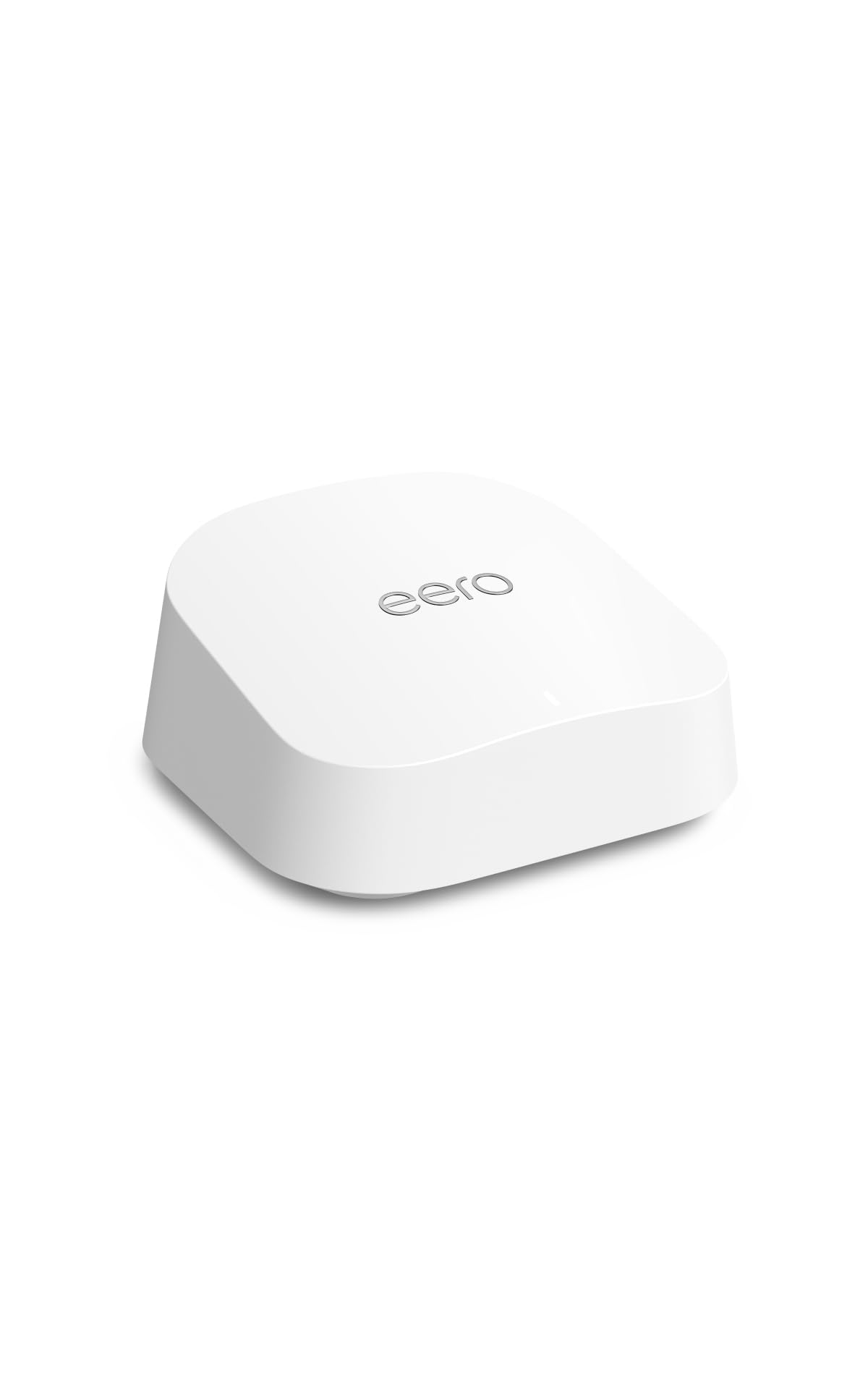
Type: Dual-band mesh Wi-Fi 7 router
Coverage: Up to 2,000 sq. ft.
Plan support: Up to 2.5 Gbps
Pack size: 1-pack
Generation: Newest model
The eero 7 is the sensible entry into Wi-Fi 7 for a flat, pairing the newer standard with plan support up to 2.5 Gbps and coverage rated to 2,000 square feet. That coverage figure is the useful part here: a single unit is specified to cover more floor area than most flats have, which gives a buyer room to place it centrally and still reach the hallway. It is a mesh router, so a second unit can be added if the dead spot persists.
Dual-band rather than tri-band is the honest limitation. In a flat with many devices running at once, a tri-band unit spreads the load better, and buyers on multi-gig fiber will want the Pro model instead. For a typical flat on a mid-tier plan, the eero 7 is the balanced choice.
Trade-off: Dual-band only, so the busiest households should look at the tri-band model above it.
Amazon eero Pro 7 — Best for Heavy Device Loads
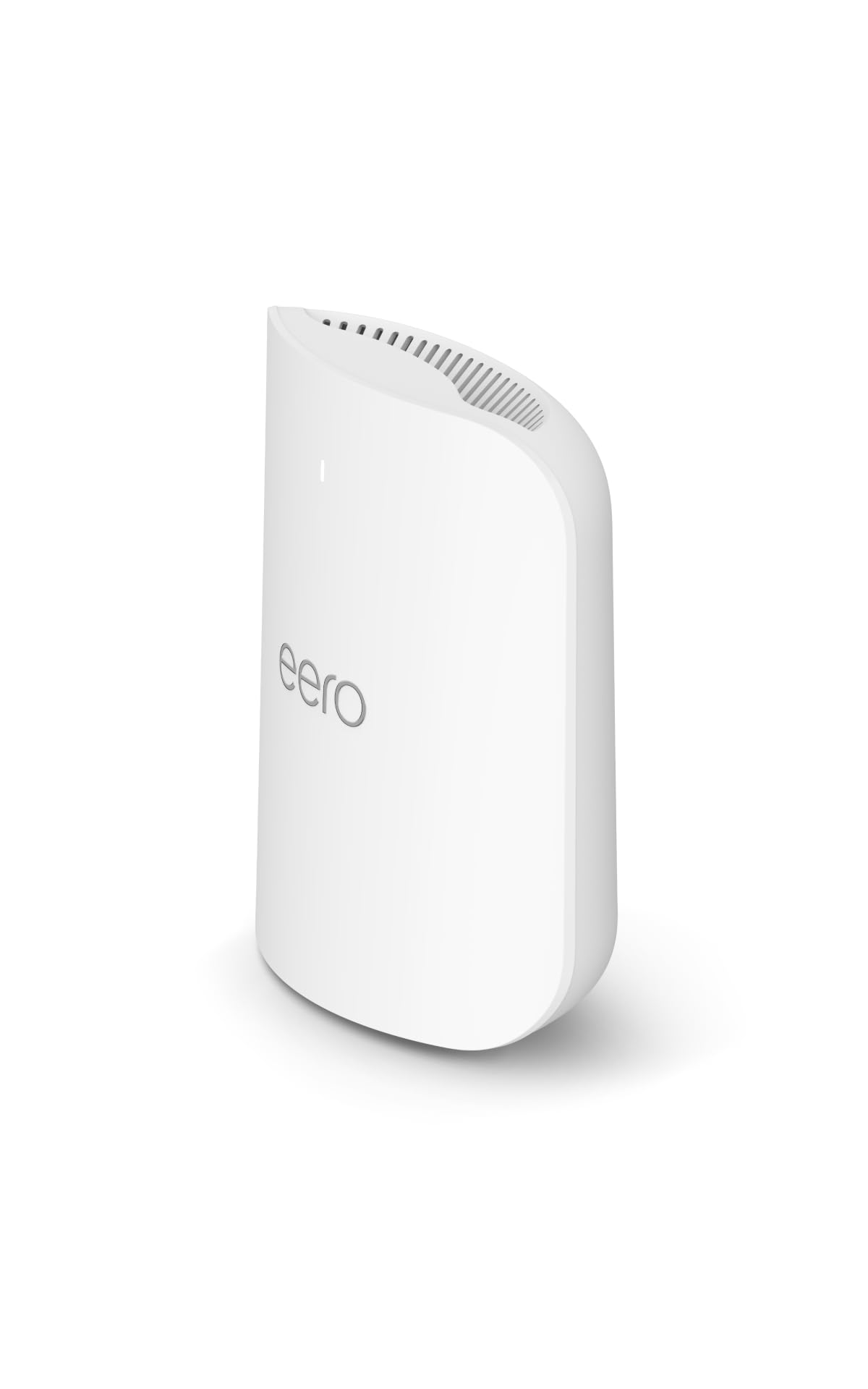
Type: Tri-band mesh Wi-Fi 7 router
Coverage: Up to 2,000 sq. ft.
Plan support: Up to 5 Gbps
Pack size: 1-pack
Generation: Newest model
The Pro 7 adds a third radio band and support for internet plans up to 5 Gbps, which is the specification that separates it from the standard eero 7. Tri-band matters in a flat where a work laptop, streaming TVs, games consoles and smart home gear all pull at once — the extra band gives the system a second lane to route traffic through. Coverage is stated at the same 2,000 square feet, so the gain is capacity and plan headroom rather than raw reach.
The premium price is the reason it does not suit everyone. A buyer on a standard fiber plan with a handful of devices will pay for bandwidth the flat cannot use, and the same coverage figure means the extra money buys throughput, not a larger footprint.
Trade-off: The premium tier is hard to justify unless the flat runs multi-gig internet and a dense device load.
Amazon eero 6+ — Best Value for Gigabit Flats
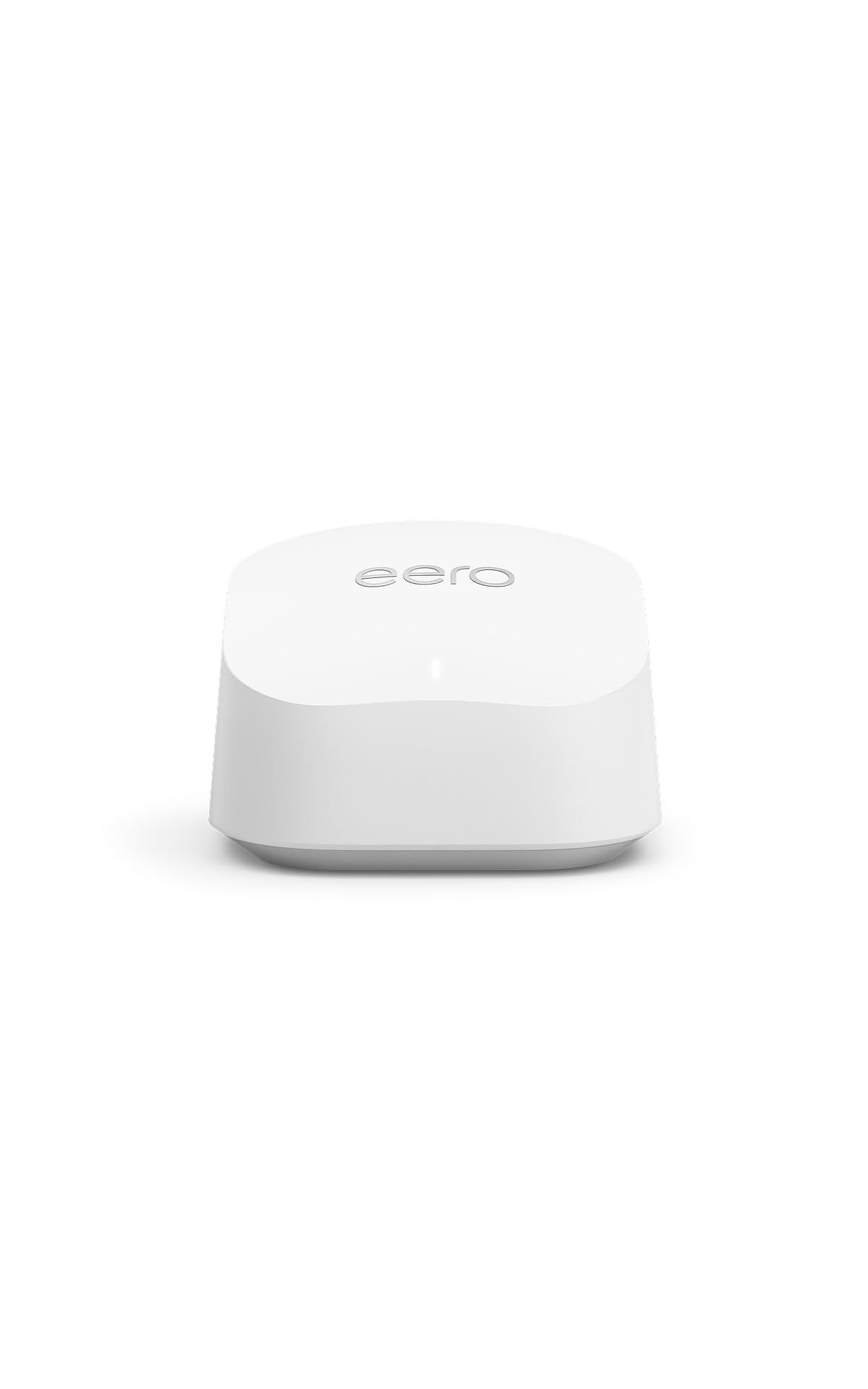
Type: Dual-band mesh router
Coverage: Up to 1,500 sq. ft.
Plan support: Up to a gigabit
Device capacity: 75+ devices
Pack size: 1-pack
The eero 6+ is the value pick: coverage rated to 1,500 square feet and support for plans up to a gigabit, with capacity for 75-plus connected devices. That device figure is generous for a flat, and it means the router is not the bottleneck when phones, laptops, TVs and smart plugs are all online. Gigabit support keeps it matched to the most common fiber tier.
The 1,500-square-foot rating is the smallest here, so it is the pick for compact flats and open-plan layouts rather than long hallways with rooms off the far end. Buyers in a large flat should start with two nodes or choose a system rated for more area.
Trade-off: The smallest coverage rating in this group limits it to compact flats unless a second unit is added.
TP-Link Deco S4 (3-Pack) — Best for Long Flats and Hallways

Type: AC1900 mesh Wi-Fi system
Pack size: 3-pack
Coverage: Up to 5,500 sq. ft.
Ports: Gigabit
Function: Replaces router and extender
Voice: Works with Alexa
Three nodes and a coverage rating up to 5,500 square feet make this the direct answer to a hallway dead spot: one unit near the incoming line, one in or near the hallway, one at the far end of the flat. It replaces both the old router and any extender, which simplifies the setup and removes a common source of dropped connections. Gigabit ports keep wired devices fed.
The trade-off is age. AC1900 is Wi-Fi 5 rather than Wi-Fi 6 or 7, so it will not extract the full benefit of the newest devices or the fastest plans. Buyers on a budget with a long flat get the most coverage per dollar here; buyers chasing peak speed should look at the eero 7 models.
Trade-off: Wi-Fi 5 hardware means newer devices and fast plans will not run at their ceiling.
Before You Buy
- Coverage rating: Compare the stated square footage against the flat’s actual floor area, and add a node if the flat is long or L-shaped.
- Pack size: One unit suits compact flats; two or three nodes are the reliable fix for a hallway dead spot.
- Plan support: Match the router to the internet tier — a gigabit plan does not need a 5 Gbps router.
- Wi-Fi generation: Wi-Fi 6 and 7 handle dense device loads better; Wi-Fi 5 is cheaper and still adequate for lighter use.
- Ports: Gigabit Ethernet ports matter for TVs, consoles and desktop setups that benefit from a wired link.
- Mesh compatibility: A system that can take extra nodes later avoids replacing the whole setup when needs grow.
- Placement: Nodes work best spread through the flat rather than clustered in one room, which is what closes a hallway gap.
Frequently Asked Questions
-
Will a mesh system fix a hallway dead spot?
Yes, in most flats. The gap usually comes from walls and distance, and a second node placed between the router and the dead zone routes around both. -
Is one router enough for a flat?
It can be for a compact or open-plan flat. Long flats with rooms off a corridor generally need two nodes to reach the far end reliably. -
Does Wi-Fi 7 matter in a flat?
It helps with dense device loads and fast plans, but a Wi-Fi 6 system is still a sound choice for ordinary broadband. -
Where should the second node go?
Partway between the main router and the dead spot — roughly the hallway itself — rather than in the room that already has a weak signal. -
Do the eero and Deco systems work with existing routers?
Both are mesh systems designed to replace the existing router and extender setup rather than sit behind it. -
Is a tri-band router worth the extra cost?
It is worth it when many devices run at once or the plan exceeds a gigabit; otherwise dual-band covers a flat comfortably.
Bottom Line
For most flats with a hallway dead spot, the Amazon eero 7 is the pick that balances coverage, current Wi-Fi 7 hardware and price, and a second unit can be added if the gap survives. Buyers in a long flat on a tight budget should take the TP-Link Deco S4 three-pack instead, since three nodes beat one on reach. Check the current price on the eero 7 before deciding.
