Why there are Amazon links here: Brave Review is paid a commission for qualifying Amazon purchases made through the links below. Your price does not change, and using our links is entirely optional. How this works
TP-Link Archer BE230 vs Omada EAP720: Router or Access Point?
The TP-Link Archer BE230 vs Omada EAP720 decision comes down to one question: does the network need a router that runs the whole house, or an access point that extends an existing managed network? The Archer BE230 is a renewed dual-band Wi-Fi 7 router with wired ports and a USB slot. The Omada EAP720 is a PoE-powered business access point built for Omada-managed mesh deployments.
Both are Wi-Fi 7 hardware at a similar price tier, which is why they get compared so often. They are not interchangeable, though, and picking the wrong one means paying for features that never get used.
TP-Link Archer BE230: The Renewed Wi-Fi 7 Router

Type: Dual-band Wi-Fi 7 router
Wireless Class: BE3600, 4-stream
Wired Ports: 2×2.5G + 3×1G
Processor: 2.0 GHz quad core
Antennas: 4
Extras: USB 3.0, VPN, EasyMesh, HomeShield, MLO, Private IoT
Condition: Amazon Renewed
The Archer BE230 is a complete network in one box. It takes the incoming internet connection, handles routing and firewall duties through HomeShield, and broadcasts Wi-Fi 7 on both bands. The 2.5G ports are the standout feature at this tier: a multi-gig WAN port means an internet plan faster than 1 Gbps is not immediately bottlenecked at the router, and the second 2.5G port can feed a NAS or a wired desktop at full speed.
Four streams and four antennas put it in the entry-level Wi-Fi 7 bracket, so the emphasis is on modern protocol support — MLO for aggregating bands, Private IoT for isolating smart devices — rather than raw throughput. EasyMesh lets it pair with other EasyMesh nodes to widen coverage. The USB 3.0 port adds light NAS duty or printer sharing.
Trade-off: Renewed stock means the unit arrives without the retail box and with a shorter warranty than a new router, so the savings come with less long-term protection.
Check the current price on Amazon
TP-Link Omada EAP720: The Business Access Point
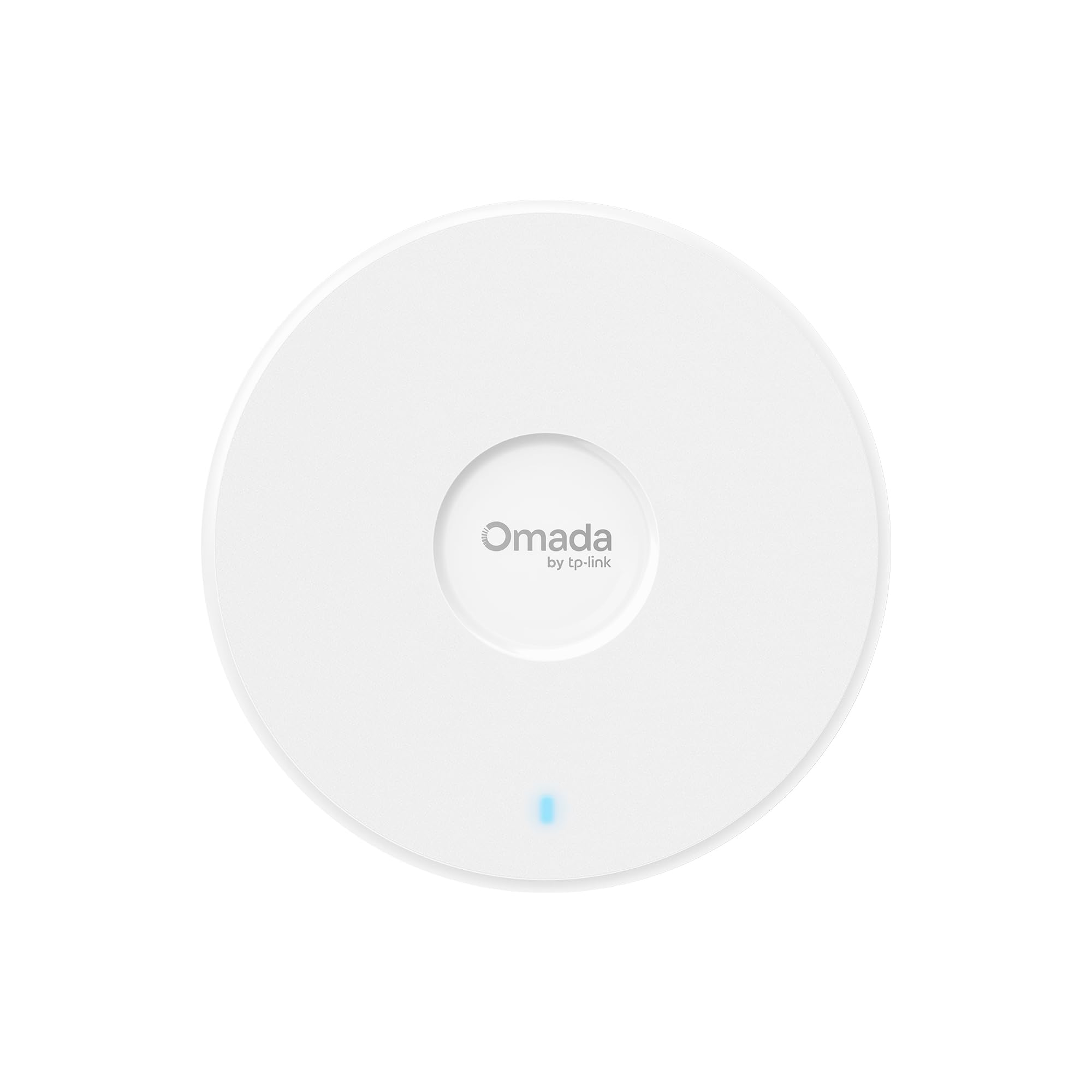
Type: Ceiling/wall wireless access point
Wireless Class: BE5000, dual-band Wi-Fi 7
Power: PoE powered, DC adapter included
Uplink: 2.5G port
Management: Omada managed, mesh, roaming, WPA3
Warranty: 5 years
The EAP720 is a different kind of device entirely. It has no routing engine, no DHCP server and no firewall — it broadcasts Wi-Fi and hands traffic back to whatever router or Omada controller sits upstream. Power comes over the Ethernet cable via PoE, with a DC adapter in the box for setups without a PoE switch.
The BE5000 rating sits above the Archer’s BE3600, and the business feature set is the real differentiator: WPA3, seamless roaming between access points, and full Omada controller management for centralized configuration across a site. The 2.5G port keeps the wired uplink from throttling the radio. Five-year warranty coverage reflects the commercial positioning.
Trade-off: Without an existing router or Omada controller, the EAP720 cannot run a network on its own, so the entry cost is higher than the sticker suggests.
Check the current price on Amazon
Side-by-Side Specification Table
| Specification | Archer BE230 | Omada EAP720 |
|---|---|---|
| Type | Dual-band Wi-Fi 7 router | Wi-Fi 7 access point |
| Wireless class | BE3600, 4-stream | BE5000, dual-band |
| Wired ports | 2×2.5G + 3×1G | 1×2.5G |
| Power | AC adapter | PoE or DC adapter |
| Management | HomeShield, EasyMesh | Omada controller, mesh, roaming |
| Security | VPN, Private IoT | WPA3 |
| Warranty | Renewed coverage | 5 years |
| Best use | Whole-home network | Managed multi-AP site |
How the Two Compare
Routing versus extending. This is the dimension that decides most purchases. The Archer BE230 terminates the internet connection itself; plug it into a modem and the network is live. The EAP720 has no routing function at all. Buyers with a fiber ONT that already routes, or an existing Omada gateway, gain from the EAP720. Buyers replacing an all-in-one box need the Archer.
Wireless ceiling. The EAP720 carries the higher BE5000 rating against the Archer’s BE3600, and the difference is real in dense deployments where several access points share clients. For a single-router home, the Archer’s four streams are ample for typical device loads.
Wired flexibility. The Archer wins clearly here: five LAN ports including two at 2.5G, plus USB 3.0. The EAP720 offers a single 2.5G uplink, which is correct for an access point but leaves nothing for local storage or extra wired clients.
Power and placement. PoE is the EAP720’s quiet advantage. One cable carries both data and power, so ceiling or wall mounting needs no outlet nearby. The Archer needs mains power wherever it sits, which usually means a shelf near the modem.
Management and security. HomeShield on the Archer covers parental controls and network-level filtering for a household. The EAP720’s Omada management targets administrators running multiple access points, with WPA3 and roaming as standard. Neither is better in the abstract — they serve different operators.
Ownership cost. The Archer is the cheaper entry point and includes routing hardware. The EAP720 costs more up front and may require a PoE switch or controller to unlock its strengths, but the five-year warranty offsets some of that over time.
Which Should You Buy?
Choose the Archer BE230 if the goal is to replace an aging router with a single box, the internet plan exceeds 1 Gbps, wired devices need 2.5G ports, or USB storage sharing matters. It also suits renters and anyone who wants Wi-Fi 7 without building a managed network.
Choose the Omada EAP720 if a router or Omada gateway already exists, coverage needs to be extended across a larger property with roaming between units, ceiling mounting without a nearby outlet is the plan, or the network serves a small business where centralized management and a five-year warranty carry weight.
FAQ
-
Can the Omada EAP720 replace a home router?
No. It is an access point with no routing, NAT or DHCP, so it needs a router upstream to assign addresses and handle the internet connection. -
Does the Archer BE230 support mesh with other TP-Link units?
Yes. EasyMesh compatibility lets it pair with other EasyMesh-capable TP-Link hardware to extend coverage beyond a single unit. -
Is PoE required for the EAP720?
No. A DC adapter is included, so it can run from a wall outlet. PoE is the cleaner option when a PoE switch or injector is available. -
Which one is faster on paper?
The EAP720 carries the higher BE5000 wireless rating. The Archer’s advantage lies in its port count and routing duties rather than raw radio throughput. -
Is a renewed router a sensible purchase?
For budget-focused buyers, yes — the hardware is the same and the price is lower. The caution is warranty length and the absence of retail packaging. -
Can the EAP720 be managed without a controller?
It can run in standalone mode, but the Omada controller is what delivers centralized configuration, roaming tuning and multi-AP oversight. -
Which suits an apartment?
The Archer BE230. A single router covers typical apartment layouts, and the EAP720’s multi-AP strengths go unused at that scale. -
Do both support Wi-Fi 7 features like MLO?
Both are Wi-Fi 7 devices. The Archer lists MLO explicitly, and the EAP720’s Wi-Fi 7 platform supports multi-link operation under Omada management.
Bottom Line
The Archer BE230 is the pick for most households: it routes, it switches, it shares storage, and it does so for less money. The TP-Link Archer BE230 is the practical choice for anyone building a network from scratch or replacing a single all-in-one router. The EAP720 only makes sense once a router already exists and the job is coverage, roaming and manageability — a different problem with a different answer.
