Why there are Amazon links here: Brave Review is paid a commission for qualifying Amazon purchases made through the links below. Your price does not change, and using our links is entirely optional. How this works
Omada EAP720 Review: WiFi 7 for Small Business Networks
The Omada EAP720 is a business-class WiFi 7 access point aimed at small offices, shops, and home labs that already run or plan to run TP-Link’s Omada management platform. This review covers what the hardware offers, how it fits into a managed network, and where the compromises sit for buyers weighing a single access point against a multi-unit deployment. Buyers who want current-generation wireless with a wired backbone and centralized control will find the essentials here.
Features and Specifications
Class: BE5000 dual-band WiFi 7 access point
Port: 2.5G Ethernet
Power: PoE powered, DC adapter included (PoE160s, PoE5430G-M2 injectors referenced)
Management: Omada managed, mesh capable
Security: WPA3
Roaming: Supported
Warranty: 5 years
The headline is the wireless standard. BE5000 sits at the entry point of WiFi 7, which means buyers get the new generation’s efficiency features and improved throughput without paying flagship access point prices. The dual-band design keeps the familiar 2.4 GHz and 5 GHz split rather than adding a 6 GHz radio, a choice that keeps cost down and keeps the unit compatible with the client devices most small networks actually run.
The 2.5G port is the detail that matters most for wired performance. A multi-gig uplink means the access point is not the bottleneck when several clients pull data at once, and it pairs naturally with modern multi-gig switches. Power comes over Ethernet, so a single cable handles both data and electricity when a PoE injector or PoE switch is in place, and the included DC adapter covers the case where neither is available.
Management runs through the Omada controller, which is what separates this from a consumer router in access point mode. Centralized configuration, mesh support, WPA3 security, and roaming assistance all live in one interface, and the 5-year warranty signals the business-grade support expectation that comes with the line.
Build and Design
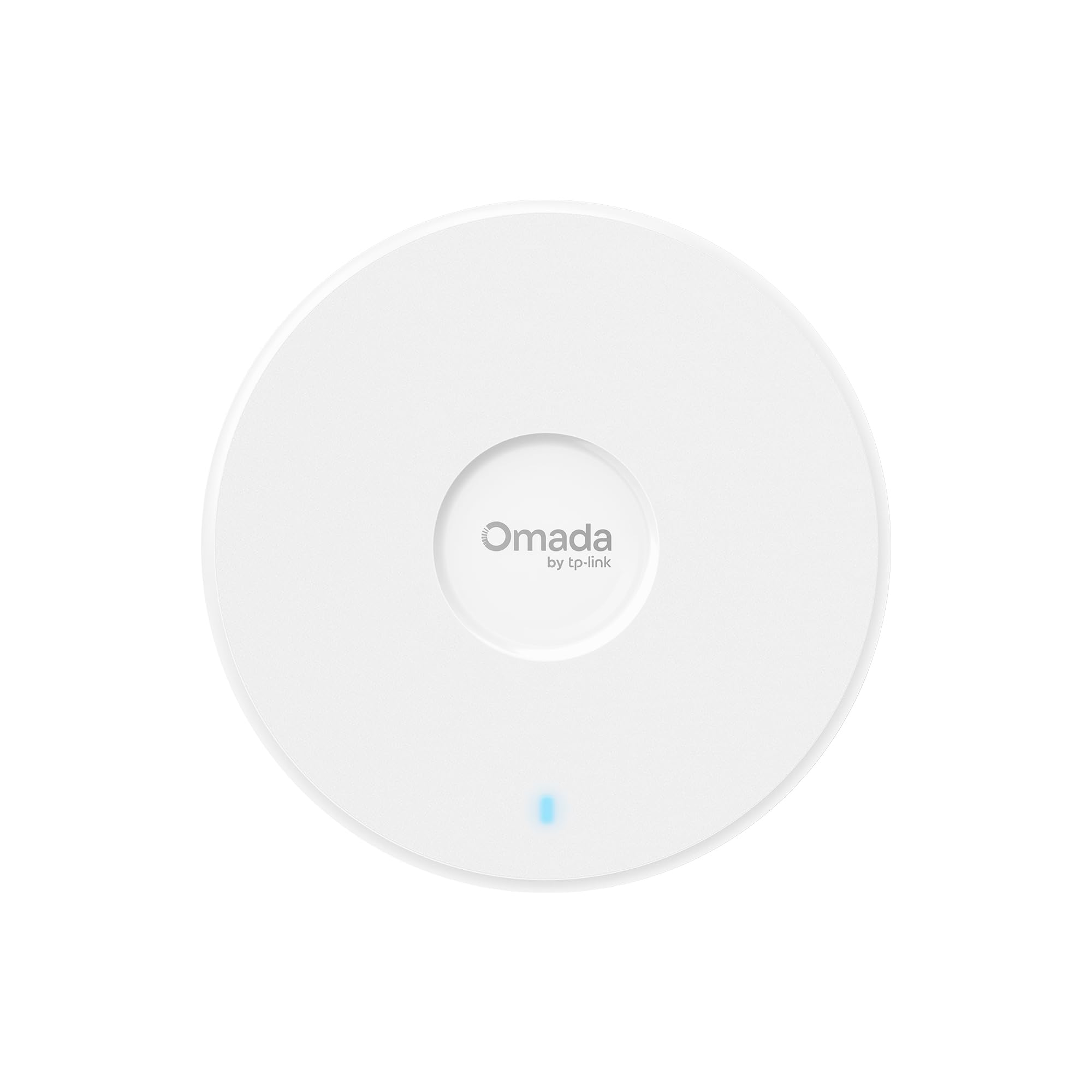
The EAP720 is a ceiling or wall-mount access point in the mold of the rest of the Omada line: a low-profile enclosure meant to disappear above a drop ceiling or on a wall in a small office. Mounting hardware and the DC adapter ship in the box, so a buyer with a PoE switch can install with one cable and a buyer without one still has a power path.
The physical design assumes permanent installation rather than desktop use. There is no stand and no intention that the unit sit on a shelf, which is fine for the target buyer but worth knowing before ordering. The 2.5G port and PoE support mean the cable run is the only infrastructure decision that matters, and a single Cat5e or better run covers both power and data.
Build quality expectations for a business access point at this price tier are solid rather than premium. The enclosure is functional, the warranty is long, and the design priority is uptime and coverage rather than looks. Buyers who need the unit to blend into a residential living room should look elsewhere; buyers mounting it above a workspace will not think about it again.
Capacity and Coverage
BE5000 is a capacity figure rather than a coverage promise. In practice, a single EAP720 suits a small office, a retail floor, a clinic, or a large home that needs one well-placed access point with a wired backhaul. The dual-band radios handle the mix of laptops, phones, point-of-sale terminals, and IoT devices that make up a typical small-network client list.
Mesh support matters for buyers who start with one unit and later need a second. Adding another Omada access point extends coverage without a second controller, and roaming assistance helps clients move between units without dropping a connection. That upgrade path is the main reason to choose this over a standalone consumer access point: the network grows without a forklift upgrade.
The honest limit is that one access point covers one area. Buyers in a multi-floor building or a space with thick walls will need more than one unit, and the price of a full deployment scales accordingly. The EAP720 is the right starting block, not a whole-building solution on its own.
Power and Installation
PoE is the feature that makes installation clean. With a PoE switch or injector, the access point needs exactly one cable: data and power arrive together, and there is no outlet to find near the ceiling. The included DC adapter covers installations where PoE infrastructure does not exist yet, which lowers the barrier for a first-time business buyer.
The referenced PoE160s and PoE5430G-M2 injectors in the product name tell buyers what TP-Link expects to pair with the unit. A buyer planning a PoE setup should confirm the injector or switch in hand delivers enough power, and a buyer without one should plan on the DC adapter for the first install. Either path works, but the PoE path is the one that scales.
Installation itself is a mounting job rather than a configuration project, provided the Omada controller is already in place. Buyers new to Omada should budget time for controller setup and adoption before the access point goes live. That step is where most of the learning curve sits, not in the hardware.
Trade-off: The dual-band design and single 2.5G port keep the price down, but buyers who need a 6 GHz radio or multi-port flexibility will have to step up the Omada line.
Management and Security
Omada management is the reason this unit exists in the form it does. A controller — software or hardware — handles configuration, firmware, client monitoring, and roaming policy across every access point on the network. For a small business without dedicated IT staff, that central view is the difference between a network that is maintained and one that is forgotten until it breaks.
WPA3 support brings the current security standard to the wireless side, and roaming assistance keeps clients moving cleanly between units. Mesh support means a network can start with one access point and grow, and the controller keeps the configuration consistent as it does. Buyers already inside the Omada ecosystem will find adoption routine.
The caution here is ecosystem lock-in by design. The EAP720 is managed through Omada, not through a generic web interface aimed at consumers, and buyers who want a standalone access point configured once and forgotten should confirm the workflow suits them before buying. For the intended buyer, that centralization is the point; for a casual home user, it is overhead.
Who It Suits and Who It Does Not
The EAP720 fits small businesses, home labs, and prosumer households that want WiFi 7 with a wired backbone and centralized management. It fits buyers already running Omada gear who want to add current-generation wireless without replacing the controller. It fits anyone who values the 5-year warranty and PoE simplicity in a single install.
It does not fit buyers who want a plug-in router replacement with no controller, buyers who need 6 GHz coverage today, or large spaces that require multiple access points from day one. It also does not fit anyone hoping to avoid running cable: PoE still needs the wire.
FAQ
-
What is the Omada EAP720?
A dual-band BE5000 WiFi 7 business access point with a 2.5G port, PoE power, Omada management, WPA3, mesh support, and a 5-year warranty. -
Does the EAP720 need a controller?
It is designed for Omada management, so a controller — software or hardware — is the expected setup for configuration and monitoring across the network. -
Is PoE required to power the EAP720?
No. The unit is PoE powered, and a DC adapter is included for installations without a PoE switch or injector. -
Does the EAP720 support WiFi 7?
Yes. It is a BE5000 WiFi 7 access point, which is the entry tier of the WiFi 7 generation. -
Does it have a 6 GHz radio?
No. The EAP720 is dual-band, covering 2.4 GHz and 5 GHz rather than adding a 6 GHz band. -
Can the EAP720 be used for mesh networking?
Yes. Mesh support is part of the feature set, and additional Omada access points can extend coverage. -
Is the EAP720 good for a home network?
It suits large homes and prosumer setups with wired backhaul and a willingness to run Omada management. Casual households will find a consumer router simpler. -
What security does the EAP720 support?
WPA3 is supported, along with roaming assistance for clients moving between access points. -
How long is the warranty?
Five years, per the product listing. -
What is the 2.5G port for?
It is the wired uplink. A multi-gig port keeps the access point from limiting throughput when several clients are active at once.
Bottom Line
The Omada EAP720 is the sensible entry point into WiFi 7 for small networks that already live in the Omada ecosystem or plan to. The 2.5G port, PoE flexibility, WPA3, mesh support, and 5-year warranty cover the business essentials, and the dual-band design keeps the cost where a small deployment can justify it. Buyers who need 6 GHz or a whole-building rollout should plan for more units or a step up the line; everyone else can start here.
