Why there are Amazon links here: Brave Review is paid a commission for qualifying Amazon purchases made through the links below. Your price does not change, and using our links is entirely optional. How this works
Best WiFi Extender for a Bedroom That Drops Video Calls
A bedroom that loses the signal mid-call usually sits at the far edge of the router’s reach, and a single well-placed extender fixes most of those dead zones. This guide covers five extenders and mesh options at different price tiers, from a budget plug-in to a full whole-home mesh kit. It suits apartment dwellers fighting one weak room, remote workers who need a stable call feed, and larger homes where one extender will not be enough. The overview below compares all five on the specs that matter, then each pick gets a short review.
Overview of the Picks
| Product | Key Spec | Best Use | Price Tier |
|---|---|---|---|
| TP-Link AC1200 WiFi Extender (RE315) | Dual-band, up to 1600 sq.ft, 32 devices | Small bedrooms on a budget | Budget |
| TP-Link AX3000 WiFi 6 Extender (RE715X) | Dual-band WiFi 6, up to 2400 sq.ft, 64 devices | Busy homes needing headroom | Mid-range |
| TP-Link Deco X55 AX3000 Mesh System (3-Pack) | Mesh, up to 6500 sq.ft, 3 Gigabit ports per unit | Whole-home coverage, replaces router | Mid-range |
| TP-Link BE6300 Wi-Fi 7 Extender (RE403BE) | Dual-band Wi-Fi 7, up to 2800 sq.ft, 2.5G port | Future-proofing a fast network | Premium |
| TP-Link AC1900 WiFi Extender (RE550) | Dual-band, up to 2200 sq.ft, 32 devices | Mid-size bedroom, strong value | Budget |
TP-Link AC1200 WiFi Extender (RE315)

Speed Class: AC1200 dual-band (5GHz/2.4GHz)
Coverage: Up to 1600 sq.ft
Device Capacity: 32 devices
Ports: One Ethernet port
Mesh Support: EasyMesh compatible
TP-Link AC1200 WiFi Extender (RE315) is the entry point: a compact plug-in repeater that rebroadcasts an existing dual-band signal into a weak room. It handles the basics a bedroom call needs — a stable 5GHz link and enough throughput for video — without adding a second network name to manage. The single Ethernet port is useful for a laptop or a TV that can take a wired connection, and EasyMesh support means it can join a compatible mesh setup later. It suits renters and small apartments where one room is the only problem.
The trade-off is capacity and reach: 1600 sq.ft is modest, and 32 devices is fine for a single bedroom but not for a crowded household. Buyers with a large home or a lot of connected gadgets should look higher up this list.
TP-Link AX3000 WiFi 6 Extender (RE715X)
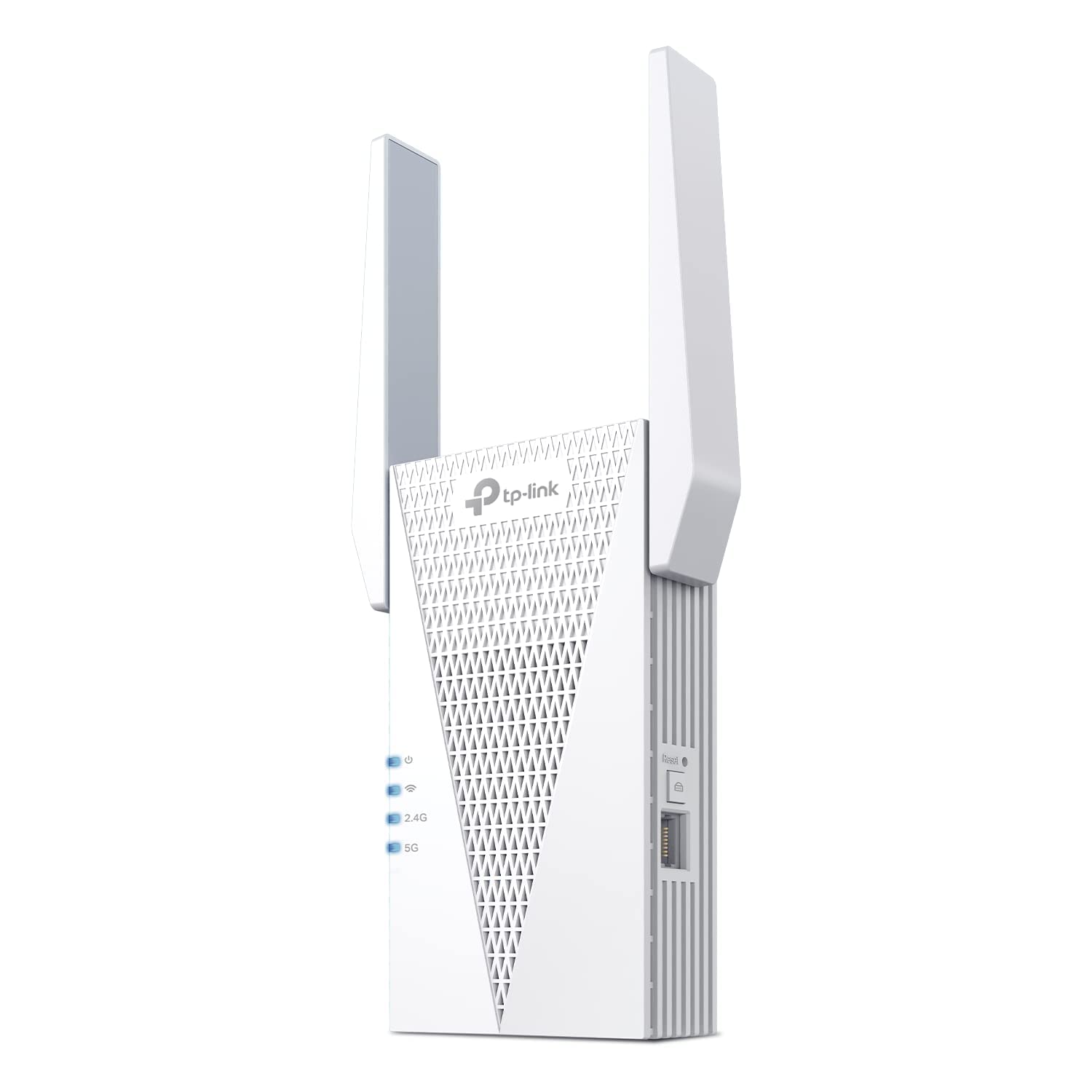
Speed Class: AX3000 dual-band WiFi 6
Coverage: Up to 2400 sq.ft
Device Capacity: 64 devices
Ports: Ethernet port
Setup: App-based
Mesh Support: EasyMesh
TP-Link AX3000 WiFi 6 Extender (RE715X) steps up to WiFi 6, which matters for a bedroom that drops calls because the airwaves are congested. WiFi 6 handles many devices at once more gracefully, and the higher device capacity reflects that. Coverage climbs to a claimed 2400 sq.ft, and app setup keeps installation simple for non-technical buyers. It suits households with a WiFi 6 router and several people on calls or streaming at the same time.
The trade-off is that the extender’s gains depend on the router feeding it — on an older WiFi 5 network, most of the WiFi 6 advantage goes unused.
TP-Link Deco X55 AX3000 WiFi 6 Mesh System (3-Pack)

Type: Mesh system, 3-pack
Speed Class: AX3000 WiFi 6
Coverage: Up to 6500 sq.ft
Ports: 3 Gigabit ports per unit
Backhaul: Supports Ethernet backhaul
Role: Replaces the wireless router and extender
TP-Link Deco X55 AX3000 WiFi 6 Mesh System (3-Pack) is not an extender bolted onto an existing router — it replaces both. Three units blanket a large home in one network name, so a call can move from room to room without a handoff drop. Each unit carries three Gigabit ports, which is generous for wired devices, and Ethernet backhaul lets a buyer wire the nodes together for a steadier backbone. It suits larger homes or anyone tired of managing separate extender networks.
The trade-off is cost and commitment: it is the priciest path here and only pays off if the whole home needs coverage, not just one bedroom.
TP-Link BE6300 Wi-Fi 7 Dual-Band Range Extender (RE403BE)
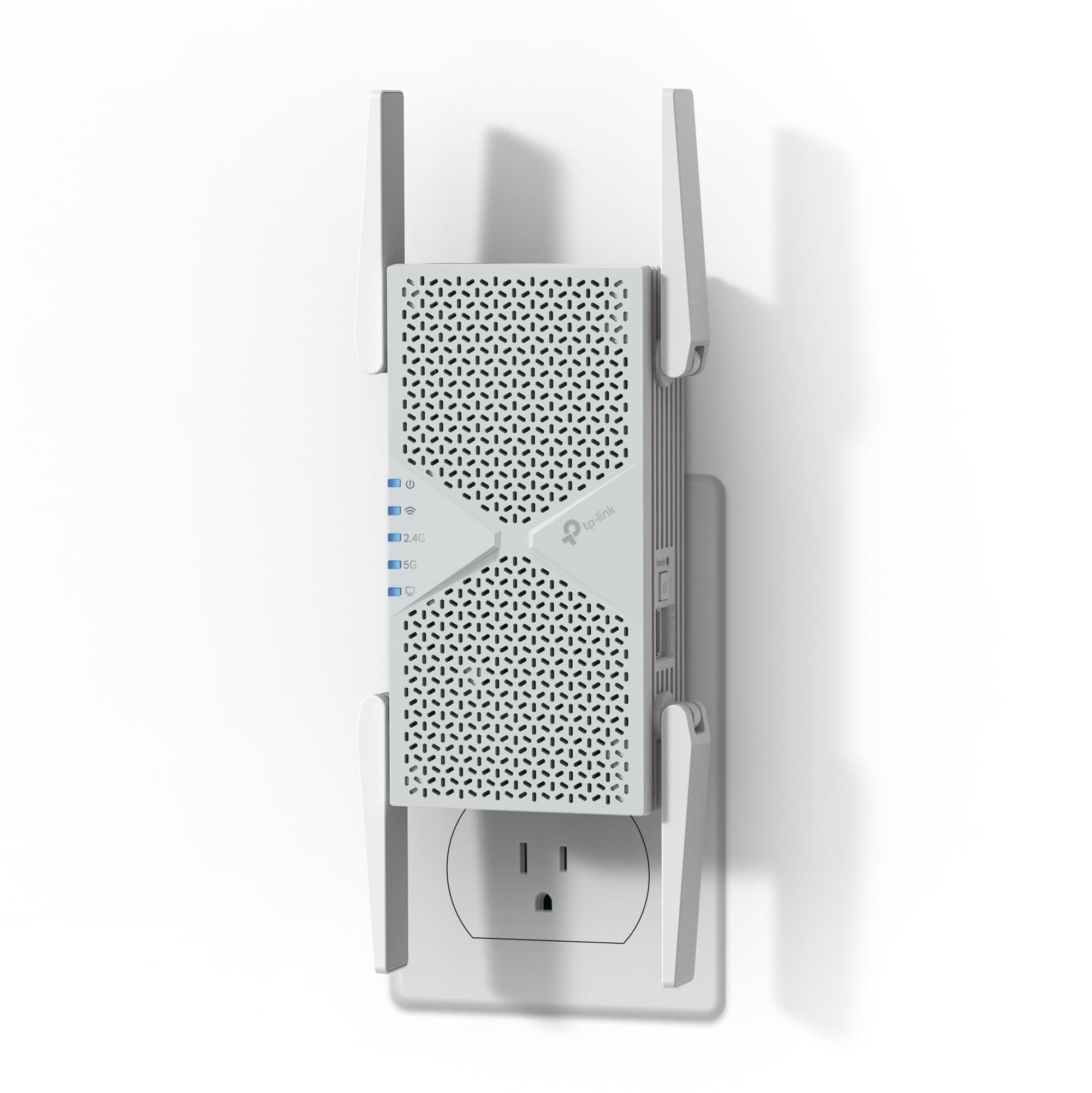
Speed Class: BE6300 dual-band Wi-Fi 7
Coverage: Up to 2800 sq.ft
Device Capacity: 64 devices
Ports: 2.5G Ethernet port
Features: MLO, EasyMesh
Band Note: No 6 GHz band
TP-Link BE6300 Wi-Fi 7 Dual-Band Range Extender (RE403BE) is the future-facing pick, built on Wi-Fi 7 with a 2.5G port for buyers whose router already supports the newer standard. Multi-link operation (MLO) is the headline feature, designed to keep a connection steadier when several devices compete for airtime — exactly the scenario behind a call that stutters. The 2.5G port gives headroom for fast internet plans, and EasyMesh keeps it compatible with a mesh network. It suits early adopters with a Wi-Fi 7 router and a demanding home network.
The trade-off is the missing 6 GHz band: this is a dual-band model, so buyers expecting the full tri-band Wi-Fi 7 experience will need a different unit, and the premium only makes sense with matching hardware.
TP-Link AC1900 WiFi Range Extender (RE550)

Speed Class: AC1900 dual-band
Coverage: Up to 2200 sq.ft
Device Capacity: 32 devices
Ports: Gigabit Ethernet port
Setup: App-based
Mesh Support: EasyMesh
TP-Link AC1900 WiFi Range Extender (RE550) sits between the budget plug-in and the WiFi 6 model: faster than the AC1200, cheaper than the AX3000, with a Gigabit port for wired devices. Coverage of 2200 sq.ft is enough for a mid-size home or a bedroom plus an adjacent room, and app setup keeps installation quick. It suits buyers on a WiFi 5 router who want more reach without jumping to a new standard.
The trade-off is that it is still a WiFi 5 device with a 32-device ceiling — a busy household with many gadgets may hit that limit.
Before You Buy
- Placement: An extender only helps if it sits roughly halfway between the router and the weak bedroom — placing it in the dead zone just repeats a weak signal.
- Standard match: A WiFi 6 or Wi-Fi 7 extender delivers its full benefit only with a router on the same standard; older routers cap the gain.
- Coverage vs. home size: Match the claimed square footage to the actual area, not the whole house, if only one room is the problem.
- Device count: Check the device capacity against the number of phones, laptops and smart devices that will connect through it.
- Wired option: A model with an Ethernet port lets a laptop or TV use a cable for the most stable call connection.
- Mesh vs. extender: A mesh kit replaces the router and covers a whole home; a single extender is cheaper and simpler for one weak room.
Frequently Asked Questions
-
Will an extender stop video calls from dropping in a bedroom?
Usually yes, if the extender is placed correctly between the router and the room. A stronger, steadier signal is what a call needs to stay connected. -
Is a mesh system better than an extender for one bedroom?
Not necessarily. A single extender is cheaper and simpler for one weak room; a mesh system makes sense when the whole home needs coverage. -
Does WiFi 6 matter for video calls?
It helps in crowded homes where many devices compete for bandwidth. On an older router, the benefit is limited. -
Where should the extender be placed?
Roughly halfway between the router and the bedroom, in a spot that still gets a decent signal from the router. -
Can an extender be used with any router?
Most work with any router, but features like EasyMesh and the full speed gain require a compatible model.
Bottom Line
For most bedrooms that drop video calls, the TP-Link AC1200 WiFi Extender (RE315) is the simplest fix — cheap, compact and enough for one room. Buyers with a WiFi 6 router and a busier home should step up to the RE715X, while a whole-home problem points to the Deco X55 mesh kit.
