Why there are Amazon links here: Brave Review is paid a commission for qualifying Amazon purchases made through the links below. Your price does not change, and using our links is entirely optional. How this works
Best WiFi Extender for a House With a Basement Flat
A basement flat sits below the main router, often behind a concrete floor and a few walls, which is exactly where a single router gives up. The five extenders below are chosen for that layout: two budget-friendly TP-Link units for small flats, and three long-range models for full basement apartments. Budget buyers should start with the RE315, mesh-curious households with the RE550, and anyone covering a large basement with the high-coverage picks. The overview table shows the short version; the reviews explain the fit.
Overview of the Picks
| Product | Key Spec | Best Use | Price Tier |
|---|---|---|---|
| TP-Link AC1200 WiFi Extender (RE315) | Dual-band, up to 1600 Sq.ft, 32 devices, EasyMesh | Small basement flat, single room or studio | Budget |
| 2026 WiFi Extender Signal Booster for Home | Up to 15000 sq.ft, Ethernet port, 1-tap setup | Large basement with several rooms | Mid-range |
| WiFi Extender Signal Booster for Home (18,000 Sq Ft) | Up to 18,000 Sq Ft, 65+ devices, Ethernet port | Busy basement flat with many devices | Mid-range |
| 2026 Upgraded WiFi Extender for Home | Up to 18000 Sq.ft, Ethernet port, 15X faster amplifier | Full-floor basement coverage | Mid-range |
| TP-Link AC1900 WiFi Range Extender (RE550) | Gigabit Ethernet, up to 2200 Sq. Ft, 32 devices, EasyMesh | Wired backhaul to a basement flat | Mid-range |
TP-Link AC1200 WiFi Extender (RE315)

Type: Dual-band wall-plug range extender
Bands: 5GHz and 2.4GHz
Coverage: Up to 1600 Sq.ft
Device Load: Up to 32 devices
Ports: One Ethernet port
Mesh: EasyMesh compatible
TP-Link AC1200 WiFi Extender Dual Band 5GHz/2.4GHz (RE315) is the smallest and cheapest pick here, and it is built for exactly one job: pushing a usable signal into a single room. The dual-band design lets it relay on 5GHz for speed while keeping older devices on 2.4GHz, and the Ethernet port means a basement smart TV or console can be wired rather than fighting for airtime. EasyMesh compatibility lets it join a TP-Link mesh network instead of running as a standalone repeater.
This is the pick for a compact basement flat, a granny annex or a single converted room where the router sits directly above. It is not for a full basement apartment with several rooms and a dozen devices, because 1600 Sq.ft and 32 devices are entry-level figures that a busy household will outgrow.
Trade-off: The budget build and modest coverage mean it suits one room well, not an entire basement floor.
2026 WiFi Extender Signal Booster for Home
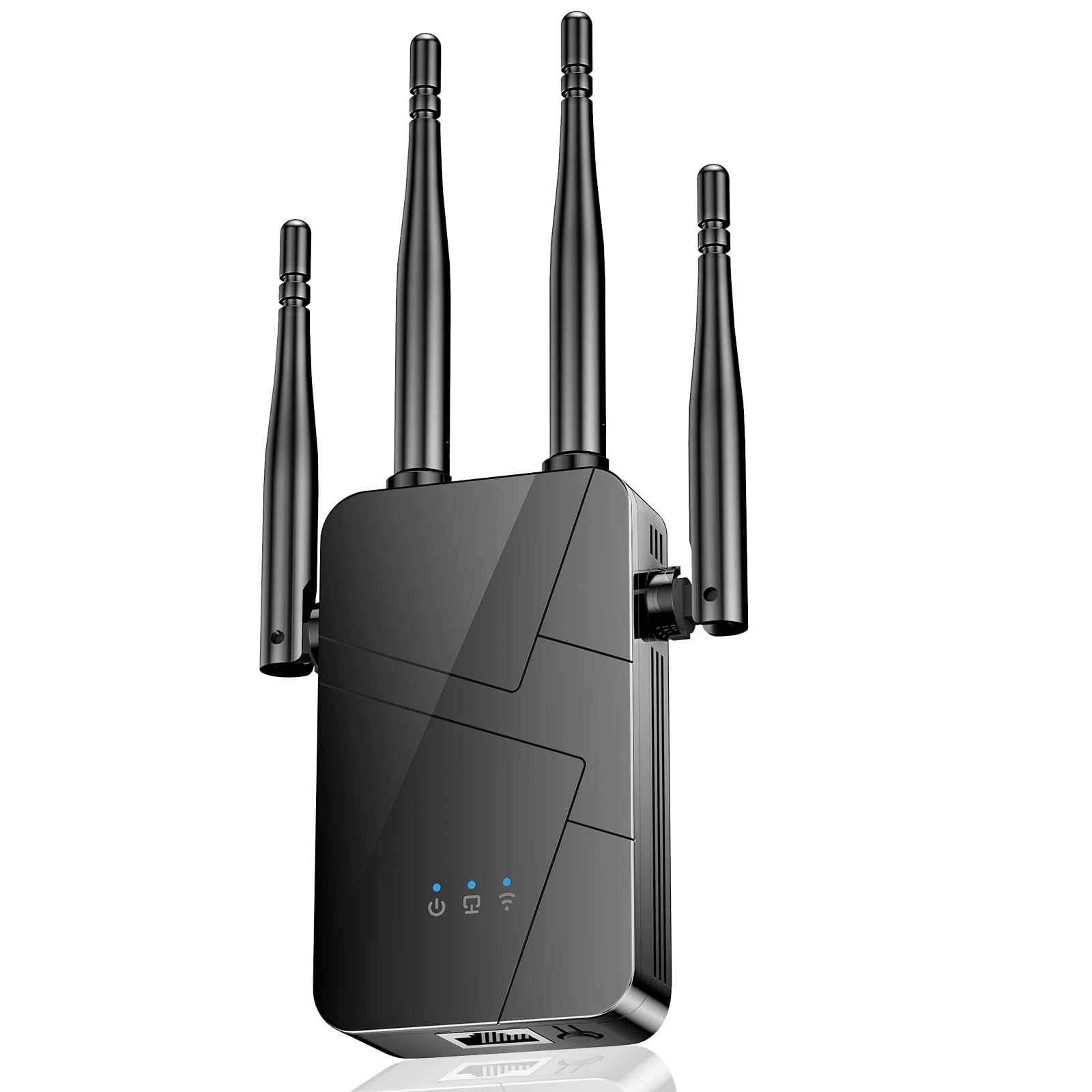
Type: Long-range wall-plug WiFi repeater
Coverage: Up to 15000 sq.ft
Ports: Ethernet port
Setup: 1-tap setup
Compatibility: Supports 99% of devices
2026 WiFi Extender Signal Booster for Home, 15000sq.ft Wireless Internet Repeater sits in the long-range bracket, with a coverage claim that covers a whole basement flat plus the stairwell above it. The Ethernet port gives a wired option for a fixed device, and the one-tap setup is aimed at buyers who do not want to log into a router admin page. It is a standalone repeater rather than a mesh node, so it works with whatever router is already in the house.
This one suits a basement flat with two or three rooms and a mix of phones, laptops and a TV. It is not for buyers who want app-based network management or mesh handoff, since the feature set here is coverage and simplicity rather than control.
Trade-off: The headline coverage figure is a marketing ceiling, and real throughput through a concrete floor will land well below it.
WiFi Extender Signal Booster for Home (18,000 Sq Ft)
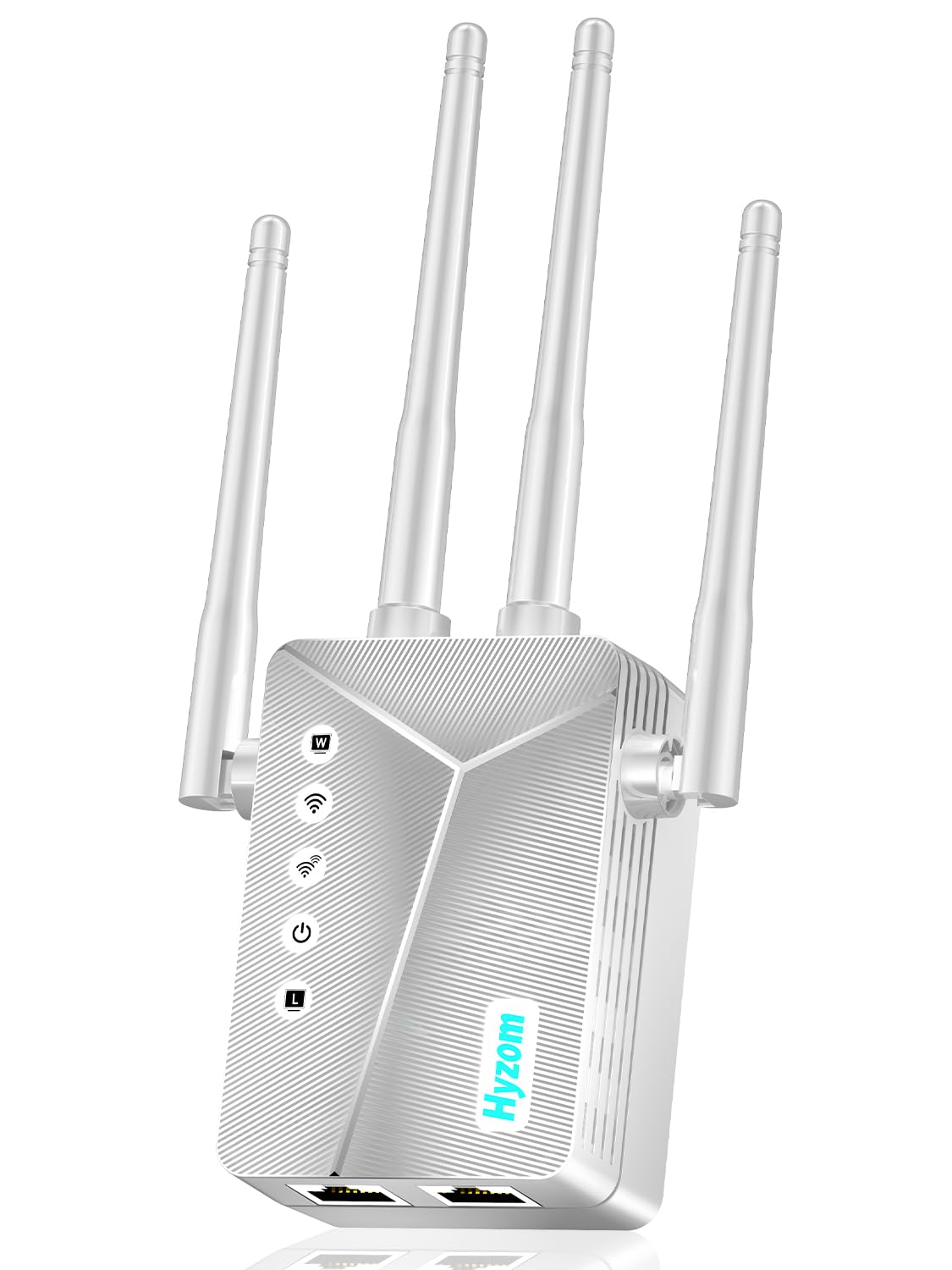
Type: Long-range wireless repeater
Coverage: Up to 18,000 Sq Ft
Device Load: 65+ devices
Ports: Ethernet port
Setup: 1-tap setup
WiFi Extender Signal Booster for Home, Covers Up to 18,000 Sq Ft is the device-load pick of the group. The 65+ device figure matters in a basement flat that runs a smart TV, a console, phones, tablets and a few smart-home plugs at once, because a repeater that caps out early drops connections rather than slowing down. The Ethernet port and one-tap setup keep it in the same easy-install bracket as the other long-range models.
This is the pick for a basement flat that is actually busy — a rental with several occupants, or a home office plus entertainment setup below the main floor. It is not for a single-room conversion, where the extra device capacity and coverage are wasted money.
Trade-off: A repeater this aggressive can overpower a weak router signal, so placement halfway between router and basement matters more than the coverage claim suggests.
2026 Upgraded WiFi Extender for Home

Type: Long-range WiFi booster and signal amplifier
Coverage: Up to 18000Sq.ft
Ports: Ethernet port
Signal Claim: 15X faster amplifier
Compatibility: Works with 99% router
2026 Upgraded WiFi Extender for Home, Up to 18000Sq.ft Long Range Coverage is the newest listing of the five and leans on amplifier strength rather than device count. The Ethernet port is the practical feature here: a wired run from the extender to a basement desktop or TV removes the wireless hop entirely for that device. Router compatibility is stated broadly, which helps in a house where the main router is an ISP-supplied box.
This pick suits a buyer covering a full basement floor who wants the strongest relay available at this price and does not need mesh features. It is not for anyone who wants a track record — the listing is new, so long-term reliability is unproven compared with the TP-Link units.
Trade-off: New listings at this price often ship with thin documentation, so buyers should expect to work out placement by trial and error.
TP-Link AC1900 WiFi Range Extender (RE550)

Type: Dual-band wireless range extender
Coverage: Up to 2200 Sq. Ft
Device Load: Up to 32 devices
Ports: Gigabit Ethernet port
Mesh: EasyMesh compatible
Setup: App setup
TP-Link AC1900 WiFi Range Extender RE550 is the mesh-ready pick, and the gigabit Ethernet port is the reason it earns a place for a basement flat. A wired backhaul from the main router down to the basement turns the extender into a near-access-point, which is the single biggest performance upgrade available in this category. EasyMesh compatibility means it can join a TP-Link mesh network rather than running as an isolated repeater, and app setup keeps configuration on a phone.
This is the pick for a basement flat that can be reached with a cable, or for a household already using TP-Link mesh gear upstairs. It is not for a buyer who needs raw coverage above all else, since 2200 Sq. Ft is modest next to the long-range listings.
Trade-off: The 32-device ceiling is the tightest in this group alongside the RE315, so a packed basement flat will hit the limit.
Before You Buy
- Placement: A repeater must sit where the router signal is still usable, not in the dead zone itself — halfway down the stairs is usually better than inside the basement.
- Wired Backhaul: An Ethernet port on the extender is the most underrated feature here; a cable from router to basement beats any wireless relay.
- Floor Construction: Concrete and underfloor heating block signal far more than timber joists, so a basement under a solid slab needs a stronger unit or a wired run.
- Device Count: Count phones, TVs, consoles, smart plugs and laptops before choosing; a 32-device extender fills up faster than expected.
- Mesh Compatibility: EasyMesh support only helps if the main router also supports it — otherwise the extender runs standalone.
- Router Band: A dual-band extender needs a dual-band router to deliver its best speeds on 5GHz.
- Setup Method: One-tap and app setup suit renters and quick installs; a browser-based admin page gives more control for a permanent install.
Frequently Asked Questions
-
Will a WiFi extender work through a concrete basement floor?
It can, but placement decides the result. The extender needs a usable signal at its own location, so mounting it near the top of the stairs and aiming coverage downward works better than placing it inside the basement. -
Is a mesh system better than an extender for a basement flat?
A mesh system handles handoff between nodes more smoothly, but a single extender with a wired backhaul is cheaper and often faster for one floor. The RE550 covers the mesh route if the household already runs TP-Link gear. -
How many devices can a basement extender handle?
The budget TP-Link units list 32 devices, while the 18,000 Sq Ft model lists 65+. A basement flat with a TV, console, phones and smart-home gear sits comfortably in the higher bracket. -
Does an extender slow down the connection?
A wireless repeater halves throughput on the relayed band because it receives and retransmits on the same radio. A wired Ethernet backhaul avoids that penalty entirely. -
Where should the extender be plugged in?
Roughly midway between the router and the basement, in a spot where the router signal is still strong. Plugging it into the dead zone gives it nothing to amplify. -
Can an extender connect to any router?
Most models, including the long-range picks here, state broad router compatibility. Mesh features like EasyMesh only work when both ends support the standard.
Bottom Line
For most houses with a basement flat, the TP-Link AC1900 WiFi Range Extender (RE550) is the pick to beat: the gigabit Ethernet port allows a wired backhaul down to the basement, EasyMesh keeps the door open for a full mesh later, and app setup keeps installation simple. Buyers covering a single small room should take the cheaper TP-Link AC1200 WiFi Extender (RE315), while a busy multi-room basement flat points to the 18,000 Sq Ft model with its 65+ device capacity.
