Why there are Amazon links here: Brave Review is paid a commission for qualifying Amazon purchases made through the links below. Your price does not change, and using our links is entirely optional. How this works
Best Local Control Hub for a House With Unreliable Broadband
A house with flaky broadband needs a smart home that keeps working when the internet drops. The picks below cover five different jobs: a hub that never touches Wi-Fi, a mesh system that fixes the connection itself, a cheap local-only bridge, a hub with battery and cellular backup, and a camera hub with no monthly fee. Buyers who want lights and sensors to survive an outage should look at the first, third, and fourth entries; buyers whose real problem is a weak router should start with the second. The overview table below sorts all five by key spec, best use, and price tier.
The Picks at a Glance
| Product | Key Spec | Best Use | Price Tier |
|---|---|---|---|
| Lutron Caseta Smart Hub (L-BDG2-WH) | Doesn’t rely on Wi-Fi | Outage-proof lighting and shades | Mid |
| TP-Link Deco S4 Mesh AC1900 (3-Pack) | Up to 5,500 sq.ft. coverage | Replacing a weak router and extender | Budget |
| SONOFF Bridge Max Smart Home Hub (Bridge-M) | RJ45 Ethernet and Wi-Fi | Budget local control across Matter and Zigbee | Budget |
| YoLink Hub 3 (YS1605) | Up to 4-hour battery backup, optional cellular | Long-range sensors and alarm-style reliability | Premium |
| REOLINK Home Hub | Local storage for up to 8 cameras | Camera control with no monthly fee | Premium |
1. Lutron Caseta Smart Hub (L-BDG2-WH) — Best for Outage-Proof Lighting
Type: Proprietary smart bridge
Connection: Does not rely on Wi-Fi
Ecosystems: Alexa, Apple Home, Google Home
Color: White
Model: L-BDG2-WH

Lutron Caseta Smart Hub (L-BDG2-WH)
This is the pick for a house where the router is the weak link. Lutron builds the Caseta hub around its own low-power radio rather than Wi-Fi, so switches, dimmers, and shades paired to it keep responding even when the broadband line is down or the router is rebooting. The hub is a small white box that sits on a shelf and bridges into Alexa, Apple Home, and Google Home for voice and app control when the network is healthy. It is the most polished option here for lighting specifically.
The catch is scope. Caseta controls Lutron’s own lighting and shade devices, not a mixed bag of third-party sensors and plugs, so a buyer with an assortment of brands will need a second hub. Buyers who want one bridge for everything should look at the SONOFF or YoLink entries instead.
Trade-off: The hub locks buyers into Lutron’s device line, so it solves lighting reliability rather than whole-home control.
2. TP-Link Deco S4 Mesh AC1900 (3-Pack) — Best for Fixing the Connection Itself
Type: Mesh Wi-Fi system
Coverage: Up to 5,500 sq.ft.
Ports: Gigabit
Replaces: Wi-Fi router and extender
Voice: Works with Alexa

TP-Link Deco S4 Mesh AC1900 WiFi System, Deco S4(3-Pack)
Sometimes the unreliable broadband is really an unreliable router. This three-unit Deco kit replaces the existing router and extender with a single mesh network rated for up to 5,500 sq.ft., which is enough for a large house with dead corners. Gigabit ports on the units let wired devices stay wired, and the system works with Alexa for basic voice control. It is the only pick here that fixes the network rather than working around it.
The caveat is that a mesh system still depends on the incoming line. If the ISP itself drops, the Deco units keep the local network alive but nothing reaches the internet, so cloud-dependent gadgets still stall. Buyers whose problem is coverage rather than the provider should start here; buyers whose problem is the provider should pair this with one of the local hubs.
Trade-off: A mesh kit improves in-home coverage but cannot compensate for an ISP outage, so it is a partial fix at best.
3. SONOFF Bridge Max Smart Home Hub (Bridge-M) — Best Budget Local Hub
Type: Matter bridge and Zigbee gateway
Connection: RJ45 Ethernet and Wi-Fi
Ecosystems: Apple Home, Alexa, Google Home, Home Assistant
Model: Bridge-M

SONOFF Bridge Max Smart Home Hub (Bridge-M)
This is the value pick for buyers who want local control without paying premium prices. The Bridge Max is a Matter bridge and Zigbee gateway in one box, with an RJ45 Ethernet port for a stable wired link to the router and Wi-Fi as a fallback. It speaks to Apple Home, Alexa, Google Home, and Home Assistant, which makes it unusually flexible for the money. Zigbee devices paired to it run on a local mesh rather than the cloud.
The honest limitation is that Zigbee and Matter cover a narrower slice of the market than Wi-Fi gadgets, and setup assumes some patience with pairing modes. Buyers who want a plug-and-play appliance with phone support should expect to do more reading here. Buyers comfortable in Home Assistant will find it the best value on the list.
Trade-off: The low price buys flexibility rather than polish, and less common devices may not pair cleanly.
4. YoLink Hub 3 (YS1605) — Best for Backup Power and Long Range
Type: Smart home gateway
Backup: Up to 4-hour battery
Connections: Wi-Fi, Ethernet, 4G LTE, optional cellular
Range: Up to 2,034 feet (LoRa)
App: Remote app control

YoLink Hub 3 Smart Home Gateway (YS1605)
The YoLink Hub 3 is built for exactly the scenario in the keyword: a house where the connection cannot be trusted. It carries up to four hours of battery backup, connects over Wi-Fi or Ethernet, and can fall back to 4G LTE cellular so sensors keep reporting when the line dies. The LoRa radio reaches up to 2,034 feet, which covers outbuildings, gates, and detached garages that Wi-Fi never reaches. Remote app control keeps everything visible from a phone.
The trade-off is ecosystem depth. YoLink’s long-range protocol is its own, so the hub is only as useful as the YoLink sensors paired to it, and the premium price reflects the cellular and battery hardware. Buyers who want a general-purpose Matter hub should look elsewhere; buyers protecting a large property should not.
Trade-off: The premium price and proprietary LoRa protocol make sense only for buyers standardizing on YoLink sensors.
5. REOLINK Home Hub — Best for Cameras Without a Monthly Fee
Type: Centralized camera hub
Capacity: Up to 8 battery or Wi-Fi cameras
Network: 2.4/5GHz Wi-Fi 6
Privacy: Encryption
Fees: No monthly fee
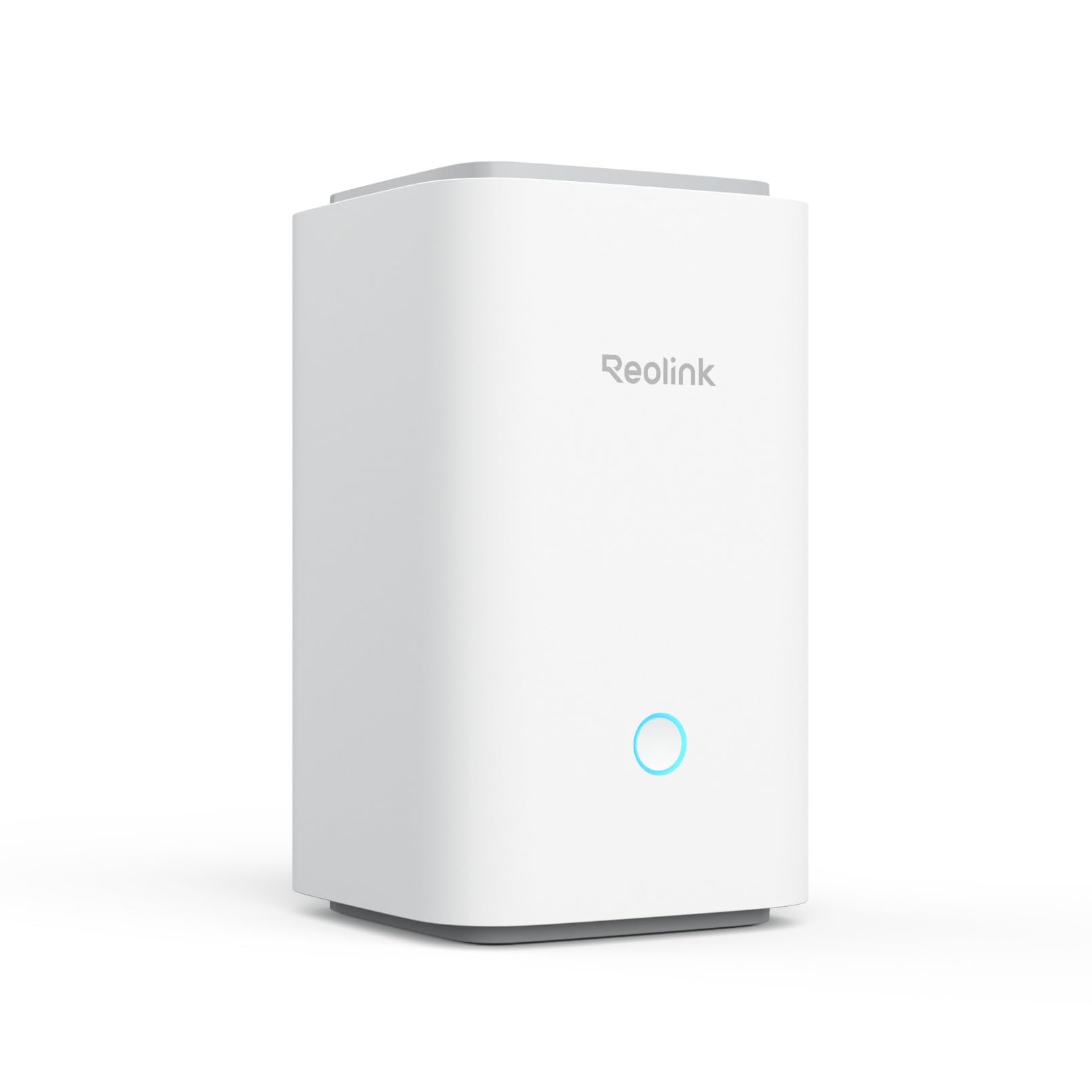
REOLINK Home Hub Centralized Control
This hub centralizes up to eight REOLINK battery or Wi-Fi cameras under one controller, with Wi-Fi 6 on both bands for a cleaner link to the router. Recordings and encryption stay local, and there is no monthly fee and no third-party support arrangement, which matters in a house where the uplink is unreliable. A daily security summary keeps the household informed without constant app checking. It is the pick for buyers whose main concern is cameras rather than lights and sensors.
The limitation is that this is a camera hub, not a general smart home bridge. It does not control lighting, locks, or thermostats, and it only manages REOLINK cameras. Buyers wanting one box for the whole house should pair it with a separate local hub.
Trade-off: The hub is superb for REOLINK cameras but does nothing for the rest of the smart home.
Before You Buy
- Protocol: Check whether the hub speaks Zigbee, Matter, LoRa, or a proprietary radio, since that decides which devices can pair.
- Wired option: An RJ45 Ethernet port is the single biggest reliability upgrade for a hub on a shaky network.
- Backup power: A hub with battery backup keeps sensors reporting through short outages; one without it goes dark.
- Cellular fallback: Optional 4G LTE is worth the premium only where outages are long or the property is remote.
- Ecosystem: Confirm the hub works with Apple Home, Alexa, Google Home, or Home Assistant before buying.
- Device scope: Lighting hubs, camera hubs, and general bridges are not interchangeable, and most homes need more than one.
- Ongoing cost: Local storage and no-fee designs cost more up front but avoid subscriptions.
Frequently Asked Questions
-
What makes a hub "local" rather than cloud-dependent?
A local hub processes device commands on the home network, so lights and sensors keep responding when the internet is down. -
Will a local hub work during a broadband outage?
Most keep the local network alive, but only a hub with battery backup or cellular fallback keeps reporting to a phone. -
Does a mesh Wi-Fi system replace a local hub?
No. Mesh fixes coverage inside the house; a local hub keeps devices working when the line itself fails. -
Which pick suits a large property with outbuildings?
The YoLink Hub 3, whose LoRa radio reaches up to 2,034 feet, is the only entry built for that distance. -
Can one hub control lights and cameras together?
Rarely. The REOLINK hub handles cameras only, and the Caseta hub handles Lutron lighting only, so most homes pair two. -
Is a monthly fee required for any of these?
None of the five requires a subscription, and the REOLINK hub explicitly avoids one.
Bottom Line
The Lutron Caseta Smart Hub is the top pick for a house with unreliable broadband because it never depends on Wi-Fi to keep lighting and shades working. Buyers whose real problem is coverage should add the TP-Link Deco S4, and buyers protecting a large property should choose the YoLink Hub 3.
