Why there are Amazon links here: Brave Review is paid a commission for qualifying Amazon purchases made through the links below. Your price does not change, and using our links is entirely optional. How this works
Best Smart Lock for a Door with a Draughty Letterbox
A draughty letterbox means cold air, moisture and sometimes loose metal right where a smart lock has to sit. The picks below cover five keyless deadbolts that suit renters upgrading a front door, homeowners replacing a worn handle set, and anyone who wants app or fingerprint entry without fighting a draughty flap. The overview table shows the key differences at a glance, then each pick gets a full breakdown. Readers who want the short answer can jump straight to the top pick in the Bottom Line.
Overview of the Picks
| Product | Key Spec | Best Use | Price Tier |
|---|---|---|---|
| Philips WiFi Keypad Deadbolt with Handle | Built-in WiFi, fingerprint, lever handle included | Full handle-and-lock replacement | Mid-range |
| Schlage Encode Smart WiFi Deadbolt | Certified security, Century trim, app control | Buyers who want a proven brand | Premium |
| U68 Fingerprint Keypad Deadbolt with Knob Set | Fingerprint, anti-peep codes, 5 keys | Tight budgets | Budget |
| Philips WiFi Smart Keypad Deadbolt (No Hub) | Flexible codes, activity log, no hub needed | Simple app-only setups | Budget-plus |
| Philips Wi-Fi Smart Deadbolt (Touchscreen) | Fingerprint, touchscreen, voice unlock | Mixed households and guests | Mid-range |
1. Philips WiFi Keypad Deadbolt with Handle

Type: Keypad deadbolt with lever handle
Unlock methods: Voice, fingerprint, code, app
Connectivity: Built-in WiFi
Keypad: Backlit
Extras: Auto-lock, flexible codes
Included: Door lever and handle set
This is the pick for a door where the existing handle and deadbolt are both tired. The set bundles a lever handle with the keypad deadbolt, so the whole entry point gets replaced in one job rather than mixing old hardware with a new lock. Built-in WiFi means no separate hub, and the fingerprint reader plus backlit keypad cover both dark evenings and gloved hands.
The lever handle is the practical advantage here. A draughty letterbox often sits on a door that has settled, and a fresh handle set removes some of the alignment slop that makes old locks stick. Buyers replacing a full front-door setup get the most from this one.
Trade-off: The bundled handle set limits choice of finish, so buyers matching an existing door colour may find the hardware clashes.
Check the current price on Amazon
2. Schlage Encode Smart WiFi Deadbolt with Century Trim

Type: Smart WiFi deadbolt
Unlock methods: Touchscreen keypad, app
Connectivity: Built-in WiFi
Compatibility: Alexa, Google Home, Ring, Airbnb
Trim: Century, matte black
Security: Certified security rating
This is the premium option and the one to pick when brand confidence matters more than saving money. The Encode carries a certified security rating, connects over built-in WiFi without a bridge, and slots into Alexa, Google Home and Ring setups. The Century trim in matte black is a clean, low-profile shape that suits modern doors.
Rental hosts get the most from it, since the Airbnb compatibility lets codes be managed remotely between guests. Buyers with a draughty letterbox should note that the touchscreen sits exposed to weather, so a sheltered porch helps.
Trade-off: The price is the highest here, and the touchscreen can smear and need wiping in wet or gritty conditions.
Check the current price on Amazon
3. U68 Fingerprint Keypad Deadbolt with Knob Set
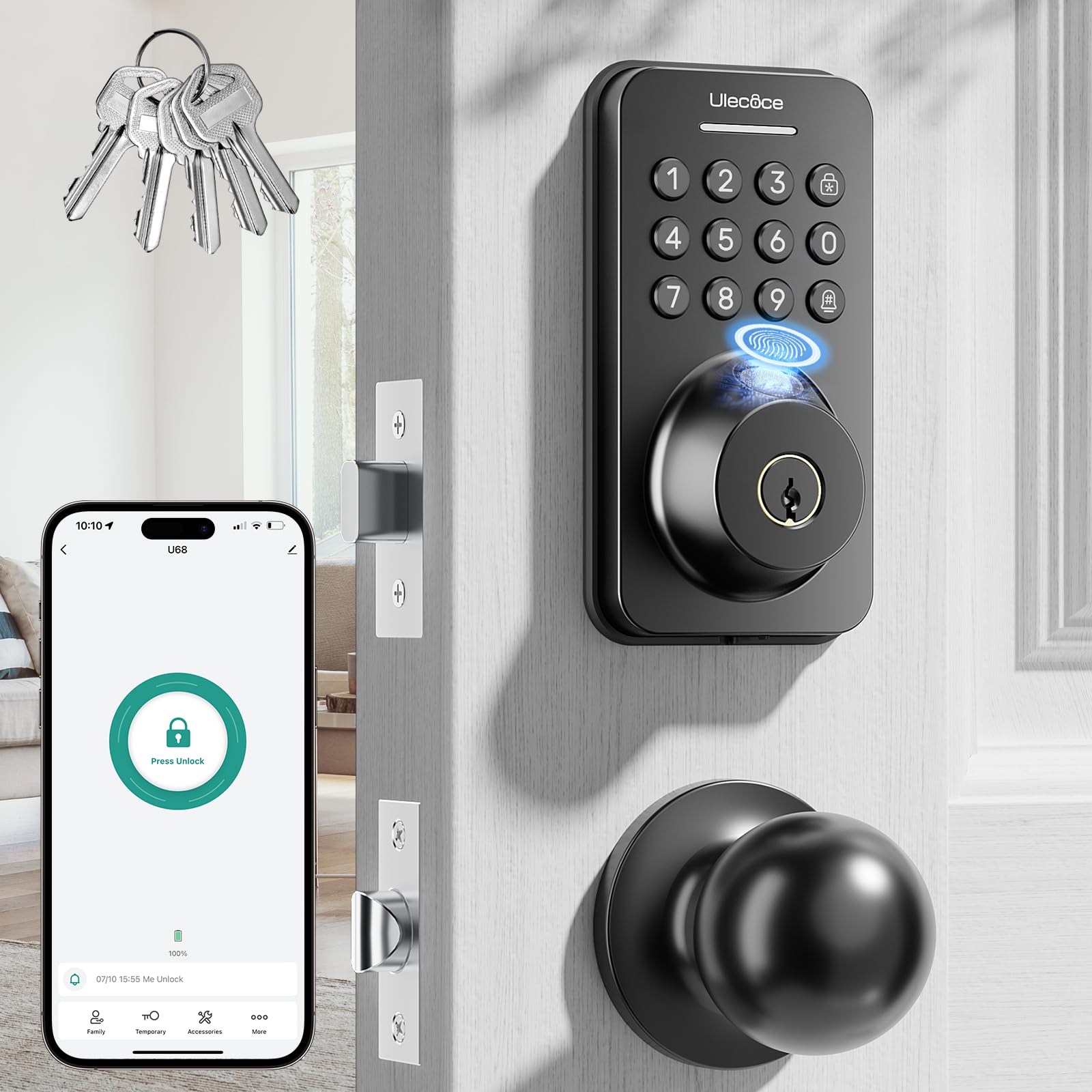
Type: Fingerprint keypad deadbolt with knob set
Unlock methods: Fingerprint, code, app
Keypad: Keypad with anti-peep codes
Extras: Auto-lock, one-touch lock
Included: 5 keys, knob set
Finish: Matte black
The budget entry in this group, and the one that still covers the essentials. Fingerprint entry, app control and anti-peep codes are all present, and the knob set means the interior side gets refreshed too. Five physical keys are included as a fallback if the electronics ever misbehave.
Anti-peep codes matter on a door with a letterbox, because the flap gives a clear sightline to the keypad from outside. Buyers on a tight budget who still want fingerprint entry will find this the sensible starting point.
Trade-off: At this price the build feels lighter than the premium picks, and the fingerprint sensor is likely to be fussier with wet or very cold fingers.
Check the current price on Amazon
4. Philips WiFi Smart Keypad Deadbolt (No Hub Needed)
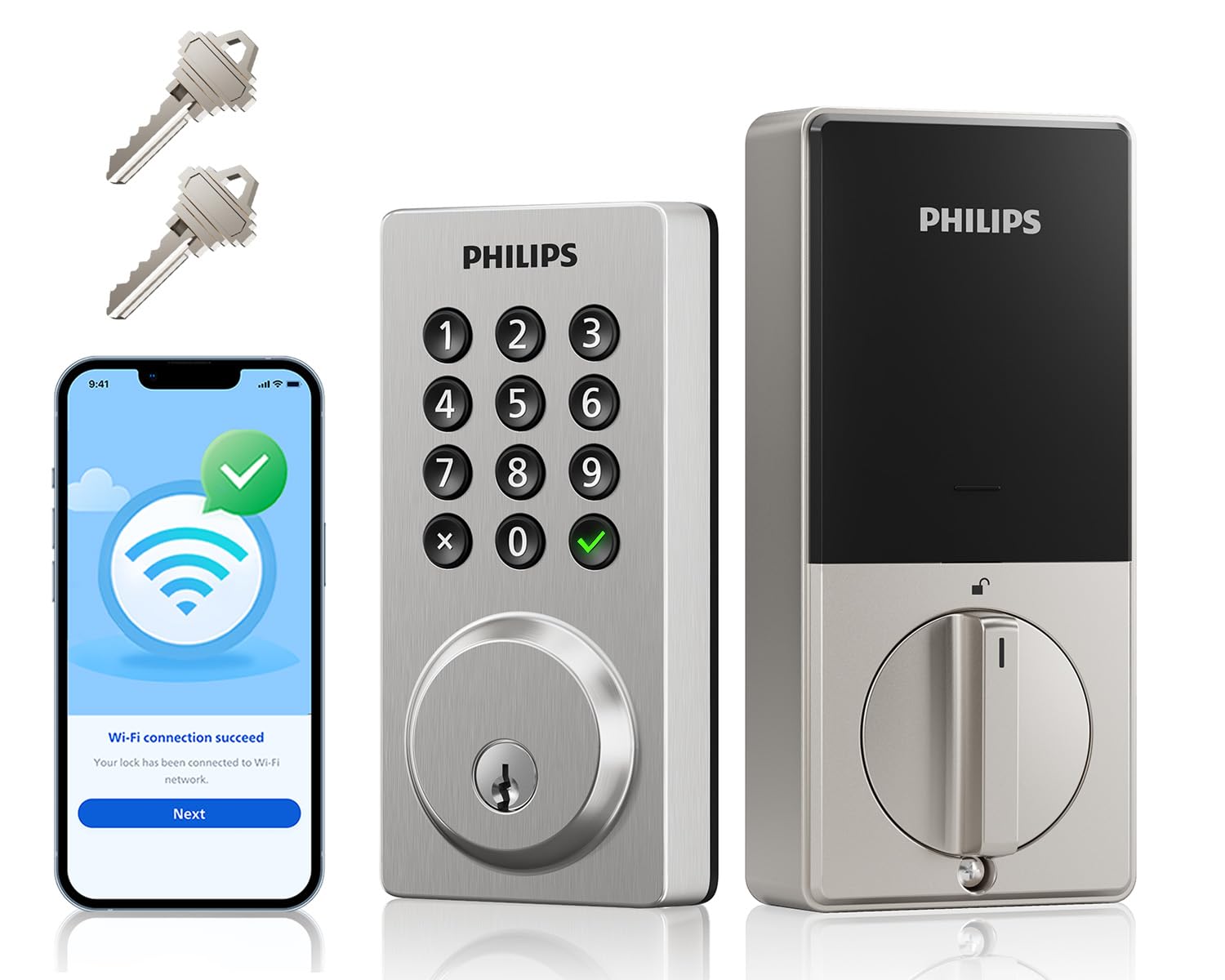
Type: WiFi keypad deadbolt
Unlock methods: Code, app, voice control
Connectivity: Built-in WiFi, no hub needed
Keypad: Backlit
Extras: Flexible codes, activity log, auto-lock, one-touch lock
Included: 2 keys
A straightforward deadbolt for buyers who want app and code entry without paying for a fingerprint reader. The activity log is the standout feature at this price, letting the household see who came and went. Flexible codes suit families, cleaners and dog walkers who each need their own entry.
No hub is required, so setup is a matter of mounting the deadbolt and pairing it to the phone. The backlit keypad keeps late arrivals simple. It suits a secondary door or a rental where fingerprint hardware would be overkill.
Trade-off: No fingerprint reader means every entry needs a code or the phone, which slows things down for anyone carrying shopping or a child.
Check the current price on Amazon
5. Philips Wi-Fi Smart Deadbolt with Touchscreen

Type: WiFi smart deadbolt
Unlock methods: Code, fingerprint, app, voice
Connectivity: Built-in WiFi
Compatibility: Alexa, Google voice unlock
Keypad: Backlit touchscreen
Extras: Remote access, auto-lock
This one sits between the budget and premium picks and covers the most unlock routes for the money. Code, fingerprint, app and Alexa or Google voice unlock are all supported over built-in WiFi, with no hub in the chain. The backlit touchscreen is easier to clean than a physical keypad, which helps on a door exposed to grit and weather.
Remote access makes it useful for letting in a delivery or a visitor while away. Mixed households — some fingerprint users, some code users, some voice users — get the most from it.
Trade-off: The touchscreen draws more power than a button keypad, so expect battery changes to come round more often than on the simpler models.
Check the current price on Amazon
Before You Buy
- Door thickness and backset: Measure the door and the distance from the edge to the handle hole before ordering, as deadbolt kits are built around standard dimensions.
- Letterbox clearance: Check that the letterbox flap and its surround do not foul the keypad or the interior thumb turn when the door swings.
- Draught and moisture: A door that leaks air will also leak damp, so favour a lock with a sealed keypad and keep the letterbox flap closing flush.
- Connectivity: Built-in WiFi removes the need for a hub, but the door still needs a strong signal at that spot for app and voice features to work reliably.
- Power source: All five run on batteries, so budget for replacements and keep a physical key or code as backup.
- Finish matching: Handle and knob sets are included with some picks, so confirm the finish matches the rest of the door hardware.
- Included keys: Key counts vary between models, which matters for households that want a spare kept elsewhere.
Frequently Asked Questions
-
Will a smart lock fit a door that already has a draughty letterbox?
Usually yes, provided the letterbox does not overlap the deadbolt position. Measure the gap between the letterbox and the handle hole before ordering. -
Does a draughty door make a smart lock less reliable?
Cold air and damp are the main risks. Sealed keypads and backlit touchscreens cope better, and keeping the letterbox flap closing properly reduces moisture reaching the lock. -
Do these locks need a hub?
No. All five picks here use built-in WiFi, so they pair directly with the home network and the phone app. -
What happens if the batteries run out?
Each lock includes physical keys as a fallback, and most app-controlled models warn before the battery is fully drained. -
Can a smart lock be fitted without replacing the whole handle?
Yes, several picks are deadbolt-only. The Philips handle set and the U68 knob set replace more hardware, which suits a door with worn fittings. -
Are smart locks suitable for rental properties?
Yes, and the flexible-code models are the easiest to manage, since a code can be changed between guests without new keys.
Bottom Line
For most doors with a draughty letterbox, the Philips WiFi Keypad Deadbolt with Handle is the pick that solves the most problems at once: a fresh lever set, built-in WiFi, fingerprint entry and a backlit keypad in one purchase. Buyers who want a certified brand name should look at the Schlage Encode, while the U68 covers the budget end without dropping fingerprint entry.
