Why there are Amazon links here: Brave Review is paid a commission for qualifying Amazon purchases made through the links below. Your price does not change, and using our links is entirely optional. How this works
Best WiFi Extender for a Bedroom Above a Garage
A bedroom over a garage sits at the far edge of most homes — one wall from the outside, one floor from the router, and often a slab or duct run in between. That is exactly where WiFi dies. The five picks below cover the range from a cheap TP-Link plug-in to long-range models that claim whole-home coverage, so a buyer can match the extender to the size of the dead zone rather than overspending. The overview table below gives the short version; the reviews explain who each one fits.
Overview of the Picks
| Product | Key Spec | Best Use | Price Tier |
|---|---|---|---|
| TP-Link AC1200 WiFi Extender (RE315) | Up to 1600 Sq.ft, 32 devices, EasyMesh | Budget pick for a small bedroom | Budget |
| 2026 Upgraded WiFi Extender for Home | Up to 18000 Sq.ft, 15X faster, Ethernet port | Large homes with a bad far corner | Premium |
| WiFi Extender Signal Booster for Home | Up to 18,000 Sq Ft, 65+ devices, 1-tap setup | Many devices in one room | Premium |
| 2026 WiFi Extender Signal Booster | Up to 15,588 Sq Ft, 6X faster, 1-tap setup | Plug-and-play simplicity | Premium |
| TP-Link AC1900 WiFi Range Extender (RE550) | Up to 2200 Sq. Ft., 32 devices, Gigabit port | Balanced mid-range pick | Mid-range |
TP-Link AC1200 WiFi Extender (RE315)

Type: Dual-band wall-plug WiFi extender
Coverage: Up to 1600 Sq.ft
Devices: Up to 32
Speed Class: AC1200, 1.2Gbps
Ports: One Ethernet port
Mesh: EasyMesh compatible
TP-Link AC1200 WiFi Extender (RE315)
The RE315 is the sensible starting point for a single bedroom. It is a compact wall-plug unit that pushes dual-band AC1200 signal into one room, and the single Ethernet port lets a smart TV or console in that room run wired instead of wireless. EasyMesh compatibility means it can join a TP-Link mesh network rather than acting as a lone repeater. For the money, it is the least risky way to test whether an extender solves the problem at all.
This pick earns its place because most garage-adjacent bedrooms do not need 18,000 square feet of claimed coverage — they need one reliable room. Buyers with a small dead zone and a modest device count should start here. The trade-off is capacity: 1600 square feet and 32 devices is enough for a bedroom, but not for streaming 4K to several screens at once.
2026 Upgraded WiFi Extender for Home

Type: Long-range wireless repeater
Coverage: Up to 18000Sq.ft
Amplification: 15X faster signal
Ports: Ethernet port
Compatibility: Works with 99% Router
2026 Upgraded WiFi Extender for Home
This is the aggressive-coverage option: a repeater built around a high-power amplifier and marketed at very large floor areas. The Ethernet port gives a wired handoff for a desk or TV, and the broad router compatibility claim means it is designed to drop into almost any existing network. It is aimed at buyers whose dead zone is not just one room but a whole far wing of the house.
The pick suits large homes where the bedroom over the garage sits far from the router and a single-room extender simply cannot reach. Buyers should treat the enormous coverage figure as a ceiling under ideal conditions, not a promise. The trade-off is that a powerful amplifier at this tier can be fussy about placement — put it too far from the router and it repeats a weak signal rather than strengthening a good one.
WiFi Extender Signal Booster for Home
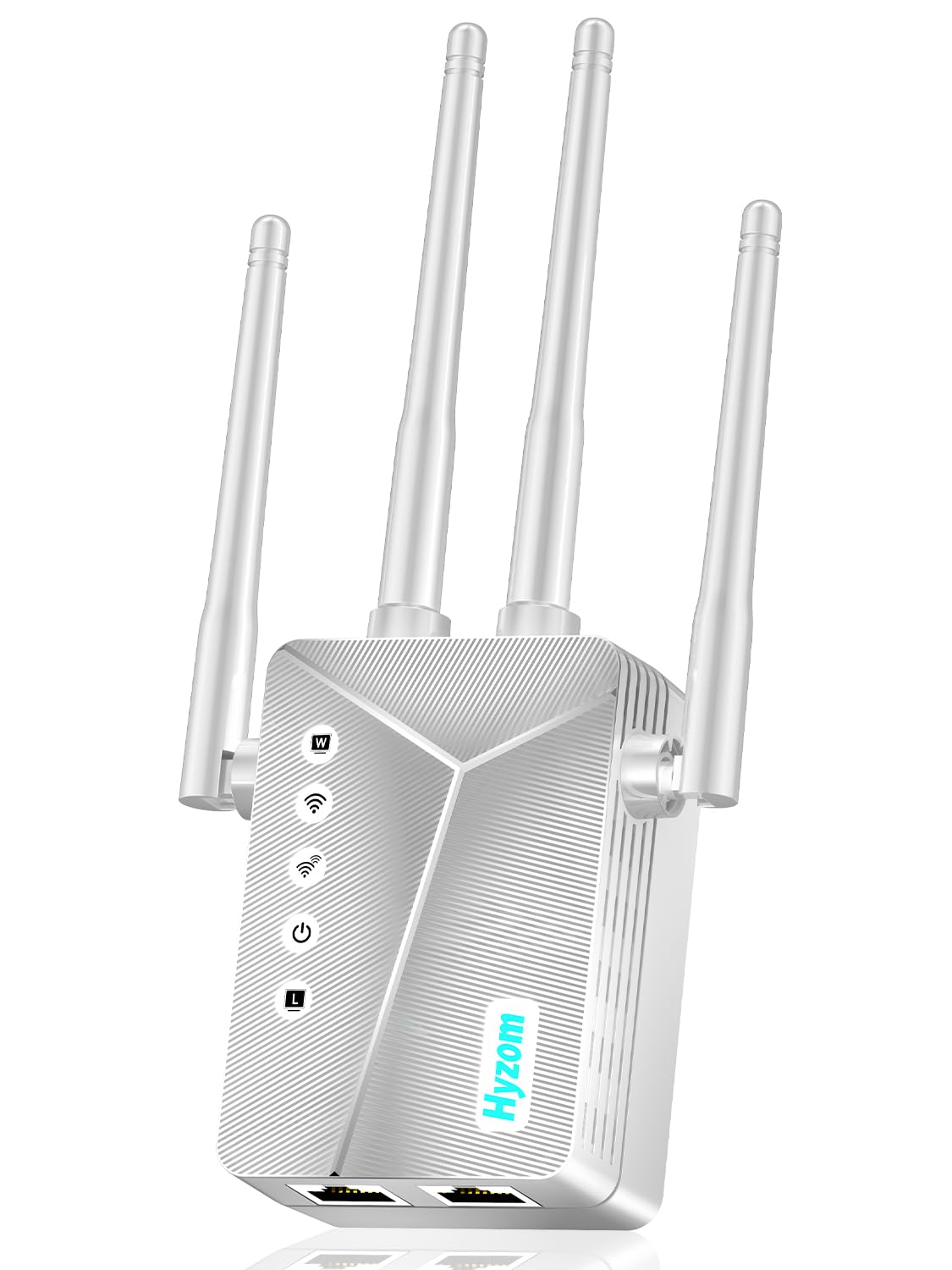
Type: Long-range wireless repeater
Coverage: Up to 18,000 Sq Ft
Devices: 65+
Ports: Ethernet port
Setup: 1-Tap setup
WiFi Extender Signal Booster for Home
This unit is pitched at households with a lot of connected gear. The 65+ device support is the headline — phones, tablets, laptops, smart speakers, cameras and a streaming stick in the same room all at once. The one-tap setup is meant to remove the usual repeater headache of cloning a network name and password. An Ethernet port is included for a wired device.
It fits a busy bedroom that doubles as a home office or gaming room, where several devices compete for the same signal. The one-tap setup is a real convenience for buyers who do not want to log into a router admin page. The trade-off is that a device-dense extender this cheap on setup still shares one backhaul to the router, so heavy simultaneous use in the room can bottleneck.
2026 WiFi Extender Signal Booster
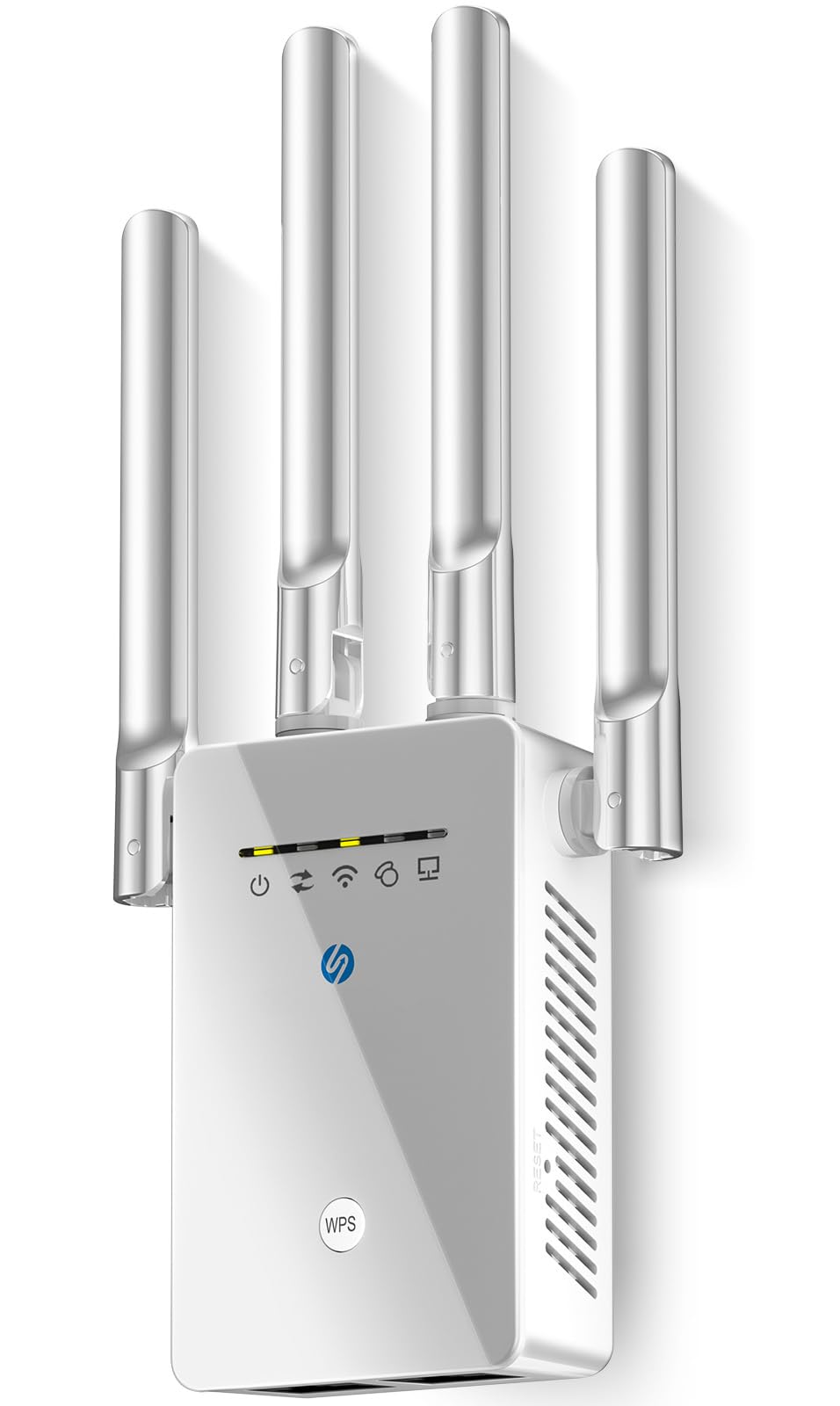
Type: Long-range wireless repeater
Coverage: Up to 15,588 Sq Ft
Speed Class: 6X faster
Ports: Ethernet port
Setup: 1-Tap setup
Compatibility: Compatible with Wireless Routers
2026 WiFi Extender Signal Booster
This is the simplest of the long-range group. It pairs a wide coverage claim with one-tap setup and broad router compatibility, so a buyer can plug it in, press a button and be done. The Ethernet port is there for a single wired device. It sits slightly below its two rivals on claimed coverage, which makes it the least overkill option in the premium tier.
It suits buyers who want the long-range class without fiddling with apps or admin panels — a spare room, a rental, or a household where nobody wants to troubleshoot. The lower coverage claim than its siblings is not a weakness for a single bedroom; it is a sign the unit is less likely to be placed badly. The trade-off is that one-tap pairing gives little control over channel selection, so a congested neighborhood can still leave the room slower than expected.
TP-Link AC1900 WiFi Range Extender (RE550)

Type: Dual-band wall-plug WiFi extender
Coverage: Up to 2200 Sq. Ft.
Devices: Up to 32
Speed Class: AC1900
Ports: Gigabit Ethernet port
Setup: APP setup
Mesh: EasyMesh
TP-Link AC1900 WiFi Range Extender (RE550)
The RE550 is the step up from the budget TP-Link: same wall-plug format and EasyMesh support, but a faster AC1900 class and a Gigabit Ethernet port instead of a standard one. App setup walks a buyer through placement and pairing. It covers a bit more floor area than the RE315 while keeping the device count the same.
This is the balanced pick for a bedroom that needs a stable, fast connection rather than maximum range — a work-from-home desk, a 4K TV, or a console that benefits from the Gigabit port. The app setup is friendlier than a web admin page for most households. The trade-off is that the 32-device ceiling is unchanged from the cheaper model, so a room packed with smart gear may want the higher-capacity option instead.
Before You Buy
- Coverage vs. reality: Claimed square footage assumes open space; a bedroom over a garage has walls and a floor in the way, so size the extender for the room, not the whole house.
- Placement: An extender must sit roughly halfway between the router and the dead zone — inside the bedroom itself, it often repeats an already-weak signal.
- Backhaul: Every extender here is wireless; the Ethernet port is for a wired device in the room, not a wired link back to the router.
- Device count: Match the supported device number to what actually lives in the room — phones, TVs, consoles and smart plugs add up fast.
- Compatibility: EasyMesh models pair with a matching mesh system; the generic long-range units rely on broad router compatibility instead.
- Setup style: One-tap and app setup suit buyers who want it done; manual pairing gives more control over channel and placement.
- Form factor: All five are wall-plug units, so check that an outlet in the bedroom is not blocked by furniture.
Frequently Asked Questions
-
Will an extender fix a bedroom above a garage?
Usually yes, if it is placed between the router and that room. The garage wall and floor weaken the signal, so the extender needs a decent signal of its own to repeat. -
Is a cheap extender enough for one bedroom?
For a single room with a handful of devices, a budget model like the RE315 is often sufficient. Large homes with a far wing need the long-range class. -
Do these extenders work with any router?
The TP-Link units use EasyMesh and standard WiFi pairing; the generic long-range models advertise broad router compatibility. Either way, the extender joins the existing network rather than replacing the router. -
Can an extender be placed in the garage?
It can, but a garage is a poor spot — concrete and metal doors block signal. Midway along the path, such as a hallway or landing, works better. -
Does the Ethernet port give a wired connection?
Yes, for a device in the extended room such as a TV or console. It does not create a wired link back to the router on these models. -
Will an extender slow the connection down?
A wireless extender splits bandwidth between talking to the router and talking to devices, so some loss is normal. Placing it well and choosing a faster class like AC1900 reduces that.
Bottom Line
For most bedrooms above a garage, the TP-Link AC1200 WiFi Extender (RE315) is the right first buy: cheap, compact, EasyMesh-ready and sized for one room. Buyers with a larger dead zone or a device-heavy room should step up to the TP-Link AC1900 WiFi Range Extender (RE550) for the faster class and Gigabit port.
