Why there are Amazon links here: Brave Review is paid a commission for qualifying Amazon purchases made through the links below. Your price does not change, and using our links is entirely optional. How this works
SwitchBot Smart Switch vs Kasa KL125P4 Smart Bulb: Which Smart Control Fits the Room
The SwitchBot Smart Switch and the Kasa KL125P4 smart bulb solve two different problems, and the choice comes down to what needs automating. The SwitchBot presses an existing button or switch; the Kasa replaces the bulb itself. A reader with a coffee maker, a wall panel, or a dumb appliance in mind should lean SwitchBot, while a reader who wants colored, dimmable lighting across a room should lean Kasa.
This comparison covers how each one is built, what it needs to work, where each falls short, and which household situations favor one over the other.
SwitchBot Smart Switch (B07B4D9KVX)

Type: Mechanical button presser with timer control
Connectivity: Wi-Fi via included Hub
Voice Control: Alexa, Google Home, IFTTT compatible through the Hub
Power Source: Battery-powered, self-contained
Mounting: Adhesive or screw mounting over an existing switch or button
Intended Use: Automating dumb appliances and wall switches
Best For: Retrofitting devices that were never smart
The SwitchBot is a small robotic finger. It sticks onto a wall switch, a coffee machine button, or a garage remote, then physically presses it on a schedule or on command. Because it presses rather than rewires, it works with hardware that has no smart internals at all, which is the whole point of the design. The included Hub bridges the unit to Wi-Fi so schedules and voice commands can reach it from anywhere.
Setup is a mechanical job rather than an electrical one: mount the unit, align the arm with the target button, and calibrate the press depth in the app. That makes it renter-friendly and safe for anyone who does not want to touch a breaker panel. The trade-off is that a single unit controls only one button, so a room full of switches needs a room full of SwitchBots.
Trade-off: The mechanical approach is slower and more fiddly than a wired smart switch, and the unit only automates one button per device.
Check the current price on Amazon
Kasa KL125P4 Smart Bulb (B08TB8Z5HF)
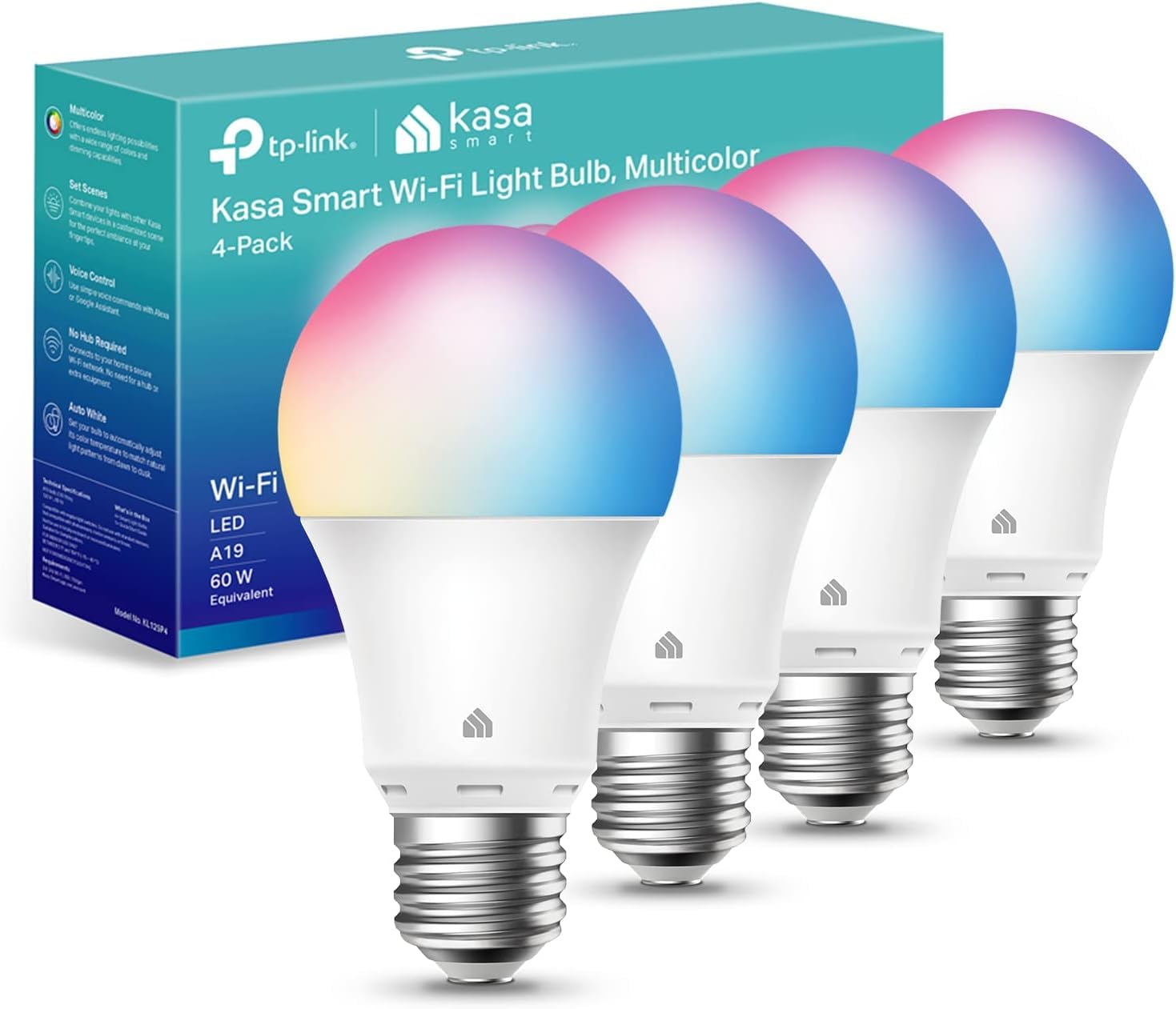
Type: A19 smart LED bulb, four-pack
Brightness: 800 lumens
Wattage: 9W
Color: Full color changing, dimmable
Connectivity: Wi-Fi, no hub required
Voice Control: Works with Alexa and Google Home
Intended Use: Smart lighting for lamps and fixtures
The Kasa KL125P4 is a straightforward swap: screw the bulb into a standard A19 socket, connect it to Wi-Fi through the app, and the fixture becomes smart. There is no hub in the chain, which keeps the setup simple and the cost predictable. The four-pack matters here, because a single smart bulb is a novelty while four can cover a living room, a bedroom, and a hallway at once.
Full color changing and dimming are the headline features, and they suit accent lighting, movie nights, and routines that shift color through the day. At 800 lumens and 9W, each bulb is a normal household brightness rather than a floodlight, so large rooms will want more than one. The trade-off is that the intelligence lives in the bulb, so a wall switch that cuts power also cuts the smart control.
Trade-off: Every smart feature disappears the moment the wall switch is flipped off, and the bulb only helps fixtures that accept a standard A19 screw base.
Check the current price on Amazon
Side-by-Side Comparison
| Feature | SwitchBot Smart Switch | Kasa KL125P4 Smart Bulb |
|---|---|---|
| What It Automates | Existing buttons and wall switches | Light fixtures with an A19 socket |
| Hub Required | Yes, included in the box | No |
| Power Source | Battery | Standard socket power |
| Installation | Adhesive or screw mount, no wiring | Screw in and connect |
| Voice Assistants | Alexa, Google Home, IFTTT | Alexa, Google Home |
| Units per Purchase | One button presser | Four bulbs |
| Color Control | None | Full color changing |
| Dimming | Not applicable | Yes, dimmable |
| Best Room | Kitchen appliances, garages, dumb switches | Bedrooms, living rooms, lamps |
How the Two Differ
The first split is what each device can physically touch. The SwitchBot works on anything with a button or a toggle, including a coffee maker, a space heater, or a garage door remote. The Kasa only works on lighting, but it works on lighting completely, with color and dimming that no button presser can offer.
The second split is installation risk. The SwitchBot mounts over existing hardware and never touches a wire, which makes it the safer choice for renters and for anyone uneasy around electrical work. The Kasa requires nothing more than a free socket, but it does require that socket to exist and to stay powered.
The third split is scale. One SwitchBot automates one button. A four-pack of Kasa bulbs lights four fixtures, and each can be scheduled or colored independently. A buyer automating a whole room will spend far less per controlled device with the Kasa, while a buyer automating one stubborn appliance has no alternative from the bulb side.
The fourth split is dependence on the wall switch. Smart bulbs need constant power, so households that habitually flip switches off will fight the Kasa setup. The SwitchBot sits on top of the switch instead, so the physical habit and the smart control coexist.
Which Should You Buy?
Choose the SwitchBot Smart Switch if the target is a non-lighting device, the home has dumb wall switches that cannot be replaced, or the installation needs to avoid wiring entirely. It also suits a single problem appliance that runs on a schedule, such as a coffee maker or a fan.
Choose the Kasa KL125P4 if the goal is smart lighting across several fixtures, color and dimming matter, and there is no appetite for a hub. The four-pack covers a room in one purchase, and setup is as simple as changing a bulb.
A mixed household can reasonably own both: Kasa bulbs for the lamps and ceiling fixtures, SwitchBot units for the appliances and wall panels the bulbs cannot reach.
FAQ
-
Does the SwitchBot Smart Switch need the Hub to work?
The Hub is included and is what connects the unit to Wi-Fi for app schedules and voice assistants. Without it, remote control and voice commands are not available. -
Can the Kasa KL125P4 bulbs be used outdoors?
They are standard A19 indoor-style bulbs, so they belong in indoor fixtures and enclosed outdoor-rated housings rather than exposed weather. -
Will the SwitchBot work on a rocker-style light switch?
It is designed to press a button or toggle, so flat rocker switches need checking against the mounting options before purchase. -
Do the Kasa bulbs need a separate hub or bridge?
No. They connect directly to Wi-Fi, which is one of the main reasons buyers pick this line over hub-based lighting systems. -
Can both products be controlled by voice?
Yes. The SwitchBot supports Alexa, Google Home, and IFTTT through its Hub, and the Kasa bulbs work with Alexa and Google Home. -
What happens to the Kasa bulbs during a power outage?
They lose power like any bulb and reconnect to Wi-Fi once power returns, so schedules resume without a manual reset in most cases. -
Is one SwitchBot enough for a whole house?
No. Each unit presses one button, so whole-house automation requires one unit per switch or appliance.
Bottom Line
The decision is about the target, not the brand: the SwitchBot Smart Switch wins whenever the thing to automate is not a light, and the Kasa KL125P4 wins whenever the job is lighting a room with color and dimming. For most households starting a smart setup, the Kasa four-pack delivers more automation per dollar, while the SwitchBot remains the only option for the appliances and switches a bulb can never reach.
