Why there are Amazon links here: Brave Review is paid a commission for qualifying Amazon purchases made through the links below. Your price does not change, and using our links is entirely optional. How this works
Best WiFi Extender for a House with Foil-Backed Insulation Upstairs
Foil-backed insulation upstairs acts like a wall of mirrors for WiFi: it reflects the signal back instead of letting it through, so the rooms above the foil line often drop to one bar while the rest of the house is fine. The fix is not a bigger router — it is a carefully placed extender or mesh node that picks up a clean signal on one side of the foil and rebroadcasts it on the other. This roundup covers five picks for three buyer types: the budget shopper who just needs one dead room fixed, the mesh household that wants one app and one network name, and the power user planning for Wi-Fi 7. The overview table below compares all five at a glance.
Overview of the Picks
| Product | Key Spec | Best Use | Price Tier |
|---|---|---|---|
| TP-Link AC1200 WiFi Extender (RE315) | 1.2Gbps, up to 1600 sq.ft, 32 devices | Single dead room or hallway on a budget | Budget |
| Amazon eero 6+ mesh wifi extender | Adds up to 1,500 sq.ft, 75+ devices | Households already running eero | Mid-range |
| NEWFAST AC1200 WiFi Extender | 9800 sq.ft claim, 4 antennas, 4 modes | Large open zones, flexible placement | Budget |
| TP-Link BE6300 Wi-Fi 7 Extender (RE403BE) | 6.3 Gbps, up to 2800 sq.ft, 64 devices | Future-proofing, heavy device loads | Premium |
| 2026 20X WiFi Booster | 1200Mbps dual band, Ethernet port, 125+ devices | Cheap fill-in for a spare room | Budget |
TP-Link AC1200 WiFi Extender (RE315)

TP-Link AC1200 WiFi Extender Dual Band 5GHz/2.4GHz (RE315)
Speed: 1.2Gbps dual band
Coverage Claim: Up to 1600 sq.ft
Device Load: Up to 32 devices
Mesh: EasyMesh compatible
Ports: One Ethernet port
The RE315 is the sensible starting point for a foil-insulation problem because it is small, cheap, and easy to move around until the signal lands where it should. Dual-band operation means the 5GHz side can carry the shorter hops while the 2.4GHz side punches through the doorframe gaps the foil leaves open. The single Ethernet port is the quiet hero here: a wired device on the far side of the foil gets a stable link without competing for wireless airtime. EasyMesh compatibility means it can pair with other EasyMesh hardware later instead of becoming e-waste.
Trade-off: The 1600 sq.ft figure assumes open space, and foil-backed walls will cut that range noticeably, so one unit may only clear a single room or short hallway.
Amazon eero 6+ Mesh WiFi Extender

Amazon eero 6+ mesh wifi extender (newest model), 1-pack
Coverage Added: Up to 1,500 sq.ft
Device Load: 75+ devices
Form Factor: 1-pack add-on node
System Requirement: Existing eero mesh system required
This is an add-on node, not a standalone extender, and that distinction matters for foil-insulated homes. It joins an existing eero network as a true mesh point, so devices roam between floors without the network name changing. The 75+ device support suits busy households where phones, TVs, and smart plugs all compete. Because it is a mesh node, placement is flexible: it can sit at the top of the stairs where it still hears the base station through the stairwell opening rather than through the foil itself.
Trade-off: It is useless without an existing eero system, and the single-unit price is high for anyone starting from scratch.
NEWFAST AC1200 WiFi Extender
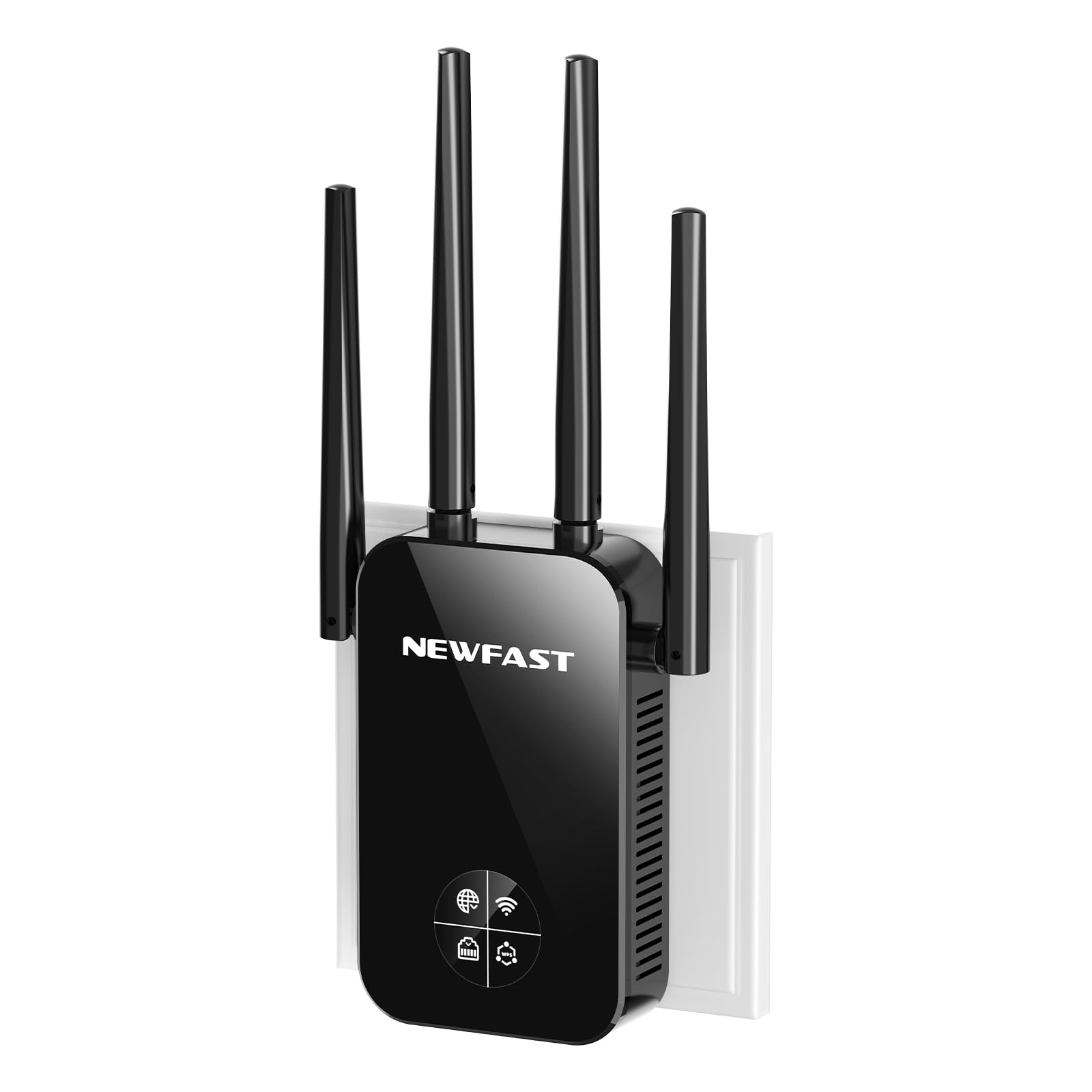
NEWFAST AC1200 WiFi Extender, Dual Band WiFi Signal Extender Booster
Speed: AC1200 dual band (5GHz/2.4GHz)
Antennas: Four external antennas
Modes: Four operating modes
Coverage Claim: Up to 9800 sq.ft
Price Note: Available with coupon
Four external antennas give this unit more placement flexibility than a sealed box, since the antennas can be angled toward the doorway or stairwell that actually lets signal past the foil. The four modes cover repeater, access point, and bridge-style setups, which matters in a foil house where the best answer is often an Ethernet cable run to the far side of the barrier. The coupon pricing makes it an easy experiment for a household that is not sure an extender will help at all.
Trade-off: Coverage claims in this class are measured in open air, and a foil-backed ceiling will shrink real-world reach to a fraction of the headline figure.
TP-Link BE6300 Wi-Fi 7 Extender (RE403BE)
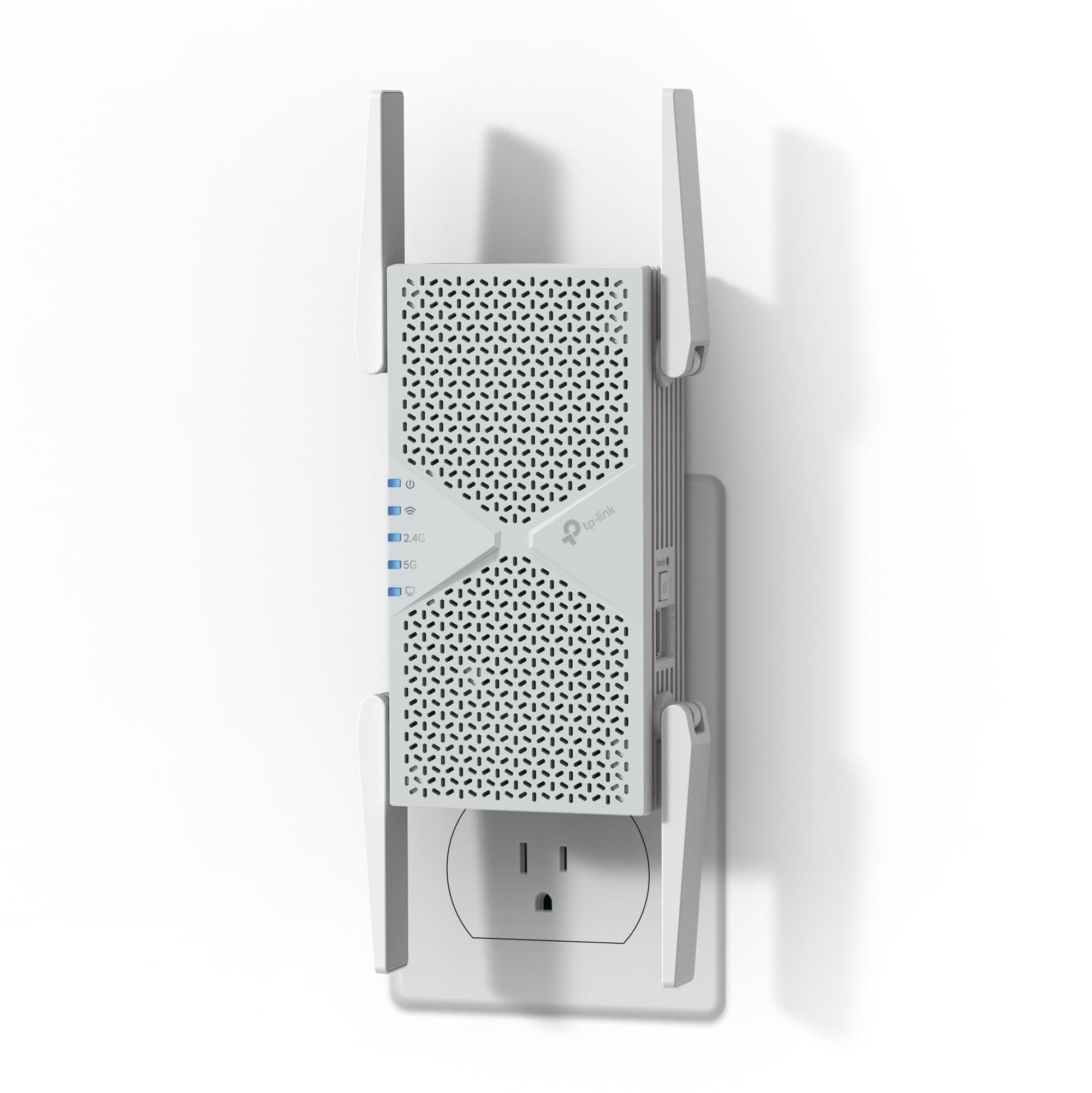
TP-Link BE6300 Wi-Fi 7 Dual-Band Range Extender RE403BE
Speed: 6.3 Gbps
Coverage Claim: Up to 2800 sq.ft
Device Load: Up to 64 devices
Wireless Standard: Wi-Fi 7, dual-band
Features: MLO, EasyMesh
Port: 2.5G Ethernet
Wi-Fi 7 hardware future-proofs a house that cannot easily be re-cabled, and MLO (multi-link operation) helps here because it lets a device hold connections on both bands at once — useful when one band is fighting the foil. The 2.5G port means a wired backhaul run to the far side of the insulation gets full use rather than being throttled. EasyMesh keeps it compatible with other EasyMesh gear, and the 64-device headroom covers a modern family plus a few dozen smart devices.
Trade-off: This is dual-band Wi-Fi 7 without the 6GHz band, so buyers expecting the full tri-band experience should look elsewhere — and the premium price is hard to justify if the router itself is older.
2026 20X WiFi Booster
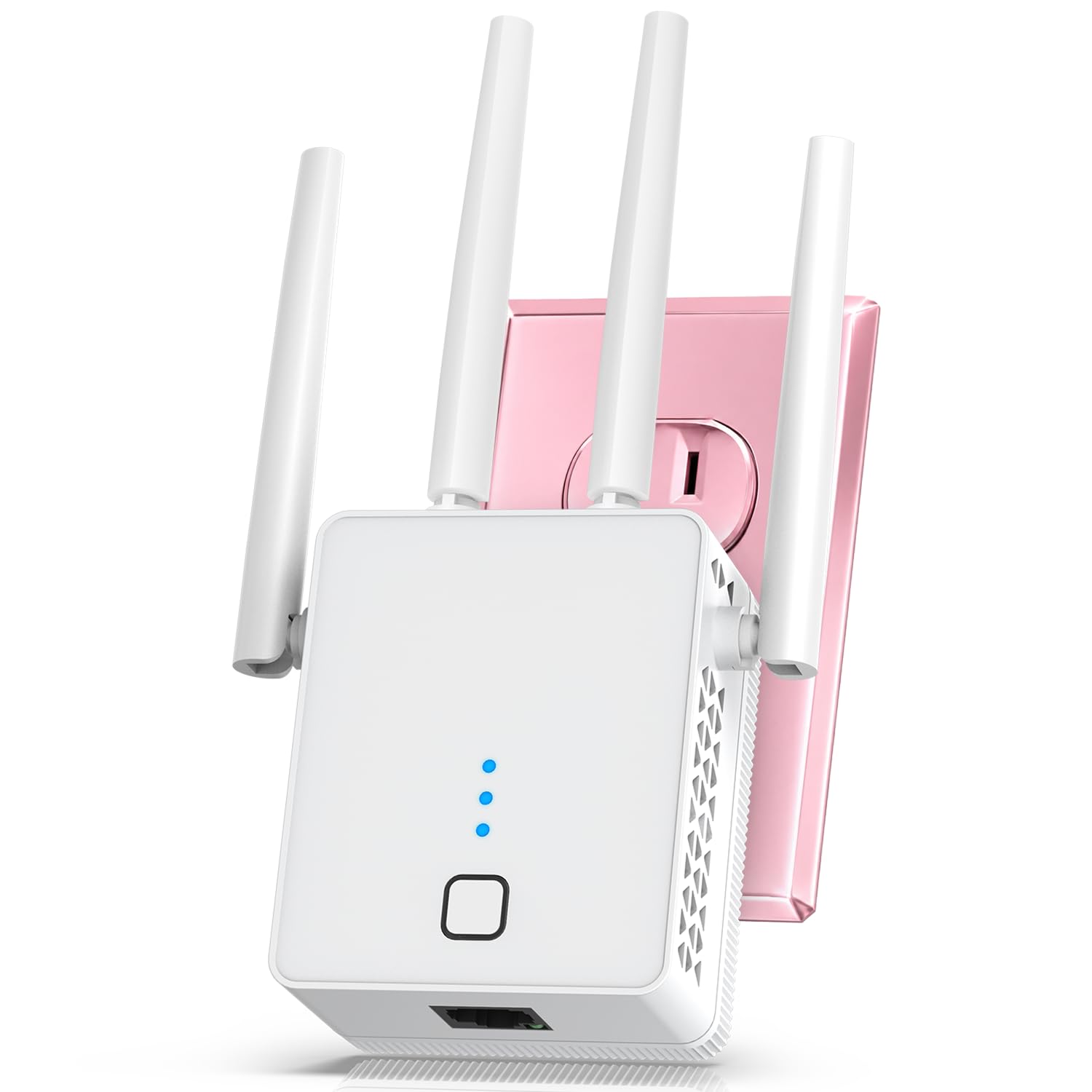
WiFi Extender Signal Booster for Home with Ethernet Port (Pure White)
Speed: 1200Mbps dual band
Bands: 5.8GHz / 2.4GHz
Coverage Claim: Up to 19999 sq.ft
Device Load: 125+ devices
Port: Ethernet
Color: Pure White
This is the budget fill-in pick: a plain white plug-in unit with an Ethernet port for a wired device in a spare room or office. The 5.8GHz band sits slightly above the common 5GHz range, which can occasionally dodge local interference. The high device count claim makes it appealing for a smart-home-heavy household, and the white shell blends into a hallway outlet.
Trade-off: The coverage figure is a marketing headline that no foil-backed floor plan will deliver, and the low price point suggests basic internals — buyers needing consistent whole-floor coverage should not expect it from a single budget unit.
Before You Buy
- Placement: Foil blocks signal, so the extender must sit where it still receives a strong signal — a stairwell, doorway, or landing on the router side of the foil — not in the dead room itself.
- Backhaul: An Ethernet run from the router to the far side of the insulation beats any wireless repeater; prioritize units with an Ethernet port if drilling is possible.
- Compatibility: Mesh add-ons like the eero 6+ only work with their own system; EasyMesh units pair with other EasyMesh hardware.
- Band support: 5GHz carries more speed but less penetration; 2.4GHz travels further through gaps in the foil.
- Device load: Count phones, TVs, consoles, and smart plugs before choosing; foil homes often need more headroom because devices sit further from the router.
- Floor plan: Measure the dead zone and the distance to the nearest signal source; a repeater placed too far from the router just repeats a weak signal.
Frequently Asked Questions
-
Will a WiFi extender work through foil-backed insulation?
Not through it — foil reflects wireless signal. An extender works by picking up a strong signal on one side of the foil and rebroadcasting it on the other, so placement at a doorway or stairwell is essential. -
Is a mesh system better than an extender for a foil house?
Mesh is usually smoother for roaming and keeps one network name, but it only helps if nodes can still hear each other. In a foil home, a wired backhaul between mesh nodes is the most reliable setup. -
How many extenders does a foil-insulated upstairs need?
Often just one per dead zone, placed at the boundary of good signal. Large upstairs floors with multiple foil-separated rooms may need two. -
Does 2.4GHz or 5GHz handle foil better?
2.4GHz travels further and bends around openings more readily, so it usually holds up better at the edge of a foil barrier, while 5GHz delivers more speed at closer range. -
Can an extender be placed in the room with the dead signal?
No — an extender in the dead room has nothing strong to repeat. It needs to sit where the router’s signal is still usable. -
Does an Ethernet port on an extender matter?
Yes. A wired connection on the far side of the foil bypasses the wireless barrier entirely and is the most stable option for a TV, console, or desktop.
Bottom Line
For most foil-insulated homes, the TP-Link AC1200 WiFi Extender (RE315) is the best first move: it is affordable, EasyMesh-compatible, and its Ethernet port makes a wired backhaul past the foil easy. Households already running eero should add the eero 6+ node instead, and buyers planning a long-term upgrade should look at the Wi-Fi 7 RE403BE.
