Why there are Amazon links here: Brave Review is paid a commission for qualifying Amazon purchases made through the links below. Your price does not change, and using our links is entirely optional. How this works
Best Local Control Smart Home Hub for a House With No WiFi
A house without WiFi still needs a brain for its lights, locks and sensors, and the best local control smart home hub for a house with no wifi keeps those devices talking to each other on their own radio network instead of a router. This roundup covers five hubs that handle local automation, from a budget Zigbee bridge to a premium Z-Wave and Matter controller. It suits cabin owners, off-grid households and anyone setting up a second home where broadband never arrives. The overview below puts every pick side by side so a decision takes under a minute.
The Picks at a Glance
| Product | Key Spec | Best Use | Price Tier |
|---|---|---|---|
| Aeotec Smart Home Hub2 – V4 | Zigbee, Matter, WiFi (no Z-Wave) | Mixed-brand setups that still want a cloud option | Mid |
| Lutron Caseta Smart Hub | Proprietary RF, no WiFi dependency | Caseta switches and shades in one house | Budget |
| YoLink Local Hub YS1606 | LoRa, up to 2034 ft range, local API | Long-range sensors across a large property | Premium |
| Hubitat Elevation C-8 Pro | Z-Wave, Zigbee, Matter, no subscription | Fully offline automation with mixed protocols | Premium |
| Google Nest Thermostat | WiFi programmable thermostat | Heating and cooling control where WiFi exists | Budget |
1. Aeotec Smart Home Hub2 – V4
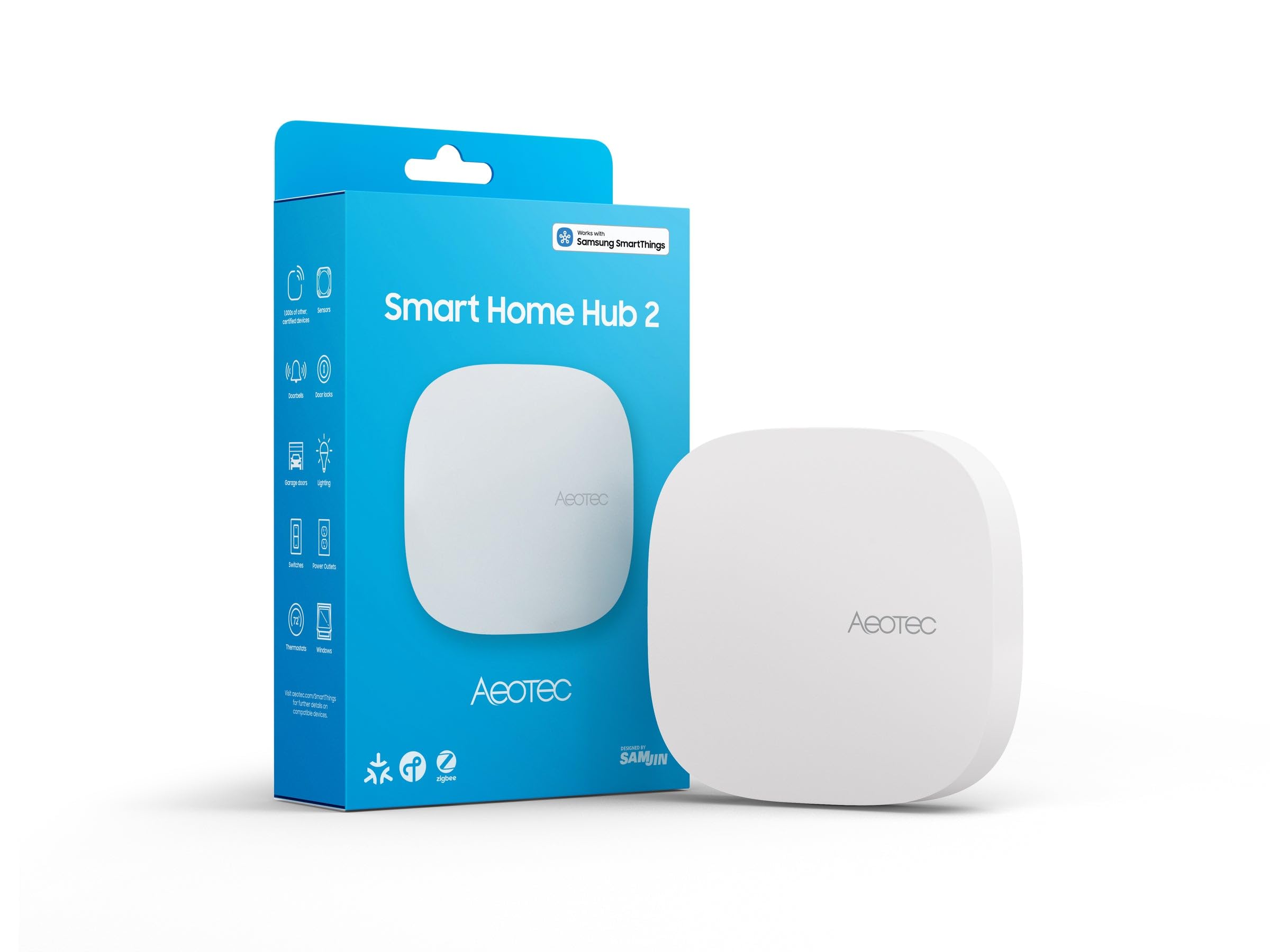
Type: SmartThings-compatible smart home hub
Protocols: Zigbee, Matter, WiFi
Z-Wave: Not included on this version
Voice platforms: Alexa, Google Assistant
Form factor: Compact desktop gateway
The Aeotec hub is the most familiar name in this group, because it runs the SmartThings platform that many Zigbee bulbs and sensors are already built for. It acts as a Matter gateway as well, which means newer devices from other brands can join the same network. The build is a small desktop puck that sits quietly on a shelf near the center of the house. Setup expects a WiFi network for the initial pairing and for cloud features, so it fits a home that has a router but wants local Zigbee control as well.
This pick earns its place for households with a mix of Zigbee gear and a few Matter devices, and for anyone who wants app control from a phone on the same network. Buyers who own Z-Wave locks or switches should look elsewhere, because this version leaves Z-Wave out entirely. It is also a poor fit for a truly off-grid cabin, since the WiFi dependency limits how far the local-only setup can go.
Trade-off: The WiFi requirement and missing Z-Wave radio make it a compromise for fully offline or mixed-protocol homes.
2. Lutron Caseta Smart Hub

Type: Lighting and shade hub
Connection: Proprietary RF, does not rely on WiFi
Voice platforms: Alexa, Apple Home, Google Home
Color: White
Ecosystem: Lutron Caseta
The Caseta hub is the budget entry point here, and its whole appeal is the radio link it uses to reach switches, dimmers and shades. That link is proprietary and does not depend on WiFi for device-to-hub communication, which is exactly what a no-WiFi house needs for reliable lighting control. The hub itself is a small white bridge that plugs in near the center of the lighting network. It is the most affordable way into a serious lighting system, and it is the most popular pick in this roundup for good reason.
It suits renters and homeowners who mainly want lights and shades to respond instantly and keep working when the internet drops. The catch is ecosystem lock-in: the hub only speaks to Lutron Caseta devices, so a house full of Zigbee sensors or Z-Wave locks gets nothing from it. Buyers who want one hub for every device category should skip it.
Trade-off: It controls Lutron lighting beautifully but ignores every other protocol, so it works best as a dedicated lighting hub rather than a whole-home brain.
3. YoLink Local Hub Smart Home Gateway YS1606
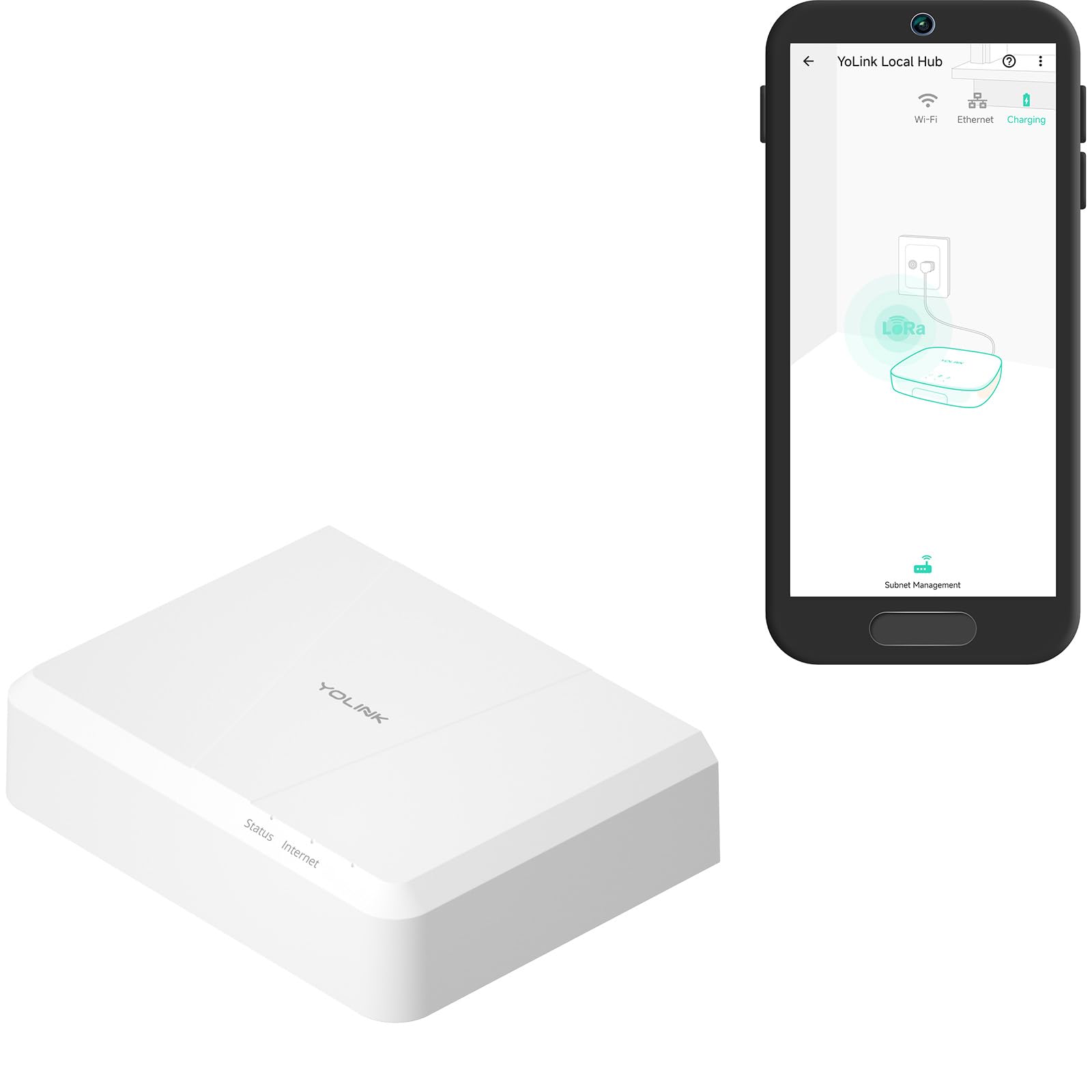
Type: Local automation gateway
Protocol: LoRa (YoLink)
Range: Up to 2034 feet
Local API: Included
Setup: Internet connection required once
YoLink Local Hub Smart Home Gateway YS1606
The YoLink hub is built for distance, and the LoRa radio is the reason it reaches up to 2034 feet — far beyond what Zigbee or WiFi manages through walls. That range makes it the pick for barns, detached garages, gate sensors and water-leak detectors spread across a large property. Once setup is done over an internet connection, schedules and automations run locally without a live link. The local API also gives technically minded owners a way to pull device data into their own systems.
This one suits rural properties and outbuildings where sensors sit far from the main house, and tinkerers who want an API to work with. It is a poor choice for a buyer who wants to control mainstream Zigbee bulbs and plugs, because YoLink devices use their own protocol. The one-time internet setup also means it cannot be configured in a location with no connectivity at all.
Trade-off: The impressive range comes with a closed ecosystem, so the hub is only as useful as the YoLink sensors bought alongside it.
4. Hubitat Elevation C-8 Pro Smart Home Hub
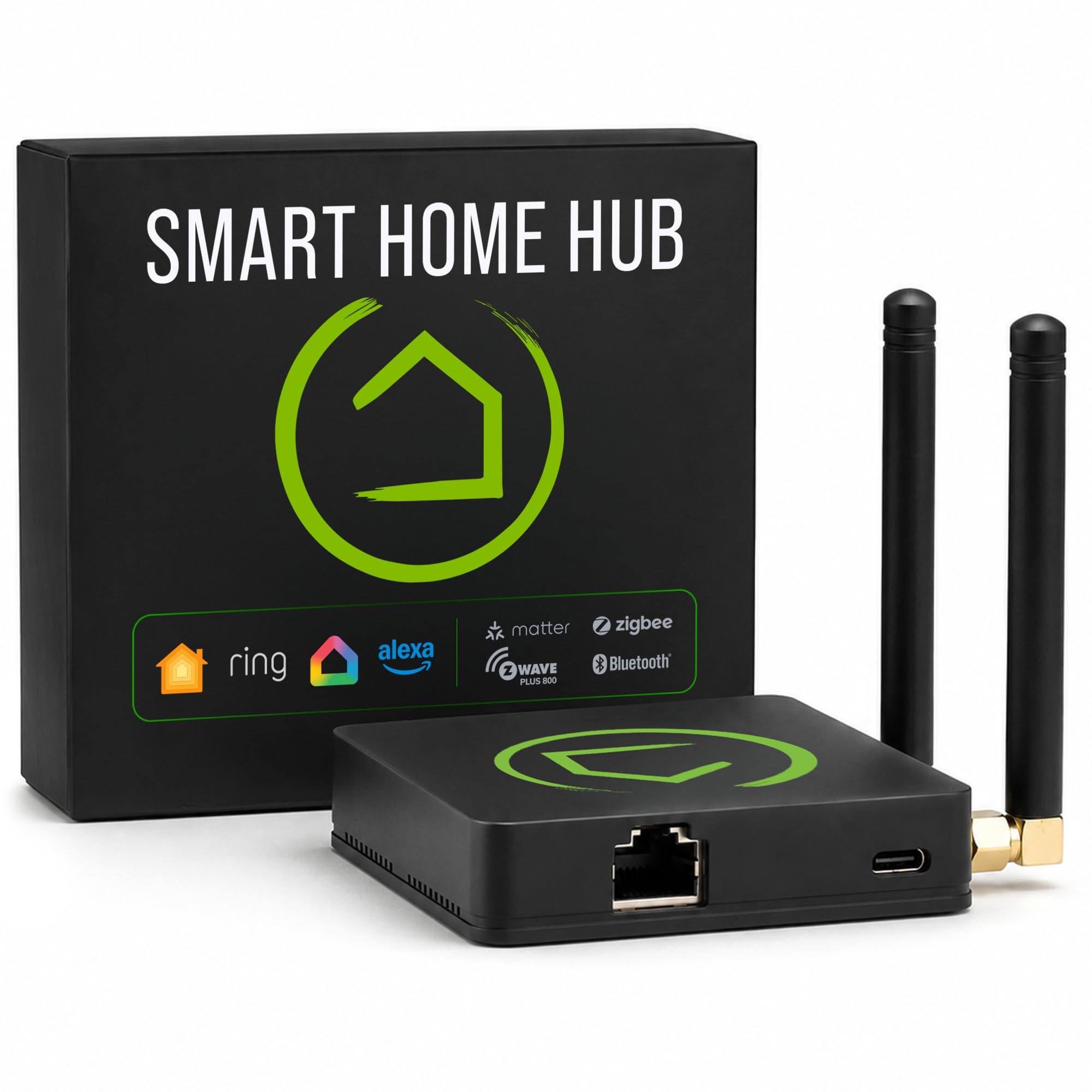
Type: Local automation controller
Protocols: Z-Wave, Zigbee, Matter, Bluetooth
Voice platforms: Alexa, Google Home, HomeKit
Subscription: None required
Camera support: Ring cameras
Hubitat Elevation C-8 Pro Smart Home Hub
The Hubitat C-8 Pro is the most capable local controller in this group, with Z-Wave, Zigbee, Matter and Bluetooth radios in one box. Automations run on the device itself, so lights, locks and sensors keep following their rules when the internet is down. There is no subscription, and the platform works with Alexa, Google Home and HomeKit for voice control when those services are reachable. It also ties in Ring cameras for anyone already using them.
This is the pick for a buyer who wants one hub to rule a mixed-protocol house and refuses to pay a monthly fee. It suits people willing to spend an evening learning a more advanced interface, because the setup is deeper than a consumer plug-and-play bridge. Buyers who want a phone app that just works out of the box may find the learning curve steep, and the price puts it at the top of this list.
Trade-off: The power and flexibility come with a steeper setup curve and the highest price in the roundup.
5. Google Nest Thermostat

Type: Programmable smart thermostat
Connection: WiFi
Color: Snow
Function: Heating and cooling scheduling
Ecosystem: Google Nest
The Nest Thermostat is the odd pick out, because it is a climate controller rather than a hub — but it belongs here for one practical reason. A house with no WiFi still needs heating and cooling handled, and this unit schedules and programs temperatures on its own once set. The Snow finish is clean and neutral, and it is the most popular product in this roundup by a wide margin. It is the budget-friendly way to add smart climate control to a home that already has a router.
It suits a buyer who wants one well-made thermostat and does not need a full automation platform. The limitation is obvious: this is a WiFi device, so it cannot run in a house with no internet at all, and it will not control lights or locks. Buyers looking for an actual local hub should treat it as an add-on, not the centerpiece.
Trade-off: It is a WiFi-only thermostat, so it works alongside a local hub rather than replacing one.
Before You Buy
- Protocol: Match the hub’s radio to the devices already owned — Zigbee, Z-Wave, Matter, LoRa or a proprietary lighting link.
- Offline behavior: Confirm that schedules and automations run on the hub itself, not in a cloud service.
- Setup connection: Most hubs need a brief internet connection to configure, even when they run locally afterward.
- Range: A large property or detached outbuildings call for a long-range protocol like LoRa over standard Zigbee.
- Ecosystem lock-in: A proprietary hub only controls its own brand, so check device compatibility before buying.
- Subscription: Local-first hubs typically avoid monthly fees, but confirm before committing.
Frequently Asked Questions
-
Can a smart home hub work without WiFi?
Yes. Hubs with Zigbee, Z-Wave, LoRa or proprietary radios control devices over their own network, and local automation keeps running when the internet is down. -
Which hub is best for a house with no internet at all?
The Hubitat Elevation C-8 Pro runs automations on the device with no subscription, but even local hubs usually need a brief connection for initial setup. -
Do these hubs need a monthly subscription?
The Hubitat and YoLink picks are built around local control with no required subscription; always confirm current terms before buying. -
What is the difference between a hub and a thermostat like the Nest?
A hub coordinates many devices across protocols, while the Nest thermostat only manages heating and cooling over WiFi. -
How far can a local hub reach?
Standard Zigbee and Z-Wave cover a typical house, while the YoLink LoRa gateway reaches up to 2034 feet for outbuildings and large properties.
Bottom Line
For a mixed-protocol house that must keep running without the internet, the Hubitat Elevation C-8 Pro is the strongest all-round pick, with Z-Wave, Zigbee, Matter and Bluetooth in one box and no subscription. Buyers on a lighting-only budget should start with the Lutron Caseta hub, and large rural properties belong with the long-range YoLink gateway.
