Why there are Amazon links here: Brave Review is paid a commission for qualifying Amazon purchases made through the links below. Your price does not change, and using our links is entirely optional. How this works
Best Smart Light Switch for a House With No Earth Wiring
Old houses rarely have the wiring a modern smart switch expects, and the missing neutral wire is the usual blocker. This guide covers five switches that work without one, from budget Wi-Fi models to a premium dimmer kit. Renters and owners of older homes get the most from it, as do anyone adding a second switch without cutting into walls. The overview table below puts every pick side by side; the full reviews follow.
Overview of the Picks
| Product | Key Spec | Best Use | Price Tier |
|---|---|---|---|
| Kasa Smart Light Switch HS200P3 | Needs neutral wire; UL certified; 3-pack | Whole-house upgrade in newer wiring | Mid |
| MOES WiFi Smart Light Switch | No neutral needed; requires capacitors | Budget single-switch installs | Budget |
| GE CYNC Smart Light Switch | No neutral wire required; 2.4 GHz Wi-Fi | Simple on/off control in older homes | Mid |
| Lutron Caseta 3-Way Smart Dimmer Kit | Wireless remote; no neutral required | Adding a second switch without new wire | Premium |
| Amazon Basics Smart Light Switch | Alexa only; no hub required | Low-cost Alexa households | Budget |
Kasa Smart Light Switch HS200P3

Type: Single pole, in-wall
Connectivity: 2.4 GHz Wi-Fi
Voice control: Alexa and Google Home
Hub: Not required
Certification: UL certified
Pack size: 3-pack
Wiring: Neutral wire required
Kasa Smart Light Switch HS200P3 — CHECK PRICE ON AMAZON
The HS200P3 is the straightforward choice for a house that does have neutral wiring at the switch box, and the three-pack keeps the cost per switch low. The build is standard white plastic with a flat paddle, and each unit connects directly to 2.4 GHz Wi-Fi without a hub. Setup runs through the Kasa app, and Alexa and Google Home both pick the switches up for voice and routines. The UL certification is a genuine reassurance for anyone wiring into a wall box. It suits owners upgrading several rooms at once.
Trade-off: Despite the "no hub" pitch, this model still needs a neutral wire in the box, so it is the wrong pick for the very houses this article targets unless a neutral is present.
MOES WiFi Smart Light Switch

Type: Single pole, in-wall
Connectivity: 2.4 GHz Wi-Fi
Voice control: Alexa and Google Assistant
Wiring: No neutral needed
Extra part: Capacitor required
Price: Coupon available
MOES WiFi Smart Light Switch — CHECK PRICE ON AMAZON
The MOES switch is built for the no-neutral case and solves it with a capacitor that fits at the light fixture rather than in the switch box. That keeps the wall plate slim and means the existing two wires are enough. Wi-Fi is 2.4 GHz only, and Alexa and Google Assistant both control it once paired. The price tier is the lowest here, especially with the coupon, which makes it a sensible first smart switch for a single room. It suits budget-conscious buyers who are comfortable fitting one small part at the ceiling.
Trade-off: The capacitor install adds a step at the fixture, and a non-dimmable LED bulb may flicker or glow faintly in this no-neutral design, so bulb choice matters.
GE CYNC Smart Light Switch

Type: On/off button style, in-wall
Connectivity: 2.4 GHz Wi-Fi
Voice control: Alexa and Google Home
Wiring: No neutral wire required
Color: White
GE CYNC Smart Light Switch — CHECK PRICE ON AMAZON
The CYNC switch is the cleanest no-neutral option for anyone who wants a familiar brand name and a plain on/off button. It needs no neutral wire, connects over 2.4 GHz Wi-Fi, and works with Alexa and Google Home for voice and schedules. The button-style face is easy to find in the dark and simple for guests to use. It suits older homes where the wiring is minimal and the goal is reliable app and voice control rather than dimming. Installation is a direct swap at the existing switch position.
Trade-off: The switch is on/off only with no dimming, and CYNC works best inside its own app ecosystem, so buyers wanting deep integration elsewhere may find it limited.
Lutron Caseta 3-Way Smart Dimmer Kit

Type: 3-way dimmer kit with wireless remote
Wiring: No neutral required
Remote: Wireless switch and bracket included
Dimming: LED dimmer
Color: White
Lutron Caseta 3-Way Smart Dimmer Kit — CHECK PRICE ON AMAZON
The Caseta kit solves a problem the other picks cannot: adding a second switch point without running any wire. The dimmer replaces the existing switch, and the battery remote mounts on a wall anywhere within range using the included bracket. No neutral is required, and the dimmer is built for LED loads. The build quality and finish sit at the premium end, and the system is a long-standing favorite for retrofit lighting control. It suits hallways, stairwells and rooms with one awkward switch position.
Trade-off: The premium price tier buys one dimmer and one remote, and full app and smart-home control needs the Lutron smart bridge, which is a separate purchase.
Amazon Basics Smart Light Switch
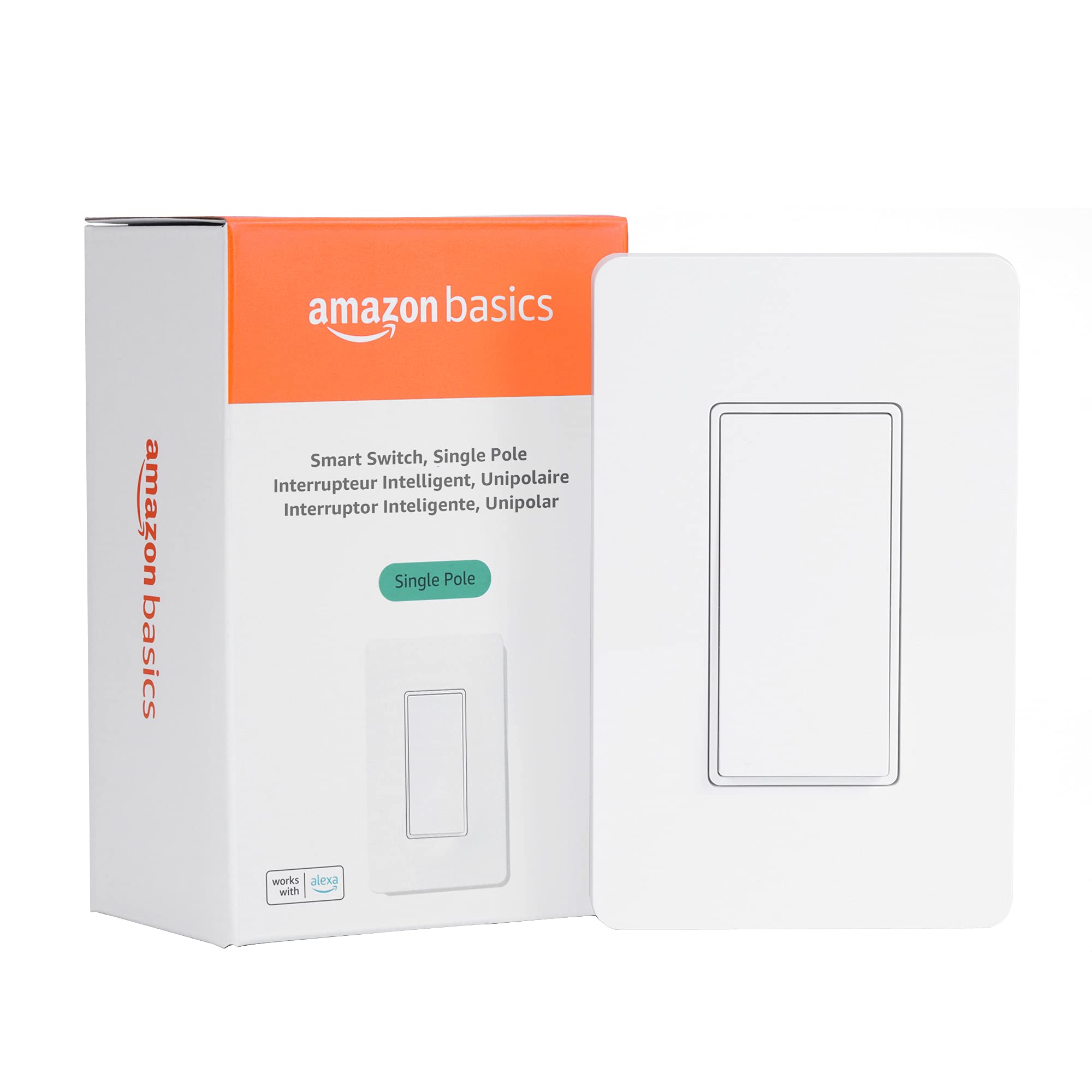
Type: Single pole, in-wall
Connectivity: 2.4 GHz Wi-Fi
Voice control: Alexa only
Hub: Not required
Wiring: No neutral required
Amazon Basics Smart Light Switch — CHECK PRICE ON AMAZON
The Amazon Basics switch is the value pick for homes already committed to Alexa. It needs no neutral wire, connects over 2.4 GHz Wi-Fi without a hub, and handles voice control, schedules and routines through the Alexa app. The white single-pole design is plain and easy to install in a standard box. It suits a first smart switch or a low-cost rollout across several rooms in an Alexa household. The feature set is deliberately simple.
Trade-off: It works with Alexa only, so Google Home and Apple Home households should look elsewhere, and the no-neutral design can misbehave with some low-wattage LED bulbs.
Before You Buy
- Wiring: Confirm whether a neutral wire exists in the switch box; if it does not, every pick here except the Kasa will work.
- Capacitor parts: Some no-neutral switches, like the MOES, need a capacitor fitted at the light fixture, so check access to the ceiling wiring.
- Hub: The Kasa, MOES, GE and Amazon Basics models connect over Wi-Fi with no hub; the Lutron kit needs its bridge for app control.
- Ecosystem: Match the switch to the household’s voice assistant — Amazon Basics is Alexa only, while the others cover Alexa and Google.
- Bulb type: No-neutral dimming and switching can flicker with low-wattage LEDs, so pair the switch with a compatible bulb.
- Load: Check the switch is rated for the light load it will control, especially with multiple fixtures on one circuit.
- Wall plate: Reuse the existing plate where possible, and confirm the switch depth fits the box behind it.
Frequently Asked Questions
- Can a smart switch work without an earth wire? Yes. Earth is a safety conductor, and these switches are designed for boxes with only live and switched-live wiring; the no-neutral models are the ones to choose.
- Do no-neutral smart switches need a capacitor? Not all. The GE CYNC, Lutron Caseta and Amazon Basics models work without one, while the MOES kit includes a capacitor for the fixture.
- Which pick adds a second switch without new wiring? The Lutron Caseta 3-Way Kit, which pairs a dimmer with a battery wireless remote and bracket.
- Do these switches need a hub? Most connect directly over 2.4 GHz Wi-Fi; the Lutron kit needs its smart bridge for app and voice control.
- Will a no-neutral switch dim LEDs? Only the Lutron kit here is a dimmer; the others are on/off switches, so dimming buyers should start there.
- Which one is best for an Alexa-only home? The Amazon Basics switch, which is the cheapest route to voice control in that ecosystem.
Bottom Line
For a house with no earth wiring and no neutral at the switch, the GE CYNC Smart Light Switch is the safest all-round pick: no neutral, no capacitor, plain on/off control and both major voice assistants. Buyers who need a second switch point should pay for the Lutron Caseta kit, and Alexa-only homes can save with the Amazon Basics model. Check the GE CYNC price on Amazon to confirm the current deal before ordering.
