Why there are Amazon links here: Brave Review is paid a commission for qualifying Amazon purchases made through the links below. Your price does not change, and using our links is entirely optional. How this works
Best Local Control Hub for a House With No WiFi
A house without WiFi does not have to mean a dumb house. The picks below are local control hubs and hub-based kits that keep automations, dimming and sensors running on their own wireless protocol instead of the home internet connection. Three buyer profiles matter here: the off-grid or cabin owner with no router at all, the homeowner with a spotty connection who wants switches that still work, and the renter who wants one small hub to tie lights together. The overview table sorts all five by key spec and price tier; the reviews explain the fit.
Overview of the Picks
| Product | Key Spec | Best Use | Price Tier |
|---|---|---|---|
| Offline Local Automation YoLink Local Hub | LoRa up to 2034 ft, local API | Long-range off-grid sensors | Premium |
| Lutron Caseta Smart Dimmer Starter Kit | No-WiFi RF dimmer + Pico + hub | Reliable dimming without a router | Mid |
| Lutron Caseta Smart Switch Starter Kit | No-WiFi RF switch + hub + wallplate | On/off lighting control | Mid |
| Smart WiFi Hub for Smart Home Automation | BLE and SigMesh, 5V 1A | Budget light and sensor bridge | Budget |
| Aeotec Smart Home Hub2 – V4 | Zigbee, Matter gateway, SmartThings | Mixed-brand Zigbee and Matter gear | Mid |
1. Offline Local Automation YoLink Local Hub (YS1606)
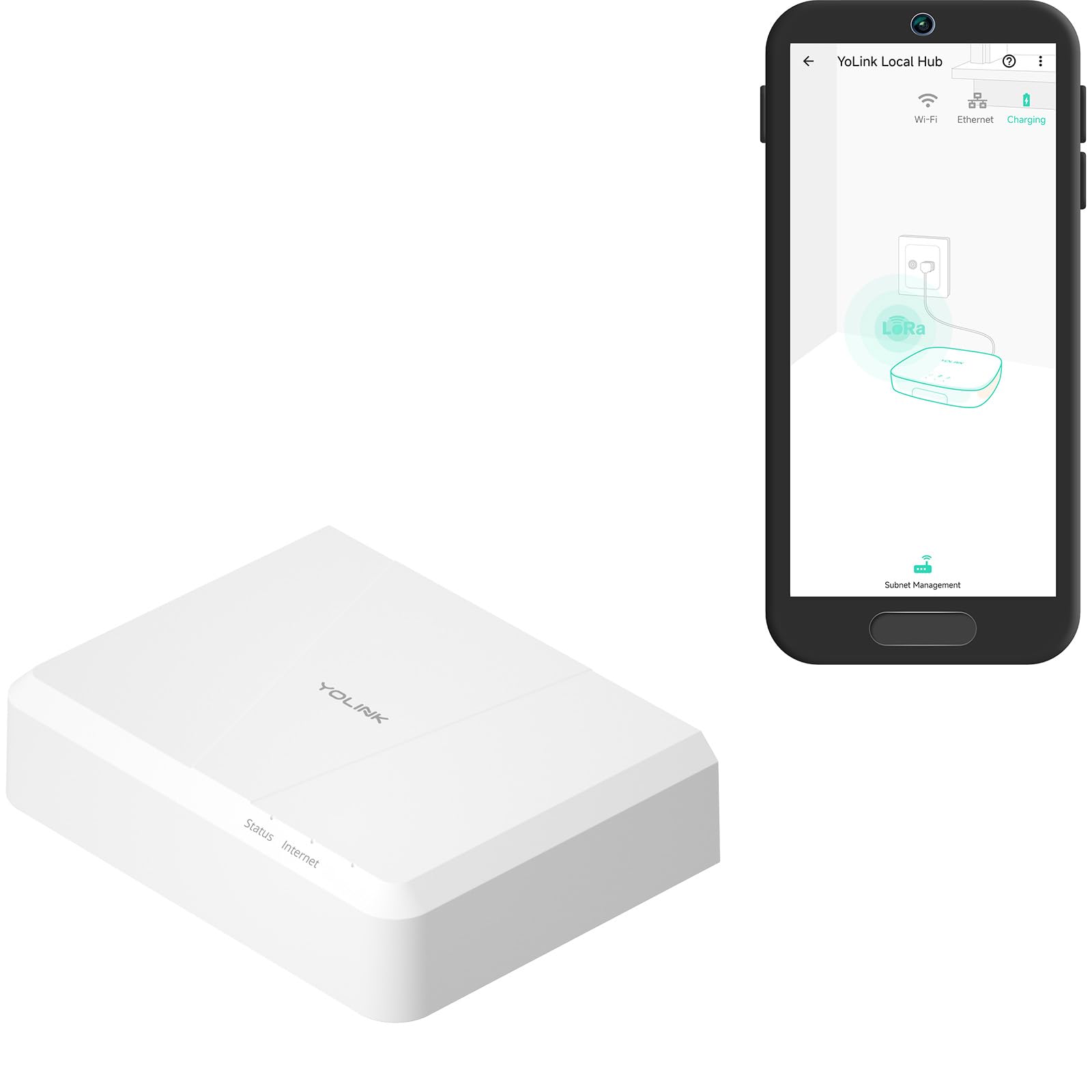
Protocol: LoRa (YoLink)
Rated Range: Up to 2034 feet
Automation: Offline local automation after setup
Setup Requirement: Internet connection during setup
API: Local API
Price Tier: Premium
This is the range champion of the group. LoRa is a low-power, long-distance radio protocol, and the stated 2034-foot reach means sensors can sit in a detached garage, shed or far corner of a large property and still report back to the hub. Automation runs locally once setup is done, so schedules and routines keep firing without a live internet link, and the local API gives a technical buyer a path to integrate the hub with a home server.
The catch is in the name: internet access is required during setup. A buyer with truly no connection anywhere on the property needs to plan for a temporary hotspot or a wired setup session before the hub goes fully offline. It is also the most expensive pick here, which is fair given the range and the API but hard to justify for a single room.
Trade-off: Setup depends on a temporary internet connection, so the fully off-grid buyer must arrange one before the hub can run local.
2. Lutron Caseta Smart Dimmer Starter Kit (P-BDG-PKG1W-A)

Connection: Does not rely on WiFi
Neutral Wire: Not required
Included: Dimmer, Pico remote, bracket, hub
Voice Platforms: Alexa, Apple Home, Google Home
Color: White
Price Tier: Mid
Caseta is the default answer for lighting that has to work every time. The system runs on Lutron’s own radio link through the included hub rather than on WiFi, so dimming and Pico remote control stay responsive even when the router is down or absent. The no-neutral requirement is the practical win: older houses without a neutral wire in the switch box can still take a smart dimmer.
The Pico remote and bracket make this a three-way setup out of the box, which suits a hallway or a room with two switch locations. The limitation is scope — this kit controls lighting, not sensors or locks, and expanding means buying more Caseta devices rather than mixing brands.
Trade-off: The hub locks buyers into Lutron’s own device family, so it is a lighting solution rather than a whole-home platform.
3. Lutron Caseta Smart Switch Starter Kit (P-BDG-PKG1WS)

Connection: Does not rely on WiFi
Included: Smart switch, hub, wallplate
Voice Platforms: Alexa, Apple Home, Google Home
Color: White
Type: On/off switch
Price Tier: Mid
This is the on/off sibling of the dimmer kit, and the right pick where the load should not be dimmed — exterior lights, a garage circuit, or fixtures that buzz on a dimmer. The same non-WiFi radio link and hub apply, so the switch keeps working locally, and the wallplate is included so the install finishes clean.
It costs slightly less than the dimmer starter kit, which makes it the entry point into the Caseta ecosystem for a buyer who only needs switching. The trade-off is the same family lock-in, plus the absence of a remote in the box — a second switch location needs a separate Pico.
Trade-off: No remote is included, so multi-way control costs extra, and the kit stays inside Lutron’s ecosystem.
4. Smart WiFi Hub for Smart Home Automation (BLE and SigMesh)
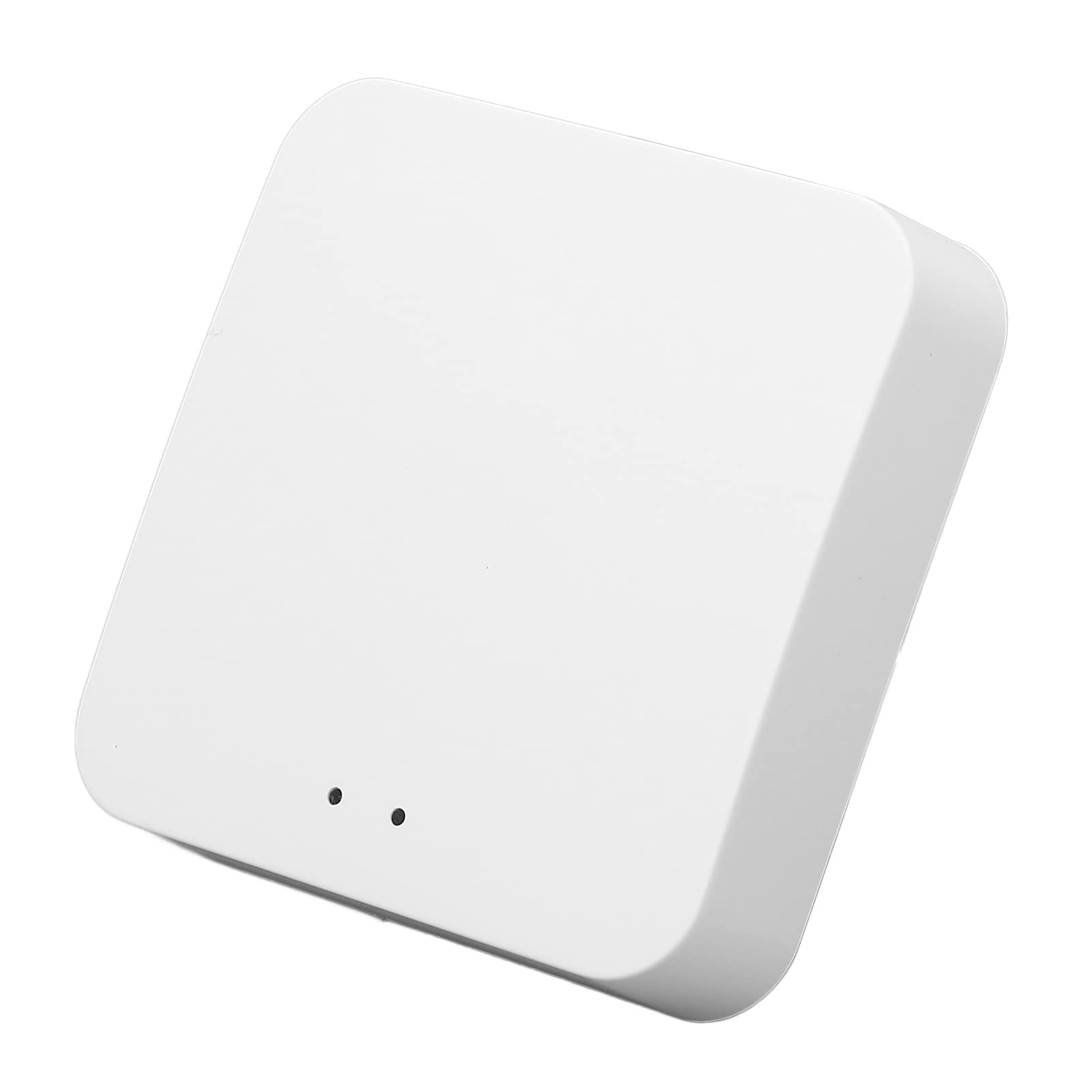
Protocols: Bluetooth Low Energy, SigMesh
Power: 5V 1A controller
Function: Lights and sensors
Control: Wireless remote
Local Operation: Without internet
Price Tier: Budget
At the bottom of the price range sits this small bridge for BLE and SigMesh lights and sensors. Mesh devices relay signals between each other, so coverage grows as more nodes are added, and the hub handles local control without an internet link. The 5V 1A input means it runs from a standard USB-style power adapter, which makes placement easy.
This is the pick for a buyer testing the waters — one room, a few mesh bulbs, a sensor or two. Expectations should stay modest: budget hubs in this class typically ship with a thin app experience and limited automation depth compared with the premium options, and device compatibility is narrower than the big platforms.
Trade-off: Budget mesh hubs usually mean a basic app and a short list of supported devices, so expansion options are limited.
5. Aeotec Smart Home Hub2 – V4
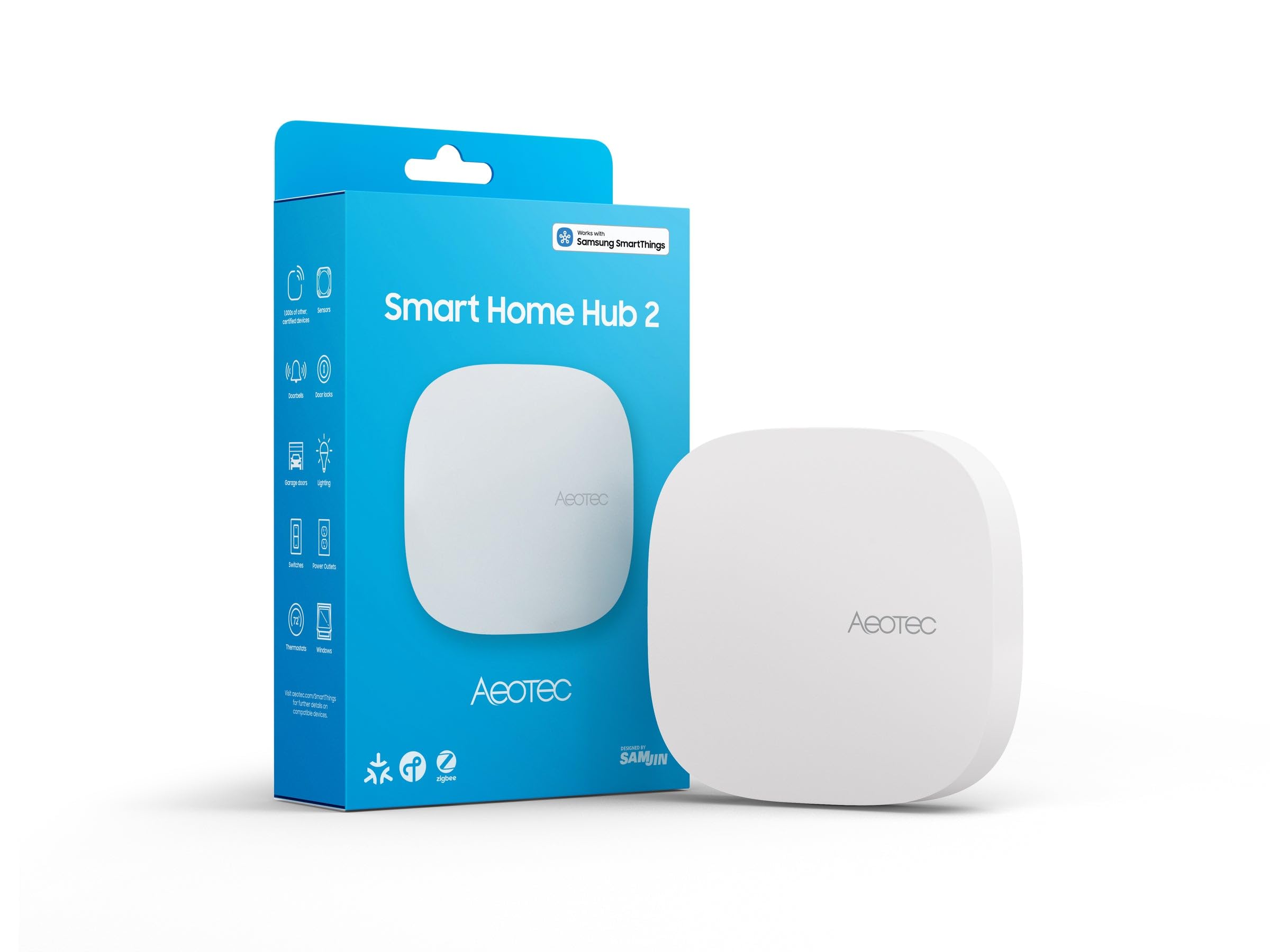
Platform: SmartThings
Protocols: Zigbee, Matter
Voice Platforms: Alexa, Google Assistant
Connectivity: WiFi
Z-Wave: Not included
Price Tier: Mid
The Aeotec Hub2 is the broadest platform here: it runs as a SmartThings hub, speaks Zigbee and Matter, and pulls mixed-brand devices under one app. Matter support matters for buyers who want to add newer gear without changing hubs later, and Alexa and Google Assistant compatibility covers voice control where a connection exists.
The name is explicit that Z-Wave is absent, so buyers with an existing Z-Wave device collection should look elsewhere. The hub also lists WiFi as its connectivity, which makes it a poor fit for a property with no internet at all — it belongs in the spotty-connection profile, not the fully off-grid one.
Trade-off: No Z-Wave radio and a WiFi-dependent design rule it out for fully offline homes and existing Z-Wave setups.
Before You Buy
- Protocol: Match the hub to the devices already owned — LoRa, Lutron RF, BLE/SigMesh, Zigbee and Matter do not talk to each other.
- Setup connection: Some hubs need internet only during setup; confirm a temporary connection is available before buying.
- Range: Long-range LoRa suits outbuildings; mesh and RF protocols suit indoor rooms and short hops.
- Wiring: Check whether switch boxes have a neutral wire before choosing a wall device.
- Ecosystem lock-in: Starter kits tie future purchases to one brand; platform hubs accept more brands but fewer protocols each.
- Power: Small hubs run on low-voltage adapters and need an outlet near the placement point.
Frequently Asked Questions
- Can a smart hub work with no WiFi at all? Yes, for local control — several hubs run automations and device links over their own radio protocol, though some require a connection during initial setup.
- Which pick has the longest range? The YoLink hub, with its LoRa protocol rated up to 2034 feet.
- Do Lutron Caseta devices need a neutral wire? The dimmer kit is listed as not requiring one, which suits older wiring.
- Does the Aeotec Hub2 support Z-Wave? No — the product name states Zigbee and Matter only.
- What is the cheapest way to start? The BLE and SigMesh hub is the budget entry point for a small setup of lights and sensors.
Bottom Line
For a house with no WiFi where range and true offline automation matter most, the YoLink Local Hub is the top pick, provided a temporary connection is available for setup. Buyers who mainly want lighting that never misses should take the Lutron Caseta dimmer kit instead.
