Why there are Amazon links here: Brave Review is paid a commission for qualifying Amazon purchases made through the links below. Your price does not change, and using our links is entirely optional. How this works
Best NAS Setup for Camera Footage for Fast Backups and Smooth 4K Editing
Camera footage piles up fast, and a drawer of loose drives stops working once projects get serious. The five network-attached storage systems here are the best NAS setup for camera footage in different budgets and workloads, from a beginner-friendly photo and video hub to a dual-10GbE editing box. Home users who mainly back up phones and security cameras, solo creators cutting 4K clips, and small teams sharing a media library will each find a match below. The overview table sums up the differences; the full reviews explain who should skip each one.
Overview of the Picks
| Product | Key Spec | Best Use | Price Tier |
|---|---|---|---|
| UGREEN DXP4800 Plus | Intel 8505, 10GbE & 2.5GbE, 4-bay | Mixed media server and transcoding | Premium |
| Synology DS225+ | Intel CPU, 2-bay, hardware transcoding | Simple private cloud for backups | Mid-range |
| UGREEN DXP2800 | Intel N100, 2.5GbE, 2-bay | Advanced home users and Docker | Mid-range |
| UGREEN DH4300 Plus | 8GB LPDDR4X, 4-bay, AI photo album | Beginners and surveillance | Mid-range |
| UGREEN DXP4800 GT | Ryzen R2514, dual 10GbE, 4-bay | Direct NAS video editing | Premium |
1. UGREEN DXP4800 Plus 4-Bay NAS
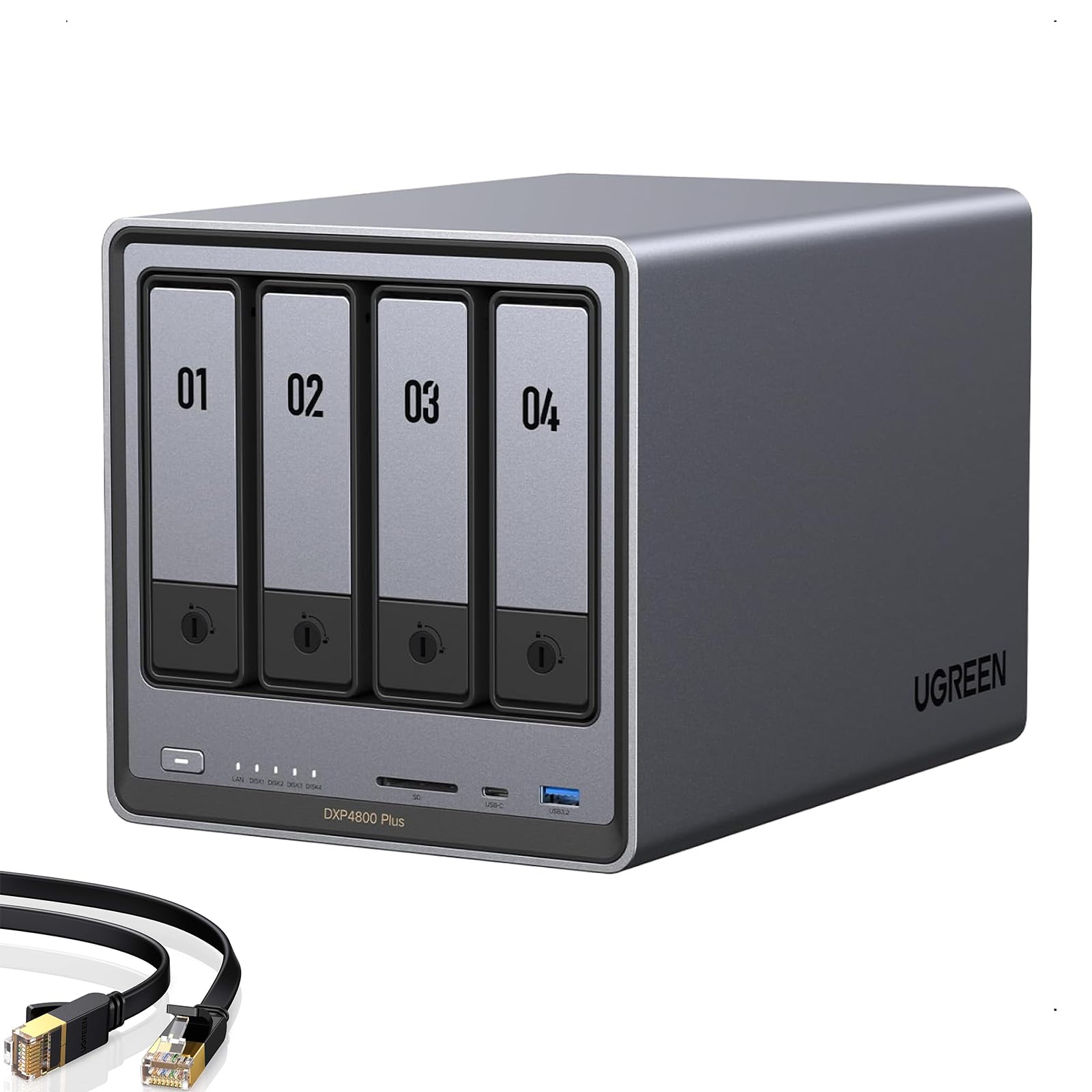
CPU: Intel 8505
Memory: 8GB DDR5
Network: 10GbE and 2.5GbE
Internal Storage: Built-in 128G SSD
Drive Bays: 4, diskless
M.2 Slots: 2x NVMe
This is the do-everything box of the group. The Intel 8505 with hardware transcoding handles 4K media playback and file serving at the same time, and the built-in 128G SSD gives the system a fast home without eating a drive bay. The 10GbE port is the real draw for footage: large camera files move between the NAS and an editing machine far quicker than on a standard gigabit network. Four bays leave room to grow a footage archive over time, and the dual M.2 slots can hold cache or fast project storage.
The DXP4800 Plus suits creators and small teams who want one machine for backups, Plex-style streaming and transcoding. It is more hardware than a household backing up phones needs, and the diskless listing means drives are an extra cost on top. Buyers without a 10GbE switch or adapter will not feel the speed advantage, which makes the premium harder to justify.
Trade-off: The price tier and diskless packaging push total cost well above the sticker once drives and network gear are added.
2. Synology DS225+ 2-Bay NAS

CPU: Intel, hardware transcoding
Drive Bays: 2, diskless
Type: Private cloud media server
Use: Streaming, photo backup, file sharing
Form Factor: Desktop 2-bay
The DS225+ is the straightforward choice for a private cloud. The Intel processor with hardware transcoding keeps video playback smooth on phones and TVs, and the software ecosystem is built around backing up photos and sharing files with family or a small office. Two bays are enough for a mirrored setup, so a single drive failure does not wipe the footage archive. It also handles streaming duties without the tinkering some rival systems demand.
This pick suits home users and remote workers who want backups and file sharing to just work. It is not the right tool for heavy 4K editing over the network, since two bays and the mainstream networking cap throughput. Buyers with a large camera library should plan drive upgrades carefully, because mirroring halves the usable capacity.
Trade-off: Two bays limit both raw capacity and speed, so the unit fills up and slows down sooner than a four-bay chassis.
3. UGREEN DXP2800 2-Bay NAS
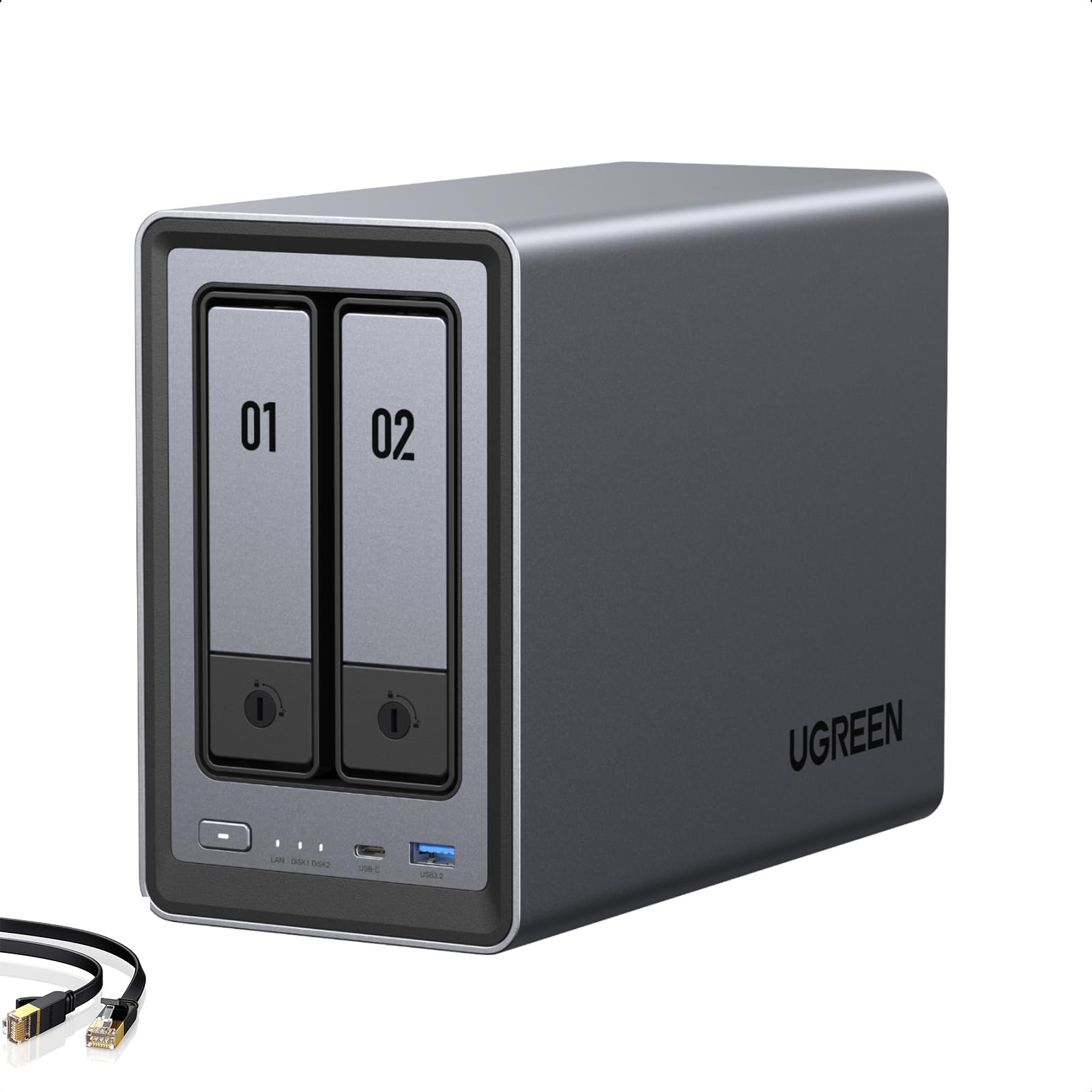
CPU: Intel N100
Memory: 8GB DDR5
Network: 2.5GbE
Drive Bays: 2, diskless
M.2 Slots: 2x NVMe
Video Out: 4K HDMI
The DXP2800 is aimed at advanced home users who want more control than a sealed cloud box allows. Docker and virtual machine support let a buyer run Plex, download tools and small services alongside plain file storage. The Intel N100 is efficient for a always-on machine, and 2.5GbE networking is a step up from gigabit for moving footage folders. The 4K HDMI output means it can drive a TV directly for playback.
This one fits remote workers and creators who enjoy configuring their own stack. It is not for someone who wants zero setup, because Docker and VMs reward patience and punish haste. The two-bay limit again means mirrored capacity is modest, and the diskless listing adds drive cost.
Trade-off: A two-bay layout and DIY-heavy feature set make this a poor fit for buyers who want plug-and-play simplicity.
4. UGREEN DH4300 Plus 4-Bay NAS

Memory: 8GB LPDDR4X
Drive Bays: 4, diskless
Video Out: 4K HDMI
Features: AI photo album, file hub, private cloud
Use: Photo and video backup, home surveillance
The DH4300 Plus is the beginner-friendly four-bay option. The AI photo album sorts and organizes large photo and video libraries automatically, which takes the pain out of finding old footage. Secure home surveillance support means the same box can store security camera recordings alongside project files. Four bays give room for a growing archive, and the 4K HDMI output allows direct playback on a TV.
This pick suits home users and remote workers who want backups and surveillance without deep configuration. It is not the machine for direct 4K editing over the network, since the networking and memory are tuned for storage and organization rather than throughput. Buyers who plan to run Docker containers should look at the DXP2800 instead.
Trade-off: The feature set favors ease of use over raw transfer speed, so heavy editing workloads will feel the limits.
5. UGREEN DXP4800 GT 4-Bay NAS
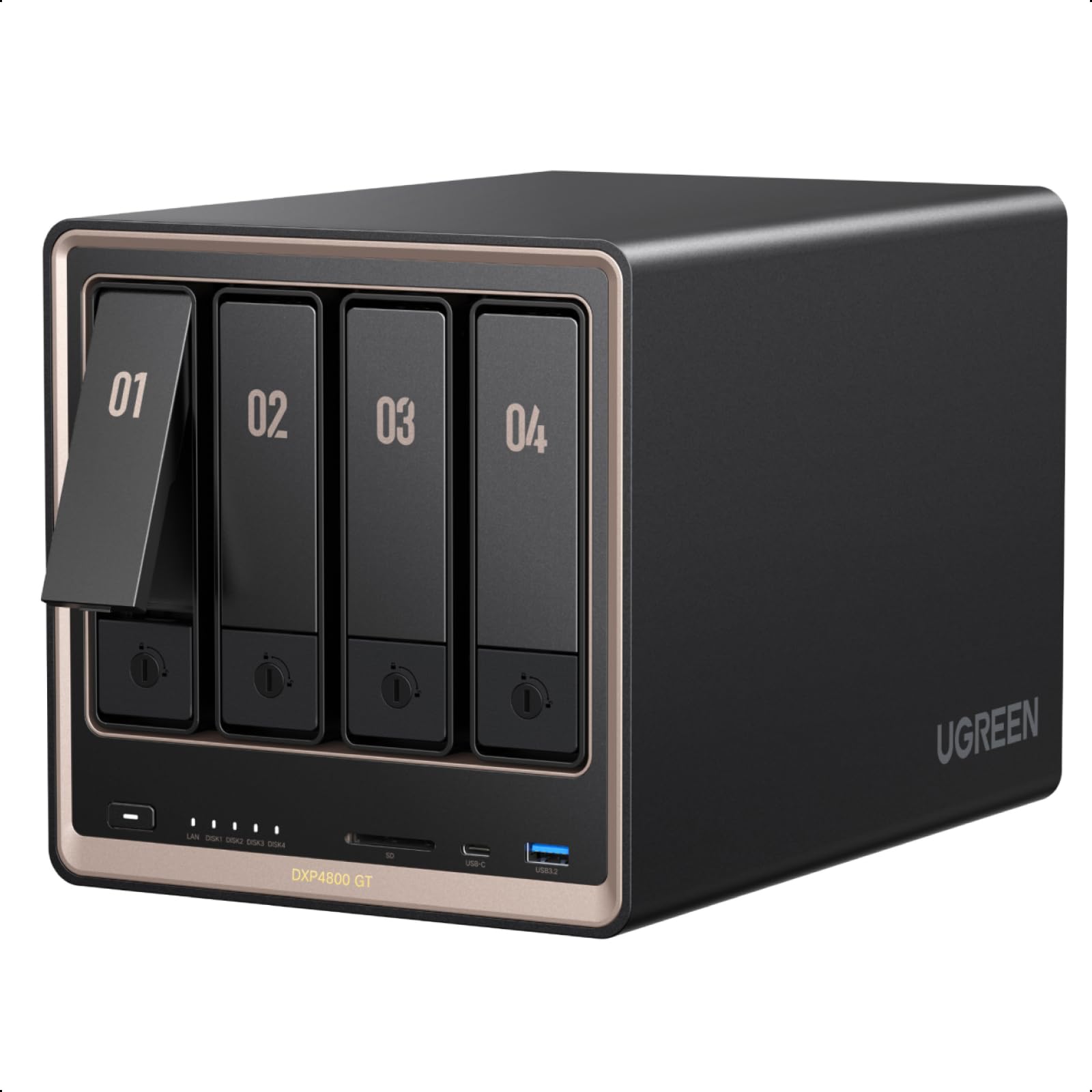
CPU: Ryzen R2514
Memory: 8GB DDR4
Network: 2x 10GbE
Drive Bays: 4, diskless
M.2 Slots: 2x NVMe
Use: Direct NAS editing, smart home data hub
The DXP4800 GT is built for editing straight off the NAS. Dual 10GbE ports deliver the bandwidth a video editor needs to work with footage on the server instead of copying it locally first. The Ryzen R2514 brings more compute for demanding tasks, and the two M.2 slots can hold fast cache or project scratch space. It also positions itself as a smart home data hub for office teams running many devices.
This is the pick for creators and tech enthusiasts who edit 4K multicam projects and need the NAS to act like local storage. It is overkill for simple backups, and the diskless package plus premium price means the total build is the most expensive here. Buyers without a 10GbE network will not use the headline feature.
Trade-off: The dual-10GbE design only pays off with matching network hardware, so many buyers pay for speed they never use.
Before You Buy
- Network: A 10GbE NAS needs a 10GbE switch or adapter to deliver its speed; otherwise a 2.5GbE unit is enough.
- Drive Bays: Two bays are fine for mirrored backups; four bays are better for growing camera archives and RAID flexibility.
- Drives: Every pick is diskless, so budget for NAS-grade drives on top of the unit price.
- Transcoding: Hardware transcoding matters for streaming footage to phones and TVs; the Intel-based units cover it.
- Workflow: Direct editing off the NAS needs high network bandwidth; simple backup and surveillance do not.
- Compatibility: Check that the NAS software supports the cameras, phones and editing apps in use before buying.
- Capacity Planning: Mirrored RAID halves usable space, so size drives around the real footage archive.
Frequently Asked Questions
-
What is the best NAS setup for camera footage overall?
The UGREEN DXP4800 Plus balances transcoding, 10GbE and four bays, making it the strongest all-round pick for mixed backup and streaming. -
Can a NAS handle 4K video editing directly?
Yes, but only with high-bandwidth networking. The DXP4800 GT with dual 10GbE is built for that workflow. -
How many bays are needed for camera footage?
Two bays suit mirrored backups, while four bays give more capacity and RAID options as the archive grows. -
Do these NAS units include hard drives?
No. All five are diskless, so drives must be purchased separately. -
Is a NAS good for home security cameras?
Yes. The DH4300 Plus includes secure home surveillance support for storing camera recordings. -
Do buyers need technical skills to run a NAS?
Beginner units work with guided setup, but Docker and VM features reward users comfortable with configuration.
Bottom Line
For most creators and small teams, the UGREEN DXP4800 Plus is the best NAS setup for camera footage: hardware transcoding, a 10GbE port and four bays cover backup, streaming and growth in one box. Home users who only need private cloud backups can save with the Synology DS225+, while editors working directly off the server should step up to the DXP4800 GT.