Why there are Amazon links here: Brave Review is paid a commission for qualifying Amazon purchases made through the links below. Your price does not change, and using our links is entirely optional. How this works
Best Temperature Alarm for a Holiday Home to Catch Problems Before They Spread
A holiday home sits empty for weeks at a time, which is exactly when a failed boiler, a tripped fuse or a cold snap does the most damage. The best temperature alarm for a holiday home watches the place and pushes an alert to a phone long before a pipe bursts or damp takes hold. The picks below cover three buyer types: owners on reliable home Wi-Fi, owners with no internet at the property at all, and owners who want a screen in the hallway as well as an app. Scan the overview table, then read the full reviews for the details.
Overview of the Picks
| Product | Key Spec | Best Use | Price Tier |
|---|---|---|---|
| X-Sense Wi-Fi Thermometer Hygrometer | Wi-Fi, 2-year battery, free data export | Simple single-room Wi-Fi alerting | Budget |
| AcuRite 17017M Smart Wi-Fi Comfort Meter | Wi-Fi, app alerts, data history | Popular all-round indoor monitor | Mid-range |
| Cellular Temperature Monitor | No Wi-Fi required, power outage alarm | Off-grid and rural properties | Premium |
| GoveeLife 2.0 WiFi Hygrometer with Gateway | 2.4G Wi-Fi, mini sensors, 3-pack | Whole-house coverage | Mid-range |
| GoveeLife WiFi Thermometer Hygrometer 5-in-1 | Large LCD, remote sensor, 3-pack | Owners who want an on-site display | Mid-range |
X-Sense Wi-Fi Thermometer Hygrometer
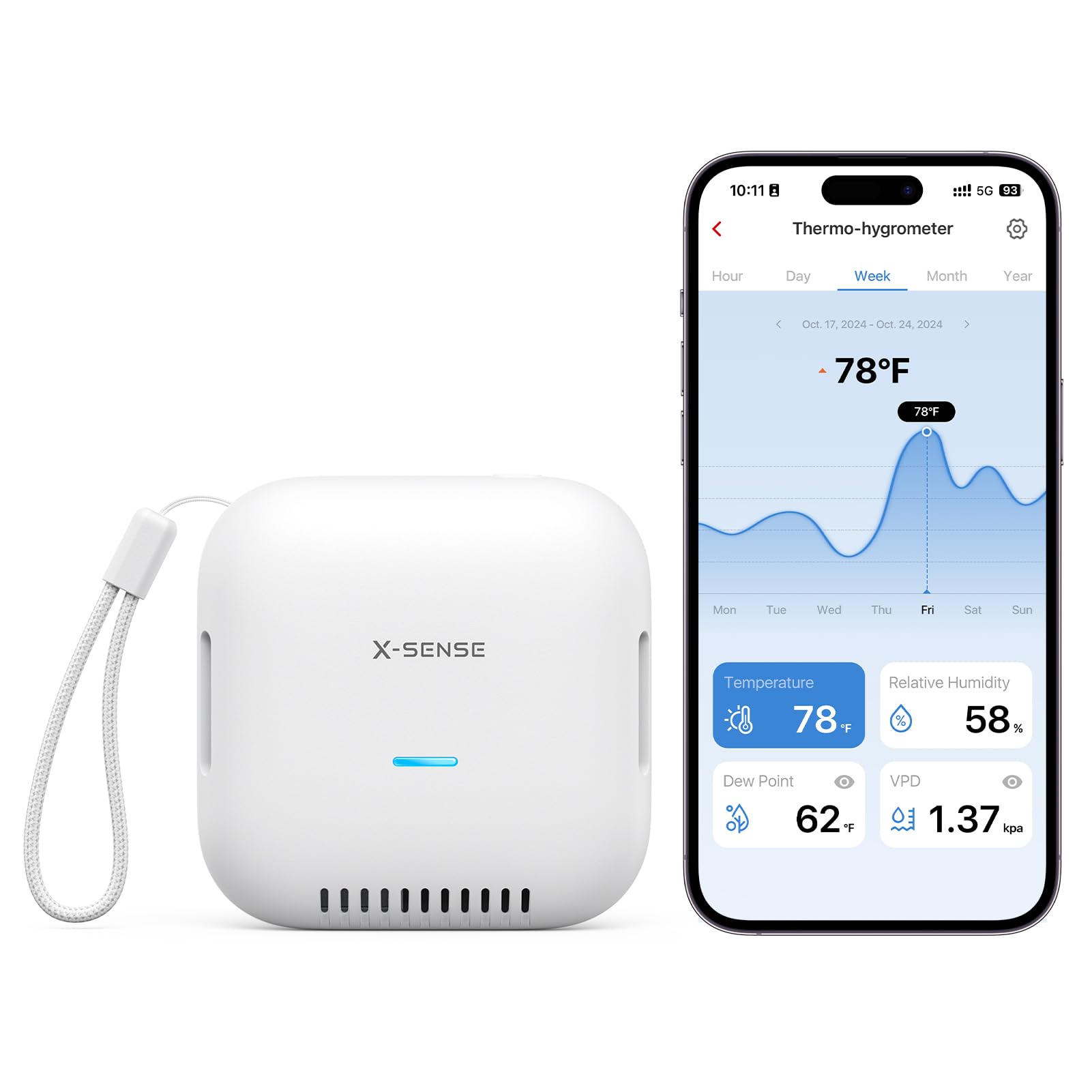
Type: Wi-Fi thermometer and hygrometer
Battery life: 2 years
Data storage: Free export included
Pack size: 1-pack
Connectivity: Wi-Fi with app alerts
Best for: Single-room monitoring
The X-Sense unit is the straightforward entry point: a compact sensor that reads room temperature and humidity, sends those readings to a phone app and raises an alert when conditions leave the range the owner sets. The two-year battery claim matters in a holiday home, because a device that needs charging every few weeks will be dead by the second visit. Free data export is a genuinely useful extra for owners tracking a damp problem over a season.
It is a single sensor, so it guards one room rather than a whole building. Owners who want to know whether the boiler in the utility room failed will need to place it near the pipework that matters most.
Trade-off: One sensor covers one room, so a larger property needs more than one unit to be properly protected.
AcuRite 17017M Smart Wi-Fi Indoor Comfort Meter
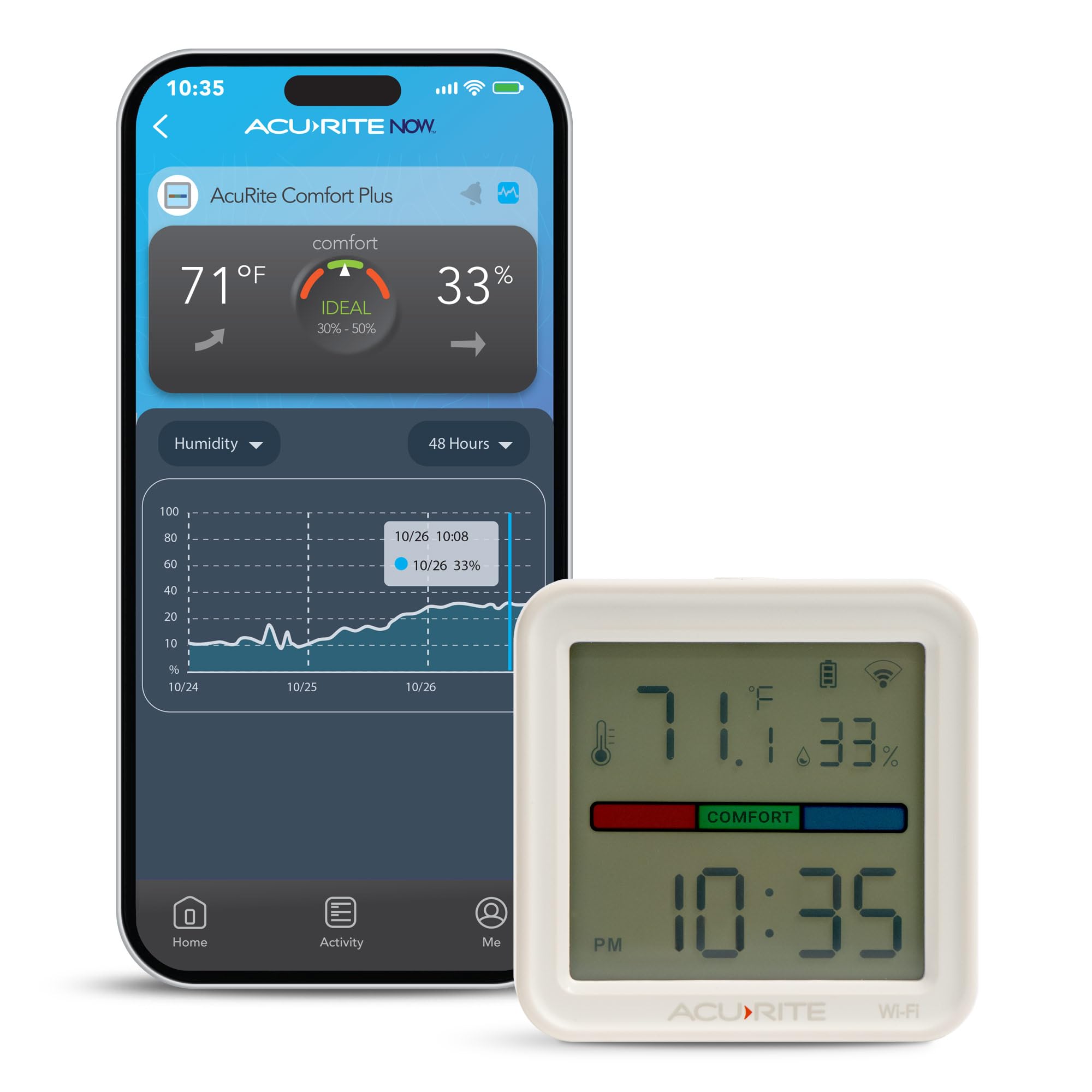
Type: Wi-Fi indoor comfort meter
Measures: Temperature and humidity
Alerts: Mobile notifications
Records: Viewable data history
Connectivity: Wi-Fi
Best for: Main living space monitoring
AcuRite has a long history in home weather and comfort instruments, and this meter follows that pattern: temperature and humidity sensing, a phone app for remote readings, configurable mobile alerts and a data record the owner can look back through. The data history is the standout, since it shows whether a room has been slowly cooling or spiking rather than just reporting the current number.
It is an indoor comfort meter by design, aimed at the room where conditions matter most. It is not a cellular device, so it depends on the property’s internet staying up.
Trade-off: It relies on the home Wi-Fi and mains power staying live, so a broadband or power failure at the property leaves the owner blind.
Cellular Temperature Monitor for RV, Pet, Car and Vacation Home
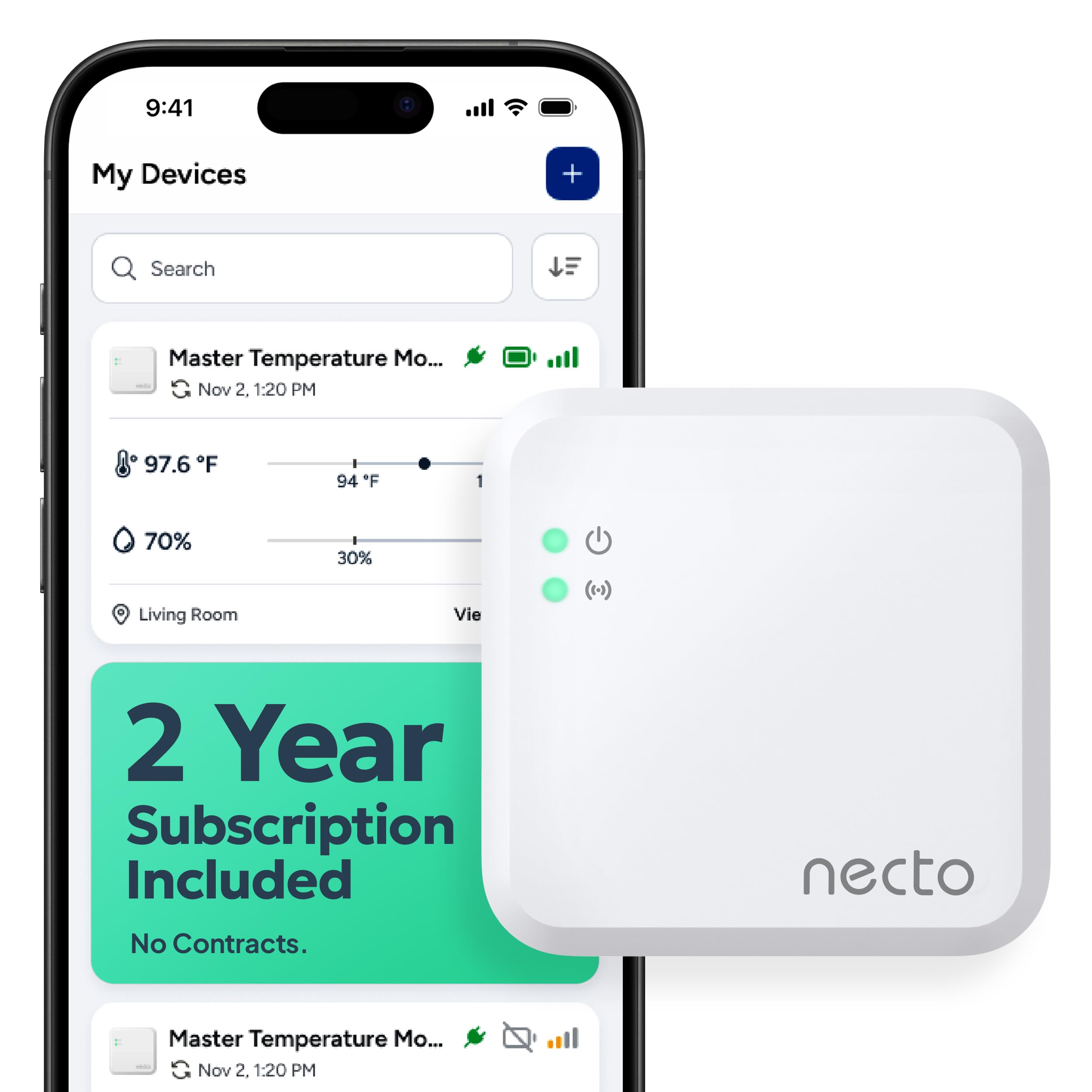
Type: Cellular remote monitoring system
Connectivity: Cellular, no Wi-Fi required
Alerts: Real-time app notifications
Extras: Power outage alarm and humidity sensor
Use cases: RV, pet, car, vacation home, server room
Best for: Properties without home internet
This is the pick for the cottage at the end of a lane with no broadband, or the property where the router is switched off between visits. It uses its own cellular connection, so readings and alerts reach the phone regardless of what the home network is doing. The power outage alarm is the feature that earns it a place: when the electricity fails, the heating fails with it, and that is the moment an owner most needs to know.
The humidity sensor adds a second risk to watch for. Cellular monitoring means an ongoing service cost and a unit priced well above the Wi-Fi options.
Trade-off: A cellular device carries a subscription or data cost on top of the purchase price, so the long-term spend is higher than a Wi-Fi sensor.
GoveeLife 2.0 WiFi Hygrometer Thermometer with Gateway, Mini Sensor 3-Pack
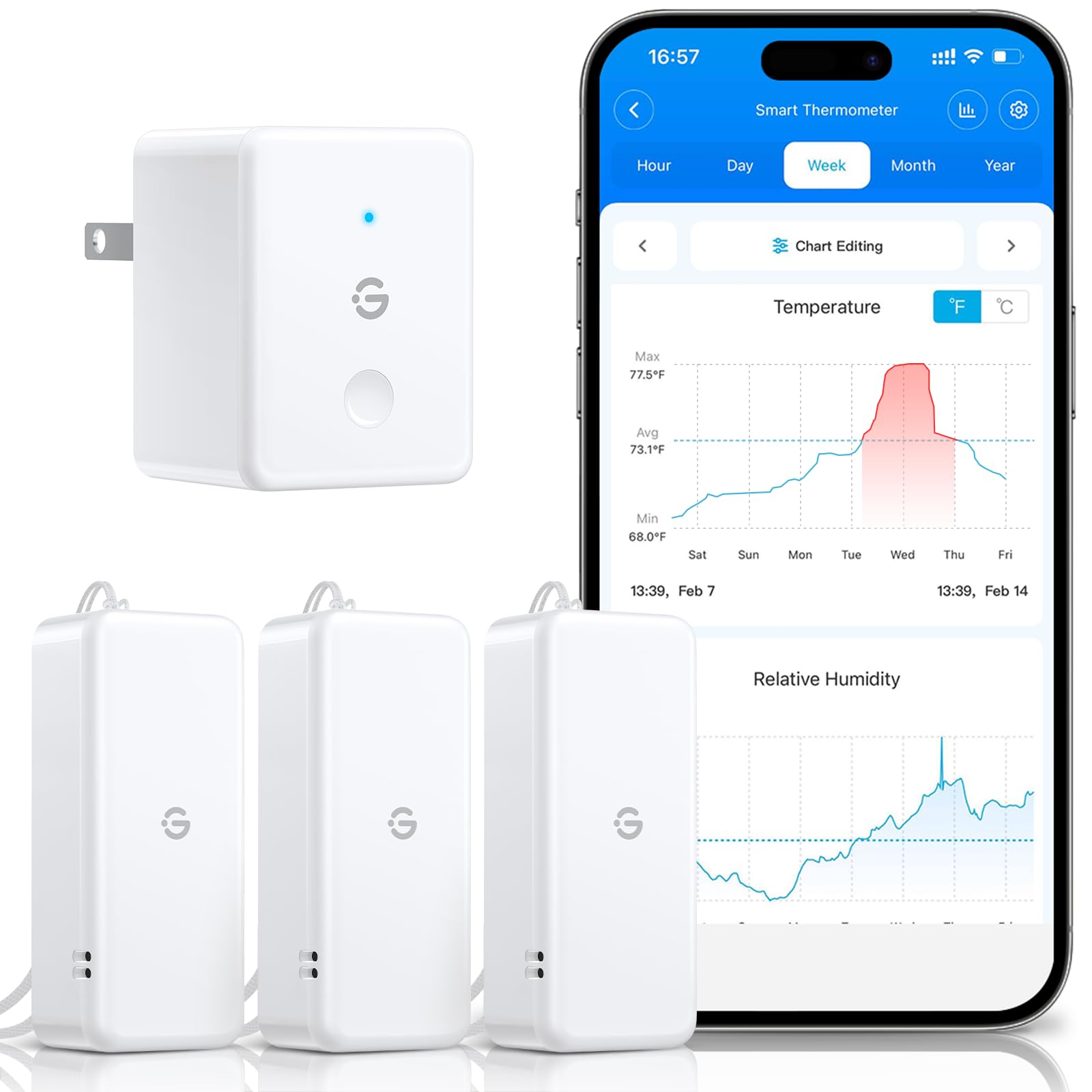
Type: Wi-Fi thermometer and hygrometer with gateway
Sensors: 3 mini sensors
Connectivity: 2.4G Wi-Fi only
Battery life: 2 years
Data history: 2 years stored
Alerts: App notifications
Best for: Multi-room coverage
Three mini sensors and a gateway make this the practical choice for a house with more than one room worth watching. Sensors can sit in the basement, the loft and the main living room, with the gateway handling the connection to the app. Two years of stored data pairs well with the two-year battery life, giving a full record of a property’s conditions between visits.
The mini sensors are small enough to tuck out of sight, which is a benefit in a rental property. The 2.4G-only Wi-Fi requirement is the catch, since some newer routers default to a single combined band.
Trade-off: The gateway needs 2.4G Wi-Fi specifically, and a router running only on the newer band will need its settings adjusted before setup works.
GoveeLife WiFi Thermometer Hygrometer 5-in-1 with Large LCD, 3-Pack
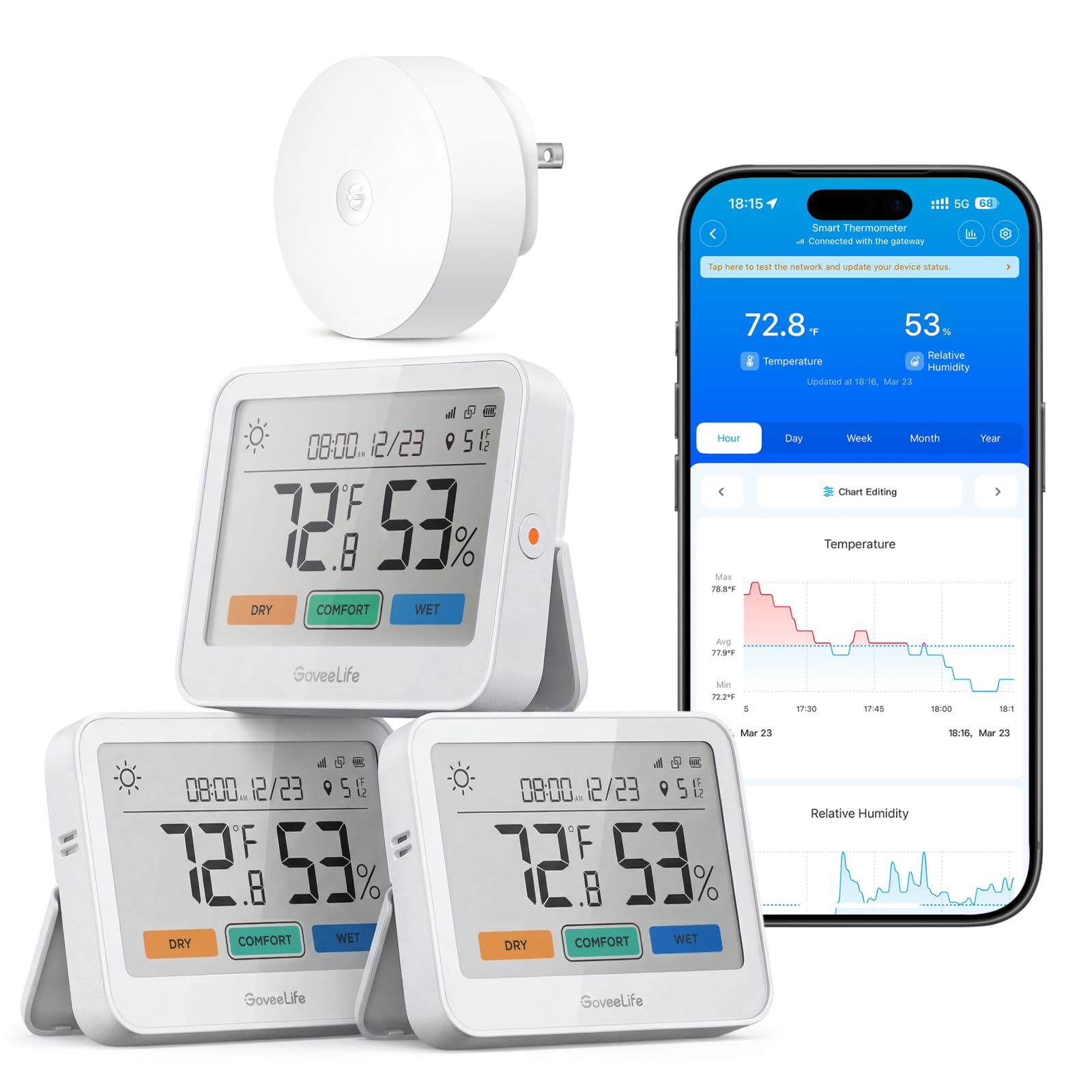
Type: Wi-Fi thermometer and hygrometer with weather station display
Sensors: 3-pack with gateway and remote sensor
Display: Large LCD
Functions: 5-in-1 weather station readings
Connectivity: Wi-Fi
Best for: Owners who want an on-site display
This version adds a large LCD weather station display to the same three-sensor setup, so anyone standing in the hallway can read the conditions without opening an app. That suits a holiday home used by family and guests who will not have the monitoring app installed. The remote sensor extends coverage to an outbuilding, greenhouse or garage.
The display is the reason to choose it over the mini-sensor kit. It takes up wall or shelf space, and the extra hardware pushes the cost up for buyers who only ever check the app.
Trade-off: The display and extra sensor raise the price, and the screen is only useful to someone physically at the property.
Before You Buy
- Connectivity: Wi-Fi sensors are cheaper to run but fail with the broadband; cellular units survive an outage but carry an ongoing cost.
- Power failure cover: A temperature alarm that dies with the mains is blind exactly when it matters, so check for a power outage alert.
- Sensor count: One sensor guards one room; a whole house needs a multi-sensor kit or several single units.
- Battery life: Long battery life is essential in a property that sits empty, since a flat sensor reports nothing.
- Alert settings: Configurable thresholds and app notifications matter more than a pretty display for remote owners.
- Data history: Stored records reveal slow problems like rising damp that a single live reading will miss.
- Wi-Fi band: Some gateways require 2.4G Wi-Fi only, which may need a router setting changed before setup.
Frequently Asked Questions
-
What is the best temperature alarm for a holiday home with no internet?
A cellular monitor is the answer, since it connects independently of the property’s broadband and still sends app alerts and power outage warnings. -
Can a Wi-Fi temperature alarm warn about a power cut?
Only if the unit has a power outage alarm and a battery or cellular backup; a mains-powered Wi-Fi sensor simply goes silent when the electricity fails. -
How many sensors does a holiday home need?
At least one per risk area — usually the room with the boiler or pipework, plus a basement or loft — which is why multi-sensor kits suit larger properties. -
Do these alarms monitor humidity as well as temperature?
All five picks read humidity alongside temperature, which helps catch damp and condensation before it becomes a repair bill. -
Is a subscription needed for remote alerts?
Wi-Fi models generally run on the free app, while cellular models typically require a data plan to keep sending alerts. -
Where should the sensor be placed?
Near the pipework, boiler or water tank that would cause the most damage, and away from direct sunlight or draughts that skew the reading.
Bottom Line
For most holiday homes with working broadband, the GoveeLife 2.0 WiFi Hygrometer with its three mini sensors and gateway offers the best balance of coverage, battery life and stored data. Owners of off-grid or rural properties should go straight to the cellular monitor, which keeps reporting when the power and the router both fail. Either way, the best temperature alarm for a holiday home is the one that still sends an alert on the worst night of the year.