Why there are Amazon links here: Brave Review is paid a commission for qualifying Amazon purchases made through the links below. Your price does not change, and using our links is entirely optional. How this works
Best Remote for Smart Home Scenes for One-Touch Control
A scene remote turns a pile of routines into a single button press, and the right one depends on the hub already in the house. Zigbee users get the most options here, Z-Wave owners have a clear wall-mount pick, and Alexa households can skip the hub entirely. This roundup covers five scene controllers that each fit a different setup and budget, with the overview below sorting them in seconds.
Overview of the Picks
| Product | Key Spec | Best Use | Price Tier |
|---|---|---|---|
| 4-way Wireless Zigbee Remote | 4-way control, Tuya hub required | Multi-scene control on a Zigbee mesh | Budget |
| MOES Wireless Zigbee Smart Scene Button | 9 actions, 365-day battery | Metal-surface mounting with many actions | Budget |
| Shelly BLU RC Button 4 ZB | Bluetooth and Zigbee, multi-click | Mixed-protocol homes and garage doors | Mid-range |
| Zooz 800 Series ZEN37 | Z-Wave Long Range, battery powered | Wall-mounted Z-Wave scene control | Mid-range |
| Amazon Basics Smart Dimmer Switch and Remote | Alexa only, no wiring | Alexa routines without a hub | Budget |
1. 4-way Wireless Zigbee Remote — Best Budget Multi-Button Pick
Type: Wireless Zigbee scene controller
Control: 4-way
Hub Requirement: Tuya Zigbee hub
Platform Support: Home Assistant, Homey, Hubitat
Power Source: Battery
Mounting: Handheld or wall-mounted

The four-way layout gives each button its own scene assignment, so lights, blinds, and plugs can live on separate keys instead of one crowded toggle. Because it runs on Zigbee and pairs through a Tuya hub, it slots into the mesh a buyer already has rather than adding another bridge. Home Assistant, Homey, and Hubitat owners get the most out of it, since those platforms expose button events for custom automations.
This is the pick for a renter or apartment dweller who wants scene control without cutting into a wall, and it earns its place on price and button count. The caution is the hub: a buyer with no Tuya Zigbee coordinator has nothing to pair it with, and a Wi-Fi-only household should look elsewhere.
Trade-off: It is useless without a compatible Zigbee hub, so the entry price is only part of the real cost.
2. MOES Wireless Zigbee Smart Scene Button — Best for Metal Surfaces
Type: Wireless Zigbee scene button
Actions: 9
Battery Life: 365 days
Mounting: Magnetic base, sticks to metal
Compatibility: Zigbee2MQTT and ZHA
Hub Requirement: MOES Zigbee hub
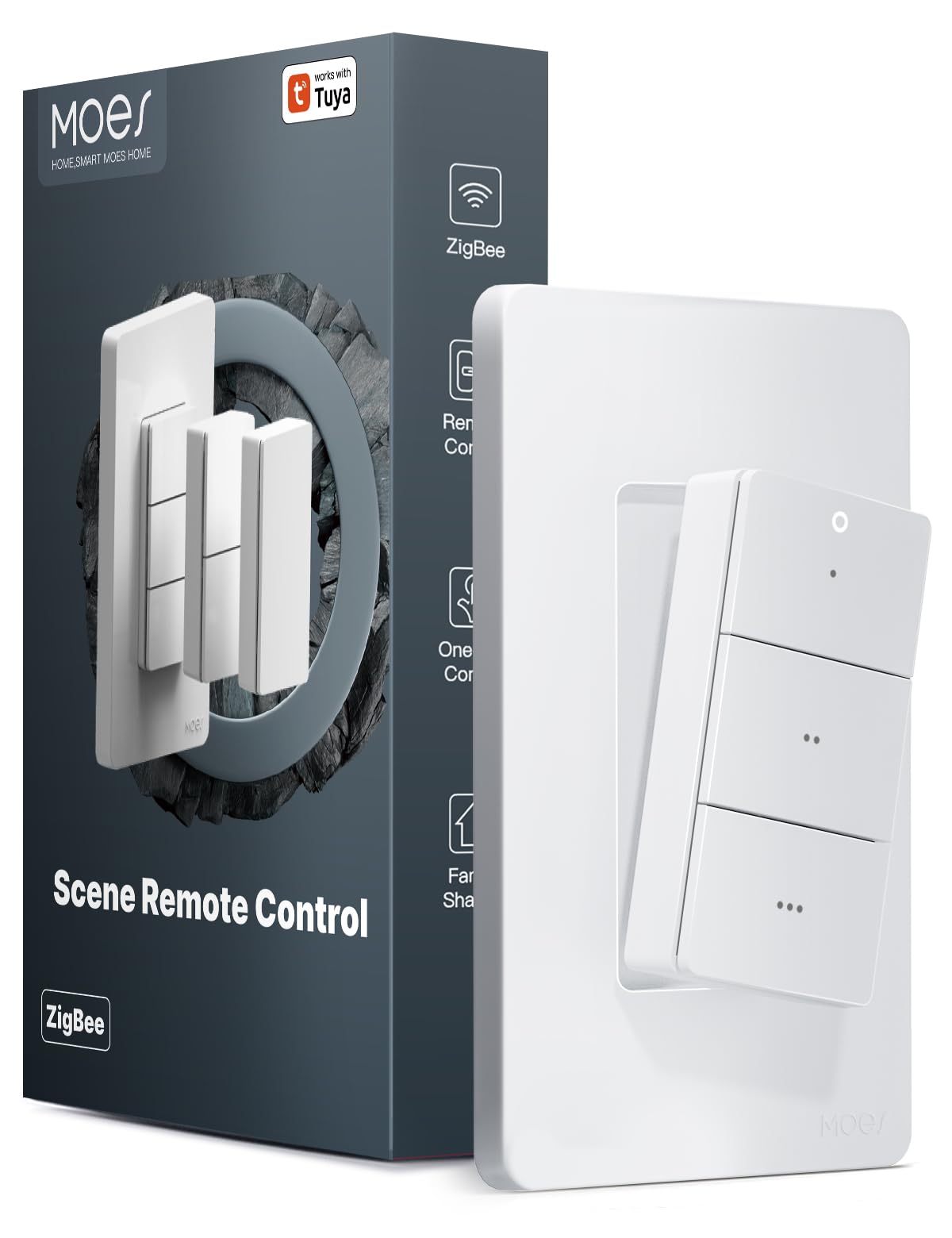
The magnetic base is the standout feature: it clings to a fridge door, a metal cabinet, or a steel desk leg and lifts off to use as a handheld button. Nine actions from a single button means short presses, long presses, and double taps can each trigger something different, which suits buyers who want many scenes from minimal hardware. A year of battery life keeps it out of the maintenance rotation.
Zigbee2MQTT and ZHA users get clean integration, and the metal-mount trick makes it a natural fit for kitchens and workshops. The trade-off is that the nine actions only pay off with a hub that can read every press type, and the required MOES hub narrows the audience.
Trade-off: The nine-action depth depends on a hub that interprets every press pattern, so a basic setup wastes most of its capability.
3. Shelly BLU RC Button 4 ZB — Best Mixed-Protocol Pick
Type: Smart remote controller
Protocols: Bluetooth and Zigbee
Control: Multi-click
Mounting: Magnetic holder
Installation: Wire-free
Use Cases: Garage door opener, lights, scenes
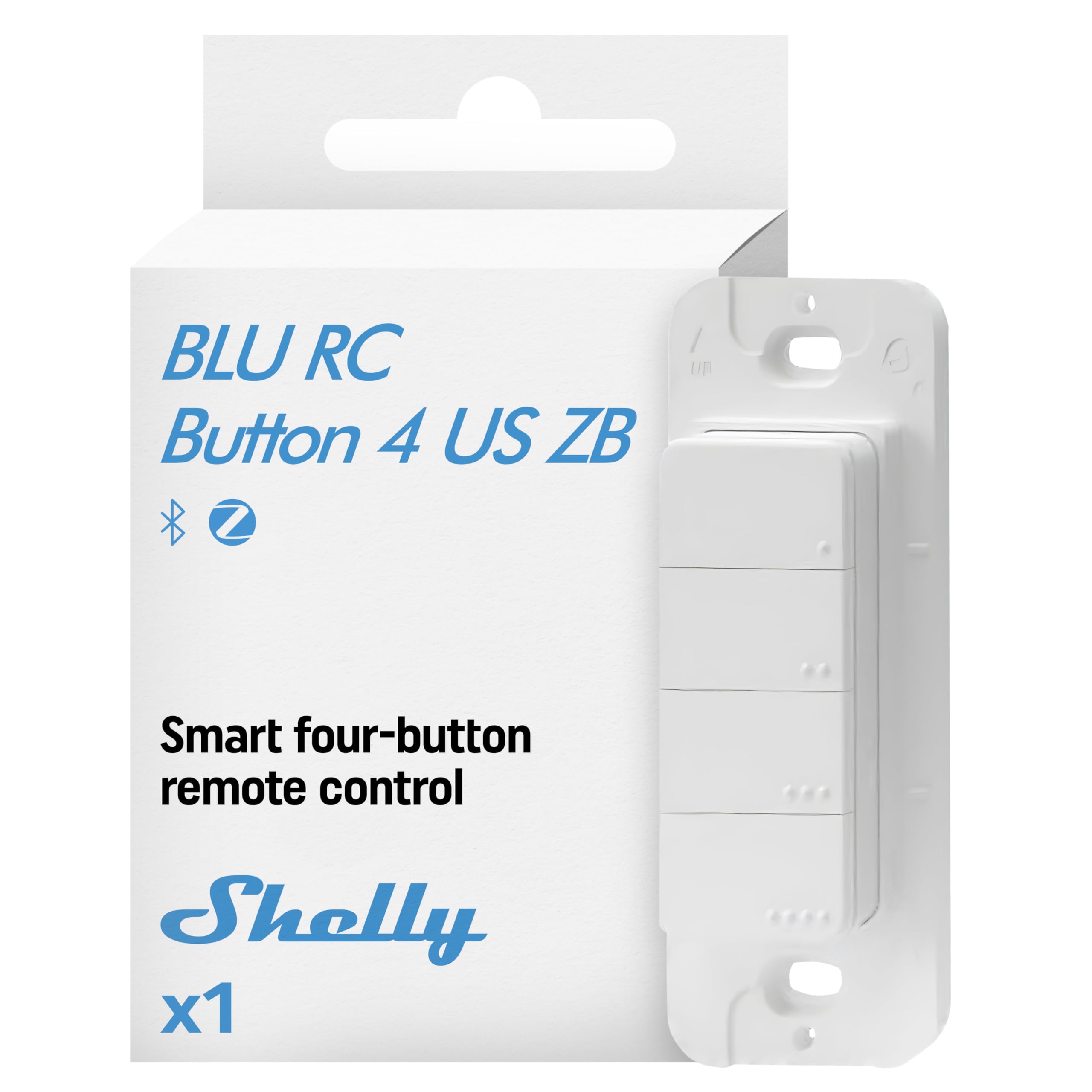
Dual Bluetooth and Zigbee operation is rare at this level and makes the Shelly the flexible option for a house with more than one protocol running. Multi-click input multiplies the four buttons into more scene triggers, and the magnetic holder lets it sit on a wall plate or a fridge without screws. The wire-free build means no electrician and no neutral wire to hunt for.
It suits the buyer who wants one remote for the garage door, the lights, and a movie scene, and it earns its spot on protocol flexibility. The caution is setup complexity: dual-radio devices usually need the app to sort out which protocol does what, and a buyer who wants plug-and-play may find it fiddly.
Trade-off: Two radios mean two setup paths, and buyers who want a five-minute install may find the configuration more involved than a single-protocol button.
4. Zooz 800 Series ZEN37 — Best Z-Wave Wall Remote
Type: Wall remote and scene controller
Series: 800 Series
Protocol: Z-Wave Long Range
Power Source: Battery
Color: White
Hub Requirement: Z-Wave hub

Z-Wave Long Range is the headline here: it reaches farther than standard Z-Wave and holds a signal through walls that trip up weaker mesh devices. The white wall-remote form factor mounts flat against a wall like a switch plate, which keeps scene control where a light switch used to be. Battery power means no wiring and no neutral requirement.
This is the pick for a Z-Wave household that wants a wall-mounted scene controller matching the rest of the switches, and it earns its place on range and form factor. The caution is ecosystem lock-in: it needs a Z-Wave hub, so Zigbee or Wi-Fi households get nothing from it.
Trade-off: It only works inside a Z-Wave network, so the cost of entry includes a compatible hub for anyone who does not already own one.
5. Amazon Basics Smart Dimmer Switch and Remote — Best for Alexa Homes
Type: Smart dimmer switch and handheld remote
Compatibility: Alexa only
Requirements: Compatible Echo devices
Setup: No wiring required
Form Factor: Handheld
Use Cases: Music and routines
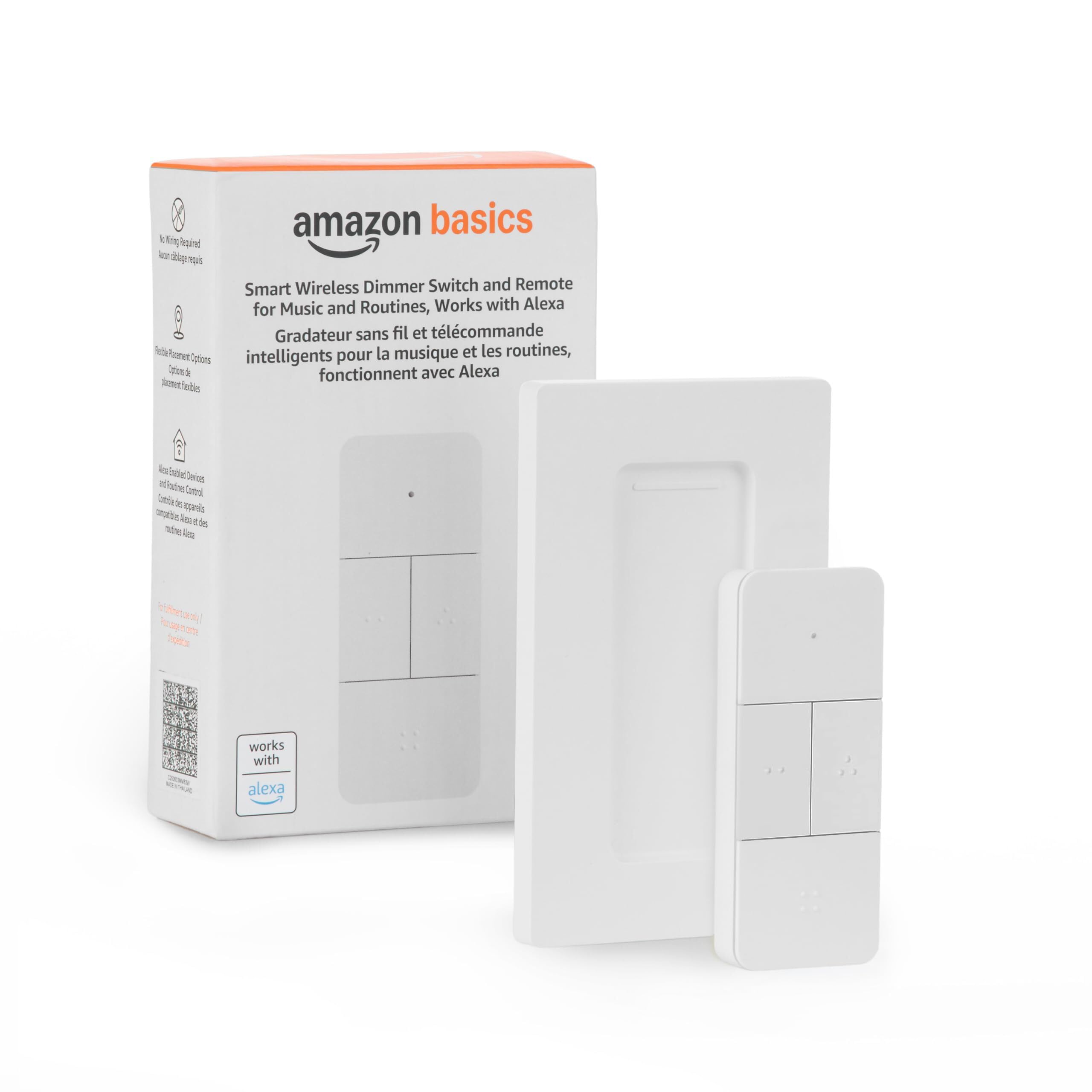
This is the simplest path to scene control for a household already living inside Alexa: no hub, no wiring, and no protocol decisions. The handheld remote handles dimming plus music and routine triggers, so a single press can start a playlist or run a morning routine. Setup runs through the Alexa app and an Echo device, which most of these buyers already own.
It fits the Alexa-first home and the buyer who wants a remote in hand rather than on a wall, and it earns its place on zero-friction setup. The caution is the walled garden: it works with Alexa only, so HomeKit, Google Home, and SmartThings users are locked out entirely.
Trade-off: Alexa-only compatibility means the remote becomes dead weight the moment a household switches voice assistants or platforms.
Before You Buy
- Protocol: Zigbee, Z-Wave, Bluetooth, and Alexa-only are not interchangeable; match the remote to the hub already in the house.
- Hub Requirement: Four of these five picks need a hub or Echo device, so budget for that before comparing remote prices.
- Power Source: Battery-powered remotes avoid wiring but add a battery swap to the maintenance list.
- Mounting: Magnetic bases and wall plates suit different rooms; a fridge-mounted button works in a kitchen, a wall plate works in a hallway.
- Action Count: More press types mean more scenes, but only if the hub can read short, long, and multi-clicks.
- Ecosystem Lock-In: Alexa-only and single-protocol devices are cheap to buy and expensive to leave behind.
- Form Factor: Handheld remotes travel between rooms; wall remotes stay put and replace a switch plate.
Frequently Asked Questions
-
Do scene remotes need a hub?
Most do. Zigbee and Z-Wave remotes need a matching hub, while the Amazon Basics model needs a compatible Echo device instead. -
Which protocol is best for scene control?
There is no universal winner. Zigbee offers the widest device selection, Z-Wave Long Range wins on distance through walls, and Bluetooth suits simple local control. -
Can a scene remote work without wiring?
Yes. All five picks here are battery-powered or wire-free, so no electrician and no neutral wire are required. -
How many scenes can one button trigger?
It depends on press types. A single button with short, long, and double presses can fire three separate scenes, and multi-button remotes multiply that further. -
Will a scene remote work with Home Assistant?
The Zigbee picks list Home Assistant, Homey, and Hubitat support, and the Shelly and Zooz models integrate through their respective radios. Alexa-only models do not. -
What happens if the hub goes offline?
Button presses stop triggering scenes until the hub reconnects, which is why a reliable hub matters as much as the remote itself.
Bottom Line
The 4-way Wireless Zigbee Remote is the top pick for most buyers: four buttons, broad platform support, and a budget price make it the easiest scene controller to recommend to anyone already running a Zigbee hub. Z-Wave households should go straight to the Zooz ZEN37, and Alexa-only homes get the simplest experience from the Amazon Basics remote.
