Why there are Amazon links here: Brave Review is paid a commission for qualifying Amazon purchases made through the links below. Your price does not change, and using our links is entirely optional. How this works
Best WiFi for a Home Full of Smart Devices: 5 Picks That Keep Every Gadget Online
A home packed with smart speakers, cameras, thermostats, plugs and robot vacuums puts a different kind of strain on a network than streaming a movie does. Dozens of small gadgets stay connected around the clock, so coverage, device capacity and a stable signal matter more than raw speed. The five picks below cover three buyer profiles: budget-minded households replacing a tired router, apartments and mid-size homes that need steady whole-home mesh, and large or gadget-heavy homes that want the newest WiFi standard. The overview table below sorts every pick by key spec, best use and price tier, so a decision can be made in under a minute.
Overview of the Picks
| Product | Key Spec | Best Use | Price Tier |
|---|---|---|---|
| TP-Link Archer AX21 V5 | AX1800, dual band, EasyMesh | Budget single-router homes | Budget |
| TP-Link BE6500 (BE400) | WiFi 7, 90 devices, 2.5G ports | Gadget-dense homes wanting WiFi 7 | Mid-range |
| TP-Link Deco X55 (3-Pack) | AX3000 WiFi 6 mesh, 6,500 sq. ft. | Whole-home mesh on a budget | Mid-range |
| Amazon eero 6+ (3-pack) | WiFi 6 mesh, 4,500 sq. ft., 75+ devices | Simple set-and-forget mesh | Upper mid-range |
| NETGEAR Orbi 370 (3 Pack) | WiFi 7 mesh, 6,000 sq. ft., 70 devices | Large homes wanting WiFi 7 mesh | Premium |
TP-Link Archer AX21 V5
Type: Dual-band WiFi 6 router
Speed Class: AX1800
Ports: Gigabit
Mesh: EasyMesh compatible
Voice Control: Works with Alexa
Certification: Certified for Humans

TP-Link AX1800 WiFi 6 Router (Archer AX21 V5)
This is the entry point into WiFi 6 for a modest home. The Archer AX21 is a single dual-band router with gigabit ports and EasyMesh support, so it can later be paired with compatible extenders or nodes if coverage needs grow. The "Certified for Humans" label and Alexa compatibility point to a setup that is meant to be quick and app-guided rather than fiddly. It suits a smaller house or apartment with a few dozen smart devices and a standard internet plan.
The pick earns its place on value and simplicity: one box, one app, no mesh to configure. It is the right answer for a first smart-home build or a rental where drilling and node placement are impractical. The trade-off is capacity — a single router in this class will struggle to blanket a large or multi-story home, and the most crowded gadget households will want to step up to a mesh system.
TP-Link BE6500 Dual-Band WiFi 7 Router (BE400)
Type: Dual-band WiFi 7 router
Speed Class: BE6500
Ports: Dual 2.5Gbps, USB 3.0
Device Capacity: 90 devices
Processor: Quad-Core CPU
Security: HomeShield, Private IoT

TP-Link BE6500 Dual-Band WiFi 7 Router (BE400)
This is a single router built for the WiFi 7 era, with a quad-core CPU and dual 2.5Gbps ports to keep a busy network moving. The stated 90-device capacity is the headline for smart-home owners, and the Private IoT feature is aimed squarely at separating always-on gadgets from the devices that carry personal data. HomeShield adds network-level security, and the USB 3.0 port gives a place to attach shared storage. It suits a gadget-dense home that wants one strong router rather than a mesh kit.
It earns its place by pairing new-standard radios with capacity and wired speed at a mid-range tier. Households with dozens of bulbs, plugs and cameras will feel the difference in stability, and the 2.5G ports leave headroom for fast internet plans and wired backhaul later. The trade-off is that a single unit still has to fight walls, so a sprawling or multi-story home may find coverage uneven at the edges — and WiFi 7 benefits only show up on devices that support the standard.
TP-Link Deco X55 AX3000 WiFi 6 Mesh System (3-Pack)
Type: WiFi 6 mesh system
Speed Class: AX3000
Coverage: Up to 6,500 sq. ft.
Ports: 3 Gigabit per unit
Backhaul: Supports Ethernet backhaul
Replaces: Router and extender

TP-Link Deco X55 AX3000 WiFi 6 Mesh System, Deco X55(3-Pack)
Three mesh units working as one network, with the widest stated coverage on this list. Each Deco X55 carries three gigabit ports and supports Ethernet backhaul, so the nodes can be wired together for a more stable link than pure wireless backhaul allows. The system replaces both a router and an extender, which simplifies a home that has been limping along with a mix of mismatched gear. It suits mid-size to large homes with smart devices spread across several rooms.
It earns its place as the most coverage per dollar here, and mesh handoff keeps gadgets from dropping as they move between rooms. Homes with cameras in the garage, a hub in the living room and plugs upstairs get one network name instead of several. The trade-off is that the AX3000 class is a step behind WiFi 7, so households planning to buy new high-end devices for years may prefer to start with the newer standard.
Amazon eero 6+ Mesh WiFi System (3-pack)
Type: WiFi 6 mesh system
Coverage: Up to 4,500 sq. ft.
Device Capacity: 75+ devices
Internet Plans: Supports up to a Gigabit
Units: 3-pack
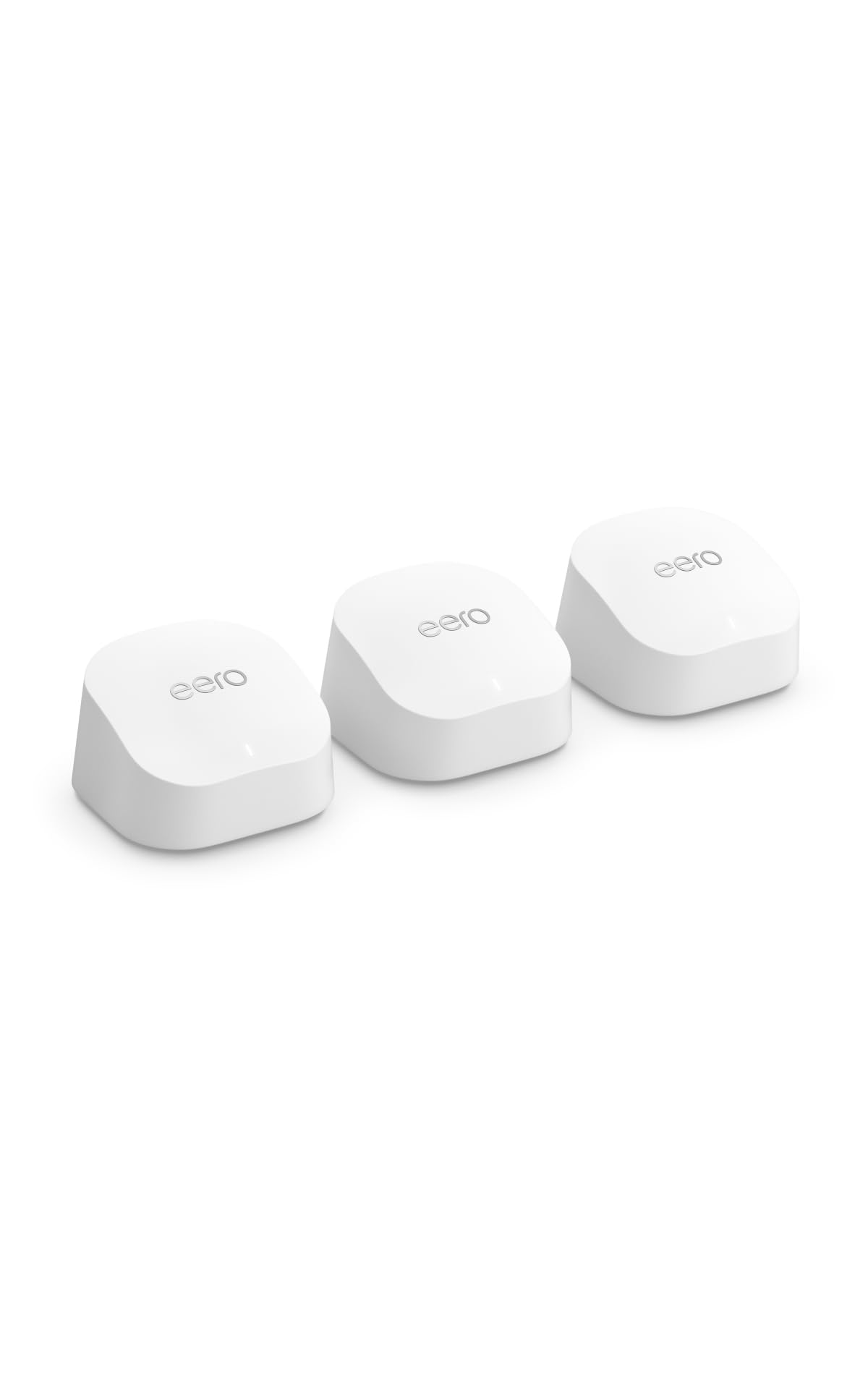
Amazon eero 6+ mesh wifi system – 3-pack
The eero 6+ is the simplest system to live with on this list. It supports internet plans up to a gigabit and is rated for 75+ devices across three units covering up to 4,500 square feet. The appeal is the app-first setup and management — network changes, guest access and device oversight happen in one place. It suits households that want smart-home WiFi to just work without tuning settings.
It earns its place for reliability and ease, especially for buyers who would rather not think about bands or channels. The 75+ device rating comfortably covers a typical smart home, and the mesh keeps gadgets connected as they move around. The trade-off is price relative to coverage — the eero covers less square footage than cheaper mesh kits here, so very large homes may need more units, which pushes the cost up further.
NETGEAR Orbi 370 Series WiFi 7 Mesh System (3 Pack)
Type: WiFi 7 mesh system
Coverage: Up to 6,000 sq. ft.
Speed Class: Up to 5 Gbps
Device Capacity: 70 devices
Ports: 2.5 Gig port
Setup: Easy Set Up, security features
Includes: Router + 2 satellite extenders

NETGEAR Orbi 370 Series WiFi 7 Mesh System, 3 Pack
The Orbi 370 is the premium pick: a WiFi 7 mesh kit with a router and two satellites, stated coverage up to 6,000 square feet and speeds up to 5 Gbps. A 2.5 Gig port and built-in security features round out a package aimed at large, modern homes. It suits buyers who want the newest standard, wide coverage and a recognizable mesh brand in one purchase.
It earns its place by combining WiFi 7 with genuine whole-home reach, which matters for a house with gadgets in every corner. The satellite design is built to hold a strong link back to the router, and the wired port supports fast plans. The trade-off is the price tier — this is the most expensive route to coverage here, and the 70-device rating is lower than some cheaper picks, so extremely gadget-dense homes should weigh capacity against coverage before committing.
Before You Buy
- Coverage: Match stated square footage to the home, and add a node for thick walls, garages or outdoor cameras rather than assuming one unit reaches everywhere.
- Device Capacity: Count every always-on gadget — plugs, bulbs, cameras, speakers, hubs — and leave headroom above the stated device rating.
- Standard: WiFi 6 is plenty for most smart devices; WiFi 7 is worth the premium only if newer phones and laptops will use it.
- Ports and Backhaul: Gigabit ports suit standard plans; 2.5G ports and Ethernet backhaul help fast internet and wired node links.
- IoT Separation: A dedicated IoT or guest network keeps always-on gadgets off the same channel as personal devices.
- Setup and Management: App-guided systems like eero and Deco are easier for mixed households; more granular routers suit tinkerers.
- Price Tier: Budget single routers cover small homes; mesh kits cost more but spread signal where one router cannot.
Frequently Asked Questions
-
How many smart devices can a home WiFi network handle?
It depends on the router or mesh system’s stated device capacity. Always-on gadgets add up fast, so choose a system rated well above the current count to leave room for growth. -
Is WiFi 6 or WiFi 7 better for smart devices?
Most smart devices run on older standards, so WiFi 6 handles them comfortably. WiFi 7 mainly benefits newer phones, laptops and future gadgets, and it costs more. -
Does a mesh system help with smart home dropouts?
Often, yes. Mesh nodes spread signal across a home and hand devices between units, which reduces the dead zones that cause cameras and plugs to disconnect. -
Should smart devices be on a separate network?
A dedicated IoT or guest network keeps always-on gadgets isolated from personal devices, which improves both security and stability. Several picks here support that setup. -
Can a single router cover a whole house of smart devices?
A single router can work in a smaller home or apartment. Larger or multi-story homes generally need mesh for even coverage, especially with gadgets in far corners. -
Does Ethernet backhaul matter for a mesh system?
Wired backhaul gives nodes a more stable link than wireless, which helps in homes with thick walls or many devices. The Deco X55 supports it, and the Orbi includes a 2.5 Gig port.
Bottom Line
For most homes full of smart devices, the TP-Link Deco X55 three-pack is the safest all-round choice: wide coverage, three gigabit ports per unit and Ethernet backhaul at a mid-range tier. Buyers who want the newest standard and a single strong router should look at the TP-Link BE6500, while large homes set on WiFi 7 mesh will find the NETGEAR Orbi 370 worth the premium. Budget households and apartments can start with the Archer AX21 and upgrade later. Check the current price on the Deco X55 before deciding.
