Why there are Amazon links here: Brave Review is paid a commission for qualifying Amazon purchases made through the links below. Your price does not change, and using our links is entirely optional. How this works
Best Guest Network Setup for Fast, Safe Visitor WiFi
A guest network keeps visitors, smart-home gadgets, and security cameras off the main WiFi, so a compromised device cannot reach the home computers and files. The five picks below cover every budget and home size, from a compact budget router to a premium WiFi 7 mesh. Three buyer profiles matter here: renters and small apartments watching cost, families in larger homes who need full coverage, and owners of security cameras or IoT devices who want a simple separate network. The overview table below lines up the differences so the right model is obvious in under a minute.
Overview of the Picks
| Product | Key Spec | Best Use | Price Tier |
|---|---|---|---|
| TP-Link Deco X55 AX3000 (3-Pack) | WiFi 6 mesh, up to 6,500 sq. ft., 3 Gigabit ports per unit | Whole-home coverage with Ethernet backhaul | Mid |
| N300 2.4GHz Router (T1 Pro) | N300 2.4GHz, WISP repeater mode, guest network | Cameras and IoT on a tiny budget | Budget |
| NETGEAR Orbi 370 Series WiFi 7 (3-Pack) | Up to 5 Gbps, 70 devices, 2.5 Gig port | Future-proof mesh for heavy device loads | Premium |
| Amazon eero 6+ (3-Pack) | Up to a Gigabit plans, 4,500 sq. ft., 75+ devices | Simple app-managed guest WiFi | Premium |
| TP-Link Archer A54 AC1200 | 4 x 10/100 Mbps ports, EasyMesh, guest WiFi | Cheap wired router with parental controls | Budget |
TP-Link Deco X55 AX3000 WiFi 6 Mesh System (3-Pack)

Coverage: Up to 6,500 sq. ft.
Standard: WiFi 6 (AX3000)
Units: 3-Pack
Ports: 3 Gigabit ports per unit
Backhaul: Ethernet backhaul support
Type: Mesh system
Check the current price on Amazon
The Deco X55 is a three-unit WiFi 6 mesh that replaces both the old router and any extenders, which simplifies a guest network because the guest SSID broadcasts from every node. Each unit carries three Gigabit ports, so wired devices can sit on the network without eating wireless capacity, and Ethernet backhaul lets the nodes talk over cable instead of sharing airtime with guests. The mesh design means a visitor walking from the kitchen to the backyard stays connected without reconnecting. This is the sweet spot for a family home that wants solid guest WiFi without paying premium prices.
It earned its place as the balanced pick for mid-size homes and anyone upgrading from a single router that no longer reaches every room. The main caution is that WiFi 6 mesh hardware at this price tier rewards buyers who actually use the app to set up a separate guest SSID — the hardware is capable, but the separation only happens if the network is configured that way.
Trade-off: Three nodes need three power outlets and some shelf space, so very small apartments may find the coverage larger than necessary.
N300 2.4GHz WiFi Router with WISP Repeater Mode (T1 Pro)

Speed Class: N300
Band: 2.4GHz
Modes: Router, WISP wireless repeater
Security: WPA2, WPS
Features: Guest network, internet access control
Intended Use: Security cameras, IoT smart home devices
Check the current price on Amazon
This compact N300 router is built for the unglamorous job of giving cameras and smart-home gadgets their own 2.4GHz network. The WISP repeater mode lets it pick up an existing WiFi signal and rebroadcast it, which suits a garage, shed, or back room where pulling cable is impractical. Guest network support and internet access control mean the owner can wall off visitor traffic and restrict what connected devices reach. WPA2 and WPS cover the security basics, and the setup is aimed at non-technical buyers.
It suits budget-conscious owners of security cameras and IoT devices who need a cheap, dedicated access point rather than whole-home coverage. The honest caution is speed: N300 on the 2.4GHz band is a modest ceiling, so this is a companion router for gadgets and guests, not a primary network for streaming households.
Trade-off: The single-band N300 design will feel slow for video calls and large downloads, so it works best as a secondary network.
NETGEAR Orbi 370 Series WiFi 7 Mesh System (3-Pack)

Speed: Up to 5 Gbps
Standard: WiFi 7
Coverage: Up to 6,000 sq. ft.
Devices: 70
Ports: 2.5 Gig port
Configuration: Router + 2 satellite extenders
Security: Built-in security features
Check the current price on Amazon
The Orbi 370 is the premium option: a WiFi 7 mesh with a router and two satellite extenders covering up to 6,000 square feet and supporting 70 devices. The 2.5 Gig port future-proofs the wired side for multi-gig internet plans, and the built-in security features add a layer beyond the guest network itself. Dual-band operation keeps the setup approachable while still delivering the higher throughput WiFi 7 promises. For a household with many phones, laptops, and smart devices, the capacity headroom is the real draw.
It suits large homes and buyers who want a mesh that will not need replacing for years, especially where a multi-gig plan is already in place. The caution is cost and complexity: this is the most expensive pick here, and WiFi 7 benefits only show up with WiFi 7 client devices, so older hardware will not use the extra speed.
Trade-off: The premium price buys future-proofing that only pays off if the home’s internet plan and devices can use it.
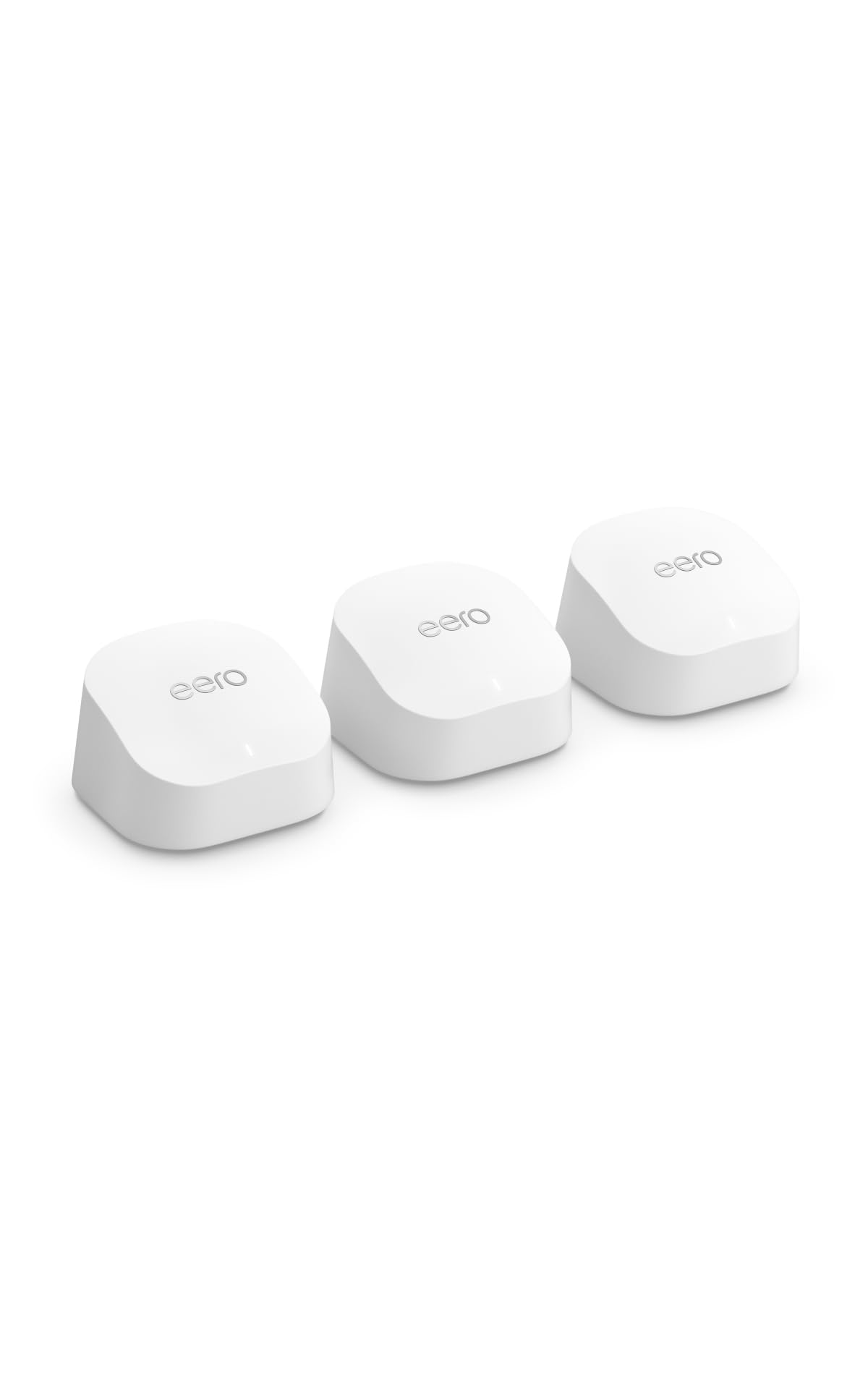
Amazon eero 6+ Mesh WiFi System (3-Pack)
Plan Support: Internet plans up to a Gigabit
Coverage: Up to 4,500 sq. ft.
Devices: 75+
Units: 3-Pack
Type: Mesh WiFi system
Check the current price on Amazon
The eero 6+ is the easiest pick to live with: three compact units cover up to 4,500 square feet and support 75+ devices, with support for internet plans up to a Gigabit. The app-driven setup is the selling point — creating a guest network is a few taps, and the same app manages device priorities and profiles. Small units tuck onto shelves and blend into a room rather than demanding a spot on a desk. For buyers who want guest WiFi working in minutes without reading a manual, this is the shortest path.
It earned its place for app-first households and anyone who values simple management over raw specs. The caution is that the eero ecosystem is a walled garden: the features and controls live inside Amazon’s app, so buyers who prefer deep manual configuration may find it limiting.
Trade-off: The streamlined app experience comes at the cost of advanced tinkering, and the system is tied to the eero app ecosystem.
TP-Link AC1200 WiFi Router Dual Band (Archer A54)

Standard: AC1200 dual-band
Ports: 4 x 10/100 Mbps Fast Ethernet
Mesh: EasyMesh compatible
Modes: Router, access point
Features: Guest WiFi, IPv6, parental controls
Check the current price on Amazon
The Archer A54 is the budget wired option: a dual-band AC1200 router with four Fast Ethernet ports, guest WiFi, IPv6, and parental controls. Access point mode lets it slot into an existing network as a dedicated guest or wired hub, and EasyMesh compatibility means it can join a compatible mesh if the network grows. Parental controls add basic filtering on top of the guest SSID. For a small home or an office corner that needs a cheap, reliable wired router, it covers the essentials.
It suits buyers who want a low-cost router with real Ethernet ports and guest WiFi, particularly where a wired connection matters more than top wireless speed. The caution is the port speed: the Fast Ethernet ports cap wired connections, so this is not the pick for a household with a fast fiber plan and heavy wired use.
Trade-off: The 10/100 Mbps ports limit wired throughput, so the wireless side will outrun the cable.
Before You Buy
- Coverage: Match the square footage rating to the home, and remember walls and floors cut real-world range below the stated figure.
- Guest network support: Confirm the model lists guest WiFi or a guest SSID, since not every budget router separates visitor traffic.
- Device count: Check the rated device capacity against phones, laptops, cameras, and smart gadgets combined.
- Wired ports: Gigabit ports matter for fast internet plans; Fast Ethernet ports cap wired speed.
- Mesh compatibility: EasyMesh or a same-brand mesh keeps expansion simple if coverage needs to grow later.
- Management style: App-first systems like eero are simple but closed; traditional routers offer deeper manual control.
- Placement: Mesh nodes need power outlets and reasonable spacing, so plan shelf or desk space before buying.
Frequently Asked Questions
-
What is a guest network setup?
A guest network is a separate WiFi SSID for visitors and smart devices, kept apart from the main network so a compromised device cannot reach private files and computers. -
Do all routers support a guest network?
No. Many budget and mesh models list guest WiFi as a feature, but some entry-level routers do not separate traffic, so the spec sheet should be checked before buying. -
Is a mesh system better than a single router for guest WiFi?
A mesh spreads the guest SSID across the whole home, so visitors stay connected in every room. A single router is cheaper but leaves dead zones in larger homes. -
Can a cheap router handle security cameras and guests?
A budget model like the N300 or Archer A54 can, as long as the device count and speed needs stay modest. Heavy streaming households should step up to a mesh. -
Does WiFi 7 matter for a guest network?
Only if the home has WiFi 7 devices and a fast internet plan. Otherwise a WiFi 6 mesh delivers the same guest experience for less money. -
How many devices can a guest network handle?
It depends on the router’s rated capacity, which ranges from modest budgets to 70 or more devices on premium mesh systems.
Bottom Line
The TP-Link Deco X55 is the best guest network setup for most homes: three WiFi 6 nodes cover up to 6,500 square feet, Ethernet backhaul keeps the mesh fast, and the price sits between the budget routers and the premium mesh systems. Buyers on a tight budget can pair the N300 or Archer A54 with an existing router, while large homes with heavy device loads should look to the Orbi 370 or eero 6+.
