Why there are Amazon links here: Brave Review is paid a commission for qualifying Amazon purchases made through the links below. Your price does not change, and using our links is entirely optional. How this works
Best Sensor for a Garage Door Left Open: 5 Picks That Alert Fast
A garage door left open overnight is a security risk and a heating bill leak. The right sensor closes that gap by pushing an alert to a phone or an in-home monitor the moment the door stays up too long. This guide covers five picks for three buyer profiles: renters who want a no-wiring fix, smart-home owners already running a hub, and caregivers who need a loud local alarm instead of an app. The overview below ranks every pick by key spec and price tier so a decision takes under a minute.
Overview of the Picks
| Product | Key Spec | Best Use | Price Tier |
|---|---|---|---|
| Version II. 100% Wireless In-Home Monitor & Alert System | No Wi-Fi, in-home monitor | Seniors and caregivers | Mid |
| YoLink Garage Door Position Sensor YS7706 | LoRa, up to 2034 ft, hub required | Long-range and Home Assistant setups | Budget |
| eKyro Smart Garage Door Opener | Universal WiFi controller, voice assistants | Voice-control households | Budget |
| THIRDREALITY Zigbee Smart Garage Door Tilt Sensor | Zigbee, adjustable sensitivity | Zigbee hub owners | Budget |
| CHAMBERLAIN Smart Garage Control myQ-G0401-ES | WiFi and Bluetooth hub plus sensor | Mainstream smartphone control | Mid |
Version II. 100% Wireless In-Home Monitor & Alert System
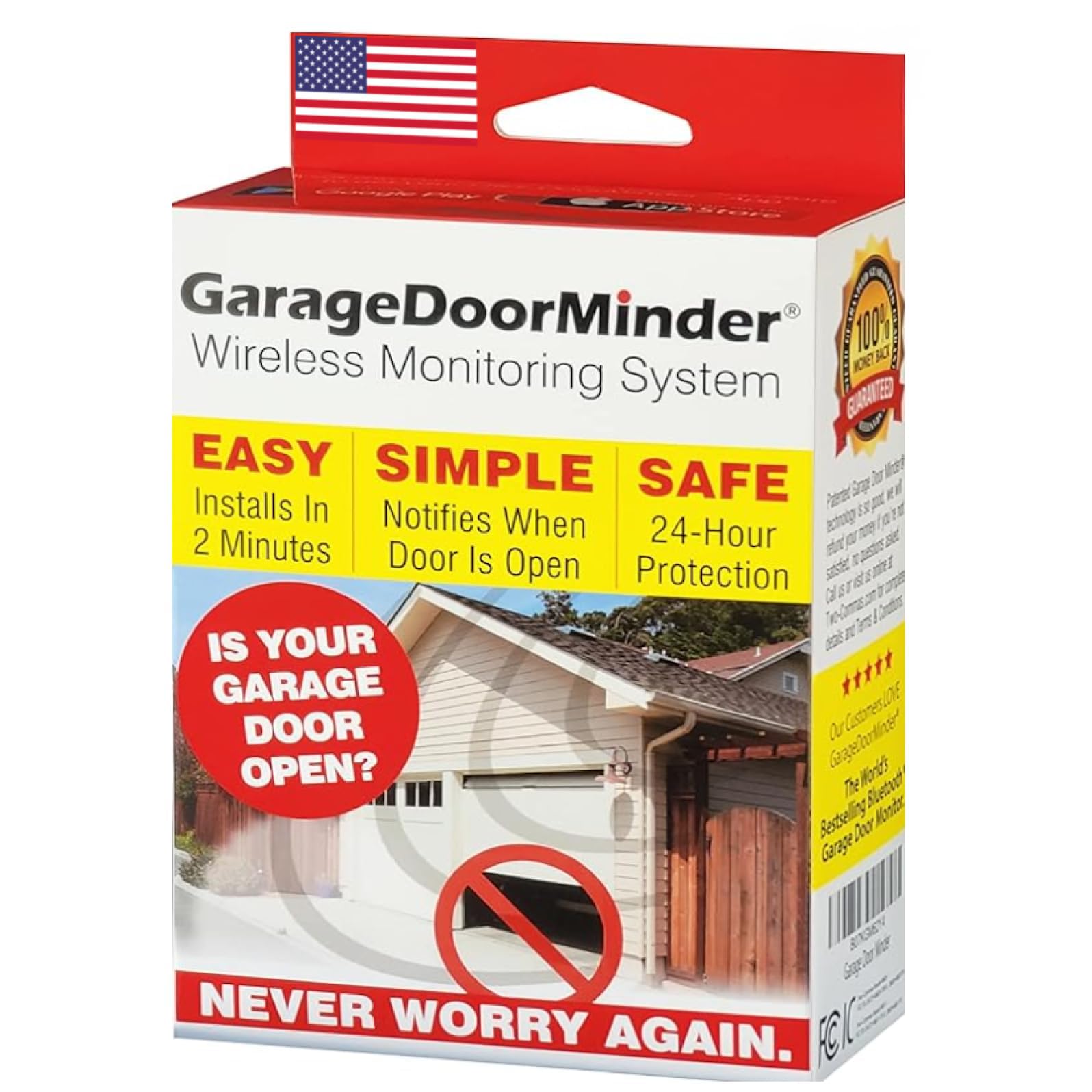
Type: In-home monitor and alert system
Connection: 100% wireless, no Wi-Fi
Install: Two-minute setup
Intended use: Seniors and caregivers
Display: Dedicated in-home monitor
This pick skips the smartphone entirely. A wireless sensor talks to a dedicated in-home monitor, so the alert shows up as a visible and audible signal on a counter or nightstand rather than a notification buried in an app. The two-minute install claim fits the category: no hub, no Wi-Fi password, no account setup. Buyers who want the door status readable at a glance, without unlocking a phone, get exactly that.
It suits caregivers and older homeowners who find app-based systems fiddly, and anyone in a home with weak or no Wi-Fi at the garage. The trade-off is range and integration: a self-contained monitor system stays inside its own ecosystem, so it will not feed a smart-home dashboard or send a text when nobody is home to hear the alarm.
YoLink Garage Door Position Sensor YS7706

Type: Garage door position sensor
Protocol: LoRa YoLink
Range: Up to 2034 feet
Alerts: Open/closed status and left-open reminders
Integration: Works with Home Assistant
Requirement: Hub required
LoRa is the story here. The long-range radio protocol reaches up to 2034 feet, which covers a detached garage, a long driveway, or a metal-heavy building where Wi-Fi and Bluetooth drop out. The sensor reports open and closed status and fires left-open reminders, and it hands that data to Home Assistant for automations. That makes it the pick for tinkerers who want the garage door to trigger lights, locks, or a phone push through their own dashboard.
It fits smart-home owners already running a compatible hub and anyone whose garage sits far from the router. The trade-off is the hub: this sensor is a brick without one, so the true cost is the sensor plus the hub, and buyers without that ecosystem should look elsewhere.
eKyro Smart Garage Door Opener

Type: Universal WiFi remote controller
Connection: WiFi
Voice assistants: Alexa, Google Home, Siri
Platforms: iPhone and Android
Alerts: Door left open alert
Model: Updated model
This is a controller rather than a bare sensor, so it both reports door status and lets the door be opened or closed from a phone. It is built as a universal WiFi unit, which means it works alongside most existing openers instead of replacing them, and it plugs into Alexa, Google Home, and Siri for voice checks. The left-open alert is the feature that matters for this search, and it arrives through the companion app on iPhone or Android.
It suits households that want one device to handle alerts and remote control, especially ones already using a voice assistant. The trade-off is setup complexity versus a simple tilt sensor: a controller has to be wired in and paired to the existing opener, and buyers who only want an alert are paying for control features they may never use.
THIRDREALITY Zigbee Smart Garage Door Tilt Sensor

Type: Zigbee tilt sensor
Protocol: Zigbee
Sensitivity: Adjustable levels
Battery life: 2 years
Requirement: Zigbee hub required
A tilt sensor reads the angle of the door panel, so it knows when the door is fully up versus seated down, and adjustable sensitivity levels let it ignore small movements. The two-year battery life claim keeps maintenance low for a device mounted high on a door. It is the smallest and simplest unit on this list, and it slots into an existing Zigbee network to report status and trigger alerts.
It suits buyers who already own a Zigbee hub and want the cheapest reliable way to add garage-door awareness to that network. The trade-off is that it reports position only: there is no remote open or close, and no built-in siren, so the alert depends entirely on the hub and its app.
CHAMBERLAIN Smart Garage Control myQ-G0401-ES
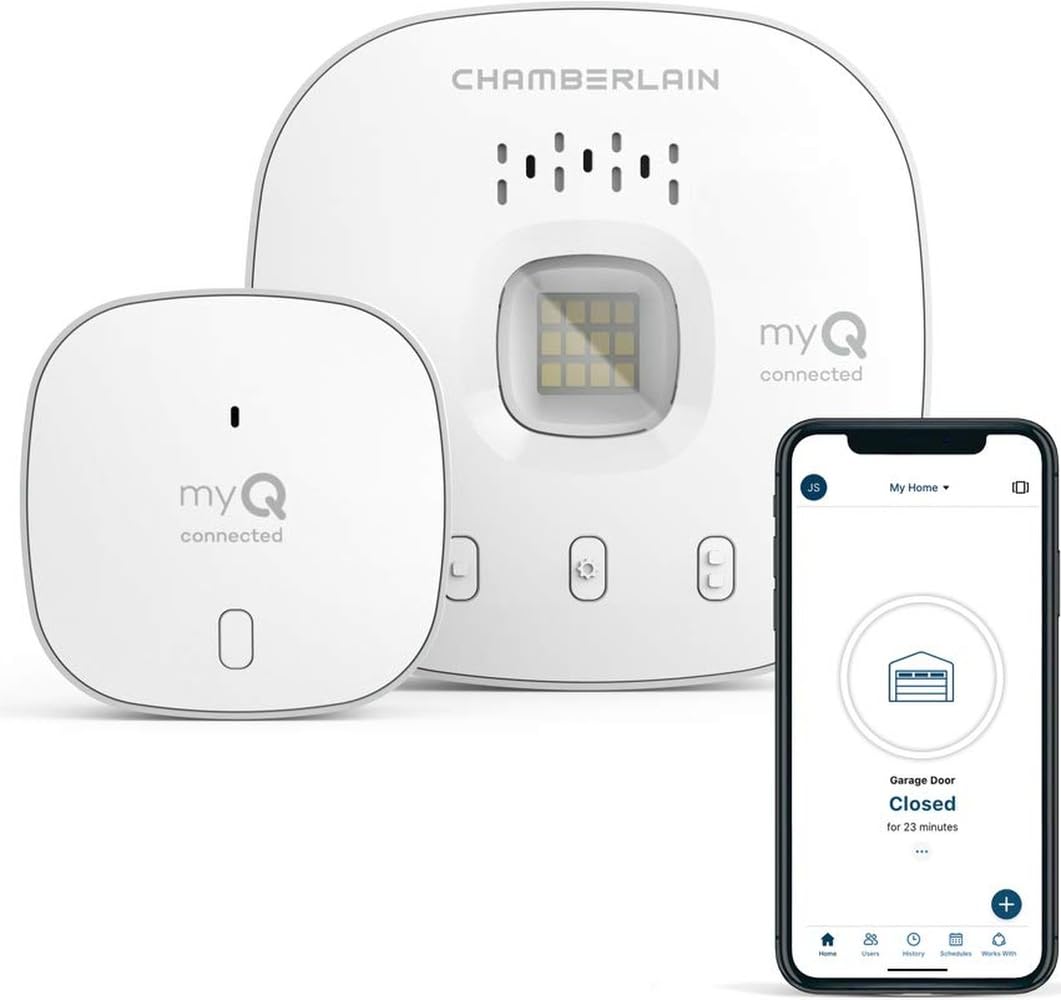
Type: Wireless garage hub and sensor
Connection: WiFi and Bluetooth
Control: Smartphone controlled
Model: myQ-G0401-ES
Color: White
This is the mainstream choice: a hub plus door sensor from a company that builds garage door openers. WiFi and Bluetooth together mean the door can be checked and operated from a phone at home or away, and the myQ app handles status and alerts. It pairs naturally with Chamberlain openers, and the white housing blends into a garage ceiling.
It suits the largest group of buyers: homeowners who want a familiar brand, app control, and a straightforward alert when the door is left up, without building a custom smart-home stack. The trade-off is ecosystem lock-in: the experience lives inside the myQ app, so buyers who want their garage door in Home Assistant or another dashboard will find less flexibility here.
Before You Buy
- Hub requirement: Two picks here need a hub (YoLink and Zigbee), so budget for one unless a compatible hub is already in the home.
- Connection type: Wi-Fi suits homes with a strong router signal at the garage; LoRa suits detached or distant garages; a self-contained monitor needs neither.
- Alert style: Decide between a phone notification, a voice-assistant announcement, and a standalone in-home alarm before comparing models.
- Brand compatibility: A controller type must pair with the existing opener, while a tilt or position sensor is largely opener-agnostic.
- Power and maintenance: Battery-powered sensors avoid wiring but need periodic battery swaps; check the stated battery life against the mount location.
- Ecosystem: A hub-based sensor only pays off inside its own app or platform, so match the pick to the smart-home system already in use.
Frequently Asked Questions
-
What is the best sensor for a garage door left open?
The best pick depends on the setup: a hub-based tilt sensor for smart-home owners, a WiFi controller for app and voice control, or a self-contained monitor for caregivers. The overview table ranks all five by spec and price tier. -
Do garage door sensors need Wi-Fi?
Not all of them. The Version II monitor runs without Wi-Fi, and the YoLink sensor uses LoRa radio to a hub. WiFi-based controllers and the Chamberlain unit do rely on a home network. -
Can a tilt sensor tell if the garage door is open?
Yes. A tilt sensor reads the angle of the door panel and reports open or closed status, and adjustable sensitivity helps it ignore minor movement. -
Is a hub always required?
No. Standalone monitor systems and WiFi controllers work without a separate hub, while the YoLink and THIRDREALITY sensors both require one. -
Can a sensor open and close the door, or only report status?
Only the controller-style picks, the eKyro and the Chamberlain, operate the door. Tilt and position sensors report status only. -
Where should a garage door sensor be mounted?
Tilt sensors mount on the door panel itself, while position sensors mount where they can read the door’s travel. Follow the mounting guidance that comes with each unit.
Bottom Line
For most buyers, the CHAMBERLAIN Smart Garage Control is the safest single pick: a known brand, WiFi and Bluetooth control, and a clear left-open alert in one package. Smart-home tinkerers should take the YoLink sensor for its long range and Home Assistant support, and caregivers should take the Version II monitor for its no-Wi-Fi, in-home alarm.
