Why there are Amazon links here: Brave Review is paid a commission for qualifying Amazon purchases made through the links below. Your price does not change, and using our links is entirely optional. How this works
Best MoCA Adapter for Coax Wiring for Fast, Reliable Home Networks
MoCA adapters turn the coax cable already running through a home into a fast, stable Ethernet backbone — no new wiring required. This guide covers five picks for three types of buyers: renters and homeowners who want to extend internet to a far room, gamers and streamers who need low-latency wired speeds, and anyone with an existing MoCA network who just needs one more endpoint. The overview below sorts every pick by key spec and best use so a decision can happen in under a minute.
Overview of the Picks
| Product | Key Spec | Best Use | Price Tier |
|---|---|---|---|
| Hitron MoCA 2.5 Network Adapter (2-Pack) | MoCA 2.5, 2-pack, no modem | Cable/fiber/DSL homes needing a matched pair | Mid |
| goCoax MoCA 2.5 Adapter (2-Pack) | MoCA 2.5, 2.5GbE port, 2-pack | Gaming and 4K streaming over coax | Mid |
| ScreenBeam ECB6200S02 Add-On | Bonded MoCA 2.0, single add-on | Expanding an existing MoCA network | Budget |
| Hitron HTEM5 MoCA 2.5 (2-Pack) | MoCA 2.5, 2-pack, 2.5 Gbps | Cable and most fiber homes, full-pair setup | Mid |
| ScreenBeam ECB7250K02 Starter Kit | Bonded MoCA 2.5, starter kit | Heavy streaming, gaming, and work-from-home | Premium |
Hitron MoCA 2.5 Network Adapter (2-Pack)

Type: MoCA 2.5 network adapter, 2-pack
Ethernet: Standard Ethernet port
Setup: Requires connected coax
Compatibility: Cable, fiber, and DSL
Not compatible with: Satellite TV and AT&T U-Verse
Role: Extends internet over existing coax — not a modem
This two-pack is the straightforward starting point for a home that has coax jacks in more than one room and a cable, fiber, or DSL connection. The pair is designed to work together — one unit near the router, the other at the far jack — so a buyer gets a complete point-to-point link out of the box. The MoCA 2.5 spec gives it headroom for modern broadband plans, and the compact housing suits a shelf or media cabinet.
It earned its place as the default pick for first-time MoCA buyers because there is nothing extra to source. The main caution is compatibility: satellite and AT&T U-Verse installations will not work with this adapter, so those households need to look elsewhere.
Trade-off: The pair is only useful with live, connected coax, so a home without an active cable jack gets no benefit.
Who it’s for: Cable, fiber, and DSL households wiring up two rooms for the first time. Who it’s not for: Satellite and AT&T U-Verse subscribers.
goCoax MoCA 2.5 Adapter (2-Pack) with 2.5GbE Ethernet Port
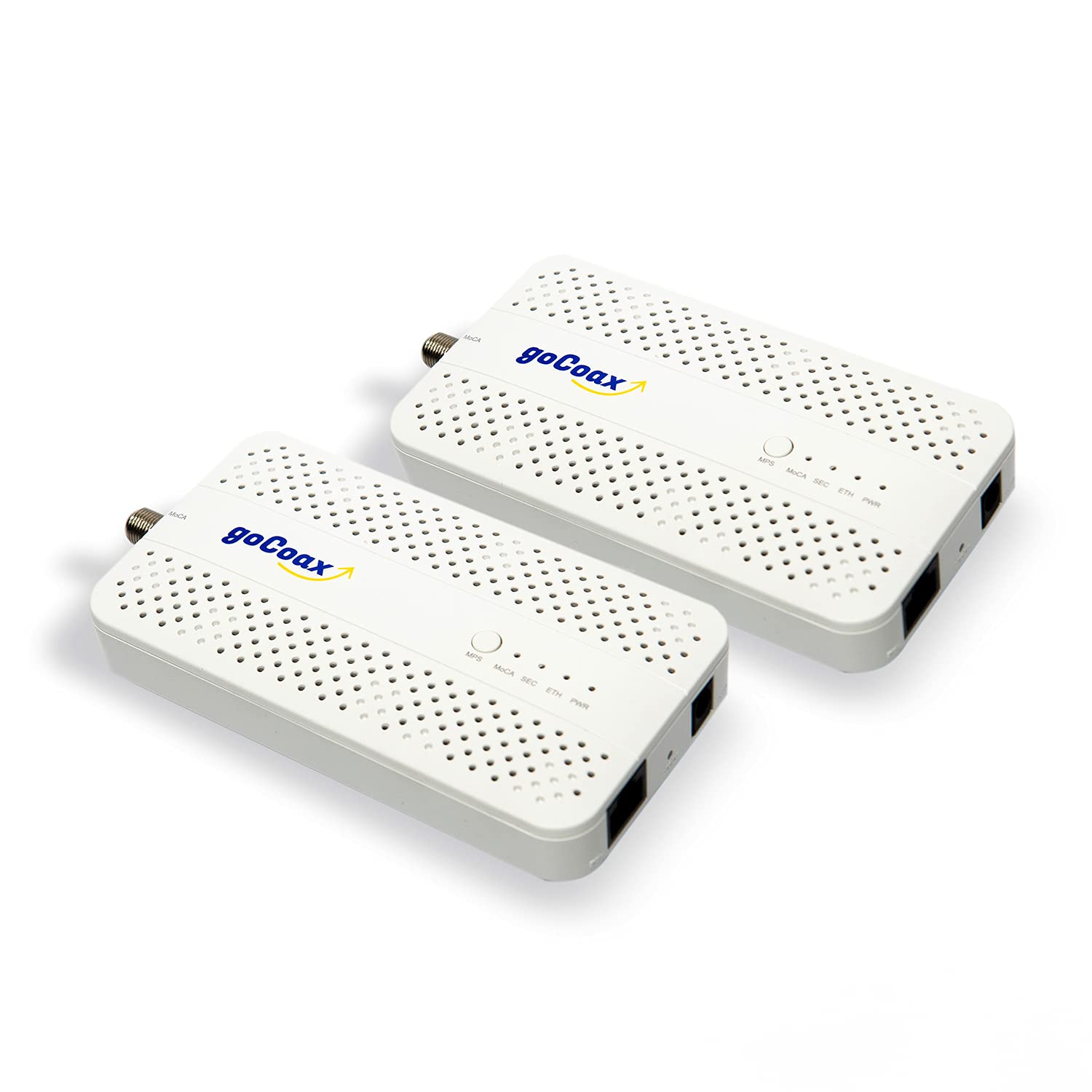
Type: MoCA 2.5 adapter, 2-pack
Ethernet: 2.5GbE port
Speed: 2.5 Gbps
Setup: Plug and play
Best for: Gaming and 4K streaming
Compatibility: Cable internet homes
Not compatible with: Satellite TV
The goCoax pair is built around a 2.5GbE Ethernet port, which matters for buyers whose router or gaming PC can actually push past gigabit speeds. Plug-and-play setup keeps installation simple, and the white housing blends into a living-room shelf. For latency-sensitive activities like online gaming and 4K streaming, a wired coax link sidesteps the inconsistency of Wi-Fi.
It suits cable-internet homes where the coax is already live and the goal is a fast, stable drop in a gaming room or theater. The caution here is the same one that dogs the whole category: satellite TV setups are out, and the 2.5GbE port only pays off if the connected gear supports it.
Trade-off: The 2.5GbE port is wasted on routers and devices capped at gigabit, so budget buyers may overpay for headroom they cannot use.
Who it’s for: Cable homes with fast plans and gaming or streaming gear. Who it’s not for: Satellite subscribers and buyers on basic broadband.
ScreenBeam ECB6200S02 Add-On Adapter
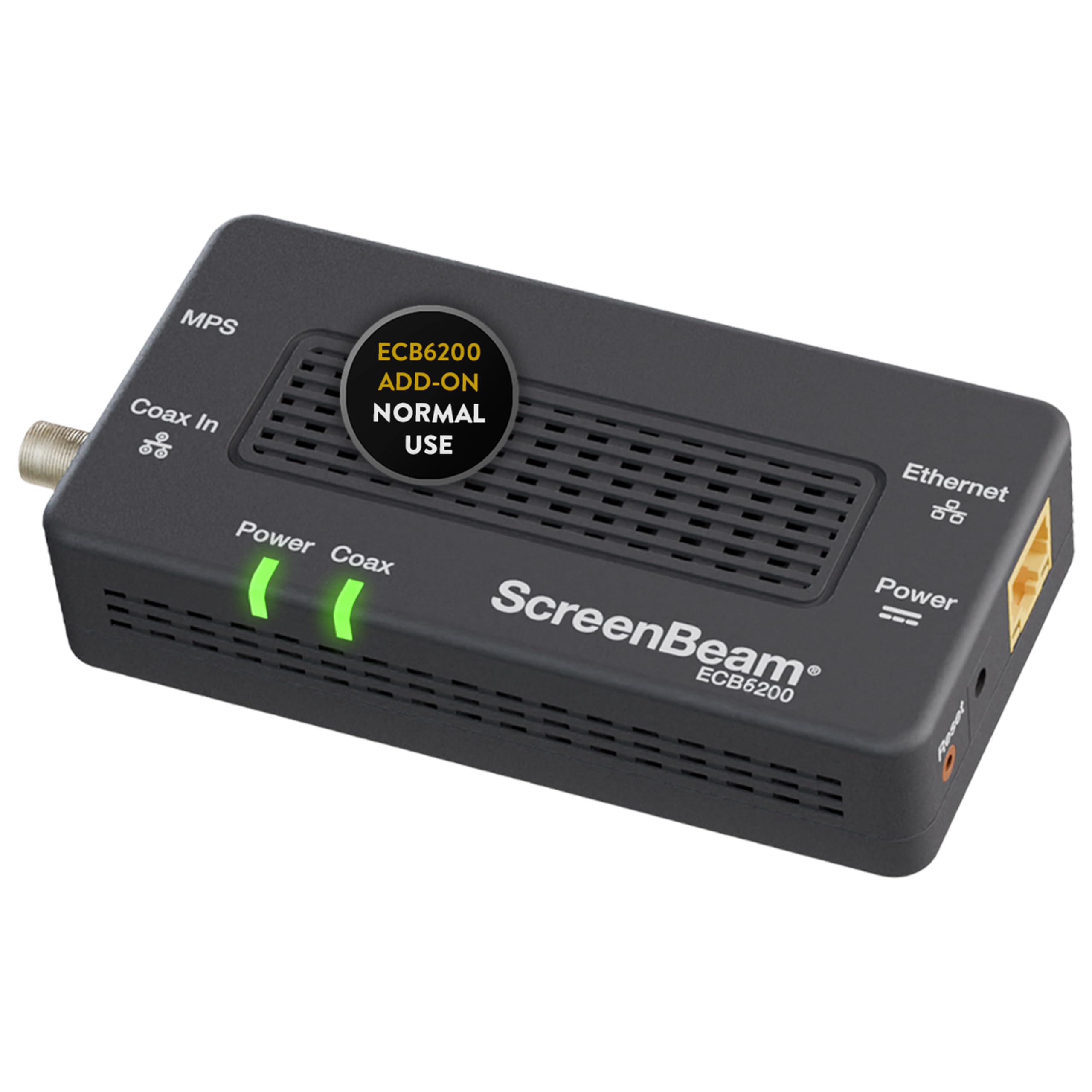
Type: Single MoCA add-on adapter
MoCA spec: Bonded MoCA 2.0
Role: Add-on for an existing MoCA network
Use case: Normal use, high-speed internet
Quantity: One adapter
Setup: Requires an existing MoCA network
This ScreenBeam unit is an add-on, not a starter kit — it is meant for a home that already has a MoCA network running and needs one more endpoint. Bonded MoCA 2.0 delivers solid throughput for everyday browsing, streaming, and video calls. Buying a single adapter is cheaper than a fresh pair when only one room needs covering.
It earned its place as the budget pick for expanding households, and the trade-off is built into the name: without an existing MoCA network to join, this single adapter cannot do the job on its own.
Trade-off: It is an add-on only, so buyers starting from scratch need a pair or kit instead.
Who it’s for: Homes with a MoCA network already in place that need one extra room. Who it’s not for: First-time buyers with no existing MoCA setup.
Hitron HTEM5 MoCA 2.5 Network Adapter (2-Pack)

Type: MoCA 2.5 network adapter, 2-pack
Speed: 2.5 Gbps
Role: Extends network via coax — not a modem, router, or Wi-Fi
Wiring: Requires cable TV wiring
Compatibility: Cable and most fiber
Not compatible with: Satellite and AT&T
The HTEM5 is Hitron’s second-generation pair, and it leans into clarity: the name spells out that it is not a modem, router, or Wi-Fi source, so buyers know exactly what they are getting. The 2.5 Gbps rating matches the MoCA 2.5 standard, and the pair works with cable and most fiber installations. Build quality is aimed at a permanent spot near the router and a second media cabinet.
It suits buyers who want a matched pair with a clear compatibility statement and do not need the goCoax’s 2.5GbE port. The caution is that AT&T and satellite homes are excluded, and the pair still depends on live cable TV wiring to function.
Trade-off: The pair offers no Wi-Fi of its own, so every connected device still needs its own Ethernet or a separate access point.
Who it’s for: Cable and most fiber homes wanting a clean, matched 2.5 Gbps pair. Who it’s not for: AT&T and satellite subscribers, or anyone expecting a router replacement.
ScreenBeam ECB7250K02 Bonded MoCA 2.5 Starter Kit
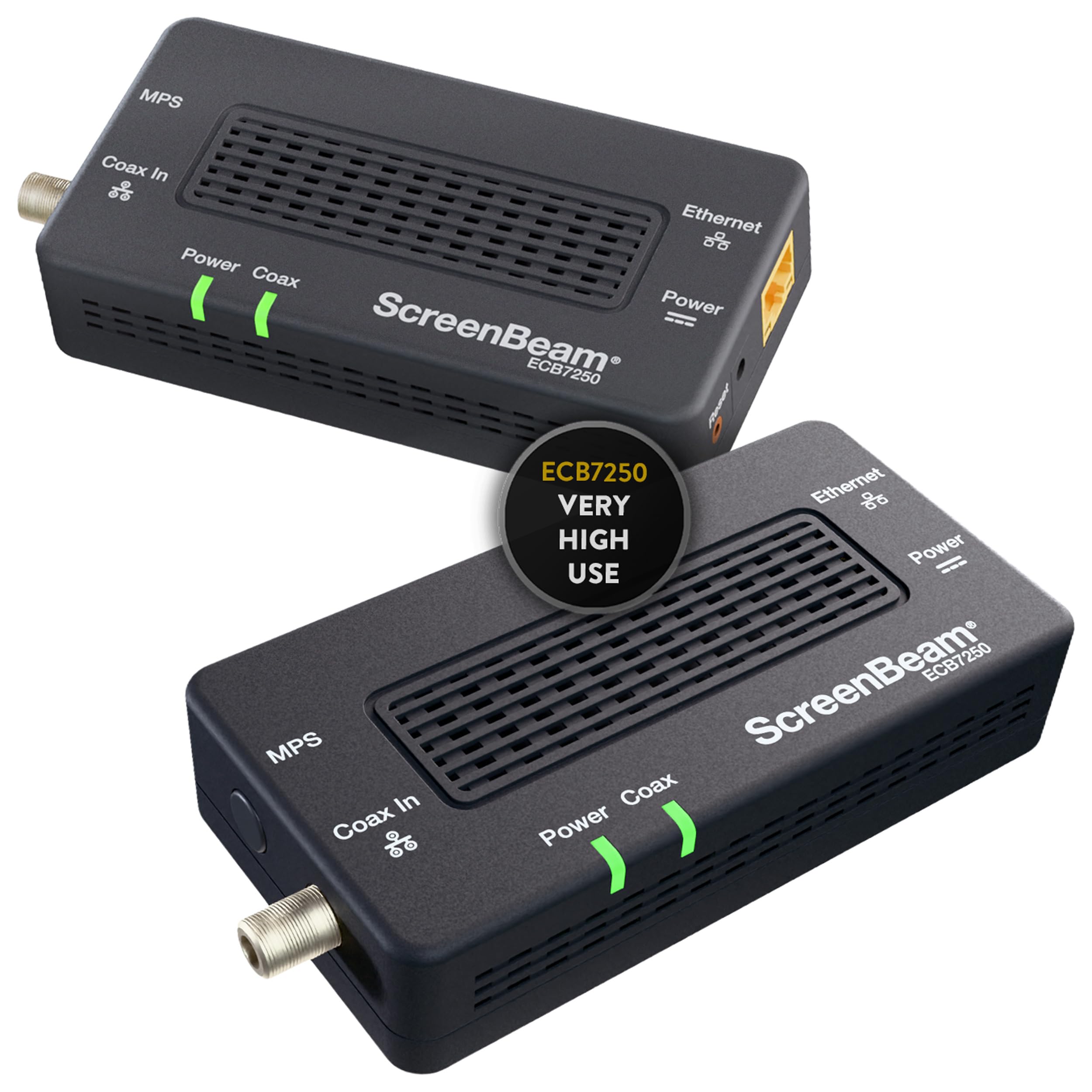
Type: MoCA starter kit
MoCA spec: Bonded MoCA 2.5
Speed: Highest-speed tier in the lineup
Best for: Streaming, gaming, and work-from-home
Use case: Very high use
Setup: Starter kit with matched adapters
The ECB7250K02 is the premium pick: a bonded MoCA 2.5 starter kit aimed at very high use, with streaming, gaming, and work-from-home called out explicitly. Bonded MoCA 2.5 is the top tier of the standard, and the kit format means a matched pair arrives ready to install. It is the choice for a household that treats the network as infrastructure rather than an accessory.
It suits heavy users — multiple 4K streams, a home office, and a gaming setup sharing one coax backbone. The caution is price: the premium tier costs more than a plain 2.5 pair, and the extra speed only shows up on plans and gear that can use it.
Trade-off: The kit sits at the top of the price range, so light users pay for capacity they will never touch.
Who it’s for: Heavy streaming, gaming, and work-from-home households. Who it’s not for: Casual users on modest broadband plans.
Before You Buy
- Wiring: MoCA needs live coax. Confirm the jacks are connected and active before ordering any adapter.
- Provider compatibility: Satellite TV and AT&T U-Verse installations are excluded across this lineup — check the provider first.
- Quantity: A pair or starter kit covers two rooms; a single add-on only works if a MoCA network already exists.
- Speed tier: MoCA 2.0 handles everyday use; MoCA 2.5 is the pick for fast plans, gaming, and 4K.
- Ethernet port: A 2.5GbE port only pays off if the router and devices support it.
- Role: These adapters extend a network — they are not modems, routers, or Wi-Fi sources.
Frequently Asked Questions
- What does a MoCA adapter do? It converts an Ethernet signal to travel over existing coax wiring, then back to Ethernet at the far end, creating a wired link without new cable runs.
- Does a MoCA adapter work with satellite TV? No — the picks here explicitly exclude satellite and AT&T U-Verse. Cable, fiber, and DSL homes are the target.
- Is MoCA 2.5 worth it over MoCA 2.0? For fast broadband plans, gaming, and 4K streaming, yes. For basic browsing and video calls, bonded MoCA 2.0 is sufficient.
- Can one adapter work alone? No. A pair or starter kit is needed to form a link; a single add-on only extends an existing MoCA network.
- Does a MoCA adapter replace a router? No. It extends the network a router already provides and offers no Wi-Fi of its own.
- What if the home has no active coax? MoCA will not work without connected coax, so the jacks need to be live before installation.
Bottom Line
For most cable, fiber, and DSL homes, the Hitron MoCA 2.5 Network Adapter (2-Pack) is the best MoCA adapter for coax wiring — a matched pair, clear compatibility, and no extra parts to source. Buyers with a fast plan and gaming gear should step up to the goCoax pair for its 2.5GbE port, while heavy households get the most from the ScreenBeam starter kit.