Why there are Amazon links here: Brave Review is paid a commission for qualifying Amazon purchases made through the links below. Your price does not change, and using our links is entirely optional. How this works
Best Storage for an Automation Server for Home Labs and Small Teams
Automation servers need storage that stays online, survives a drive failure, and keeps up with constant small writes. This roundup covers five diskless NAS units that fill that role, from a budget two-bay starter to a premium four-bay box built for virtual machines. Home automation tinkerers, self-hosters, and small IT teams will each find a fit below. The overview table sorts the picks by key spec and use case, and the reviews explain the trade-offs.
Overview of the Picks
| Product | Key Spec | Best Use | Price Tier |
|---|---|---|---|
| Synology DS225+ | 2-bay, Intel CPU, hardware transcoding | Media and backup hub | Mid-range |
| UGREEN DXP4800 Plus | 4-bay, Intel 8505, 10GbE | Families and creators | Upper mid-range |
| Synology DS223j | 2-bay, diskless | Budget starter | Budget |
| UGREEN NAS DXP4800 GT | 4-bay, Ryzen R2514, dual 10GbE | Direct editing and transfers | Upper mid-range |
| UGREEN NAS DXP4800 Pro | 4-bay, i3-1315U, 10GbE | VMs and self-hosted apps | Premium |
Synology DS225+ Private Cloud Media Server

Type: Two-bay diskless NAS
CPU: Intel, hardware transcoding
Bays: 2
Primary Role: Private cloud, media streaming, file sharing
Synology DS225+ Private Cloud Media Server
The DS225+ is a compact two-bay box aimed at buyers who want a private cloud without a rack. Its Intel chip handles hardware transcoding, so it can stream media to phones and TVs while still serving as the automation server’s file store. The Synology software ecosystem is the real draw here, with mature backup and photo tools. Two bays keep the footprint small but cap how much redundancy a buyer can build in.
This pick suits home automation users who also want photo backup and media streaming in one appliance. It earns its place because the software is friendly and the transcoding is handled in hardware. The trade-off is that two bays limit future expansion, so heavy automation logging or large media libraries will outgrow it faster than a four-bay unit.
UGREEN DXP4800 Plus 4-Bay NAS
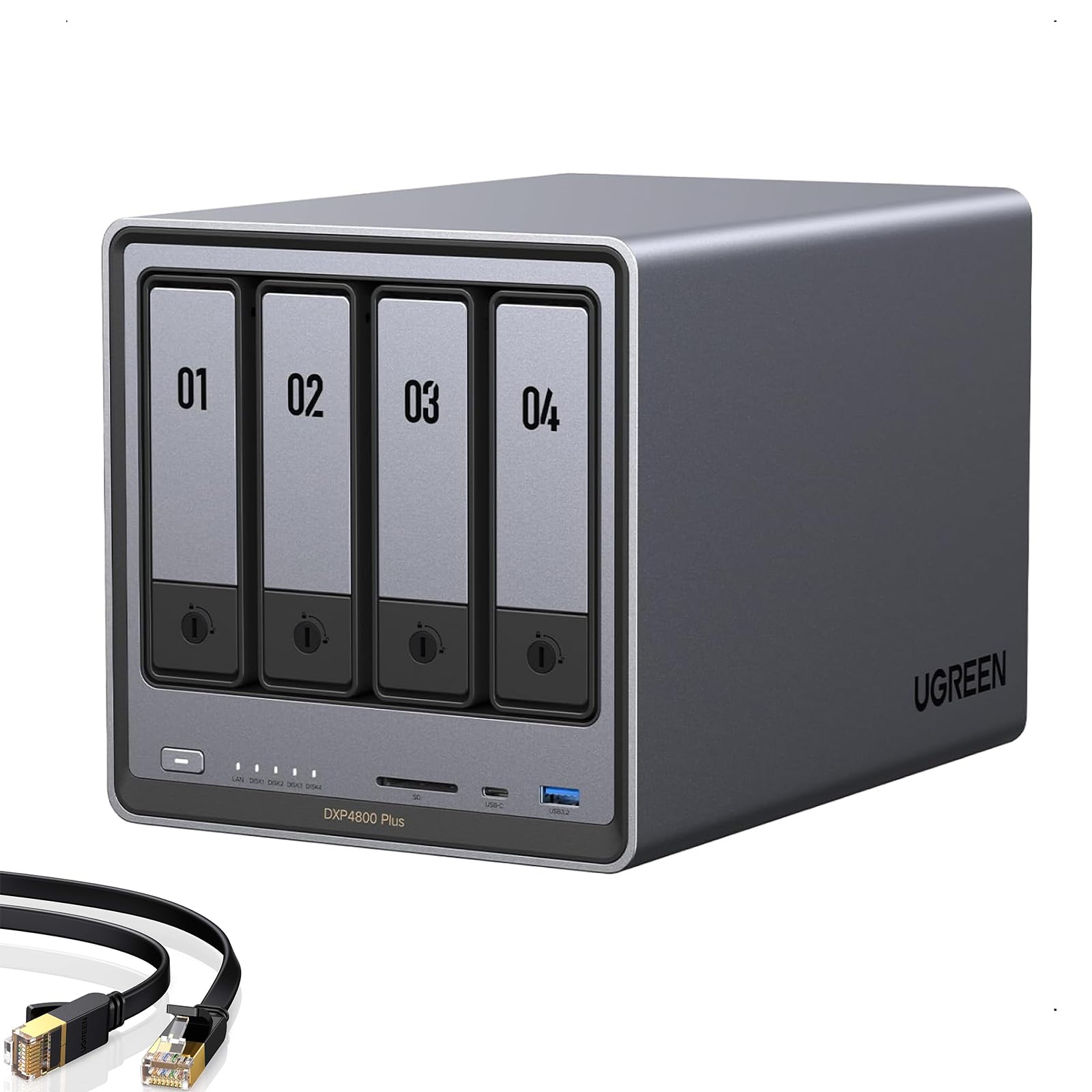
Type: Four-bay diskless NAS
CPU: Intel 8505
Memory: 8GB DDR5
Network: 10GbE and 2.5GbE
Cache: 2x M.2 NVMe slots
Boot Storage: Built-in 128GB SSD
The DXP4800 Plus steps up to four bays and adds a 10GbE port, which matters when the automation server feeds dashboards and cameras at the same time. The Intel 8505 and 8GB of DDR5 give it headroom for containers and media transcoding. A built-in 128GB SSD and two M.2 NVMe slots let buyers separate the system drive from bulk storage. It is pitched at families, creators, and small teams.
This unit fits a household or small studio running automation alongside 4K media and file sharing. It earns its place through the combination of 10GbE and four bays at an upper mid-range price. The trade-off is that the diskless design means drives and setup costs land on top of the purchase, and the feature set is more than a simple automation hub needs.
Synology 2-Bay DiskStation DS223j

Type: Two-bay diskless NAS
Bays: 2
Intended Use: Entry-level file storage and backup
Form Factor: Desktop
Synology 2-Bay DiskStation DS223j
The DS223j is the budget entry point into the Synology ecosystem. It is a plain two-bay desktop unit built for file storage, scheduled backups, and light automation logging. Buyers get the same management software as the pricier Synology models, minus the transcoding muscle. It is best treated as a dependable storage target rather than a compute node.
This pick suits first-time automation builders who need somewhere to point backups and configuration snapshots. It earns its place on price and software maturity. The trade-off is that the modest hardware limits heavy container workloads and media transcoding, so buyers planning to run many services should look higher up the list.
UGREEN NAS DXP4800 GT 4-Bay
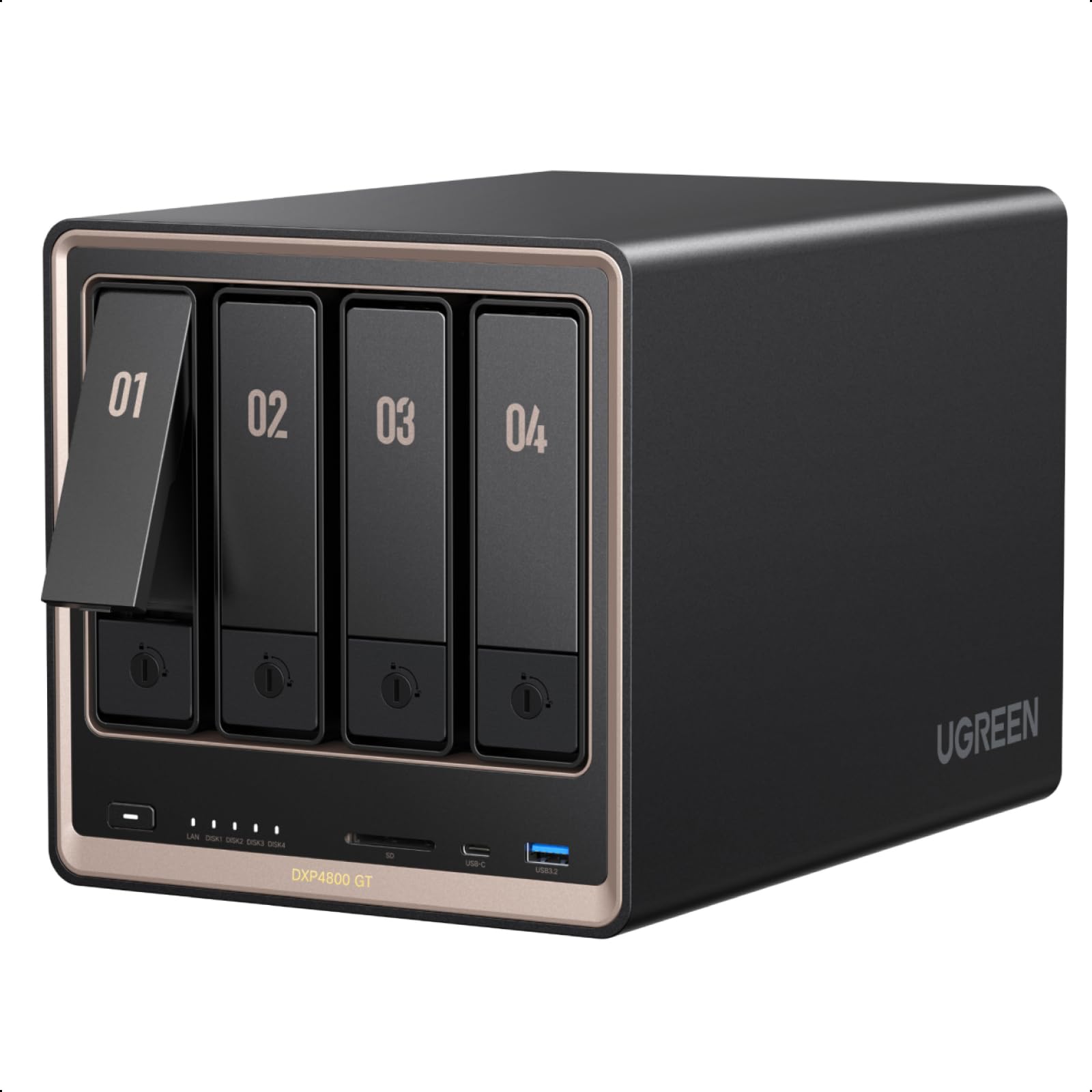
Type: Four-bay diskless NAS
CPU: Ryzen R2514
Memory: 8GB DDR4
Network: Dual 10GbE
Cache: 2x M.2 NVMe slots
Intended Use: Smart home data hub, direct NAS editing
The DXP4800 GT leans into throughput with two 10GbE ports, which suits direct editing and fast transfers between the automation server and workstations. The Ryzen R2514 and 8GB of DDR4 handle a smart home data hub role comfortably. Two M.2 NVMe slots allow fast cache or a separate system volume. It is marketed at creators, tech enthusiasts, and office teams.
This pick fits a power user running a smart home hub plus video projects on the same box. It earns its place through dual 10GbE and a capable Ryzen platform. The trade-off is that the networking speed only pays off with matching switches and clients, so a buyer on a plain gigabit LAN will not see the benefit and may overpay for headroom.
UGREEN NAS DXP4800 Pro 4-Bay
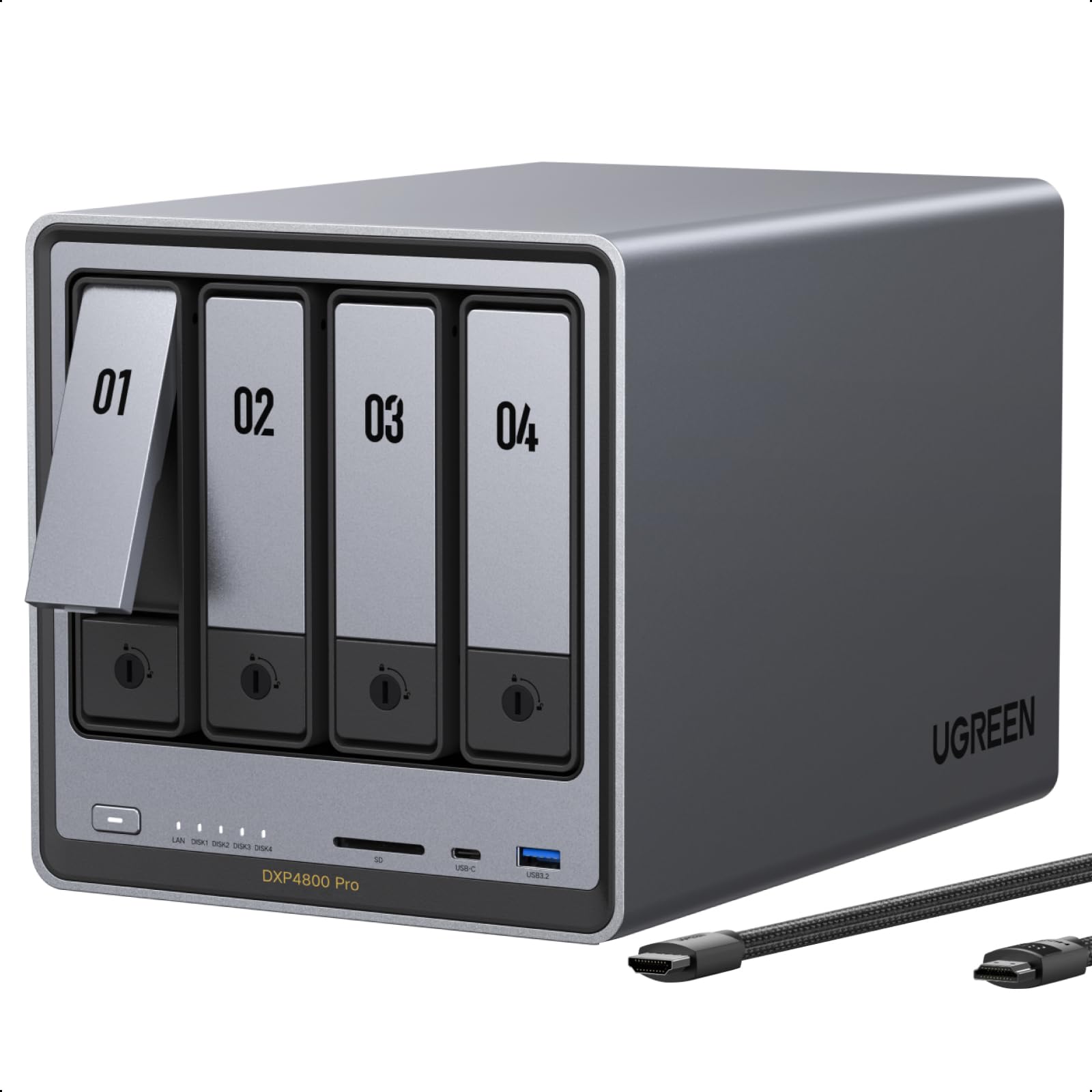
Type: Four-bay diskless NAS
CPU: Intel i3-1315U
Memory: 8GB DDR5
Network: 10GbE and 2.5GbE
Cache: 2x M.2 NVMe slots
Boot Storage: Built-in 128GB SSD
Intended Use: VMs, self-hosted apps, small-team file server
The DXP4800 Pro is the most capable unit here, built around an i3-1315U and 8GB of DDR5 for running virtual machines and self-hosted apps directly on the storage box. A built-in 128GB SSD keeps the system separate from the data array, and the 10GbE plus 2.5GbE ports cover mixed networks. It targets IT professionals, developers, and power users.
This pick suits a small team that wants the automation stack and its storage on one machine. It earns its place through compute headroom and a clean separation of system and data drives. The trade-off is the premium price, which only makes sense if the buyer will actually run VMs and apps on it rather than using it as a plain file target.
Before You Buy
- Bays: Two bays keep costs down but limit redundancy and growth; four bays allow RAID plus room to expand.
- CPU: Automation logging is light, but transcoding, VMs, and containers need a stronger processor.
- Network: A 10GbE port only helps with a matching switch and client hardware; otherwise 2.5GbE is plenty.
- Drives: Every pick here is diskless, so drive cost and compatibility checks sit with the buyer.
- Memory: 8GB is workable for containers, but virtual machines benefit from room to expand.
- Cache: M.2 NVMe slots allow fast cache or a separate system volume, which keeps the data array clean.
- Software: The management platform decides how easy backups and automation integrations will be.
Frequently Asked Questions
-
How much storage does an automation server need?
Automation logs and configs are small, so most home setups are fine with a couple of drives. The space goes to backups, media, and camera footage. -
Is a two-bay NAS enough for Home Assistant and backups?
Yes for a single household with modest data. Buyers planning media libraries or many containers should start at four bays. -
Do these NAS units include hard drives?
No. All five are diskless, so drives are purchased separately and matched to the bay count. -
Can an automation server run directly on the NAS?
The premium picks with stronger CPUs and more memory can host containers and virtual machines. Budget units work better as pure storage targets. -
Why does 10GbE matter for storage?
It speeds up large transfers and direct editing between the NAS and workstations. On a gigabit network the extra port goes unused. -
Which pick is best for a small team?
The DXP4800 Pro, because its i3 processor and DDR5 memory handle shared apps and VMs alongside file storage.
Bottom Line
The Synology DS225+ is the best storage for an automation server for most home users, balancing hardware transcoding, mature software, and a compact two-bay footprint at a mid-range price. Teams that need VMs and self-hosted apps should step up to the UGREEN DXP4800 Pro.