Why there are Amazon links here: Brave Review is paid a commission for qualifying Amazon purchases made through the links below. Your price does not change, and using our links is entirely optional. How this works
Best Smart Home Documentation Tools for Every Setup
A smart home is easy to build and hard to remember. Devices get added, automations multiply, and the network map in a buyer’s head stops matching reality. The five tools below cover that problem from different angles: a physical logbook, a dedicated hub, a low-cost reference book, a deep configuration handbook, and a whole-home energy monitor. The picks suit three types of buyer — the organizer who wants paper records, the Home Assistant tinkerer who needs hardware, and the data-driven owner who wants to see what the house is actually doing. The overview table shows the differences at a glance.
Overview of the Picks
| Product | Key Spec | Best Use | Price Tier |
|---|---|---|---|
| THE SMART HOME DOCUMENTATION LOGBOOK | Print journal for devices, automations, Zigbee/Z-Wave/Matter | Paper record keeping | Budget |
| Home Assistant Green | Official Home Assistant hub with advanced automation | Central control and logging | Premium |
| Smart Home | Zero-cost introductory ebook | First taste of the topic | Free |
| Advanced Home Assistant Configuration Handbook | Step-by-step YAML, Jinja2, Node-RED and AI logic guide | Deep configuration work | Budget |
| Emporia Vue 3 Home Energy Monitor | Real-time electricity usage and solar/net metering | Consumption tracking | Premium |
THE SMART HOME DOCUMENTATION LOGBOOK
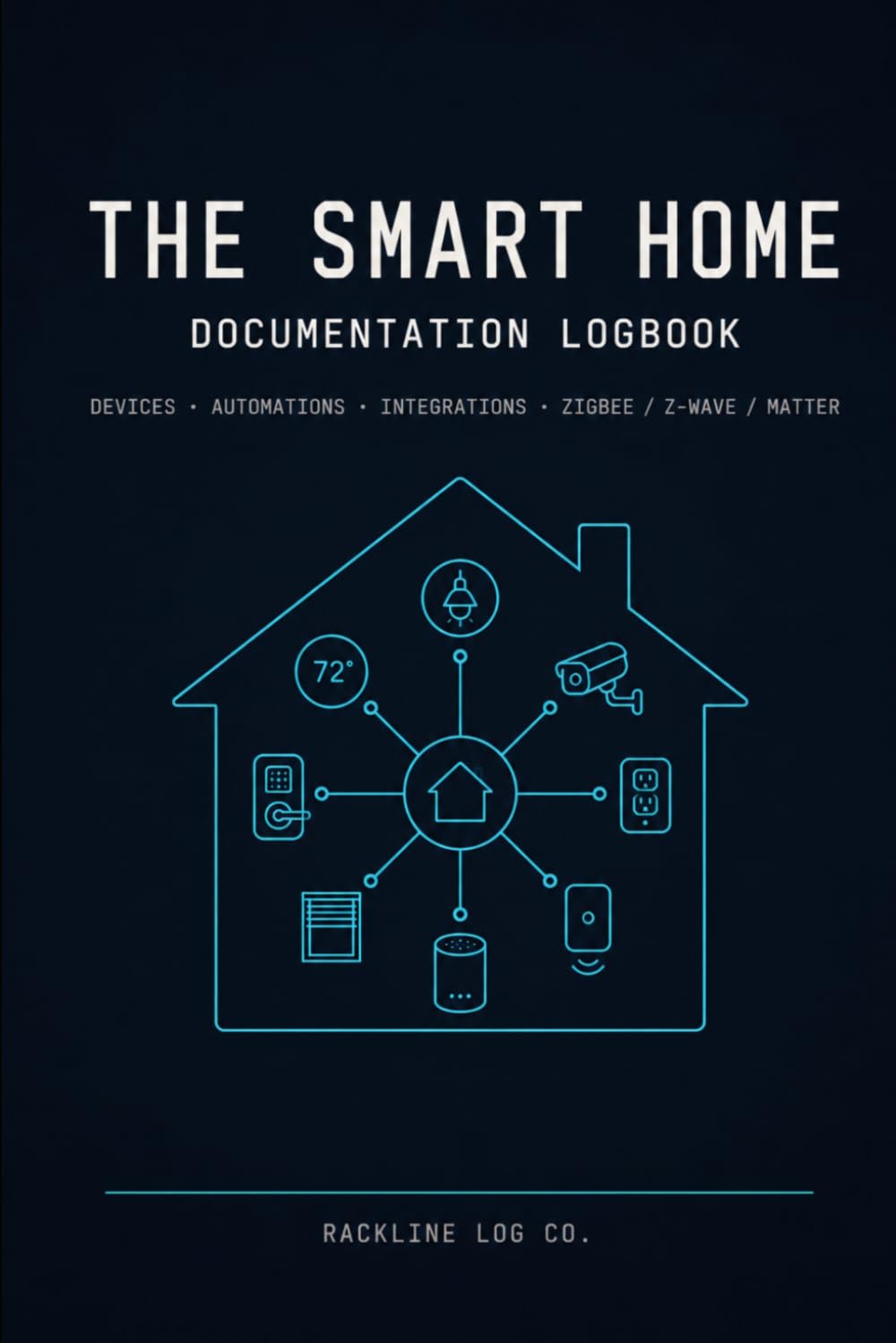
Format: Print journal
Topic: Smart home devices, automations, integrations
Networks covered: Zigbee, Z-Wave, Matter
Platforms referenced: Home Assistant, Hubitat, DIY automation
Intended use: Manual record keeping
Price tier: Budget
THE SMART HOME DOCUMENTATION LOGBOOK is a paper journal built around the way a smart home actually grows. Its pages are organized for recording devices, the automations they trigger, and the integrations that tie platforms together, with dedicated space for the three radio networks that cause the most confusion — Zigbee, Z-Wave and Matter.
The book is aimed at owners running Home Assistant, Hubitat or a DIY setup who want a record that does not depend on a cloud account or a working server. It is the cheapest way to answer the question "which device is on which network?" during a troubleshooting session, and it survives a power cut. Buyers who prefer everything digital will find the manual entry tedious, and the journal cannot sync or search itself.
Trade-off: Paper has to be filled in by hand and kept current, so the logbook is only as useful as the owner’s discipline in updating it.
Check the current price on Amazon
Home Assistant Green

Type: Smart home hub
Brand: Home Assistant (official hardware)
Function: Advanced automation
Intended use: Central control and device logging
Price tier: Premium
Home Assistant Green is the official hardware for Home Assistant, the open-source platform that many documentation-minded owners build around. Because the hub holds the device registry, the automation list and the integration map in one place, the software itself becomes the documentation tool — every entity, every automation and every connected service is listed and searchable rather than scattered across apps.
This is the pick for a buyer who wants a single source of truth and is willing to learn a platform to get it. Setup is more involved than a consumer plug-and-play hub, and the device rewards patience with far more control than closed systems allow. It is likely overkill for a household running two or three smart bulbs and no automations.
Trade-off: The hub demands real setup time and a willingness to learn the platform, so buyers wanting instant plug-and-play control should look elsewhere.
Check the current price on Amazon
Smart Home
Format: Digital book
Topic: Smart home fundamentals
Intended use: Introductory orientation
Price tier: Free
Smart Home is a no-cost digital title that covers smart home basics. Its value in a documentation stack is orientation: a reader new to the category can learn the vocabulary — hubs, protocols, integrations, scenes — before committing money to hardware or a paid handbook.
The free price makes it a sensible first download for someone still deciding whether to build a documented setup at all. It is an entry point, not a reference: buyers already running Home Assistant or Hubitat will find the material too basic to be useful, and a free title rarely goes deep on configuration.
Trade-off: As a free introductory book it stays at surface level, so it works as a primer but not as a working reference for an established setup.
Check the current price on Amazon
Advanced Home Assistant Configuration Handbook
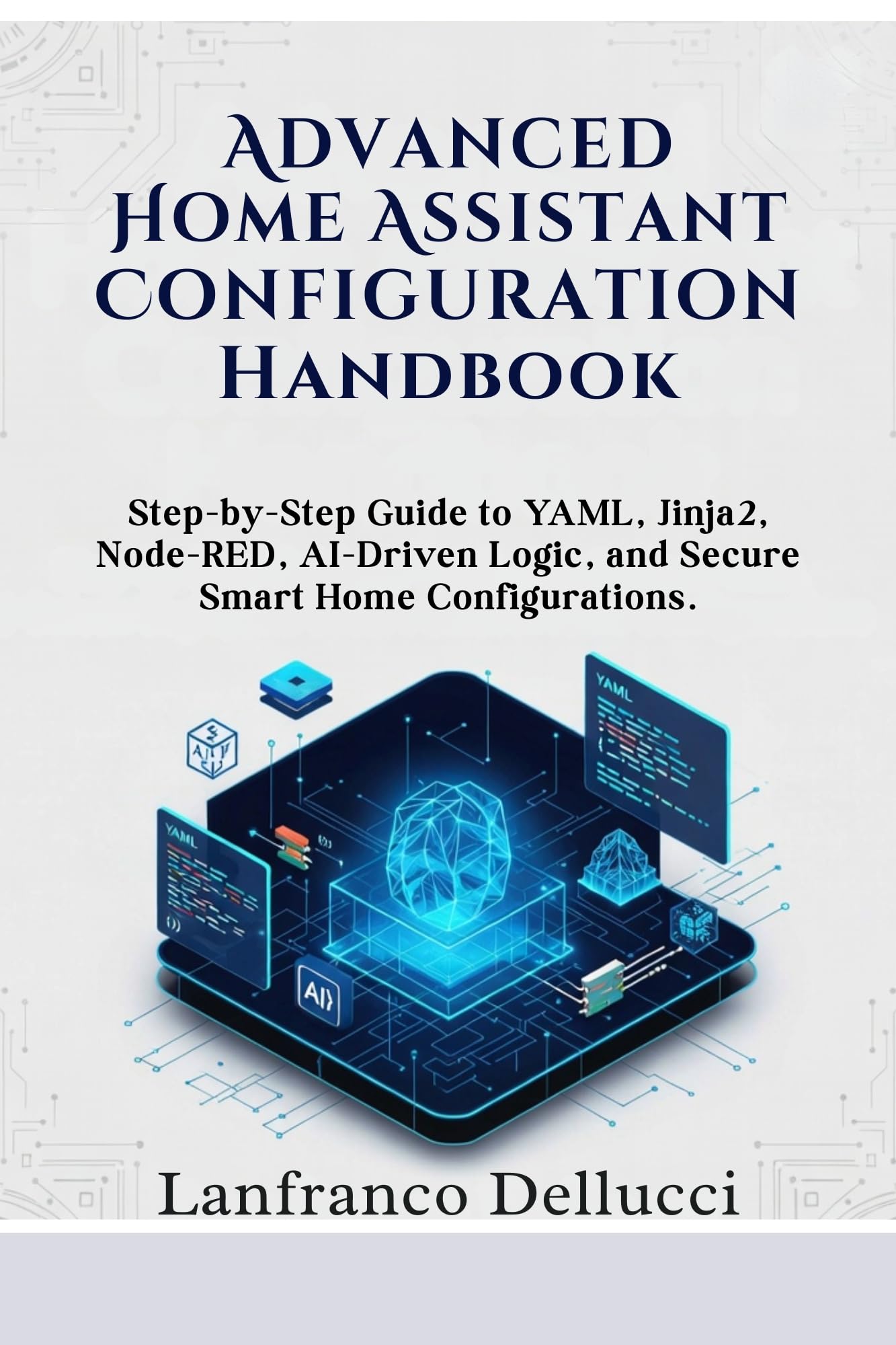
Format: Digital handbook
Series: Advanced Home Assistant Mastery Series, Book 1
Topics: YAML, Jinja2, Node-RED, AI-driven logic
Focus: Secure smart home configurations
Intended use: Step-by-step configuration reference
Price tier: Budget
Advanced Home Assistant Configuration Handbook goes after the part of documentation that most owners struggle with: the configuration itself. It walks through YAML, Jinja2 templating, Node-RED flows and AI-driven logic, with security treated as a first-class topic rather than an afterthought.
This is the companion for a buyer who has chosen Home Assistant and wants the written method behind a clean, documented configuration. The step-by-step framing suits readers who learn by following along at a keyboard, and the security chapter matters for anyone exposing a home network. Buyers with no Home Assistant experience will find the material steep, and a digital handbook cannot replace hands-on experimentation.
Trade-off: The content assumes a working Home Assistant install and some comfort with code, so complete beginners will struggle without a gentler primer first.
Check the current price on Amazon
Emporia Vue 3 Home Energy Monitor

Type: Home energy monitor and automation module
Function: Real-time electricity usage tracking
Features: Power consumption metering, solar and net metering
Certification: UL certified safe energy monitoring
Intended use: Consumption documentation
Price tier: Premium
Emporia Vue 3 Home Energy Monitor documents the one thing a device list never captures: what the house is spending. It tracks real-time electricity usage and power consumption, and it handles solar and net metering for homes with panels, all under UL certified safe energy monitoring.
For a data-minded owner, this is the missing chapter in a smart home record — device inventory on one side, actual consumption on the other. The monitor suits buyers who want to justify an automation or spot a appliance drawing power overnight. Installation happens at the electrical panel, which is a job for someone comfortable with that work or a licensed electrician, and the unit costs more than most documentation tools here.
Trade-off: The monitor requires panel-level installation and a premium outlay, so renters and the electrically cautious should weigh it carefully.
Check the current price on Amazon
Before You Buy
- Format: Decide first whether the record should be paper, software or hardware — the logbook, hub and handbooks solve the same problem in different media.
- Platform: The handbooks and hub assume Home Assistant; buyers on another platform should confirm the material applies before buying.
- Skill level: Free and budget titles suit beginners, while the configuration handbook expects a working install and some code comfort.
- Scope: A device log answers "what do I own"; an energy monitor answers "what does it cost to run" — most complete setups want both.
- Installation: The energy monitor needs panel access, so factor in professional installation if that work is outside a buyer’s comfort zone.
- Budget: The two books and the logbook cost little; the hub and monitor are the premium pieces and should be justified by real use.
Frequently Asked Questions
-
What counts as a smart home documentation tool?
Anything that records what a smart home contains and how it behaves — a paper logbook, a hub’s device registry, a configuration handbook or an energy monitor all qualify. -
Is the logbook or the hub the better record?
The logbook never goes offline and needs no account; the hub is searchable and updates itself. Many owners keep both, using paper for quick notes and the hub as the master list. -
Do the handbooks work without Home Assistant?
The Advanced Configuration Handbook is written specifically for Home Assistant, while the free Smart Home title is general and platform-neutral. -
Does the Emporia Vue 3 replace documentation software?
No — it documents consumption rather than devices. It complements a device list by showing what each circuit actually uses. -
Which pick suits a complete beginner?
The free Smart Home book and the logbook together give a low-cost start: vocabulary first, then a place to write down what gets installed. -
Can a renter use these tools?
The books, logbook and hub all work in a rental; the energy monitor’s panel installation makes it the least renter-friendly pick.
Bottom Line
For most buyers building a documented smart home, the Home Assistant Green is the top pick: it turns the platform itself into a living, searchable record of every device and automation. Pair it with the budget logbook for offline notes, and add the energy monitor only when consumption data earns its place.
