Why there are Amazon links here: Brave Review is paid a commission for qualifying Amazon purchases made through the links below. Your price does not change, and using our links is entirely optional. How this works
Best Smart Home Tablet Dashboard for Wall-Mounted Control
A smart home tablet dashboard replaces the pile of apps and switches on a phone with one always-on screen mounted in the wall. This roundup covers five Android 14 panels that run a home automation dashboard, from budget 10.1-inch units to a large 15.6-inch display. It suits homeowners building a wall-mounted control hub, DIY home automation users running Home Assistant or MQTT, and small offices that want a kiosk-style control point. The overview below puts every pick side by side so a reader can choose in under a minute.
Overview of the Picks
| Product | Key Spec | Best Use | Price Tier |
|---|---|---|---|
| Android 14 10.1" Smart Home Control Panel (B0GSX2SGCH) | 10.1", 5.0MP front camera, 4G RAM / 64G ROM | Video intercom and camera previews | Mid |
| 15.6 Inch Android POE Tablet Smart Home Panel (B0GX24YG9Y) | 15.6", 8-core CPU, camera | Large wall dashboard in a central room | Premium |
| 10.1" POE Smart Home Touch Panel with Proximity Sensor (B0GL27PBWM) | 10.1", WiFi 6E, RS232/RS485, no camera | Wired automation with legacy equipment | Mid |
| 10.1 inch Android 14 POE Tablet Smart Home Control Panel, Black (B0GX253ZRW) | 10.1", proximity sensor, no camera | Discreet bedroom or hallway panel | Budget |
| 10.1 inch Android 14 POE Tablet Smart Home Panel (B0GX1X4H8V) | 10.1", 8-core CPU, camera | Best all-round value | Budget |
Best Overall: 10.1 inch Android 14 POE Tablet Smart Home Panel

Display: 10.1 inch touch screen
Operating System: Android 14
Processor: 8-core CPU
Memory: 4G RAM
Storage: 64G ROM
Camera: Front camera
Color: White
This panel pairs an eight-core processor with Android 14, which is the combination that keeps a dashboard responsive when several widgets, camera tiles and automations load at once. The 10.1-inch touch screen is a practical size for a hallway or kitchen wall without dominating the room, and the built-in MQTT support means it talks directly to a local broker rather than relying on a cloud service. The front camera adds video intercom and doorbell preview duties to the control job. Buyers who want one screen to handle lighting, scenes, cameras and climate will find the hardware does not get in the way.
It earns the top spot because it covers the most ground for the least compromise: a fast chip, current Android, camera, and the networking features a dashboard needs. The white finish blends into light walls, and the KIOSK mode keeps the dashboard locked to the foreground. Buyers who need a bigger screen for a large open-plan space should look at the 15.6-inch model instead.
Trade-off: The camera and eight-core hardware push it above the cheapest panels here, so a buyer who only needs a basic switch screen is paying for features that go unused.
Best for Large Spaces: 15.6 Inch Android POE Tablet Smart Home Panel
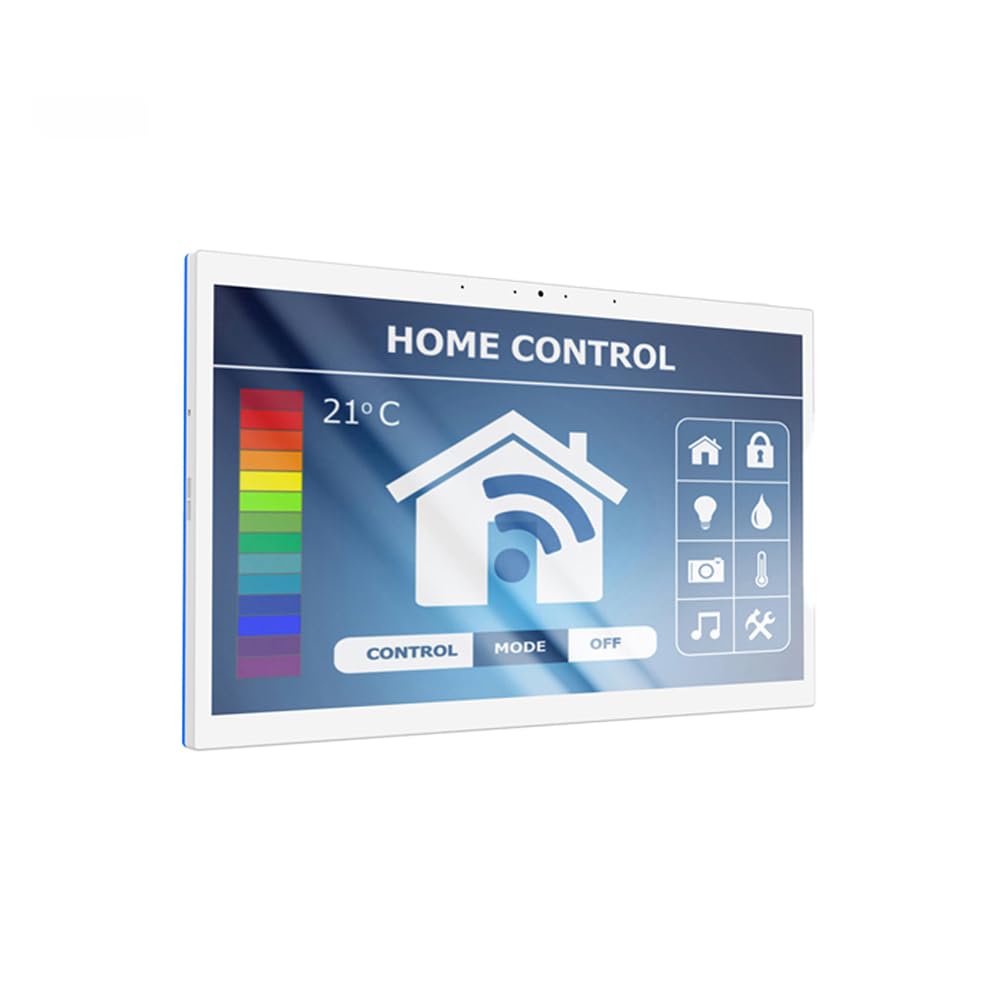
Display: 15.6 inch touch screen
Operating System: Android 14
Processor: 8-core CPU
Memory: 4G RAM
Camera: Front camera
Color: White
The 15.6-inch screen is the standout here: it gives a dashboard room to show multiple rooms, a camera grid and a media widget at the same time without cramming. The eight-core CPU and 4G RAM keep Android 14 moving on the larger panel, and the front camera covers intercom and video previews. Built-in MQTT and KIOSK mode make it a dedicated control surface rather than a general-purpose tablet. It is the pick for a central hallway, kitchen or office wall where the screen is seen from across the room.
This model earned its place because screen size is the one thing a buyer cannot upgrade later, and a large dashboard is genuinely easier to read at a glance. The white bezel keeps it visually light despite the size. Buyers with a narrow wall section or a tight recess should measure carefully before committing.
Trade-off: A 15.6-inch panel is the most expensive pick here and demands a generous mounting area, so it suits rooms with wall space to spare rather than compact hallways.
Best for Wired Automation: 10.1" POE Smart Home Touch Panel with Proximity Sensor
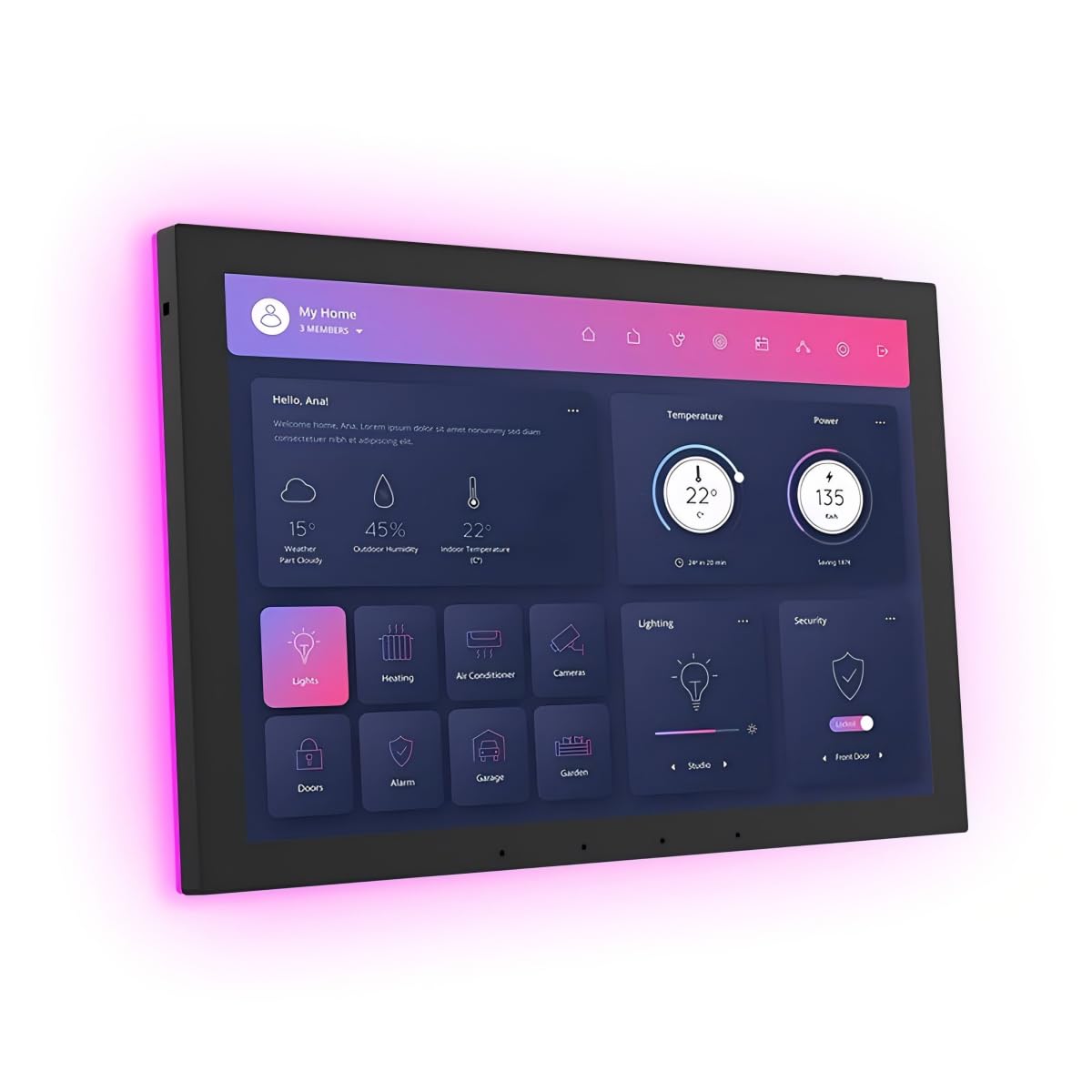
Display: 10.1 inch touch screen
Operating System: Android 14
Memory: 4G RAM
Storage: 64G ROM
Networking: WiFi 6E
Ports: RS232, RS485
Camera: No camera
Color: Black
This is the panel for a house with legacy wiring. RS232 and RS485 ports let it talk to older controllers, AV gear and building systems that a plain tablet cannot reach, while WiFi 6E and POE cover modern networking. The proximity sensor wakes the screen as someone approaches, which suits a wall panel that sits dark most of the day. The 86 box is included, so the install uses a standard wall box rather than a custom cutout. The black finish and camera-free design make it a natural fit in a media room or equipment closet.
It earned its place because serial ports are rare on this kind of panel and they solve a real problem for buyers with existing hardware. The 4G RAM and 64G ROM give Android 14 room to run a full dashboard. Buyers who want video doorbell previews will need a different model.
Trade-off: The lack of a camera rules it out for intercom and doorbell duties, and the serial ports only pay off for buyers who actually own compatible equipment.
Best Budget Pick: 10.1 inch Android 14 POE Tablet Smart Home Control Panel, Black
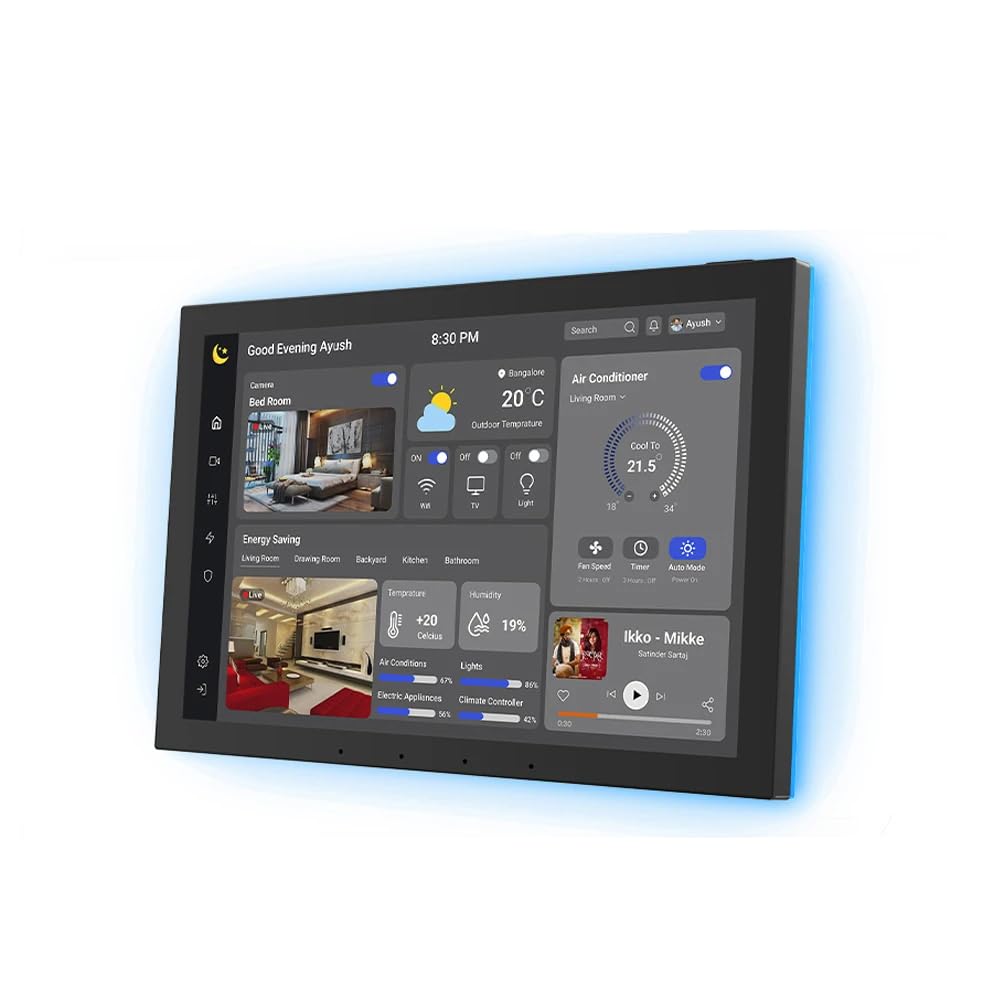
Display: 10.1 inch touch screen
Operating System: Android 14
Memory: 4G RAM
Storage: 64G ROM
Sensor: Proximity sensor
Camera: No camera
Color: Black
This black 10.1-inch panel strips out the camera and keeps the essentials: Android 14, 4G RAM, 64G ROM, MQTT and KIOSK mode. The proximity sensor brings the dashboard up as someone walks past, which saves power and keeps a dark hallway looking tidy. The black bezel disappears against dark paint and media walls. It is a sensible choice for a bedroom, hallway or side entrance where a camera would be unwelcome anyway.
It earned its place as the value option for buyers who want a clean control surface without paying for video features. The storage and memory match the pricier 10.1-inch models, so the dashboard runs the same software without strain. Buyers who want doorbell previews should step up to a camera model.
Trade-off: Skipping the camera keeps the price down but removes intercom and doorbell video, so the panel is control-only.
Best Value All-Rounder: Android 14 10.1" Smart Home Control Panel with 5.0MP Front Camera
Display: 10.1 inch touch screen
Operating System: Android 14
Camera: 5.0MP front camera
Memory: 4G RAM
Storage: 64G ROM
Networking: POE
Color: White
The 5.0MP front camera is the differentiator on this white 10.1-inch panel, giving sharper video for intercom calls and doorbell checks than a basic camera would. Android 14, 4G RAM and 64G ROM handle a full dashboard, and built-in MQTT keeps automations local. POE simplifies wiring to a single cable. The white finish suits light walls and trim. It is a strong fit for a front hallway where visitors are greeted and cameras are checked.
It earned its place because it adds a better camera without jumping to the largest screen size, which makes it the middle ground between the budget panels and the 15.6-inch model. Buyers who want video at the door get it here at a lower cost than the premium pick. Those with no interest in cameras can save by choosing the black budget model.
Trade-off: The camera adds cost over the camera-free panel, so buyers who only need switches and scenes are paying for a feature they will not use.
Before You Buy
- Power and wiring: POE panels need an Ethernet run to the wall box, while WiFi models need a nearby outlet or PoE injector; confirm the wall has the right cabling before ordering.
- Mounting box: Check whether the panel ships with a standard 86 box, as the proximity-sensor model does, or needs a custom cutout.
- Camera or no camera: Decide up front whether intercom and doorbell previews matter, because camera-free panels cost less but cannot be upgraded later.
- Serial equipment: Only pay for RS232 and RS485 if there is older AV or control gear in the house that needs to talk to the panel.
- Screen size: Measure the wall recess and viewing distance; a 15.6-inch panel needs far more space than a 10.1-inch unit.
- Software: Confirm the dashboard app supports MQTT and KIOSK mode so the panel stays locked to the control screen.
- Finish: Black bezels suit dark walls and media rooms, white blends into light hallways and kitchens.
Frequently Asked Questions
-
What is a smart home tablet dashboard used for?
It is a wall-mounted Android screen that stays on a control dashboard, so lights, scenes, climate and cameras are reachable in one place instead of across several phone apps. -
Do these panels need a subscription?
No. They run Android 14 and local protocols like MQTT, so the dashboard software runs on the device rather than a paid cloud service. -
Can a panel without a camera still handle a doorbell?
It can trigger automations and show status, but video previews need a camera model such as the 5.0MP or 15.6-inch picks. -
Is POE required?
POE simplifies wiring to one cable, but WiFi 6E and standard WiFi are available on some models, so a panel can work without a PoE switch. -
Which size suits a hallway?
A 10.1-inch panel fits most hallways, while the 15.6-inch model suits a large kitchen or open-plan room viewed from a distance. -
Can these panels control older AV equipment?
Only the model with RS232 and RS485 ports can talk to legacy serial gear; the others rely on network-based integrations.
Bottom Line
The 10.1-inch Android 14 POE panel with the eight-core CPU and camera is the best smart home tablet dashboard for most buyers, balancing speed, screen size and video features without the premium price of the 15.6-inch model. Buyers with a large wall and a bigger budget should step up to the 15.6-inch panel, while anyone who wants a camera-free control screen can save with the black budget pick.