Why there are Amazon links here: Brave Review is paid a commission for qualifying Amazon purchases made through the links below. Your price does not change, and using our links is entirely optional. How this works
Best Network Switch for a Home: 5 Picks for Fast, Stable Wired Internet
A home network switch adds wired Ethernet ports so that more devices can share one router connection without slowing each other down. The best network switch for a home suits three kinds of buyers: the gamer or streamer who wants lag-free wired speed, the remote worker who needs a rock-solid office link, and the budget-minded household wiring up several rooms at once. The five picks below cover every one of those needs, from a bare-bones unmanaged box to a smart managed unit with traffic controls. The overview table sums up each option so a decision can be made in under a minute, and full reviews follow.
The Picks at a Glance
| Product | Key Spec | Best Use | Price Tier |
|---|---|---|---|
| NETGEAR GS308 | 8-port gigabit, unmanaged | Simple plug-and-play expansion | Budget |
| TP-Link TL-SG108 | 8-port gigabit, metal, unmanaged | Sturdy everyday wired network | Budget |
| NETGEAR GS308E | 8-port gigabit, easy smart managed | Light traffic control at home | Mid-range |
| NETGEAR GS108 | 8-port gigabit, unmanaged, metal | Durable long-term backbone | Premium |
| TP-Link TL-SG108E | 8-port gigabit, smart managed, QoS/VLAN | Advanced home and office setups | Mid-range |
1. NETGEAR 8-Port Gigabit Ethernet Unmanaged Network Switch (GS308)

Ports: 8 gigabit Ethernet
Management: Unmanaged
Mounting: Desktop or wall mount
Operation: Silent, fanless
Model: Essentials GS308
NETGEAR 8-Port Gigabit Ethernet Unmanaged Network Switch (GS308)
The GS308 is the simplest way to add eight wired ports to a home network. It is an unmanaged switch, which means no configuration, no login screen, and no software to install — plug in the power and the Ethernet cables, and it works. The fanless build keeps it silent, so it can sit on a desk or shelf near a TV or router without adding noise. The compact Essentials chassis can rest on a flat surface or be wall-mounted when space is tight.
This pick suits households that just need more ports and nothing else: a router with too few jacks, a media cabinet full of consoles, or a small apartment where simplicity matters more than features. It is not the right choice for a buyer who wants to prioritize traffic or split the network into segments, since an unmanaged switch offers no such controls.
Trade-off: The plastic Essentials housing feels less premium than metal-bodied rivals and offers no traffic management, so it is a basic expansion tool rather than a configurable one.
Check the current price on Amazon
2. TP-Link 8 Port Gigabit Ethernet Network Switch (TL-SG108)
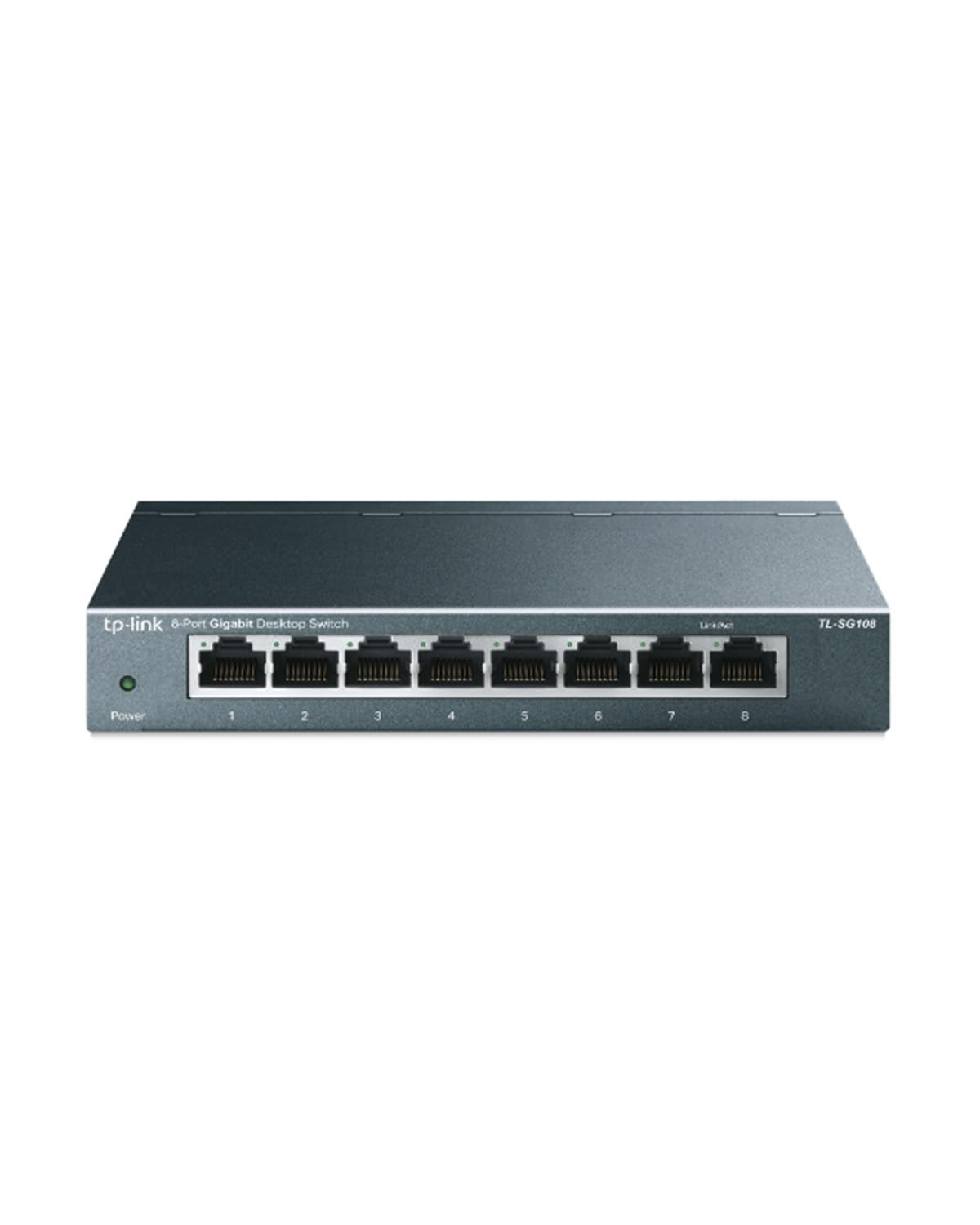
Ports: 8 gigabit Ethernet
Management: Unmanaged
Housing: Sturdy metal
Feature: Shielded traffic optimization
Protection: Lifetime protection
Operation: Fanless
TP-Link 8 Port Gigabit Ethernet Network Switch (TL-SG108)
The TL-SG108 pairs the same plug-and-play simplicity as the NETGEAR with a sturdy metal body that stands up better to daily handling and heat. Shielded traffic optimization helps keep data moving cleanly across all eight ports, and the fanless design keeps operation quiet. TP-Link backs the unit with lifetime protection, which adds peace of mind for a device that may run nonstop for years.
This switch fits a buyer who wants a no-fuss unmanaged hub but prefers metal construction over plastic — a good match for a home office, a network closet, or a rack where durability matters. It is not intended for users who need VLANs, QoS, or any form of management, because none of those features are present here.
Trade-off: Like every unmanaged switch, it cannot prioritize traffic or separate network segments, so heavy users with advanced needs will outgrow it.
Check the current price on Amazon
3. NETGEAR 8-Port Gigabit Ethernet Easy Smart Managed Network Switch (GS308E)

Ports: 8 gigabit Ethernet
Management: Easy Smart Managed
Mounting: Desktop or wall mount
Operation: Silent, fanless
Model: Essentials GS308E
NETGEAR 8-Port Gigabit Ethernet Easy Smart Managed Network Switch (GS308E)
The GS308E takes the familiar Essentials platform and adds easy smart management, giving a homeowner a middle ground between a dead-simple switch and a fully managed one. It still installs quickly, runs silently, and can sit on a desk or be wall-mounted, but it also opens the door to basic traffic controls through a simple interface. That makes it a sensible step up for anyone who wants a little more say over how the network behaves.
This pick is aimed at the buyer who wants plug-and-play most of the time but appreciates the option to tune things later — a home office with a work laptop and a busy family network, for example. It is not for the user who wants zero configuration ever, since the management features invite at least a little setup.
Trade-off: The smart features are deliberately basic, so a buyer expecting full enterprise-level control will find the toolset limited.
Check the current price on Amazon
4. NETGEAR 8-Port Gigabit Ethernet Unmanaged Network Switch (GS108)
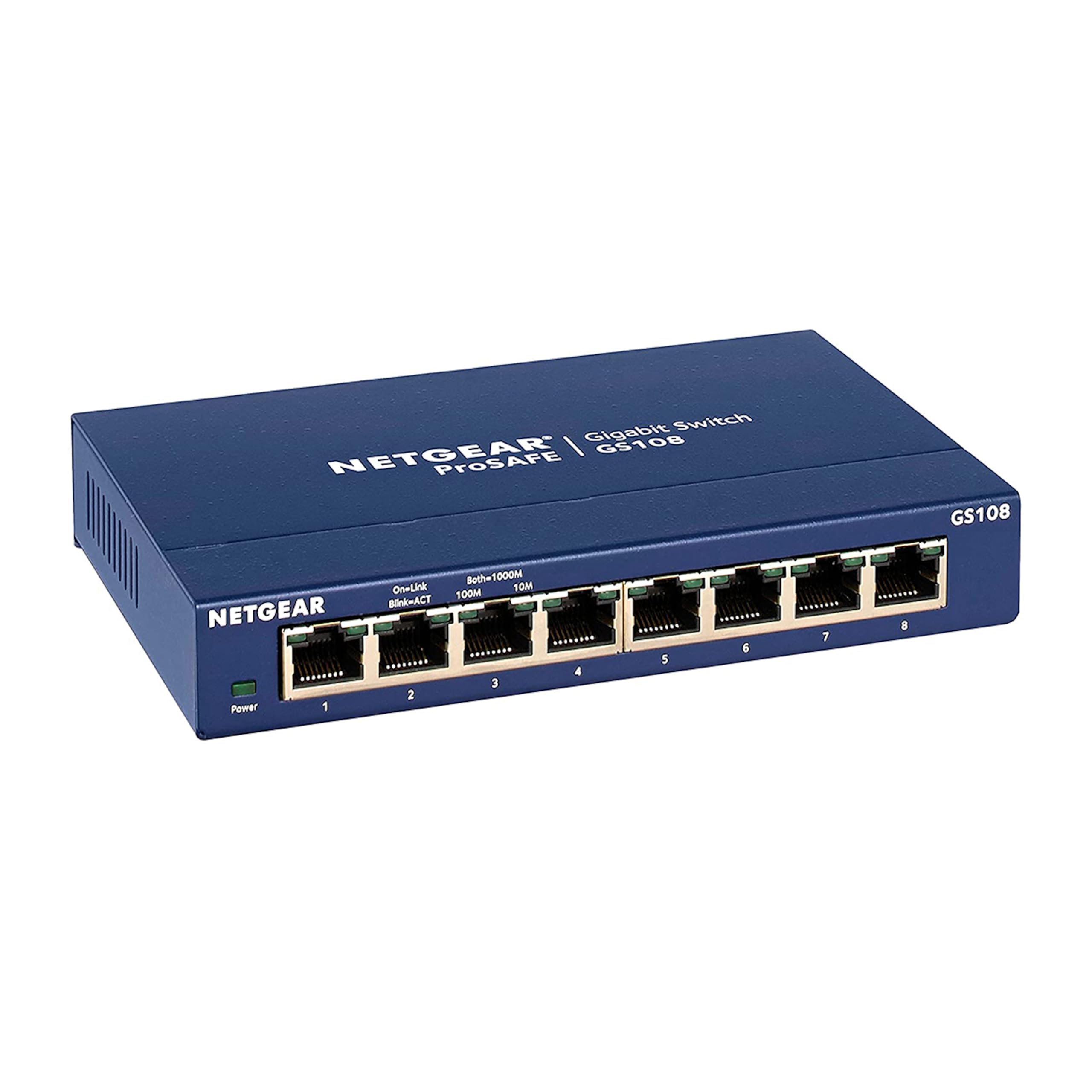
Ports: 8 gigabit Ethernet
Management: Unmanaged
Mounting: Desktop or wall mount
Model: GS108
NETGEAR 8-Port Gigabit Ethernet Unmanaged Network Switch (GS108)
The GS108 is the premium unmanaged option in this lineup, built for buyers who want dependable wired networking without any management overhead. It delivers the same eight gigabit ports and silent, fanless operation as the cheaper NETGEAR, but the higher price tier points to a more robust build aimed at long-term, always-on use. It sits on a desk or mounts to a wall, fitting neatly into a home network closet or behind a TV stand.
This one suits the household that wants to set it and forget it for years — a whole-home wired backbone feeding rooms, consoles, and access points. It is not the right pick for a shopper who just needs a few extra ports on a tight budget, since simpler units do that job for less.
Trade-off: The price premium buys durability and brand confidence rather than extra features, so value-focused buyers may see little reason to pay more than the budget models.
Check the current price on Amazon
5. TP-Link 8 Port Gigabit Easy Smart Managed Switch (TL-SG108E)
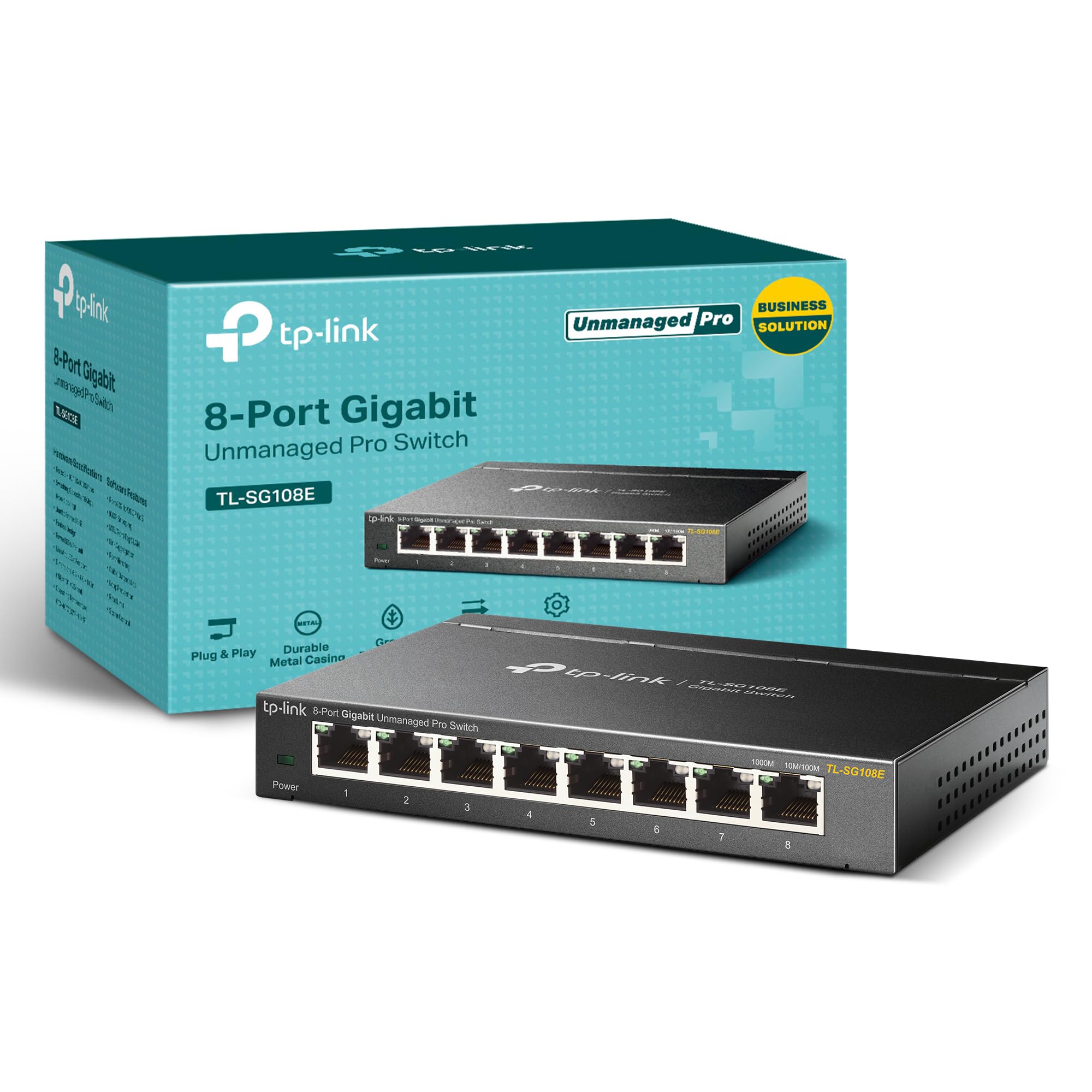
Ports: 8 gigabit Ethernet
Management: Easy Smart Managed
Controls: QoS, VLAN, IGMP, LAG
Housing: Sturdy metal with shielded ports
Mounting: Desktop or wall mount
TP-Link 8 Port Gigabit Easy Smart Managed Switch (TL-SG108E)
The TL-SG108E is the most feature-rich pick here, bundling QoS, VLAN, IGMP, and LAG support into a sturdy metal chassis with shielded ports. Those controls let a motivated user prioritize important traffic, separate network segments, and keep multicast streams like video tidy. It still installs as a plug-and-play unit and mounts on a desktop or wall, so the advanced tools stay optional until needed.
This switch fits the buyer running a busier home network — a home lab, a media server, or a work-from-home setup with several always-on devices — who wants real control without enterprise complexity. It is not for the casual user who will never open a settings page, since the extra capability would go unused.
Trade-off: The management interface assumes some networking comfort, and the metal build and feature set push the price above the simplest unmanaged options.
Check the current price on Amazon
Before You Buy
- Port count: Count every wired device plus a spare or two; eight ports covers most homes, but growth is common.
- Management level: Unmanaged switches need no setup; smart managed models add QoS, VLAN, and similar controls for advanced users.
- Build material: Metal housings resist heat and handling better, while plastic units are lighter and cheaper.
- Mounting: Desktop or wall-mount designs suit different spaces; check clearance near the router or media cabinet.
- Noise: Fanless, silent operation matters if the switch sits near a desk, bedroom, or TV.
- Compatibility: Gigabit ports work with standard home routers and Ethernet cabling; confirm the router has a free LAN port.
- Speed needs: Gigabit suits most home internet and local transfers; heavy local file work may call for faster hardware.
Frequently Asked Questions
- Do I need a managed switch for a home network? Most homes do fine with an unmanaged switch; a smart managed model helps only when traffic prioritization or network segmentation is genuinely needed.
- How many ports should a home switch have? Count current wired devices and add a couple of spares; eight ports is a comfortable default for most households.
- Will a switch slow down internet speed? A gigabit unmanaged switch adds no meaningful slowdown and lets wired devices share the router connection efficiently.
- Can a switch work without a router? A switch extends a network but still needs a router to assign addresses and connect to the internet.
- Does a fanless switch get hot? Fanless units run warm but are built for silent, continuous operation; keep them ventilated and off soft surfaces.
- Is metal better than plastic for a switch? Metal housings tend to handle heat and physical wear better, though plastic units work fine for light, simple setups.
Bottom Line
For most homes, the TP-Link TL-SG108 is the best network switch for a home: it delivers silent, plug-and-play gigabit expansion in a sturdy metal body backed by lifetime protection. Buyers who want traffic controls should step up to the TP-Link TL-SG108E, while the NETGEAR GS308 remains the value pick for pure simplicity.