Why there are Amazon links here: Brave Review is paid a commission for qualifying Amazon purchases made through the links below. Your price does not change, and using our links is entirely optional. How this works
Best Hub for a House with No Broadband and No Cloud
A house with no broadband line and no cloud dependency needs one thing above all: a hub that reaches the internet over cellular and keeps local devices talking to each other. The picks below cover that job from five angles — a battery-backed smart-home gateway, a high-capacity router, a plug-and-play LTE router, a prepaid travel hotspot and a SIM-free pocket unit. Buyers who run a smart home off a gateway, households that need a full router for multiple devices, and travelers who just want quick connectivity will each find a match. The overview table below compares all five before the individual reviews.
Overview of the Picks
| Product | Key Spec | Best Use | Price Tier |
|---|---|---|---|
| YoLink Hub 3 Smart Home Gateway | Up to 4-hour battery backup, Wi-Fi/Ethernet, optional cellular | Smart-home gateway with cellular fallback | Mid |
| WiFi Router with SIM Slot | 4G/5G LTE, 32-device wireless hub | Whole-house router for many devices | Mid |
| Unlocked Modem 1200Mbps Hotspot | 6-antenna dual-band 4G LTE, AT&T and T-Mobile | Carrier-flexible home router | Budget |
| EIOTCLUB 4G LTE USB WiFi 6 Dongle | Prepaid plan, 10 devices, USB form factor | Prepaid plug-in hotspot | Budget |
| Pocket Hot Spot S2 | No SIM needed, 8 devices, 10GB free USA data | SIM-free travel and backup | Budget |
YoLink Hub 3 Smart Home Gateway

Type: Smart home gateway
Connectivity: Wi-Fi, Ethernet, 4G LTE, LoRa
Battery Backup: Up to 4 hours
Protocol Range: Up to 2034 feet
Control: Remote app
The YoLink Hub 3 is built for houses where the smart devices must keep working when the line goes down. Its LoRa radio reaches sensors across a long span, and the battery backup carries the hub through short outages. Cellular is optional, so a household can add a SIM when no fixed line exists. This is the pick for buyers already running or planning a LoRa-based sensor network.
It earns its place because it treats connectivity as a backup problem first and a smart-home problem second. The unit suits a house with no broadband that still wants door sensors, leak detectors and similar devices reporting to an app.
Trade-off: The hub is a gateway, not a general-purpose router, so phones and laptops still need their own internet path.
Check the current price on Amazon
WiFi Router with SIM Slot
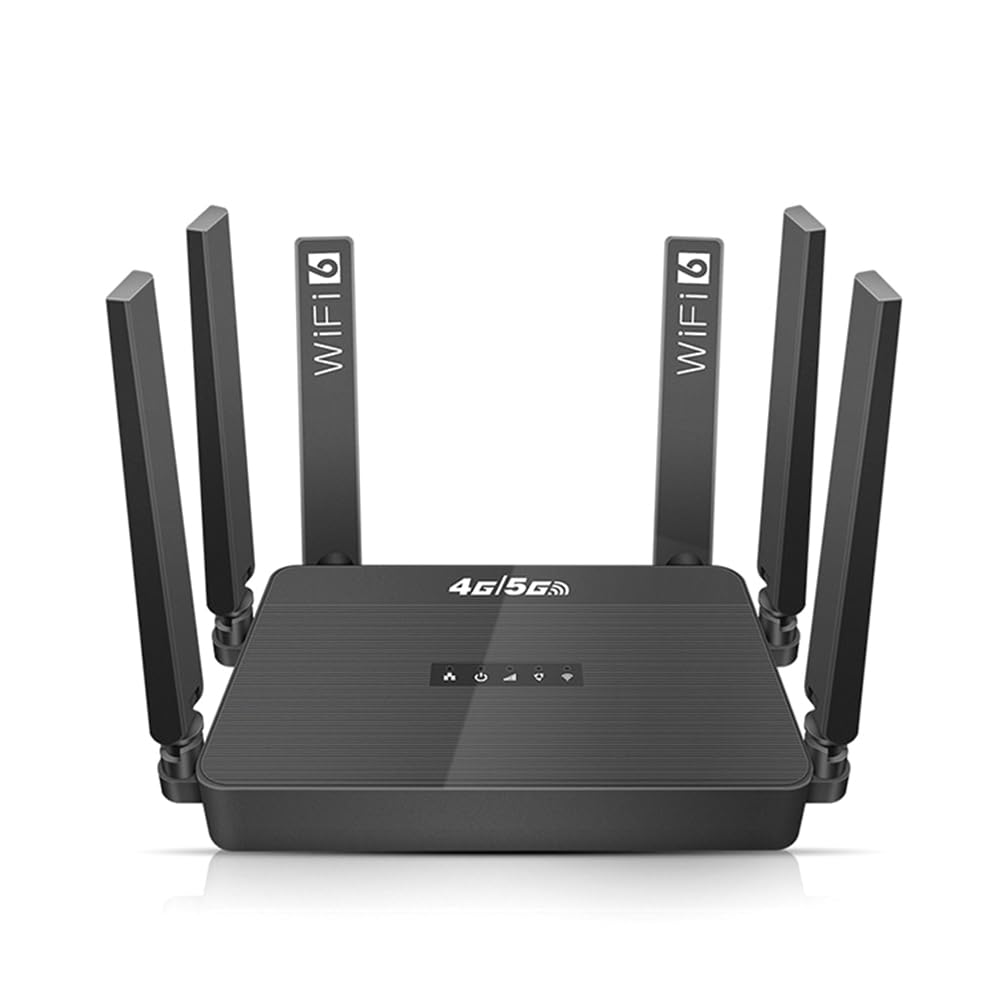
Type: Cellular Wi-Fi router
Cellular: 4G/5G LTE
Device Capacity: 32 devices
SIM: SIM slot
Form Factor: Desktop hub
WiFi Router with SIM Slot, 4G/5G LTE, 32-Device Wireless Hub Pro
This router is the heaviest lifter in the group. A SIM slot feeds 4G/5G LTE into a wireless hub rated for 32 devices, which is enough for a family with phones, tablets, a TV and a few smart speakers. The desktop form factor points to a fixed install rather than a pocket carry. Buyers who want one box to serve the whole house should start here.
The 32-device figure is the reason it made the list: most budget hotspots cap out far lower, and a busy household hits those limits fast. It is the right pick for a house with no broadband that still expects normal home-network behavior.
Trade-off: A 5G-capable router at this tier usually runs warmer and draws more power than a basic LTE unit, so placement and ventilation matter.
Check the current price on Amazon
Unlocked Modem 1200Mbps Mobile Hotspot
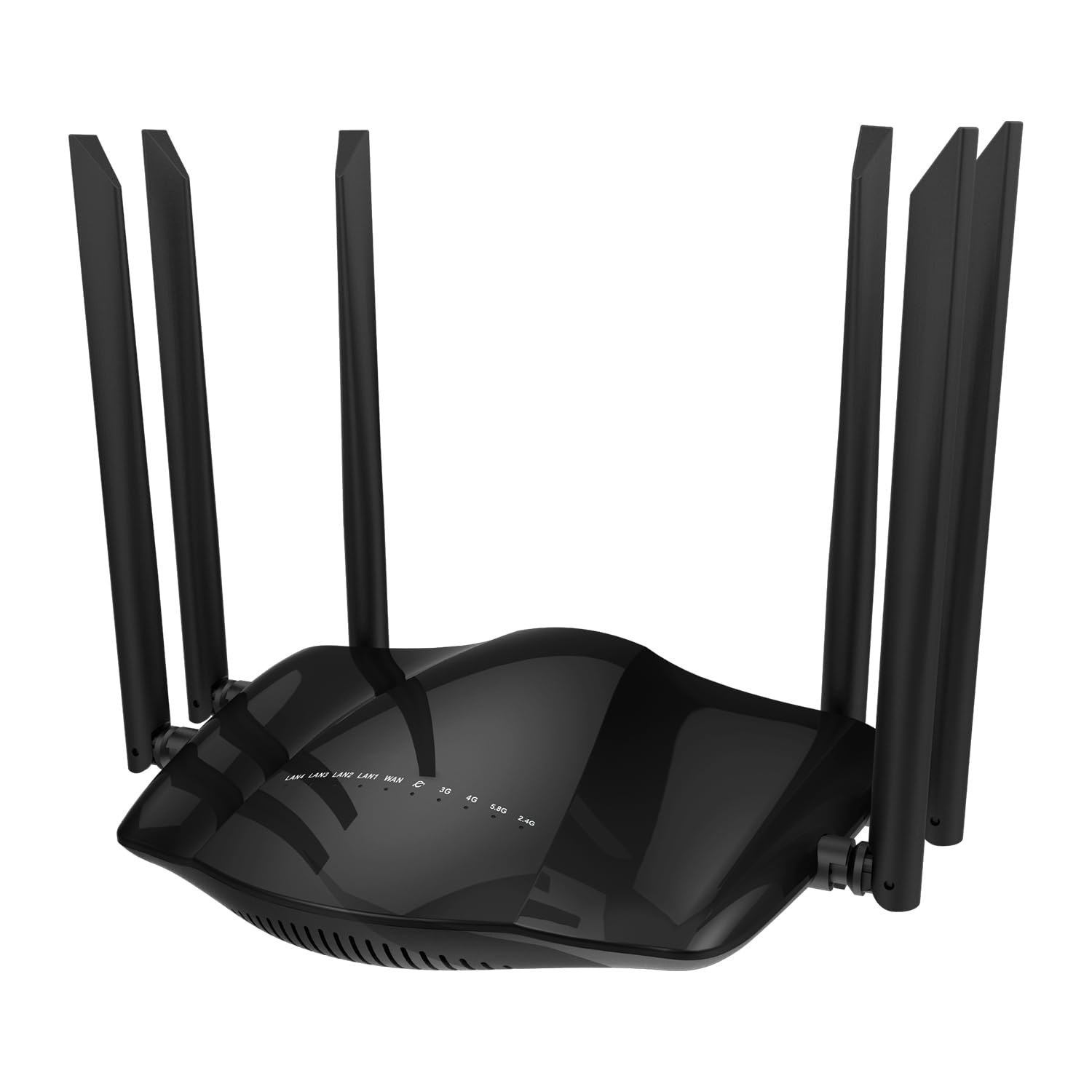
Type: Unlocked 4G LTE router
Speed Rating: 1200Mbps
Carrier Support: AT&T and T-Mobile
Antennas: 6
Bands: Dual band
Setup: Plug and play
The unlocked design is the selling point here: a buyer can bring an AT&T or T-Mobile SIM and avoid a carrier-locked device. Six antennas and dual-band Wi-Fi point to a unit built to hold a signal in a house rather than a backpack. Plug-and-play setup keeps the install simple for non-technical households.
It suits buyers who already have a data plan or prepaid SIM and want a fixed router without a contract. The 1200Mbps rating describes the wireless side, so expectations should stay realistic about what LTE itself delivers.
Trade-off: The unlocked status means no carrier subsidy, so the buyer carries the full hardware cost and any plan-compatibility headaches.
Check the current price on Amazon
EIOTCLUB 4G LTE USB WiFi 6 Dongle
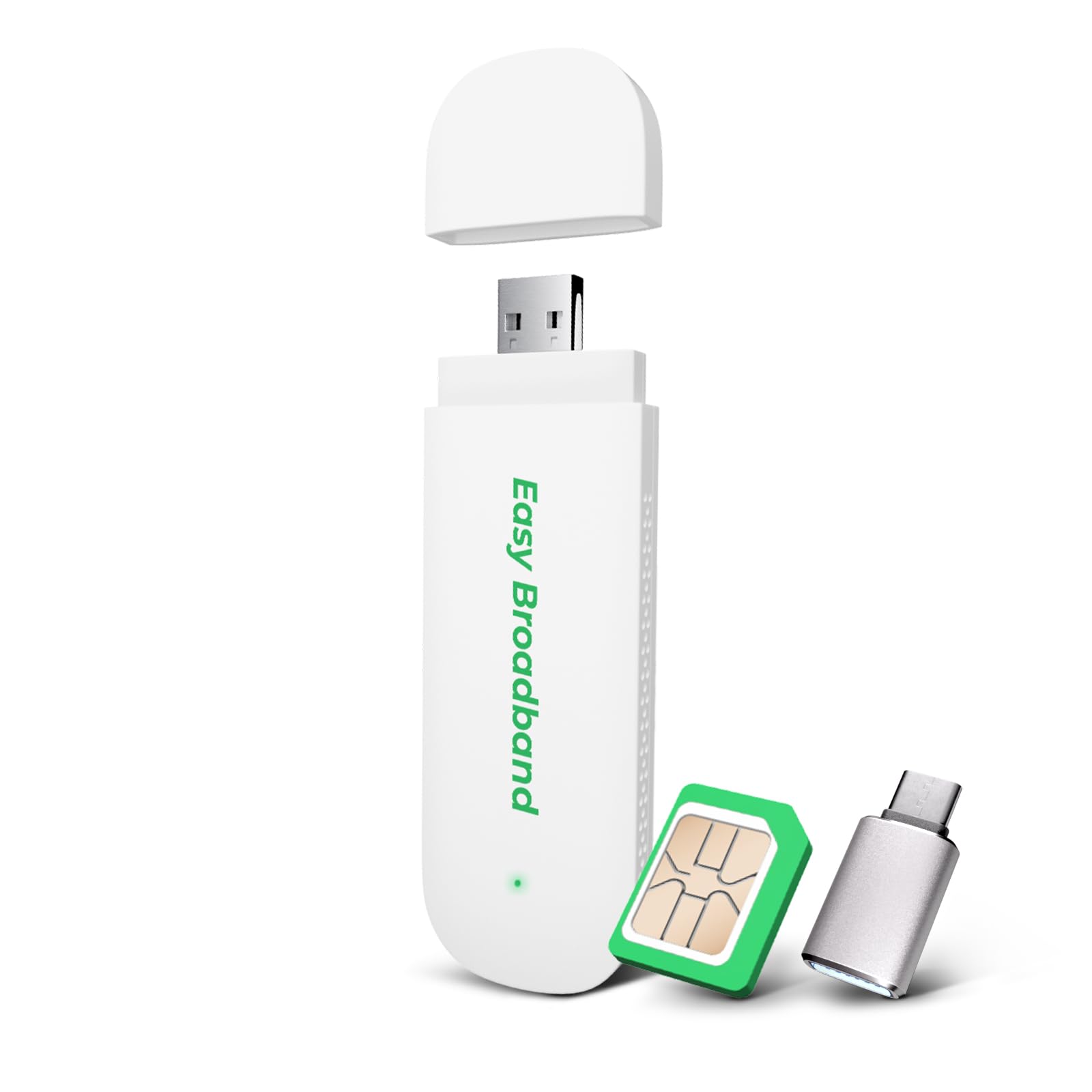
Type: USB mobile hotspot
Plan: Prepaid, pre-installed SIM
Device Capacity: 10 devices
Wi-Fi Standard: Wi-Fi 6
Coverage: US, CA, MX, LA
This dongle arrives with a prepaid SIM already installed, which removes the activation step that trips up first-time cellular buyers. Wi-Fi 6 is unusual at this size and helps when several devices share the connection. Ten devices is a sensible ceiling for a small household or a single room. The USB form factor makes it easy to move between a laptop, a charger and a wall adapter.
It is the pick for a buyer who wants connectivity today without a contract or a router install. It also works as a stopgap in a house waiting on a fixed line.
Trade-off: A USB dongle has little room for antennas or a heatsink, so sustained throughput and range will trail a desktop router.
Check the current price on Amazon
Pocket Hot Spot S2
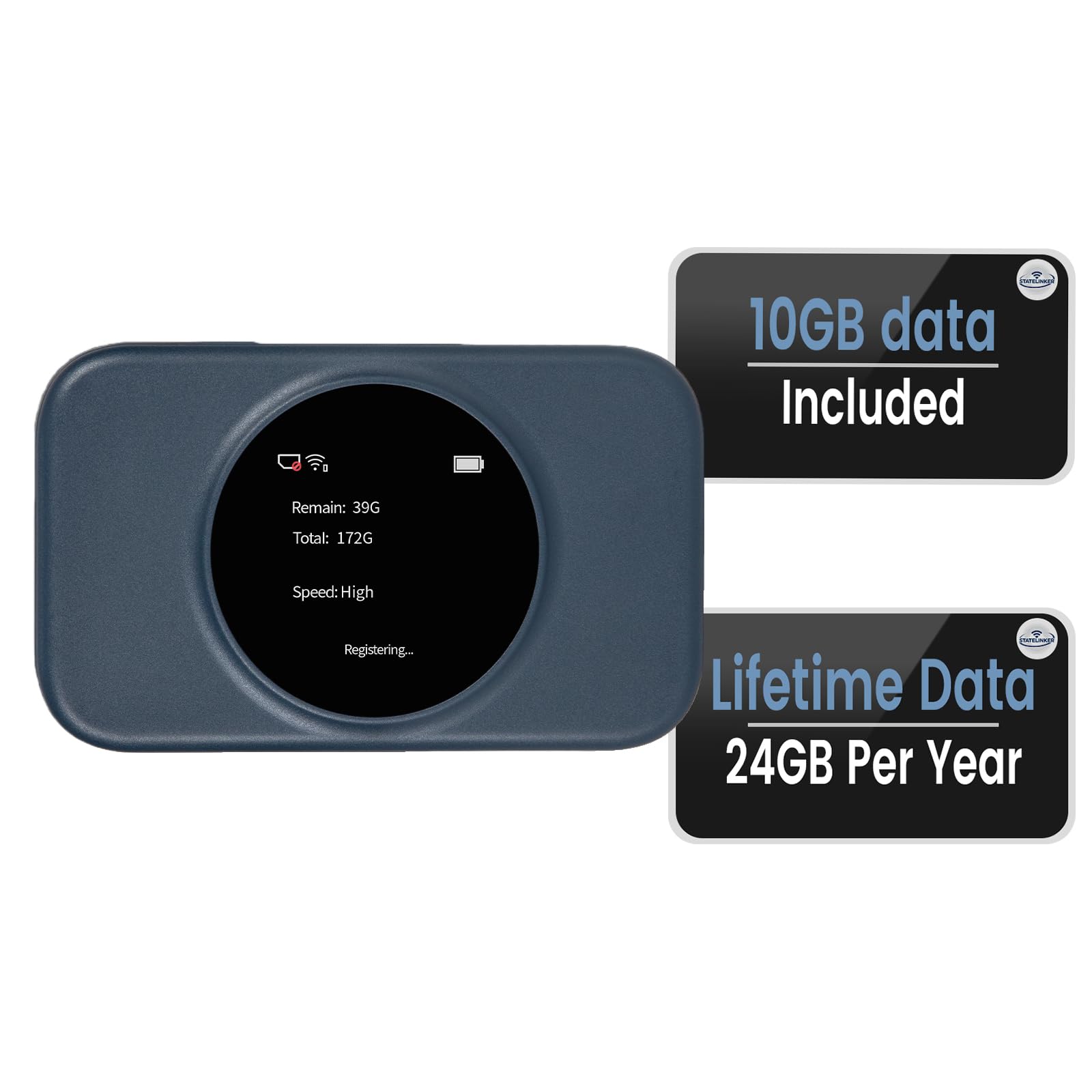
Type: Portable MiFi hotspot
SIM: No SIM card needed
Device Capacity: 8 devices
Included Data: 10GB free USA data
Region: North America
The S2 is the zero-setup option: no SIM to source, no plan to shop for, and a bundle of free USA data to start with. Eight devices is enough for a couple or a small family on the move. The pocket MiFi format is built for travel and temporary setups rather than permanent home use.
It fits a buyer who needs a working connection in minutes and does not want to research carriers. It also makes a reasonable emergency unit for a house with no broadband while a permanent solution is arranged.
Trade-off: Free bundled data is a starter allowance, not a long-term plan, and a SIM-free hotspot usually locks the buyer into the seller’s refill pricing.
Check the current price on Amazon
Before You Buy
- Cellular coverage: Check which carriers reach the address before choosing a locked or unlocked device.
- Device count: Match the hub’s device capacity to the household; a 32-device router and an 8-device hotspot serve very different homes.
- Power and placement: Battery backup units need a charged cell, and desktop routers need ventilation.
- Plan type: Prepaid, contract and SIM-free bundles differ sharply in long-term cost.
- Local networking: A cellular hub provides internet access, not a cloud-free local file server.
- Form factor: USB and pocket units travel well but trade range and sustained speed for size.
Frequently Asked Questions
- Can a cellular hub replace home broadband entirely? Yes, for many households. A router with a SIM slot and a suitable data plan covers browsing, streaming and smart-home traffic.
- What does "no cloud" mean for a hub? It means the hub should keep local devices working without depending on a vendor’s online service. A gateway with battery backup and local radio control is the closest fit among these picks.
- Do these hubs need a SIM card? Most do. The YoLink unit treats cellular as optional, and the Pocket Hot Spot S2 ships with no SIM required.
- Which pick handles the most devices? The WiFi Router with SIM Slot, rated for 32 devices.
- Is an unlocked modem better than a carrier-locked one? It offers carrier choice, but the buyer pays full price and must confirm plan compatibility.
- How long does battery backup last? The YoLink Hub 3 is rated for up to 4 hours, enough to ride out short outages.
Bottom Line
For a house with no broadband and no cloud dependency, the YoLink Hub 3 Smart Home Gateway is the top pick because it pairs long-range local radio control with battery backup and optional cellular. Households that need a full internet router for many devices should look at the WiFi Router with SIM Slot instead, while budget buyers and travelers are well served by the prepaid and SIM-free hotspots.
