Why there are Amazon links here: Brave Review is paid a commission for qualifying Amazon purchases made through the links below. Your price does not change, and using our links is entirely optional. How this works
Best WiFi Extender for a Garage Conversion: 5 Picks for Strong Signal
A garage conversion often sits at the far edge of the house, behind brick, concrete, or a metal door — exactly where the main router’s signal gives up. This guide covers five extenders that can push a usable connection out to that room, from budget dual-band units to higher-throughput models. It suits homeowners converting a garage into an office, a gym, or a guest room, and anyone who needs the signal to survive thick walls. The overview table below narrows the field fast; each review then explains who a pick fits and where it falls short.
The Picks at a Glance
| Product | Key Spec | Best Use | Price Tier |
|---|---|---|---|
| TP-Link AC1200 WiFi Extender (RE315) | Dual band, up to 1600 sq.ft, 32 devices | Budget coverage for a small garage room | Budget |
| 2026 Upgraded WiFi Extender for Home | Up to 18000 sq.ft, Ethernet port | Buyers who want the widest advertised reach | Budget |
| 2026 WiFi Extender Signal Booster for Home | 15000 sq.ft, 1-tap setup, Ethernet port | Fast setup with a wired option | Budget |
| 2026 WiFi Extender Signal Booster (White) | 4X faster, up to 16,899 sq.ft, Ethernet port | Simple plug-in coverage with a wired port | Budget |
| TP-Link AC1900 WiFi Range Extender (RE550) | Gigabit Ethernet, up to 2200 sq.ft, 32 devices | Higher throughput and EasyMesh networking | Mid-range |
TP-Link AC1200 WiFi Extender (RE315)

Type: Dual-band wall-plug extender
Speed class: AC1200, 1.2Gbps
Coverage: Up to 1600 sq.ft
Devices: Up to 32
Port: One Ethernet port
Mesh: EasyMesh compatible
Check the current price on Amazon
This is the sensible starting point for a converted garage that needs one room covered rather than a whole wing. The dual-band design splits traffic between 5GHz for speed and 2.4GHz for range, which matters when the signal has to push through a garage wall. EasyMesh compatibility means it can join a mesh network if the home already runs one, and the single Ethernet port lets a desktop or TV in the conversion go wired. It is a compact wall-plug unit, so it takes up an outlet but no shelf space.
The pick suits a homeowner with a modest garage conversion — a home office, a small gym — who wants dependable coverage without spending much. It is not the right call for a large converted space or a household running dozens of devices at once, where the 32-device ceiling and 1600 sq.ft rating will feel tight. The single Ethernet port also limits how many wired devices can sit in the room.
Trade-off: The coverage rating is modest, so a big converted garage may still have dead corners at the far end.
2026 Upgraded WiFi Extender for Home

Type: Wall-plug wireless repeater
Coverage: Up to 18000 sq.ft (advertised)
Speed claim: 15X faster signal amplifier
Port: Ethernet port
Compatibility: Works with 99% of routers
Setup: Standard repeater pairing
Check the current price on Amazon
This model leans hard into long-range marketing, with a coverage figure far beyond what a single garage conversion needs. For a buyer nervous about dead zones, that headroom is reassuring, and the Ethernet port gives the option to wire a device in the converted room. It pairs with the vast majority of routers, so it fits most existing home networks without a swap. The wall-plug form keeps installation simple.
The pick suits someone who wants maximum advertised reach on a tight budget and is willing to accept that real-world coverage rarely matches the box. It is not for buyers who want a proven brand ecosystem or mesh integration — this is a standalone repeater, not part of a managed system. Buyers in a dense area may also find the aggressive range claims oversold for a single room.
Trade-off: The enormous coverage claim is marketing-led; expect room-scale results, not house-scale performance.
2026 WiFi Extender Signal Booster for Home
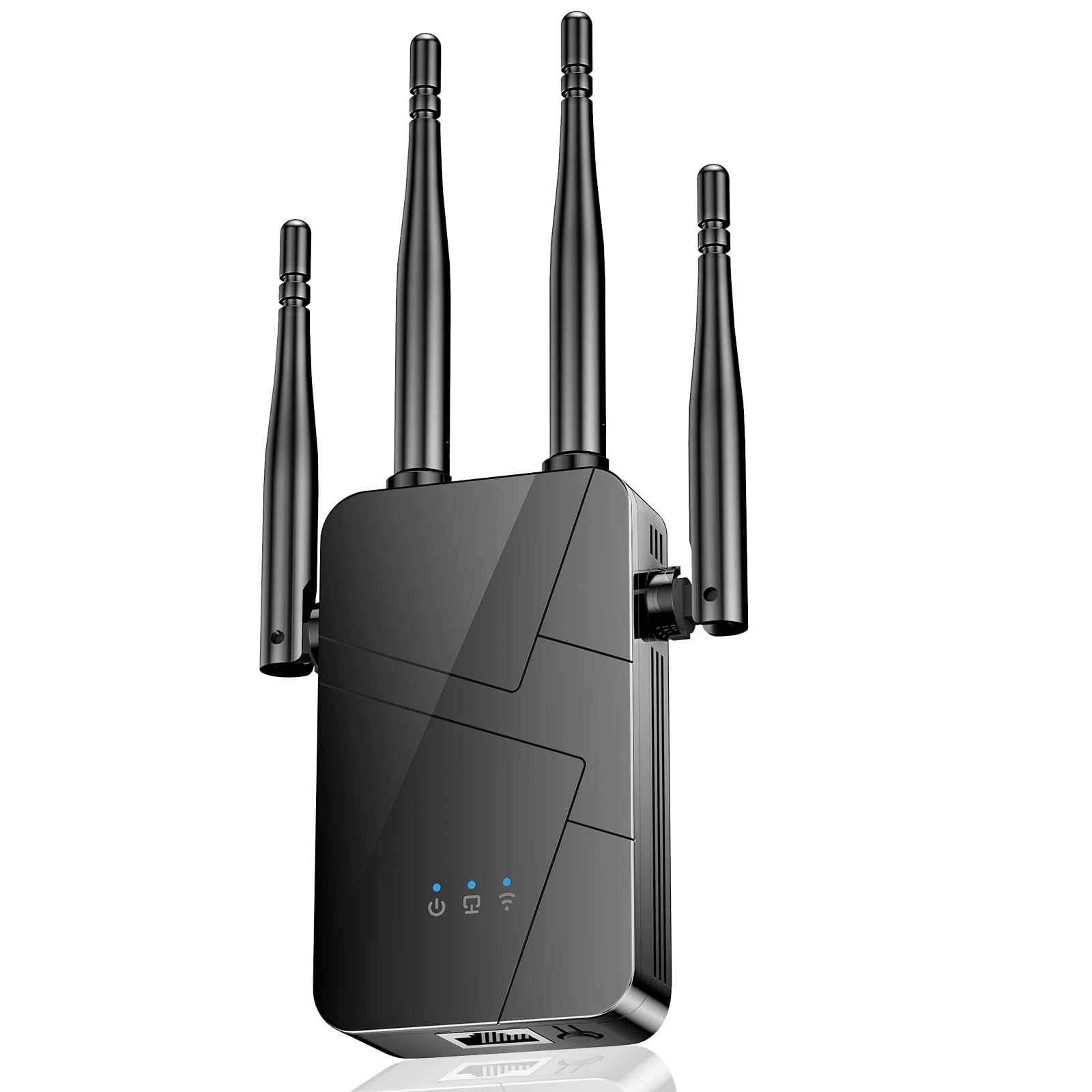
Type: Wall-plug wireless repeater
Coverage: 15000 sq.ft (advertised)
Port: Ethernet port
Compatibility: Supports 99% of devices
Setup: 1-tap setup
Form: Compact plug-in unit
Check the current price on Amazon
The headline here is the one-tap setup, which appeals to buyers who dread configuration screens. A converted garage often needs the extender placed partway between router and room, and quick pairing makes that trial-and-error less painful. The Ethernet port again allows a wired connection in the conversion, useful for a work desk or streaming box. It supports the broad majority of devices on the market.
This pick fits a less technical buyer who wants the extender running in minutes and values simplicity over fine control. It is not for someone who needs mesh roaming or advanced network management — the feature set is basic. The advertised coverage is generous, so expectations should stay realistic for a single converted room.
Trade-off: One-tap setup usually means fewer tuning options, so placement is the main lever for improving signal.
2026 WiFi Extender Signal Booster (White)
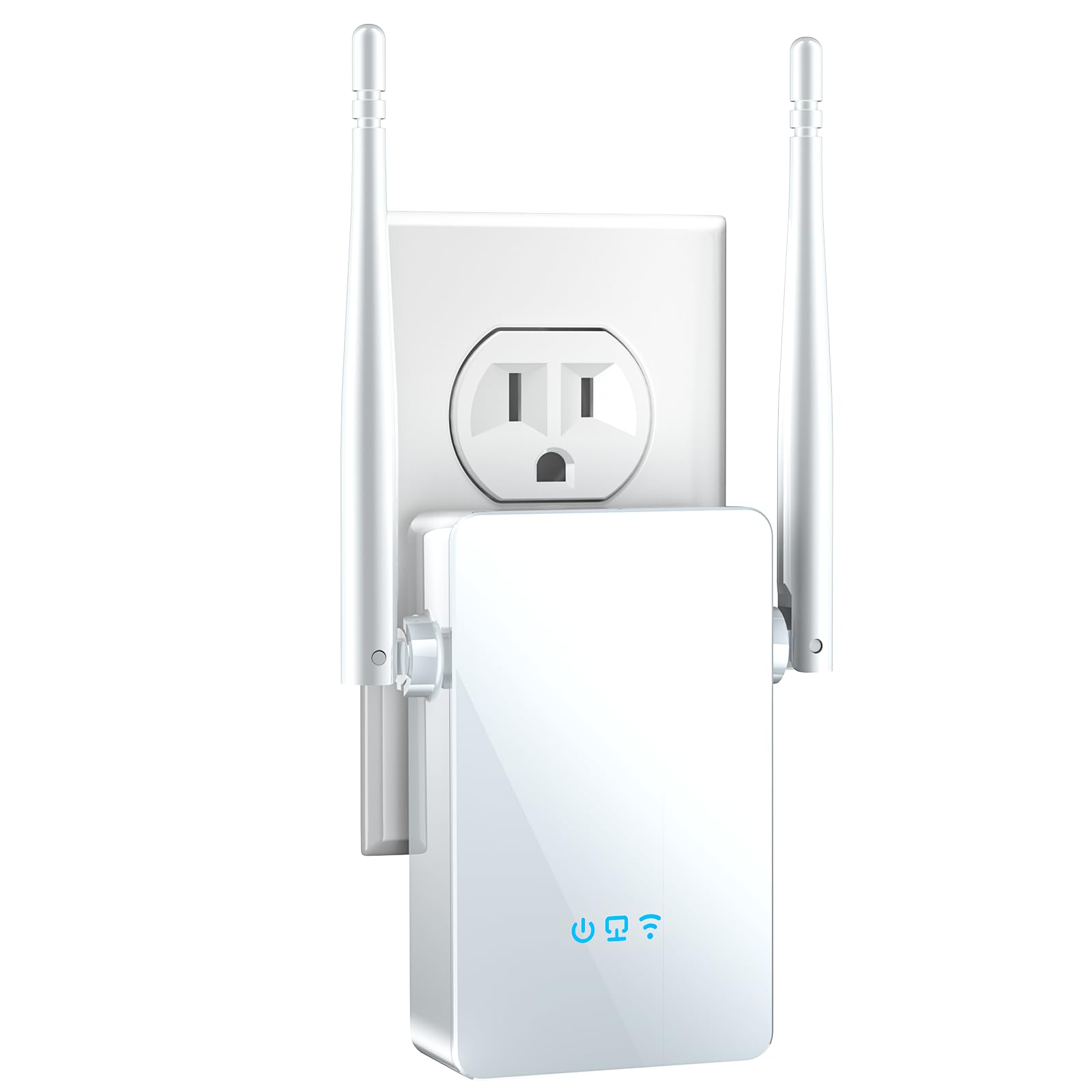
Type: Wall-plug wireless repeater
Coverage: Up to 16,899 sq.ft (advertised)
Speed claim: 4X faster
Port: Ethernet port
Color: White
Setup: Easy setup
Check the current price on Amazon
A white finish helps this unit blend into a freshly painted garage conversion, which is a small but real consideration for a finished room. The 4X-faster claim targets buyers upgrading from an older, slower extender, and the Ethernet port keeps a wired option open. Easy setup keeps installation approachable for non-technical households. It is a straightforward plug-in repeater with no mesh ambitions.
The pick suits a buyer who wants a clean-looking unit and a simple speed upgrade for a converted garage used as a lounge or studio. It is not for anyone needing multi-node roaming or brand-backed support — this is a budget standalone device. As with its peers, the advertised coverage is far larger than a single room requires.
Trade-off: Speed-boost claims are relative to older gear; the gain over a modern router’s own signal may be smaller than expected.
TP-Link AC1900 WiFi Range Extender (RE550)

Type: Dual-band wall-plug extender
Speed class: AC1900
Coverage: Up to 2200 sq.ft
Devices: Up to 32
Port: Gigabit Ethernet
Mesh: EasyMesh compatible
Setup: App setup
Check the current price on Amazon
This is the step-up pick, with a faster AC1900 class and a Gigabit Ethernet port that suits a wired desktop or console in the conversion. EasyMesh compatibility lets it slot into a managed network, and app setup gives more control than a one-tap button. The higher throughput is the reason to choose it over the budget units when the garage room hosts heavy use. It remains a compact wall-plug design.
The pick suits a buyer converting a garage into a serious workspace or media room who needs more speed and a fast wired port. It is not for someone covering a tiny room on a minimal budget — the budget TP-Link covers that case for less. Buyers who never use the app or mesh features are paying for capability they may not touch.
Trade-off: The higher price buys speed and a Gigabit port, but the coverage rating stays room-scale, not whole-home.
Before You Buy
- Coverage: Match the extender’s rating to the converted room, not the whole house; a single garage rarely needs four-figure square footage.
- Wall construction: Brick, concrete, and metal garage doors sap signal, so placement between router and room matters more than raw specs.
- Compatibility: Check the extender works with the existing router and, if mesh is wanted, that it supports the same standard.
- Ports: An Ethernet port allows a wired device in the conversion; Gigabit is worth it for heavy use.
- Placement: The extender needs an outlet roughly midway between router and garage, ideally with a clear line toward both.
- Setup method: One-tap and app setup differ in control; pick based on comfort level.
- Device count: A busy converted room with many gadgets needs a higher device ceiling.
Frequently Asked Questions
-
Will a WiFi extender work through a garage wall?
Often yes, but performance depends on wall material and placement. Putting the extender partway between router and garage gives the signal a better path through thick walls. -
How much coverage does a garage conversion need?
A single converted room is modest in size, so even budget extenders rated for far larger areas will usually suffice. Focus on placement and wall type over headline coverage. -
Is a mesh system better than a single extender?
Mesh suits whole-home coverage with seamless roaming. For one converted room, a single extender is usually simpler and cheaper. -
Do these extenders support wired connections?
All five picks include an Ethernet port, and the TP-Link RE550 offers a Gigabit port for faster wired devices. -
Where should the extender be placed?
Roughly halfway between the router and the garage, in an outlet with as few obstructions as possible. Moving it a few feet can change results noticeably. -
Can an extender slow down the connection?
A repeater rebroadcasts the existing signal, which can halve throughput in some setups. A faster class like AC1900 helps offset that.
Bottom Line
For most garage conversions, the TP-Link AC1900 WiFi Range Extender (RE550) is the best WiFi extender for the job: it pairs a faster AC1900 class with a Gigabit Ethernet port and EasyMesh support, so a converted workspace or media room gets both speed and a wired option. Buyers on a tight budget covering a small room can drop to the TP-Link AC1200 (RE315) without much loss. Check the RE550 price on Amazon to confirm current availability.
