Why there are Amazon links here: Brave Review is paid a commission for qualifying Amazon purchases made through the links below. Your price does not change, and using our links is entirely optional. How this works
Best Ceiling Access Point for a Hallway
A hallway is one of the hardest places in a home or small office to cover: long, narrow, and usually walled off from the rooms that need signal most. A ceiling access point solves that by broadcasting down and outward from the one spot that reaches everything. This roundup covers five picks — a modern Wi-Fi 6 workhorse for most buyers, two Fortinet units for managed networks, an older dual-band option for tight budgets, and a mounting plate for anyone who already owns a UniFi AP. The overview table below shows the differences at a glance; the reviews explain who each one fits.
Overview of the Picks
| Product | Key Spec | Best Use | Price Tier |
|---|---|---|---|
| Tenda i27 WiFi 6 AX3000 | Wi-Fi 6, PoE+ powered, cloud managed | Most hallways, home or small office | Mid |
| EnGenius EAP600 | High-power dual-band, indoor | Large open corridors, legacy setups | Mid |
| FortiAP-221C (Renewed) | 802.11ac, renewed unit | Budget managed networks | Budget |
| FortiAP-221C | 802.11ac, indoor | Fortinet-managed offices | Mid |
| UniFi Metal Junction Box Mount | Metal mount, UniFi compatible | Owners of existing UniFi APs | Budget |
Tenda i27 WiFi 6 AX3000 Wireless Access Point

Standard: Wi-Fi 6 (AX3000)
Power: 802.3at PoE+ powered, injector included
Port: 1G PoE/LAN
Management: Cloud, app, and local web
Security: WPA3, multi-SSID
Features: OFDMA, MU-MIMO
This is the most current pick in the group, and for most hallway installations it is the one to beat. The Wi-Fi 6 standard with OFDMA and MU-MIMO means it handles several devices at once without the slowdown older access points show when a household is streaming, gaming, and on video calls simultaneously. PoE+ power over a single Ethernet cable keeps the ceiling install clean, and the included injector means no separate PoE switch is required to get started. Cloud, app, and local web management give a buyer options ranging from a phone-only setup to a full browser dashboard.
It suits homeowners extending coverage down a long corridor and small offices that want modern security without a controller appliance. The multi-SSID support is useful for separating guest traffic from a work network. The trade-off is that the cloud and app features add setup steps a buyer expecting a plug-and-play extender will not anticipate, and the AX3000 ceiling unit rewards a little configuration patience.
EnGenius Technologies EAP600 High-Powered Dual-Band Access Point
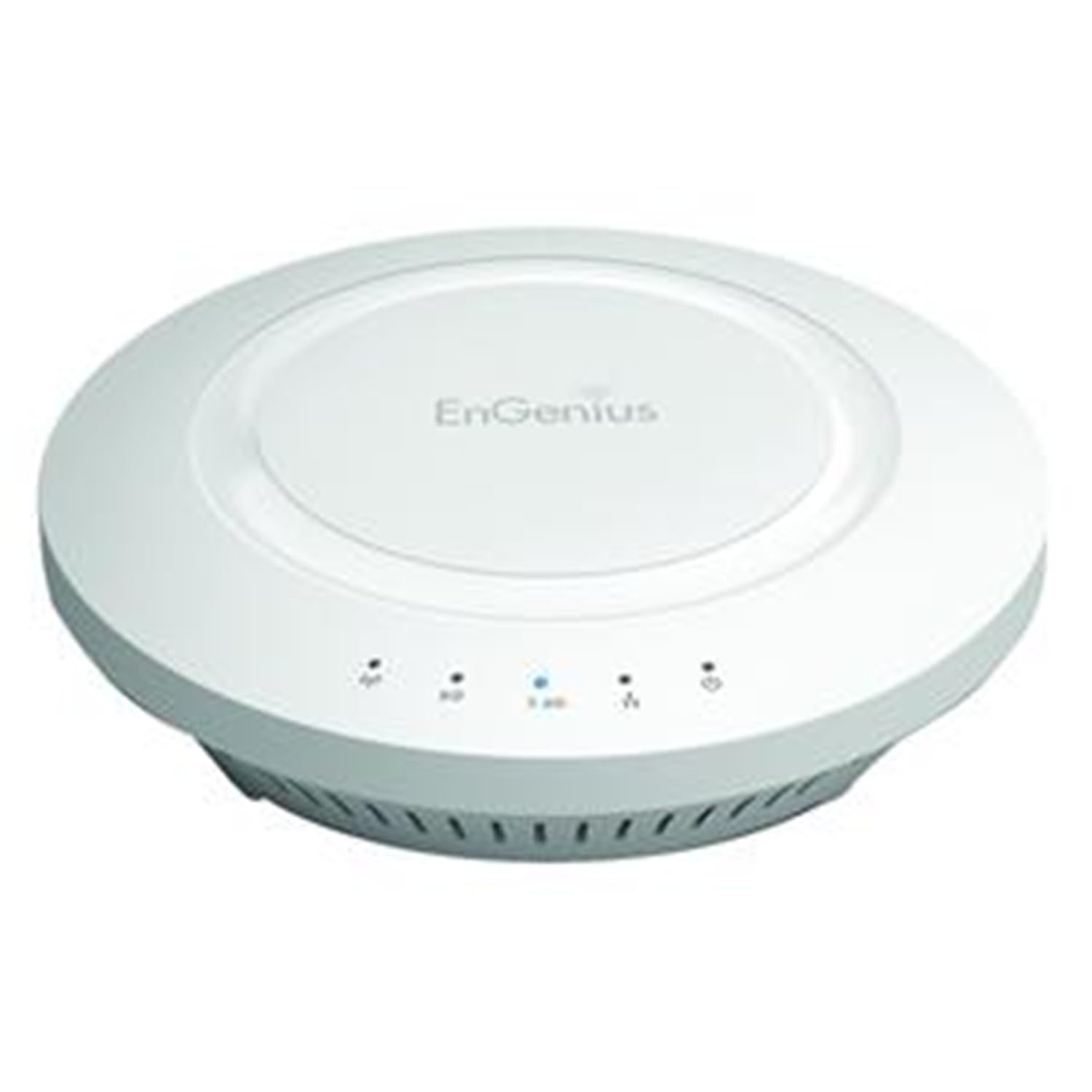
Type: Indoor dual-band wireless access point
Band: Dual-band
Power class: High-powered
Mounting: Ceiling or wall, indoor
Brand line: EnGenius EAP series
The EAP600 is built around raw transmit power rather than the newest wireless standard. High-powered dual-band radios are the point here: in a long hallway where the signal has to push through doorways and around corners, extra output can matter more than a newer protocol. It is an indoor unit designed for ceiling or wall mounting, so it drops into the same install pattern as the rest of this list.
It earns its place for buyers covering a genuinely large open corridor or a building where the walls are thick and the run is long. Buyers running older client devices that never benefited from Wi-Fi 6 will not lose much by choosing it. The trade-off is that this is an older-generation design, so it lacks the modern management and security features of the Tenda and will feel dated next to a current Wi-Fi 6 unit.
Fortinet FortiAP-221C Indoor 802.11ac Access Point (Renewed)
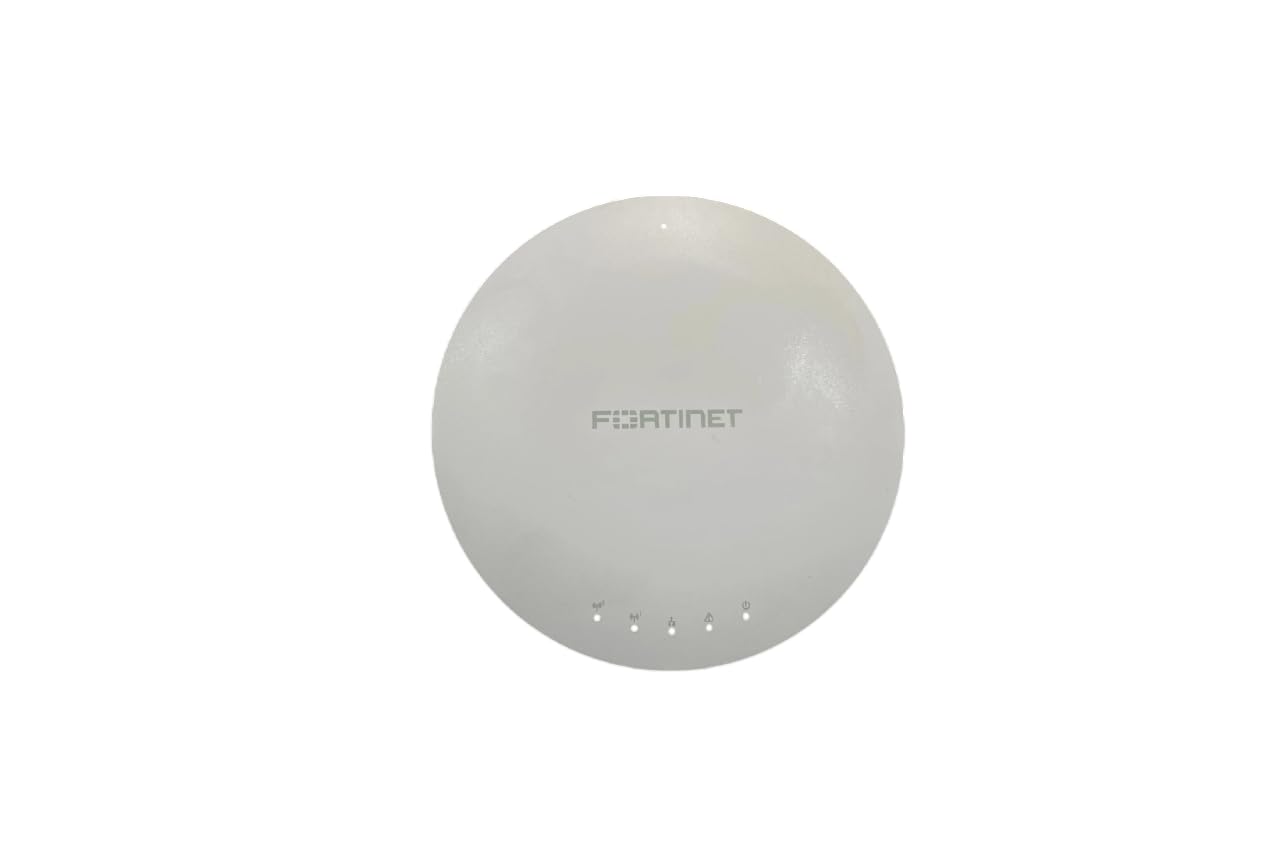
Standard: 802.11ac
Type: Indoor wireless access point
Condition: Renewed
Brand line: Fortinet FortiAP
Mounting: Ceiling or wall, indoor
This is the same FortiAP-221C hardware as the next pick, sold as a renewed unit at a lower entry point. For a hallway install in a Fortinet-managed environment, that combination is hard to argue with: the access point integrates with the existing FortiGate security stack, and the renewed condition keeps the cost down. The 802.11ac standard is a generation behind Wi-Fi 6 but remains perfectly capable for typical office and home traffic.
It suits budget-conscious buyers already running Fortinet gear who want to extend coverage without buying new. The trade-off with any renewed unit is that the buyer inherits whatever cosmetic and usage history the hardware carries, so it makes more sense for a managed deployment where the device is one of several than as a single critical AP in a home.
Fortinet FortiAP-221C Indoor 802.11ac Access Point

Standard: 802.11ac
Type: Indoor wireless access point
Condition: New
Brand line: Fortinet FortiAP
Mounting: Ceiling or wall, indoor
The new-condition FortiAP-221C is the safer version of the pick above. It is an 802.11ac indoor access point from Fortinet’s FortiAP line, which means it is designed to be managed alongside FortiGate firewalls and the wider Fortinet security fabric. For an office hallway where the network is already Fortinet-based, adding this unit is a straightforward expansion rather than a separate management project.
It suits IT-managed offices and buyers who value the integration over the newest wireless standard. The trade-off is that the FortiAP line assumes a Fortinet controller or firewall to unlock its full management and security features, so a buyer without that infrastructure gets far less value from it than a Fortinet shop does.
UniFi Metal Junction Box Mount for Ubiquiti Access Points

Material: Metal
Type: Junction box mount
Compatibility: Ubiquiti UniFi access points (U7 Pro, U6+, U6 Pro, U7 Pro Max, U7-Lite, U6-LR, U6-Enterprise, UAP-AC-PRO, UAP-nanoHD, UAP-AC-LITE, UAP-AC-LR, UAP-AC-HD)
Intended use: Ceiling mounting over a junction box
This is not an access point — it is the mounting hardware that lets a buyer hang an existing UniFi AP cleanly over a ceiling junction box. The metal construction gives a rigid, stable mount, and the compatibility list covers a wide spread of Ubiquiti’s current and past access points, from the U7 line down through the U6 models and the older UAP-AC series. For a hallway where a junction box is already in the ceiling, this solves the install problem without cutting new holes.
It suits buyers who already own a UniFi access point and want a professional-looking ceiling install, especially in a hallway where the AP will be visible. The trade-off is that it only makes sense as an add-on: a buyer without a compatible UniFi AP gets nothing from it, and the metal plate adds cost on top of the access point itself.
Before You Buy
- Wireless standard: Wi-Fi 6 units like the Tenda handle dense device loads better; 802.11ac picks suit lighter traffic and tighter budgets.
- Power method: PoE+ over Ethernet gives the cleanest ceiling install; check whether an injector is included or a PoE switch is already on hand.
- Management ecosystem: Fortinet APs assume FortiGate infrastructure; UniFi mounts assume UniFi APs; standalone units like the Tenda work on their own.
- Condition: Renewed hardware lowers cost but carries unknown history — fine for managed multi-AP deployments, riskier for a single critical hallway AP.
- Mounting: Confirm whether the ceiling has a junction box, since that determines whether a plate like the UniFi mount is needed.
- Coverage shape: A hallway is long and narrow, so a ceiling unit that broadcasts down and outward covers it better than a wall-mounted extender.
Frequently Asked Questions
-
Where should a ceiling access point go in a hallway?
Centered along the run, ideally near the midpoint, so the signal reaches both ends and into adjacent rooms rather than wasting output against an end wall. -
Does a hallway access point need PoE?
PoE is not required, but it is the cleanest option: one Ethernet cable carries both data and power, so no outlet is needed at the ceiling. -
Is Wi-Fi 6 worth it for a hallway AP?
For a household or office with many devices, yes — OFDMA and MU-MIMO on a Wi-Fi 6 unit handle simultaneous traffic better than older standards. -
Can a renewed FortiAP be used in a home?
It can, but the FortiAP line is built for Fortinet-managed networks, so a home buyer without that infrastructure gets limited benefit. -
Does the UniFi mount include an access point?
No — it is mounting hardware only, compatible with a listed set of Ubiquiti UniFi access points that must be purchased separately.
Bottom Line
For most hallways, the Tenda i27 WiFi 6 AX3000 is the pick: current wireless standard, PoE+ power with an injector in the box, and flexible cloud, app, or local management. Buyers already inside a Fortinet network should look at the new FortiAP-221C, and UniFi owners who just need a clean ceiling install should grab the metal junction box mount.