Why there are Amazon links here: Brave Review is paid a commission for qualifying Amazon purchases made through the links below. Your price does not change, and using our links is entirely optional. How this works
Best Mesh System for a Flat with Solid Walls
Solid walls are the enemy of a single router. Brick, stone and thick plasterboard soak up Wi-Fi signal, so a flat that is small on paper can still have dead corners. A mesh system solves this by spreading several units around the home, each one handing devices off to the next. This roundup covers five systems that suit different budgets and broadband speeds, from a value three-pack to a Wi-Fi 7 flagship. The overview table below lets a buyer shortlist in under a minute; the reviews that follow explain the trade-offs.
Overview of the Picks
| Product | Key Spec | Best Use | Price Tier |
|---|---|---|---|
| TP-Link Deco X55 AX3000 | Wi-Fi 6, 3-pack, up to 6,500 sq ft | Value pick for most flats | Budget |
| NETGEAR Orbi 370 | Wi-Fi 7, 3-pack, up to 6,000 sq ft | Future-proofing on a mid budget | Mid-range |
| Amazon eero 6+ | Wi-Fi 6, 3-pack, up to 4,500 sq ft | Simple setup, smaller flats | Mid-range |
| NETGEAR Orbi 770 | Wi-Fi 7, 2-pack, up to 5,500 sq ft | High-speed plans, fewer nodes | Premium |
| TP-Link Deco 7 Pro BE14000 | Wi-Fi 7, 3-pack, up to 8,100 sq ft | Large flats and heavy device loads | Premium |
TP-Link Deco X55 AX3000 WiFi 6 Mesh System, 3-Pack

Standard: Wi-Fi 6 (AX3000)
Units: 3-pack
Coverage: Up to 6,500 sq ft
Ports: 3 Gigabit ports per unit
Backhaul: Supports Ethernet backhaul
Function: Replaces router and extender
The Deco X55 is the sensible starting point for a flat with stubborn walls. Three compact units spread Wi-Fi 6 signal across rooms a single router cannot reach, and each unit carries three Gigabit ports, so wired devices can sit wherever the nodes land rather than wherever the phone socket is. Ethernet backhaul support matters here: if the flat already has cabling, or the buyer is willing to run a cable between nodes, the mesh link stops competing with the walls for bandwidth.
This is the pick for renters and first-time mesh buyers who want solid coverage without paying for Wi-Fi 7 hardware their broadband cannot use. It is not the right choice for a household on a multi-gigabit plan or one that expects to add dozens of smart devices in the next year. The trade-off is that Wi-Fi 6 caps the ceiling on future speed upgrades, so buyers planning a faster ISP tier should look higher up this list.
NETGEAR Orbi 370 Series WiFi 7 Mesh System, 3 Pack
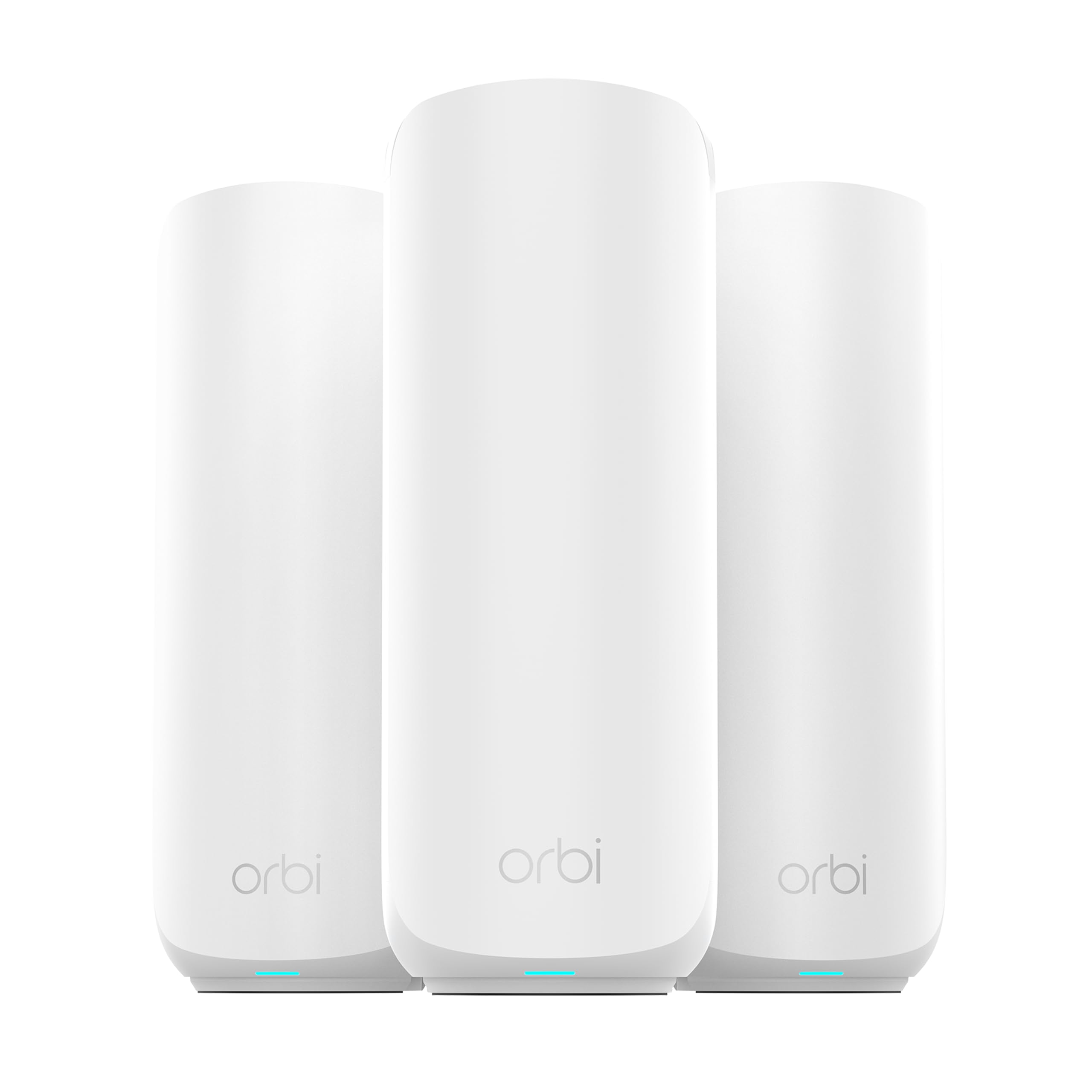
Standard: Wi-Fi 7, dual-band
Units: Router plus 2 satellite extenders
Coverage: Up to 6,000 sq ft
Speed: Up to 5 Gbps
Devices: 70
Port: 2.5 Gig
Setup: Easy set up, security features
The Orbi 370 brings Wi-Fi 7 within reach of a mid-range budget. The three-piece kit pairs a router with two satellite extenders, covering a large flat while keeping a 2.5 Gig port for a fast incoming connection. Dual-band operation keeps the hardware simpler and cheaper than tri-band designs, and the stated device count of 70 covers a typical family flat with phones, laptops, TVs and smart home gear.
This is the pick for buyers who want the newer standard now without jumping to flagship prices. It is not aimed at households running a large fleet of devices or expecting the fastest possible wireless throughput between nodes — that is where tri-band systems pull ahead. The trade-off is that dual-band Wi-Fi 7 gives up some of the backhaul headroom that tri-band models use to keep node-to-node traffic off the main channels.
Amazon eero 6+ Mesh WiFi System, 3-Pack
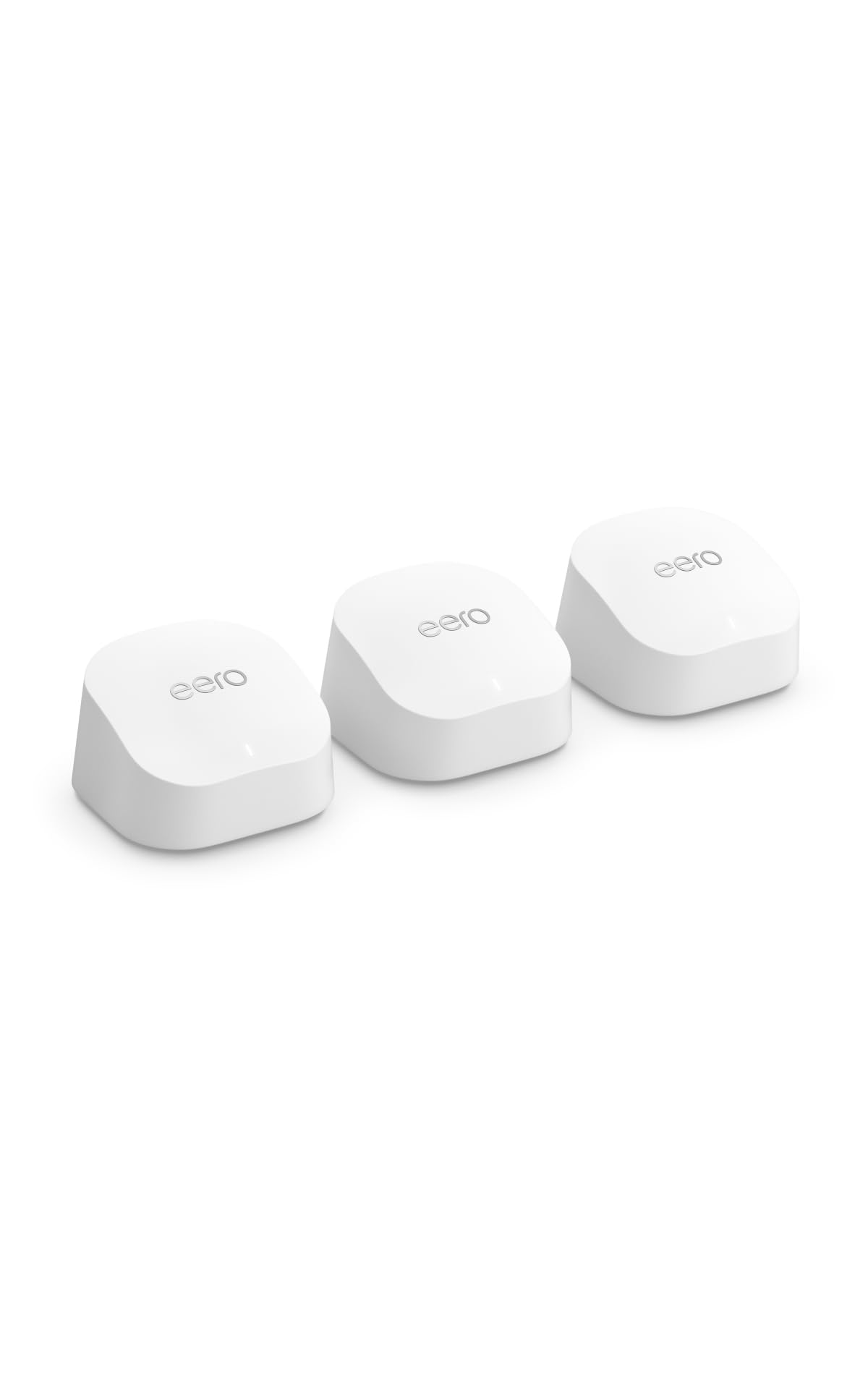
Standard: Wi-Fi 6
Units: 3-pack
Coverage: Up to 4,500 sq ft
Speed: Supports internet plans up to a Gigabit
Devices: 75+
Setup: App-based
The eero 6+ is the least intimidating system here. Three small units cover a modest flat, and the app-led setup is about as close to plug-and-forget as mesh gets. It is rated for internet plans up to a Gigabit and 75+ devices, which comfortably covers a couple or small family with a normal spread of screens and smart plugs.
This is the pick for buyers who value simplicity over raw specifications, and for flats where the total floor area is genuinely modest. It is not for anyone with a multi-gigabit plan or a very large layout — the coverage figure is the lowest here. The trade-off is that the eero ecosystem gives up some advanced configuration in exchange for that simplicity, so tinkerers may find the settings shallow.
NETGEAR Orbi 770 Series WiFi 7 Mesh System, 2 Pack

Standard: Wi-Fi 7, tri-band
Units: Router plus 1 satellite extender
Coverage: Up to 5,500 sq ft
Speed: Up to 11 Gbps
Devices: 100
Port: 2.5 Gig
Setup: Easy set up, security features
The Orbi 770 is a two-piece tri-band system, and that combination is the point. Tri-band hardware adds a dedicated path for node-to-node traffic, so the wireless backhaul does not eat into the bandwidth available to devices. With a stated 11 Gbps and support for 100 devices, it suits a busy flat on a fast plan where the walls make a strong, clean backhaul essential.
This is the pick for larger flats and heavy users — gamers, remote workers and households with many connected devices — who want to buy once and stay current. It is not for buyers on a basic broadband tier, who would pay for headroom they cannot use. The trade-off is that two units leave less flexibility in an awkward, walled layout than a three-pack, so placement matters more.
TP-Link Deco 7 Pro Tri-Band BE14000 Wi-Fi 7 Mesh System, 3 Pack

Standard: Wi-Fi 7, tri-band (BE14000)
Units: 3-pack
Coverage: Up to 8,100 sq ft
Speed: Up to 14 Gbps, 8-stream
Devices: 200
Ports: 10 WAN/LAN ports
Internet: Up to 10 Gbps
Features: 320MHz channels, AI-Roaming
The Deco 7 Pro is the flagship of this group and the most capable system on paper. Three tri-band units cover up to 8,100 sq ft, and the wide channel support and AI-roaming are designed to keep devices on the best node as they move between rooms. Ten WAN/LAN ports across the kit mean wired devices are not an afterthought, and the 10 Gbps internet rating leaves room for the fastest residential plans.
This is the pick for very large flats, converted spaces with thick internal walls, and households with a deep bench of devices. It is not for anyone on a standard broadband plan or a tight budget — most of its capacity would sit unused. The trade-off is that the flagship price buys headroom many flats will never draw on, and the extra nodes need sensible placement to earn their keep.
Before You Buy
- Wall material: Solid brick and stone blunt Wi-Fi more than plasterboard, so favour three units over two and place a node in each contained zone.
- Coverage vs. layout: Treat the stated square footage as a best case. A long, walled flat may need more nodes than the number suggests.
- Broadband speed: Match the system to the plan. A Wi-Fi 6 kit is wasted on a slow line, and a Wi-Fi 7 flagship is wasted on a basic one.
- Backhaul: Ethernet backhaul is the most reliable way through solid walls. Check that the system supports it before buying.
- Ports: Count the wired devices. Ports per unit determine where a TV, console or desktop can sit.
- Device count: Add up phones, laptops, TVs and smart home gear, then leave room to grow.
- Generation: Wi-Fi 7 hardware costs more but lasts longer. Buy it only if the plan and devices justify it.
Frequently Asked Questions
-
Do mesh systems work through solid walls? Yes, but range drops. Placing more units closer together beats relying on one strong unit to punch through.
-
Is a three-pack always better than a two-pack? Not always. Three units give more placement options in a walled flat, while a two-pack with tri-band backhaul can be enough in an open, compact layout.
-
Does a mesh system replace the existing router? In most cases yes — these systems act as the router, replacing both the old router and any extenders.
-
Is Wi-Fi 7 worth it for a flat? It is worth it for buyers on fast plans with many devices who want to buy once. On a basic connection, Wi-Fi 6 covers the need for less.
-
Where should the nodes go in a walled flat? One at the incoming line, the others in the rooms that currently drop out, ideally with a clear path back toward the main unit.
-
Can wired devices still be used? Yes. Every system here includes Ethernet ports, and Ethernet backhaul is the most reliable option through solid walls.
Bottom Line
The TP-Link Deco X55 is the best mesh system for a flat with solid walls for most buyers: three units, Ethernet backhaul support and a budget price make it the easiest recommendation to defend. Buyers on a fast plan or planning ahead should step up to the Orbi 770 or the Deco 7 Pro.
