Why there are Amazon links here: Brave Review is paid a commission for qualifying Amazon purchases made through the links below. Your price does not change, and using our links is entirely optional. How this works
Best Mesh System for a House with a Basement Flat
A basement flat is a coverage problem before it is a speed problem: the signal has to push through a floor slab and still reach the far corner of the lower level. This roundup covers five mesh systems that handle that job at different budgets, from a value WiFi 6 kit to a flagship WiFi 7 three-pack. It suits owners letting a basement unit, households running a home office downstairs, and anyone tired of a dead zone at the bottom of the stairs. The overview table below puts all five side by side, and the reviews that follow explain who each one is really for.
Overview of the Picks
| Product | Key Spec | Best Use | Price Tier |
|---|---|---|---|
| TP-Link Deco X55 (3-Pack) | AX3000 WiFi 6, 3 Gigabit ports per unit, Ethernet backhaul | Budget pick for a basement flat on a wired backbone | Budget |
| NETGEAR Orbi 370 Series (3 Pack) | WiFi 7, up to 6,000 sq ft, 2.5 Gig port | Mid-range WiFi 7 for a medium house with a lower level | Mid-range |
| TP-Link Deco 7 Pro BE63 (3-Pack) | Tri-Band WiFi 7 BE10000, 4 x 2.5G ports, 4 x smart internal antennas | Best all-rounder for heavy device counts and wired backhaul | Upper mid-range |
| NETGEAR Orbi 970 Series (3 Pack) | Quad-Band WiFi 7, up to 10,000 sq ft, 10 Gig port | Large multi-floor homes that need maximum headroom | Premium |
| NETGEAR Orbi Whole Home Mesh (RBK13) | Router plus 2 satellites, covers up to 4,500 sq ft | Simple AC mesh for lighter loads and smaller footprints | Entry |
TP-Link Deco X55 AX3000 WiFi 6 Mesh System, Deco X55(3-Pack)

Standard: AX3000 WiFi 6
Coverage: Up to 6,500 sq ft
Units: 3-pack
Ports: 3 Gigabit ports per unit
Backhaul: Supports Ethernet backhaul
Role: Replaces a wireless router and extender
TP-Link Deco X55 AX3000 WiFi 6 Mesh System, Deco X55(3-Pack) is the value play here, and the three Gigabit ports on every unit are what make it interesting for a basement flat. A wired backbone between floors removes the slab problem entirely, and each node can then feed a TV, console or desk dock directly. WiFi 6 keeps the radios efficient across a household of phones, laptops and streaming sticks without pushing into flagship pricing.
This is the pick for a renter or a first mesh buyer who wants the basement covered without spending four figures. The mesh app handles setup and the nodes are small enough to sit on a shelf or a stair landing. Check the current price on Amazon.
Trade-off: WiFi 6 caps the ceiling for future multi-gig broadband, and the compact nodes suit a modest device load better than a packed household.
NETGEAR Orbi 370 Series WiFi 7 Mesh System, 3 Pack
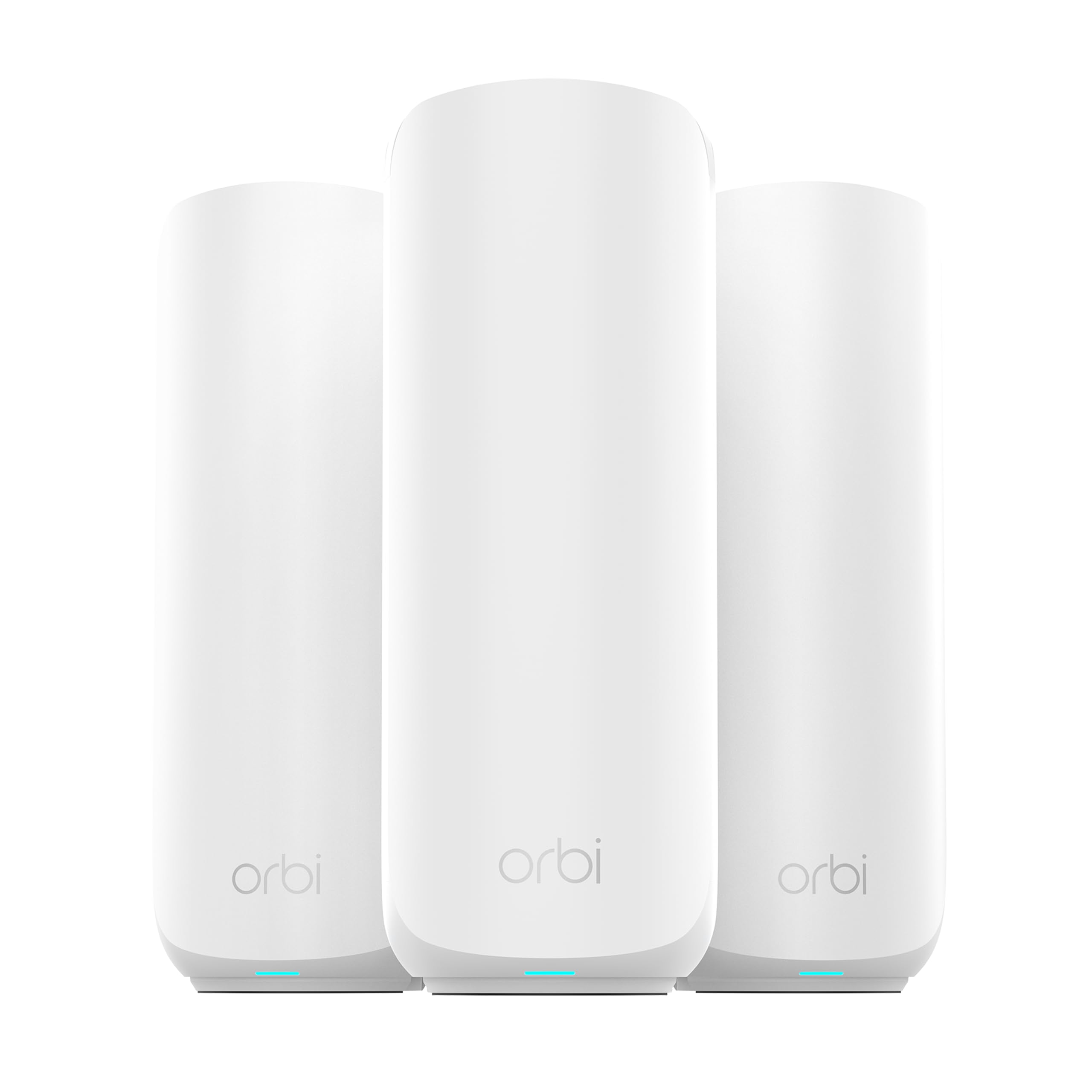
Standard: WiFi 7, dual-band
Coverage: Up to 6,000 sq ft
Speed: Up to 5 Gbps
Device Load: 70 devices
Ports: 2.5 Gig port
Setup: Router plus 2 satellite extenders
NETGEAR Orbi 370 Series WiFi 7 Mesh System, 3 Pack is the sensible middle step into WiFi 7. The router-and-satellite layout is the classic Orbi shape, and the 2.5 Gig port gives a fast wired uplink to a basement node if the house is already cabled. Dual-band keeps the cost down compared with tri-band kits, and the stated 70-device load covers a normal family plus a rented flat below.
It fits a medium house where the basement is one floor down and the priority is a current-generation standard without flagship money. Setup is app-driven and the satellites are meant to be placed where the signal actually needs help. See the Orbi 370 on Amazon.
Trade-off: Dual-band means the backhaul shares airtime with client traffic, so a fully wireless basement node will not match a tri-band kit under heavy load.
TP-Link Deco 7 Pro Tri-Band WiFi 7 BE10000 Whole Home Mesh System (BE63 3-Pack)
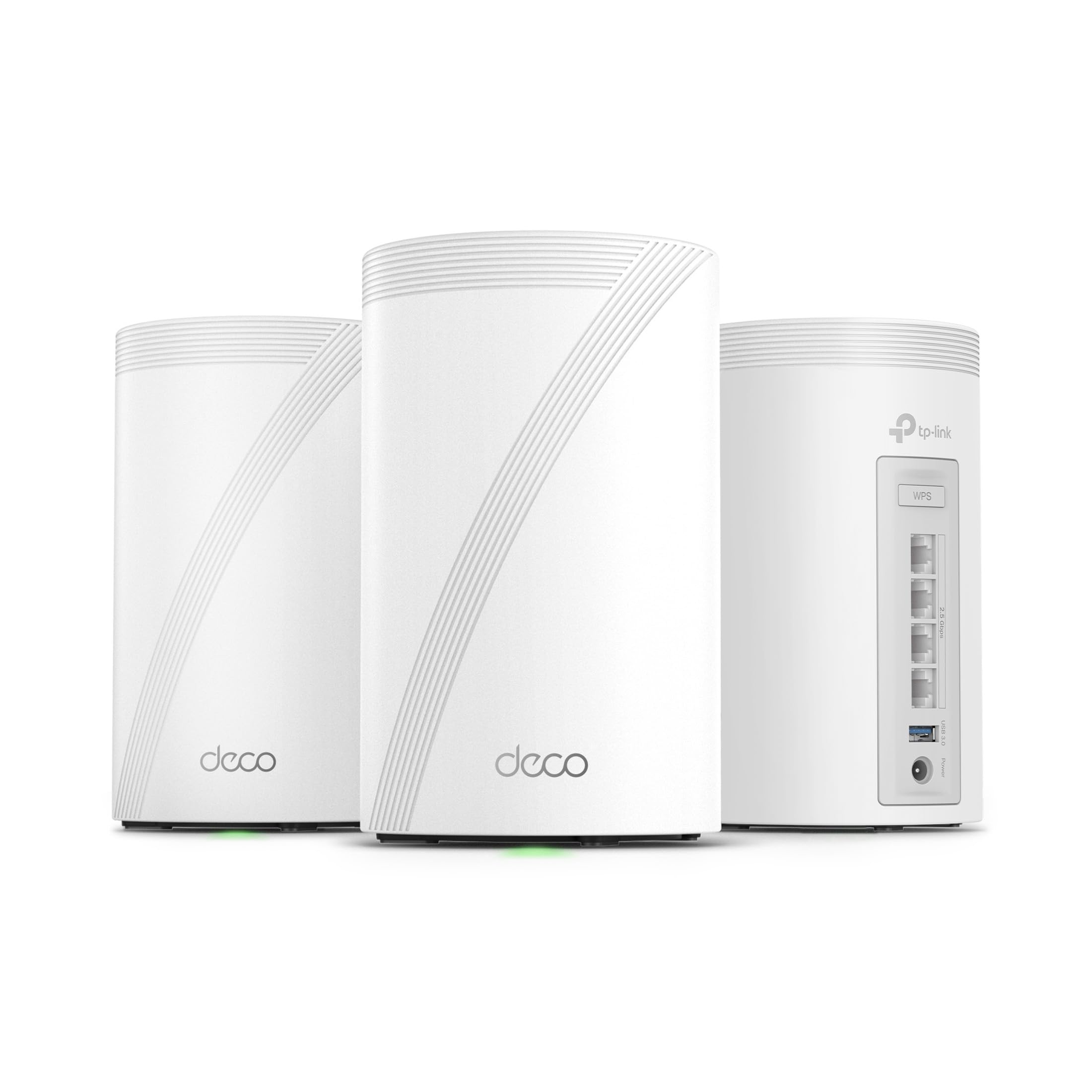
Standard: Tri-band WiFi 7, BE10000
Streams: 6-stream
Coverage: Up to 7,600 sq ft
Ports: 4 x 2.5G ports, wired backhaul
Antennas: 4 x smart internal antennas
Features: VPN, HomeShield, AI-Roaming
TP-Link Deco 7 Pro Tri-Band WiFi 7 BE10000 Whole Home Mesh System (BE63 3-Pack) is the best all-rounder for a house with a basement flat because it solves the hard part in hardware. Four 2.5G ports per unit and explicit wired backhaul support mean a cable run to the lower level turns the basement into a full-speed node rather than a hopeful relay. The tri-band design gives the backhaul its own lane, and AI-Roaming nudges devices between nodes as someone moves from the kitchen to the flat below.
The four smart internal antennas keep the units tidy on a shelf, and the HomeShield and VPN features suit a household that rents out the basement and wants some separation. It is the pick for a busy home with a home office downstairs and a lot of connected gear. Check the Deco 7 Pro price on Amazon.
Trade-off: This is a lot of system for a small house, and the tri-band radios only earn their keep when the device count and the broadband plan are both substantial.
NETGEAR Orbi 970 Series WiFi 7 Mesh System, 3 Pack (RBE973)

Standard: Quad-band WiFi 7
Coverage: Up to 10,000 sq ft
Speed: Up to 27 Gbps
Device Load: 200 devices
Ports: 10 Gig port
Setup: Router plus 2 satellite extenders
NETGEAR Orbi 970 Series WiFi 7 Mesh System, 3 Pack (RBE973) is the flagship pick, and the quad-band layout is the reason it belongs in a large multi-floor house. A dedicated backhaul band plus a 10 Gig port means a cabled basement node loses nothing to the run downstairs, and the 200-device figure covers a big household plus a let. This is the system for someone who wants the coverage question closed for years.
The router-and-satellite format is familiar to anyone who has used Orbi before, and the satellites are designed to be placed at the edges of the footprint rather than stacked near the router. It suits a large home with thick floors and a serious broadband line. See the Orbi 970 on Amazon.
Trade-off: The price is hard to justify unless the house is genuinely large, and most basement-flat setups will never use the quad-band headroom.
NETGEAR Orbi Whole Home Mesh WiFi System (RBK13)
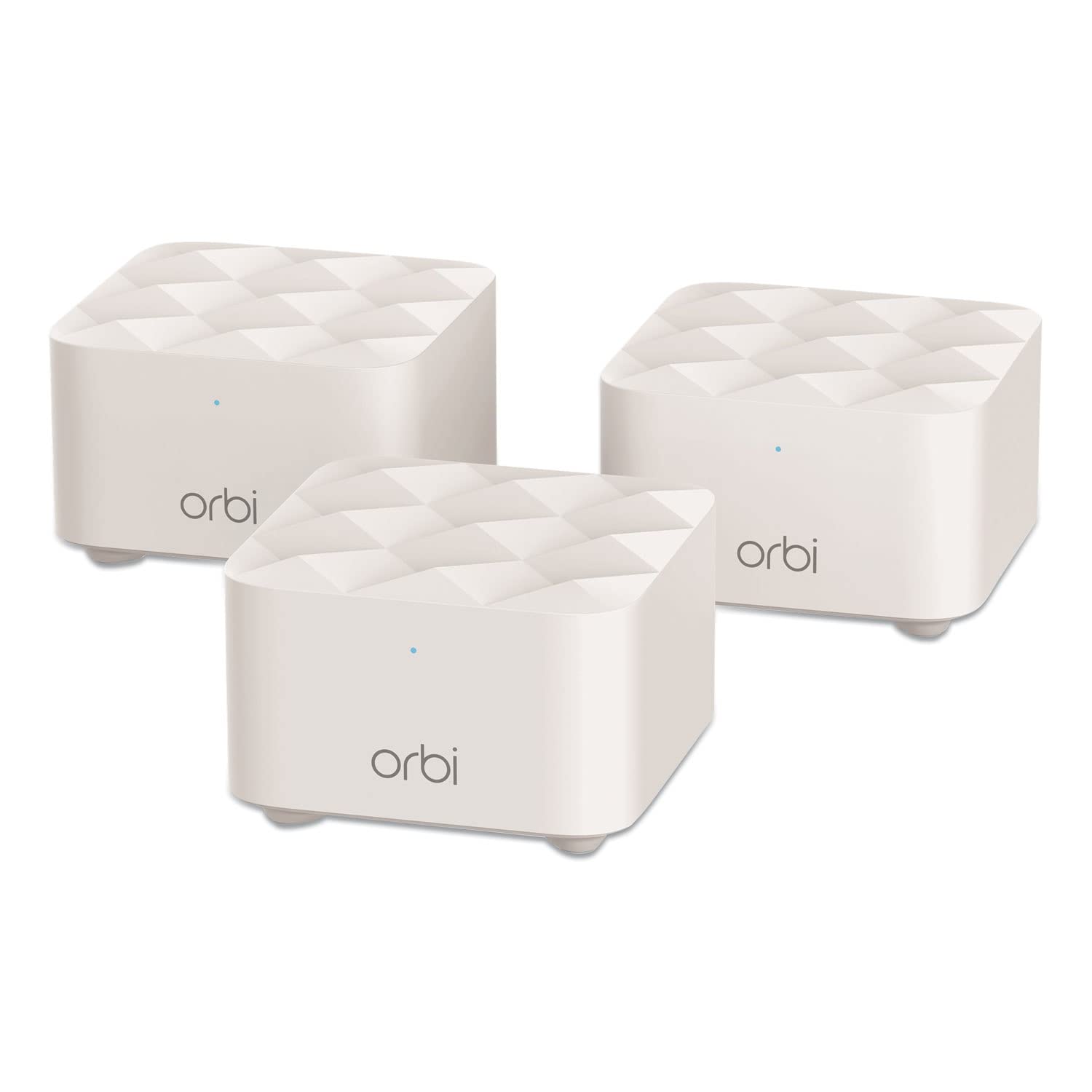
Standard: Whole home mesh WiFi
Coverage: Up to 4,500 sq ft
Units: 1 router and 2 satellites
Role: Router replacement
Setup: Router plus satellite extenders
NETGEAR Orbi Whole Home Mesh WiFi System (RBK13) is the entry point, and it is honest about what it is: a router replacement with two satellites for a modest footprint. The 4,500 square foot claim fits a smaller house with a basement flat where the lower level is one room and a bathroom rather than a full second home. Setup is simple, and the satellite format is easy to place on a landing or in the flat itself.
It suits a buyer upgrading from a single router who wants mesh reliability without paying for WiFi 7. The trade is straightforward: this is older-generation hardware, and it is the right call only if the broadband plan and the device count are both modest. Check the RBK13 price on Amazon.
Trade-off: This is the oldest standard in the group, so it will feel dated soonest and is a poor match for a busy rented basement.
Before You Buy
- Wiring: A basement flat is far easier to cover with an Ethernet run to a lower-level node; check whether the house has any existing cabling before choosing a kit.
- Floor construction: Thick concrete slabs and underfloor heating both weaken WiFi, which pushes the decision toward tri-band or quad-band systems with a dedicated backhaul.
- Coverage claims: The square footage figures assume open-plan space; a house with many internal walls needs more nodes than the headline number suggests.
- Ports: Count the wired devices in the basement — a TV, console and desk dock all want a port, so per-unit port count matters as much as radio speed.
- Broadband plan: A multi-gig plan is wasted on a WiFi 6 kit, and a modest plan will not stress a flagship system.
- Tenancy: If the basement is let separately, look for guest networking and security features rather than raw speed.
- Placement: Satellites belong where the signal is weak but still usable, not in the dead corner itself.
Frequently Asked Questions
-
How many mesh units does a house with a basement flat need?
Three is the usual starting point: one at the router, one on the ground floor and one in or near the basement. Larger or thicker-floored homes may want more. -
Is WiFi 7 worth it for a basement flat?
WiFi 7 helps most when the backhaul is wireless and the device count is high. If the basement node can be cabled, a good WiFi 6 kit covers most households comfortably. -
Does a mesh system work through a concrete floor?
It works, but with reduced range. Placing a node on the basement side of the slab rather than relying on a signal from above is the reliable fix. -
Can a wired backhaul be added to these systems?
The Deco X55 and Deco 7 Pro both state Ethernet backhaul support, and the Orbi units carry fast ports for a cabled uplink. Wiring the basement node is the single biggest improvement available. -
Will a mesh system cover a separately let basement flat?
Coverage is only half the job; guest networking and security features matter when the lower level is a separate household. The Deco 7 Pro and Orbi 370 both list security features. -
What is the difference between dual-band and tri-band here?
Tri-band adds a dedicated backhaul lane so node-to-node traffic does not compete with devices. That matters most when the basement node cannot be cabled.
Bottom Line
For most houses with a basement flat, the TP-Link Deco 7 Pro BE63 3-Pack is the pick that closes the coverage question: tri-band WiFi 7, four 2.5G ports per unit and wired backhaul support make a cabled basement node genuinely full speed. Buyers on a tighter budget should take the Deco X55 and run a cable downstairs, while the Orbi 970 is the answer only for a large home that needs the headroom.
