Why there are Amazon links here: Brave Review is paid a commission for qualifying Amazon purchases made through the links below. Your price does not change, and using our links is entirely optional. How this works
Best Mesh WiFi System for a House With a Dead Spot Upstairs
A dead spot upstairs is usually a coverage problem, not a speed problem — one router cannot push signal through floors and walls to the far corner of the house. The fix is a mesh system: a main router plus satellite units that blanket the whole home in one network name. This guide covers five systems that solve the upstairs dead spot, from budget tri-band kits to WiFi 7 units built for heavy device loads. Three buyer types are served here: the budget-conscious household that just wants reliable signal upstairs, the family with dozens of connected devices, and the early adopter future-proofing for multi-gig internet. The overview table below shows every pick at a glance.
Overview of the Picks
| Product | Key Spec | Best Use | Price Tier |
|---|---|---|---|
| TP-Link Deco XE75 AXE5400 | WiFi 6E, up to 7,200 sq ft | Best value for most homes | Budget |
| NETGEAR Orbi 360 Series | WiFi 7, up to 5 Gbps, 6,000 sq ft | Cheapest WiFi 7 entry | Budget |
| Amazon eero 6+ | Gigabit support, 4,500 sq ft | Simple app-first setup | Mid |
| NETGEAR Orbi 370 Series | WiFi 7, up to 5 Gbps, 6,000 sq ft | Balanced WiFi 7 pick | Mid |
| NETGEAR Orbi 770 Series | WiFi 7 tri-band, up to 11 Gbps, 8,000 sq ft | Largest homes, heavy loads | Premium |
TP-Link Deco XE75 AXE5400 Tri-Band WiFi 6E System, 3-Pack

TP-Link Deco XE75 AXE5400 Tri-Band WiFi 6E System, 3-Pack
Coverage: Up to 7,200 sq ft
Bands: Tri-band, includes 6GHz band
Standard: WiFi 6E
Security: WPA3
Setup: AI-driven, replaces router and extender
Pack: 3 units
The Deco XE75 is the value leader here, and it earns that spot with raw coverage — 7,200 square feet from three units is the largest footprint in this group short of the premium Orbi. The 6GHz band gives upstairs devices a cleaner lane with less interference from neighbors, and WPA3 is the current security standard rather than an afterthought. AI-driven setup means the system tunes itself instead of asking the buyer to pick channels manually. It replaces both the old router and any extender, so the upstairs dead spot gets a dedicated node rather than a rebroadcast signal.
This pick suits households that want maximum coverage per dollar and do not need WiFi 7 yet. It is the right call for a two-story house where the dead spot is a bedroom or office at the far end of the upper floor. The caution: WiFi 6E is one generation behind the WiFi 7 units here, so a buyer with multi-gig internet will not extract the full plan speed. Buyers who want the newest standard should look at the Orbi picks instead.
Trade-off: Last-generation wireless standard means it will not saturate a multi-gig fiber plan.
Check the current price on Amazon
NETGEAR Orbi 360 Series WiFi 7 Mesh System, 3-Pack

NETGEAR Orbi 360 Series WiFi 7 Mesh System, 3-Pack
Speed: Up to 5 Gbps
Devices: Up to 70
Bands: Dual-band
Port: 2.5 Gig
Coverage: Up to 6,000 sq ft
Pack: Router + 2 satellite extenders
The Orbi 360 is the cheapest way into WiFi 7 in this lineup, and it still brings a 2.5 Gig port — the piece that matters for anyone on a fast cable or fiber plan. Dual-band keeps the hardware simpler and the price down, while the 70-device ceiling covers a typical family with phones, laptops, TVs, and smart-home gear. The three-piece kit spreads 6,000 square feet of coverage, enough for a standard two-story home with the satellites placed to kill the upstairs dead spot. Security features are built in rather than sold as an add-on.
This one suits the buyer who wants WiFi 7 bragging rights and a 2.5 Gig port without paying premium prices. It is a sensible first mesh system for a household upgrading from an old single router. The caution: dual-band means less total wireless capacity than the tri-band Orbi 770, so a house packed with simultaneous 4K streams and heavy gaming may feel the ceiling. Buyers with very large homes should size up.
Trade-off: Dual-band design limits total capacity compared with tri-band systems at higher prices.
Check the current price on Amazon
Amazon eero 6+ Mesh WiFi System, 3-Pack
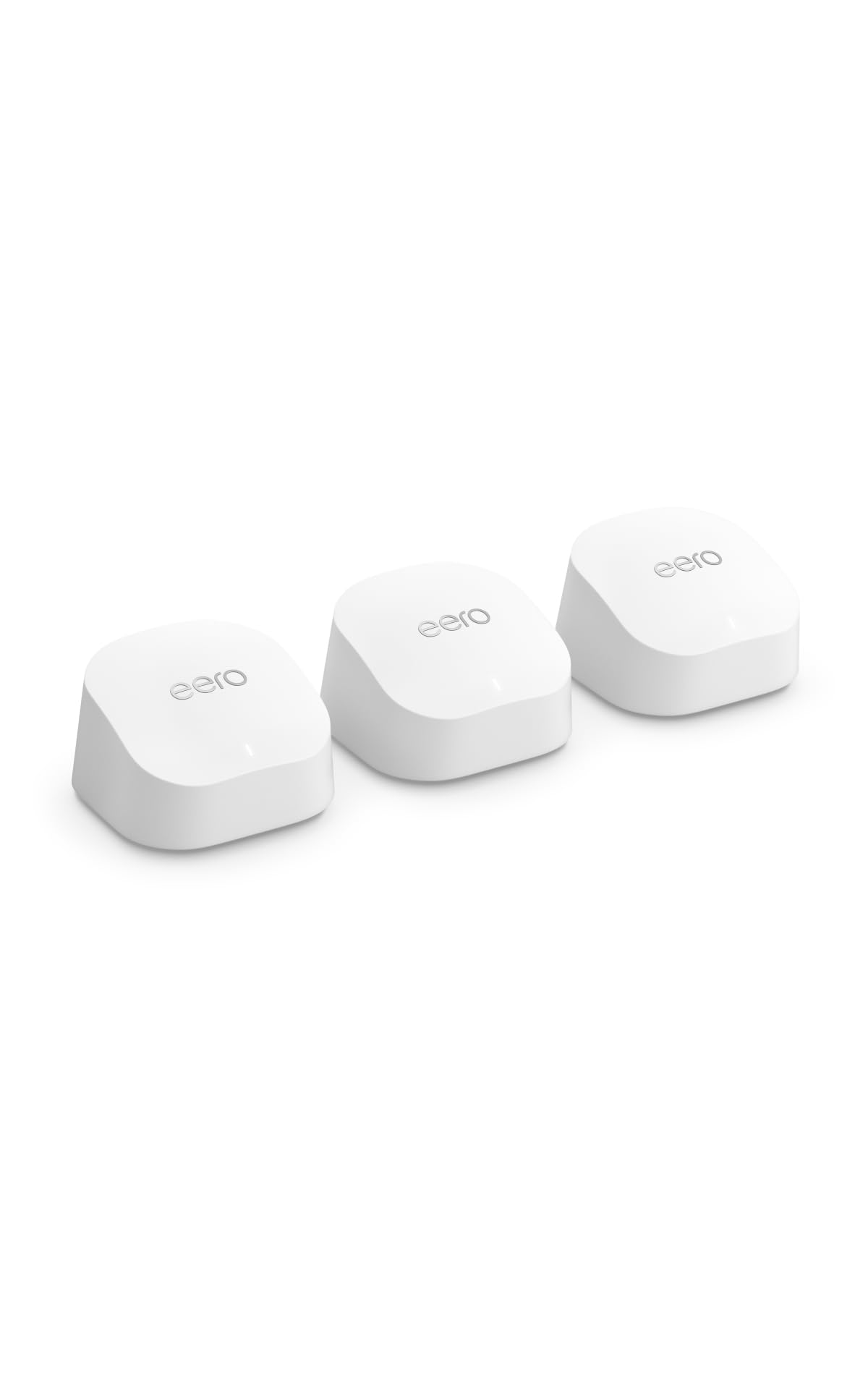
Amazon eero 6+ Mesh WiFi System, 3-Pack
Speed: Supports internet plans up to a Gigabit
Coverage: Up to 4,500 sq ft
Devices: 75+
Pack: 3 units
The eero 6+ is the simplest system to live with. Setup runs through the eero app, which walks a buyer through placing each unit, and the network manages itself afterward with no channel-picking or settings diving. Coverage tops out at 4,500 square feet — the smallest footprint here — but that is plenty for a compact two-story home where the dead spot is one room upstairs. It handles 75+ devices and supports gigabit internet plans, which covers most households. The three-pack gives a router plus two extenders for a clean mesh.
This pick suits renters, first-time mesh buyers, and anyone who values a frictionless app over tweaking. It is also the right choice for a household that does not want to think about networking at all. The caution: 4,500 square feet is the smallest coverage in this group, so a sprawling floor plan or thick plaster walls may leave edges underserved. Buyers with big square footage should pick a larger system.
Trade-off: Smallest coverage footprint of the five picks, so large or unusually shaped homes may still have weak corners.
Check the current price on Amazon
NETGEAR Orbi 370 Series WiFi 7 Mesh System, 3-Pack
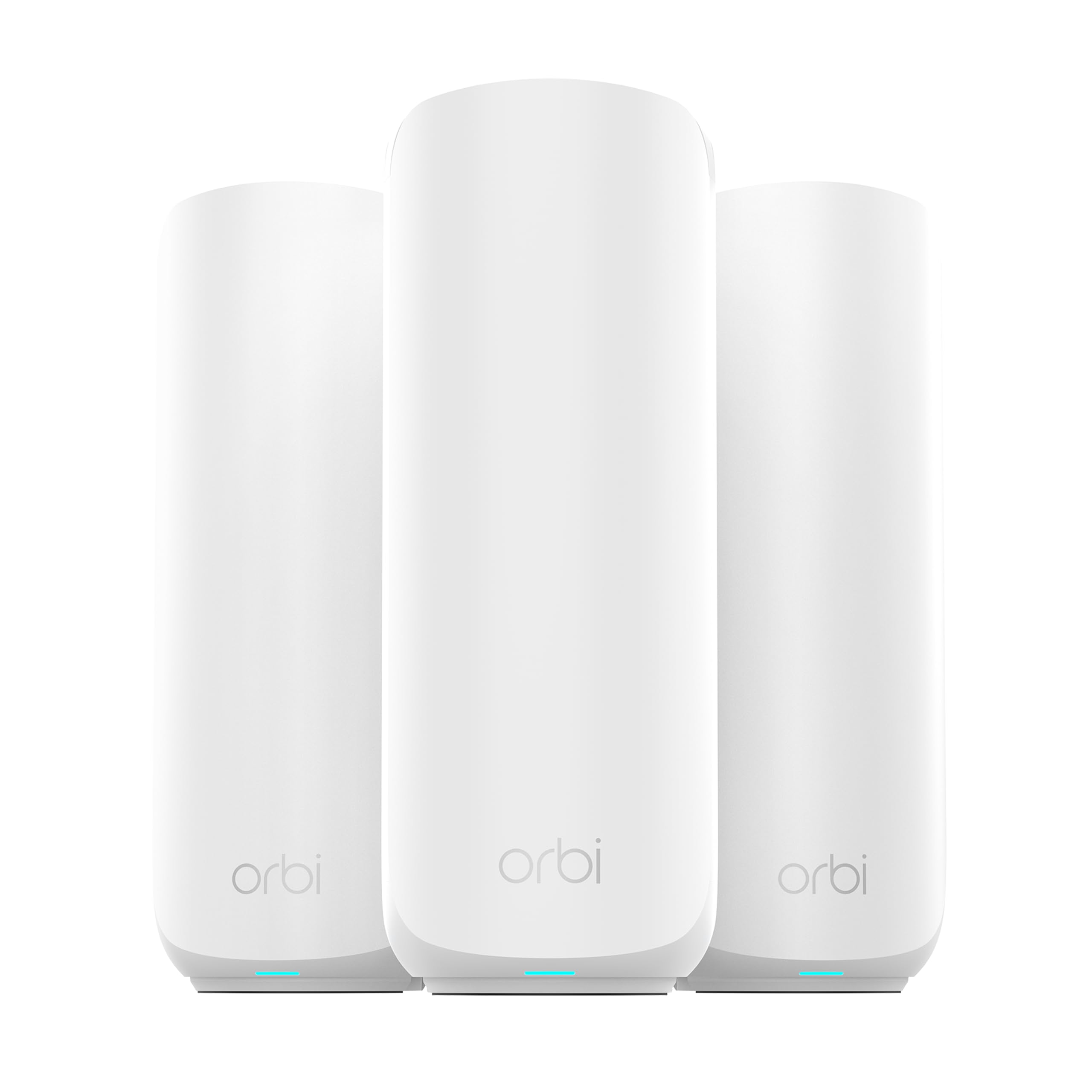
NETGEAR Orbi 370 Series WiFi 7 Mesh System, 3-Pack
Speed: Up to 5 Gbps
Devices: Up to 70
Bands: Dual-band
Port: 2.5 Gig
Coverage: Up to 6,000 sq ft
Pack: Router + 2 satellite extenders
The Orbi 370 sits one step above the 360 and is the balanced WiFi 7 pick of the group. It matches the 5 Gbps speed, 70-device ceiling, 2.5 Gig port, and 6,000 square feet of coverage, but it carries the Orbi 370 series platform and its security feature set. For a two-story house with a dead spot upstairs, the router-plus-two-satellite layout lets one satellite land on the upper floor while the other covers a far wing or the garage. Setup is described as easy, and the 2.5 Gig port keeps a fast internet plan from becoming the bottleneck. Dual-band keeps the price in the middle tier.
This suits buyers who want WiFi 7 and a 2.5 Gig port but do not need the 8,000-square-foot reach of the premium model. It is a solid middle-of-the-road pick for a family with a busy device load across two floors. The caution: it shares the 360’s dual-band limitation, so the very heaviest households — many simultaneous 4K streams plus gaming — may want the tri-band 770 instead.
Trade-off: Dual-band architecture caps total throughput for extreme device loads.
Check the current price on Amazon
NETGEAR Orbi 770 Series WiFi 7 Mesh System, 3-Pack

NETGEAR Orbi 770 Series WiFi 7 Mesh System, 3-Pack
Speed: Up to 11 Gbps
Devices: Up to 100
Bands: Tri-band
Port: 2.5 Gig
Coverage: Up to 8,000 sq ft
Pack: Router + 2 satellite extenders
The Orbi 770 is the premium pick and the only tri-band WiFi 7 system in this lineup. It pushes up to 11 Gbps, supports 100 devices, and covers up to 8,000 square feet — the largest footprint here by a wide margin. Tri-band adds a dedicated backhaul lane so the satellites talk to the router without stealing bandwidth from connected devices, which is exactly what a heavy household needs when the upstairs dead spot is fixed with a satellite. The 2.5 Gig port and full security feature set round it out. Setup is described as easy across the three-piece kit.
This pick suits large homes, multi-generational households, and buyers running dozens of devices with heavy simultaneous use — work-from-home video calls, gaming, and streaming all at once. It is the right system when the dead spot upstairs is one symptom of a bigger coverage and capacity problem. The caution: it is the most expensive pick by a clear margin, and a household with modest internet and a handful of devices will pay for capacity it never uses.
Trade-off: Premium price only pays off for large homes with heavy device loads.
Check the current price on Amazon
Before You Buy
- Coverage: Match the system’s square-footage rating to the whole house, not just the dead room — satellites work best when spread out.
- Internet plan speed: A 2.5 Gig port only helps if the plan exceeds a gigabit; gigabit households can save with a lesser port.
- WiFi standard: WiFi 7 future-proofs, but WiFi 6E covers most homes today at a lower price.
- Device count: Count phones, laptops, TVs, tablets, and smart-home gear — the device ceiling matters more than raw speed for busy families.
- Band design: Tri-band systems dedicate a lane to backhaul, which matters in large homes; dual-band is fine for smaller footprints.
- Placement: One satellite needs to sit on the upper floor, roughly midway between the router and the dead spot, not in the dead spot itself.
- Pack size: A three-pack covers most two-story homes; a single dead room may only need a two-pack.
Frequently Asked Questions
-
Will a mesh system actually fix a dead spot upstairs?
Yes, in most cases. A satellite placed on the upper floor gives devices there a strong local connection instead of a weak signal from a router downstairs. -
How many units does a two-story house need?
A three-pack covers most two-story homes. A single stubborn room may need only a two-pack with one satellite placed nearby. -
Is WiFi 7 worth it over WiFi 6E?
WiFi 7 future-proofs for newer devices and multi-gig internet. WiFi 6E covers most households today at a lower price, so the choice depends on the internet plan and device mix. -
Where should the upstairs satellite go?
Roughly midway between the router and the dead spot, ideally with clear line of sight to the router. Placing it inside the dead room itself often backfires. -
Does a mesh system replace the existing router?
Yes. Mesh systems like these act as the router and replace both the old router and any extenders, running one network name across the house. -
Do thick walls affect mesh performance?
They can. Plaster, brick, and masonry slow signal more than drywall, so homes with thick walls may need the satellites spaced closer together or a system with more coverage headroom.
Bottom Line
For most houses with a dead spot upstairs, the TP-Link Deco XE75 is the best mesh WiFi system for the money — the largest coverage in the budget tier, a clean 6GHz band, and WPA3 security at the lowest price here. Buyers who want WiFi 7 and a 2.5 Gig port should step up to the NETGEAR Orbi 370, while large homes with heavy device loads get the most from the tri-band Orbi 770. Start with the TP-Link Deco XE75 and check the current price before deciding.
