Why there are Amazon links here: Brave Review is paid a commission for qualifying Amazon purchases made through the links below. Your price does not change, and using our links is entirely optional. How this works
Best Plug-In Doorbell for a Renter with No Existing Wiring
A renter with no existing wiring needs a doorbell that works out of the box: a push button that sticks to the frame and a receiver that drops into any outlet. No drilling, no transformer, no landlord call. This guide covers five plug-in doorbells that fit that brief, from a sub-$10 basic chime to a smart Wi-Fi unit that sends alerts to a phone.
The picks suit three kinds of renter: the budget renter who just wants a chime that rings, the light-sleeping renter who needs volume control and a portable receiver, and the renter who wants app alerts and entry logging without touching the building’s wiring. The overview below sorts all five by key spec and best use.
Overview of the Picks
| Product | Key Spec | Best Use | Price Tier |
|---|---|---|---|
| Easy to Install Plug-in Door Chime | 60 melodies, 1000ft range | Cheapest working doorbell | Budget |
| TECKNET Wireless Doorbell | Battery-powered receiver, IP67 | Renters with no free outlet | Budget |
| Philips Wireless Doorbell Kit | Plug-in receiver, 2 melodies | Simple, no-fuss name brand | Mid |
| Self-Powered Plug-In Door Bell | No battery in button | Zero-maintenance button | Mid |
| Smart WiFi Door Chime | Tuya/Smart Life app alerts | Phone alerts and entry logging | Premium |
1. Easy to Install Plug-in Door Chime — Best Budget Pick
Type: Plug-in wireless doorbell
Melodies: 60
Volume Levels: 5, plus 2 mute modes
Range: 1000ft
Weatherproofing: Waterproof button
Best For: Home, classroom, office
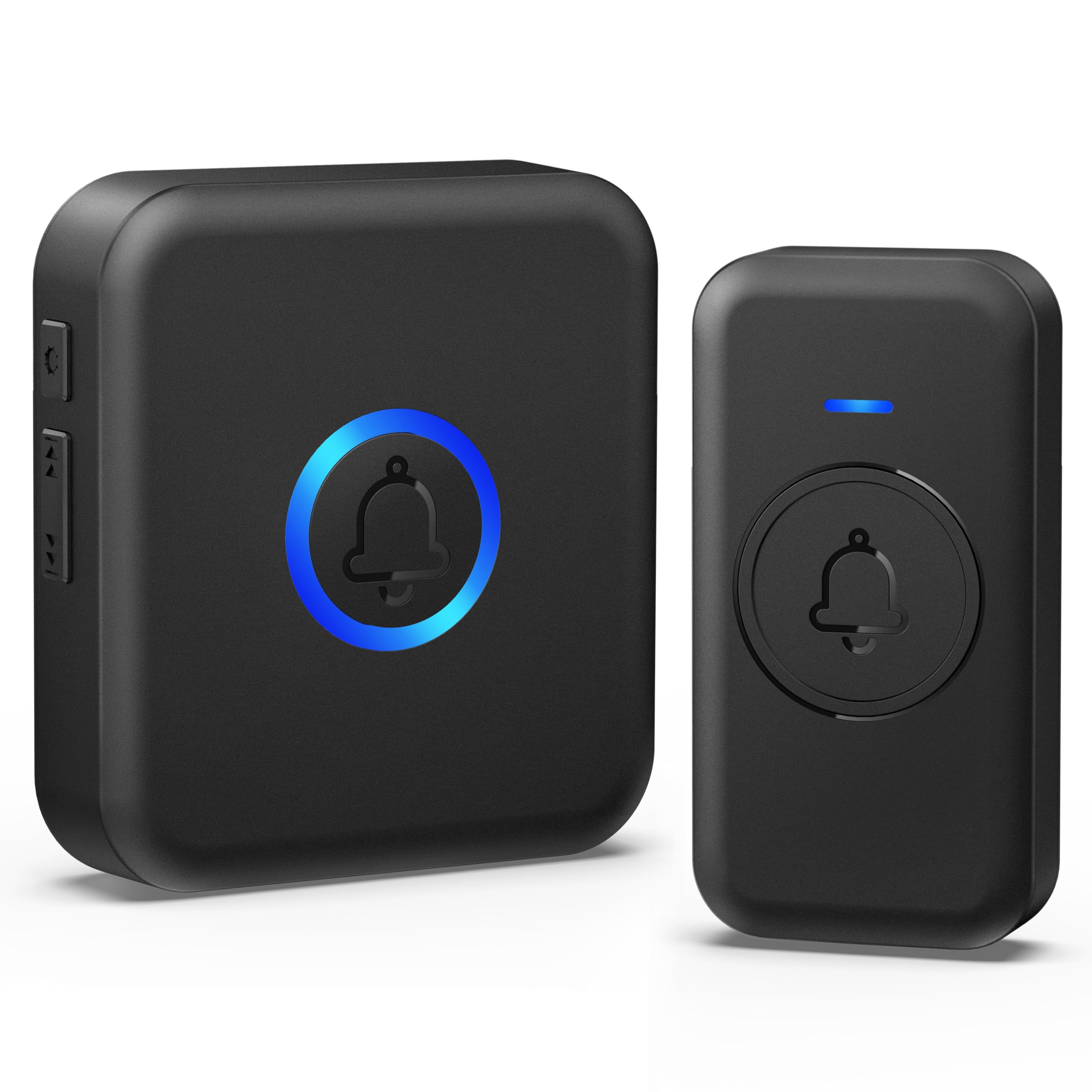
This is the doorbell a renter buys when the goal is simply "make it ring." The receiver plugs straight into a wall outlet, the button pairs wirelessly, and the 1000ft range covers any apartment or small house with room to spare. The button is rated waterproof, so a covered porch or an exposed hallway door is fine. Five volume levels and two mute modes make it usable in a classroom or office as well as a home. Sixty melodies is more choice than most people need, but the option costs nothing here.
It suits the renter on a tight budget, the student in a dorm-adjacent flat, and anyone who wants a spare chime for a back door. The catch is build quality: at this price the plastics are light and the button is the part most likely to fail first, so it is a replace-in-a-year-or-two purchase rather than a long-term fixture.
Trade-off: The very low price buys light plastics and a basic button that will not match the durability of the mid-range kits.
2. TECKNET Wireless Doorbell — Best for Renters With No Free Outlet
Type: Wireless doorbell with battery-powered receiver
Power: Battery receiver, no outlet needed
Battery Life: 4.5-year rating
Chimes: 60
Volume Levels: 5
Range: 1312ft
Weatherproofing: IP67
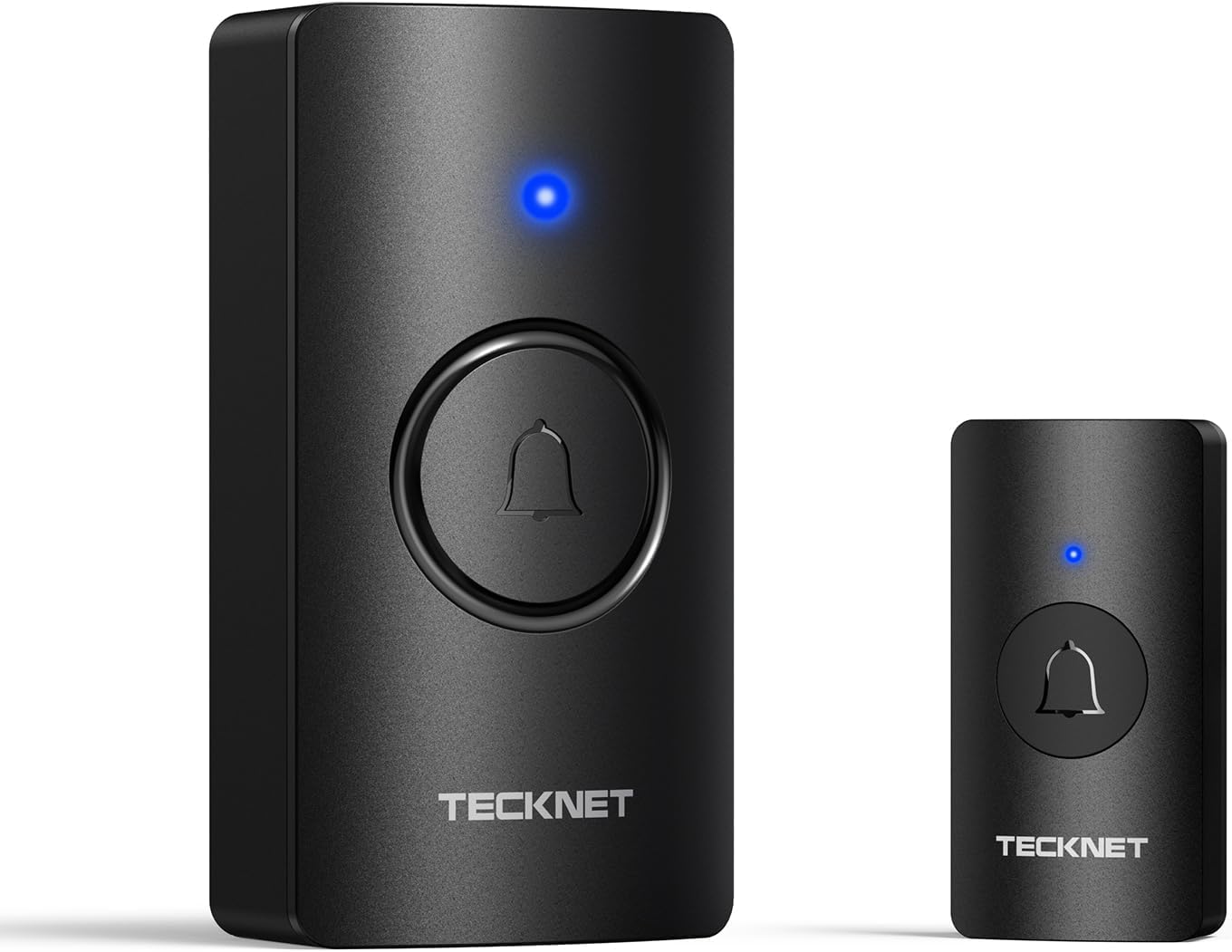
The TECKNET flips the usual setup: the receiver runs on batteries instead of plugging in, which means it can sit on a shelf, a nightstand or a hallway table wherever the signal reaches. The 1312ft range is the longest in this group, and the IP67 rating on the button is the strongest weather protection here — a real advantage for an exposed entry door or a covered outdoor landing. Sixty chimes and five volume levels cover the same ground as the budget pick.
It suits renters whose outlets are all spoken for, people who want the chime beside the bed rather than across the room, and anyone in a unit where the door is far from the nearest socket. The trade-off is maintenance: a battery receiver eventually needs fresh cells, and the 4.5-year figure assumes typical use rather than heavy daily traffic.
Trade-off: A battery-powered receiver means one more device to keep fed, and performance fades as the cells drain.
3. Philips Wireless Doorbell Kit — Best Simple Name-Brand Pick
Type: Plug-in wireless doorbell kit
Components: 1 plug-in receiver, 1 push button
Melodies: 2
Volume Levels: 4
Range: 150ft
Color: White

This is the least complicated doorbell in the roundup, and that is the point. Philips ships one plug-in receiver and one push button, with two melodies and four volume levels — no app, no pairing menu, no settings to learn. The white finish blends into a rental wall, and the plug-in receiver needs nothing more than an outlet. For a renter who wants a recognizable brand and a setup that takes minutes, it is the safe choice.
It suits older renters, technophobes, and anyone setting up a doorbell for a parent or a rental unit they manage remotely. The 150ft range is the shortest here by a wide margin, so it fits an apartment or a small house but not a long hallway or a detached garage. Two melodies will also feel limited to anyone who likes options.
Trade-off: The short range and two-melody limit make it a poor fit for large or multi-level homes.
4. Self-Powered Plug-In Door Bell — Best No-Battery Button
Type: Plug-in wireless doorbell
Button Power: Self-powered, no battery required
Weatherproofing: Waterproof button
Range: 1300ft
Ringtones: 38
Volume: 120dB
Receiver: Plug-through design

The headline here is the self-powered button: pressing it generates its own signal, so there is no coin cell to swap and no battery door to open. The receiver is plug-through, meaning it occupies an outlet but leaves a socket free for something else — a small detail that matters in a rental kitchen with limited outlets. The 120dB chime is the loudest in this group, and 1300ft of range covers most homes and long hallways.
It suits renters who hate maintenance, anyone with a hard-to-reach door where changing a button battery would be a chore, and households where a loud chime is needed for a heavy sleeper or a noisy street. The trade-off is that self-powered buttons need a firmer press than battery buttons, and the 38 ringtones are fixed rather than customizable.
Trade-off: A self-powered button requires a deliberate, firm push, which some visitors and delivery drivers will not manage on the first try.
5. Smart WiFi Door Chime — Best for App Alerts
Type: Smart Wi-Fi door chime and entry alarm
Connectivity: 2.4 GHz Wi-Fi only
App: Tuya / Smart Life
Chimes: 32
Volume Levels: 5
LED Modes: 3
Range: 600ft
Expansion: Up to 32 sensors

This is the only pick that connects to Wi-Fi. It plugs in, pairs with the Tuya or Smart Life app, and pushes an alert to a phone when the door opens — which turns a simple doorbell into a lightweight entry monitor for a rental, a home office or a room where a child naps. The app also stores the door-open events, and the system expands to 32 sensors, so one receiver can cover a front door, a back door and a window sensor later. Three LED modes give a visual cue for anyone who cannot hear the chime.
It suits renters who work away from home, people expecting deliveries, and anyone who wants a security-flavored doorbell without a subscription or a wired install. The trade-off is the setup: it is 2.4 GHz only, so it will not join a 5 GHz-only network, and it depends on an app and an account in a way the other four do not.
Trade-off: The smart features add app dependence and a 2.4 GHz-only Wi-Fi requirement that can trip up renters on newer routers.
Before You Buy
- Power source: Decide whether the receiver plugs into an outlet or runs on batteries — a battery receiver frees an outlet but needs periodic replacement.
- Range: Measure from the door to the spot where the chime will sit; 150ft is fine for an apartment, while 1000ft+ suits houses and long hallways.
- Button power: A battery button needs occasional cell swaps; a self-powered button avoids that but needs a firmer press.
- Weather exposure: Check the button’s rating if the door is exposed — IP67 is the strongest protection in this group.
- Mounting: Confirm the button attaches with adhesive or screws and that the rental agreement allows it; renter-friendly adhesive pads are the usual answer.
- Smart features: Only choose a Wi-Fi model if the router broadcasts 2.4 GHz and the renter is comfortable with an app and an account.
- Expansion: A multi-sensor system is worth the extra cost only if more than one door or window needs coverage.
Frequently Asked Questions
-
Can a plug-in doorbell work in a rental with no existing wiring?
Yes. A plug-in wireless doorbell needs only an outlet for the receiver and a stick-on or screw-on button at the door — no transformer, no chime wire, no landlord involvement. -
Does the renter need to drill holes to mount the button?
Most buttons in this category mount with adhesive pads or a small bracket, and screws are usually optional. Adhesive mounting is the renter-friendly route and leaves no holes at move-out. -
What range is enough for an apartment?
An apartment or small flat is well served by 150ft, while a house, a long hallway or a detached garage benefits from 1000ft or more. The budget and self-powered picks both clear 1000ft. -
Is a battery or plug-in receiver better for a renter?
A plug-in receiver never needs batteries but occupies an outlet. A battery receiver can sit anywhere and frees the socket, at the cost of periodic cell changes. -
Can a plug-in doorbell send alerts to a phone?
Only the Wi-Fi model in this roundup does. It pairs with the Tuya or Smart Life app over 2.4 GHz Wi-Fi and pushes door-open alerts, while the other four are chime-only. -
Will a plug-in doorbell damage the rental unit?
No. The receiver unplugs and the button lifts off with adhesive remover, leaving the door frame and outlets as they were — which is exactly why this category suits renters.
Bottom Line
For most renters with no existing wiring, the Easy to Install Plug-in Door Chime is the pick: it plugs in, rings loudly, covers 1000ft and costs less than a takeout dinner. Renters with no free outlet should step up to the TECKNET for its battery receiver, and anyone who wants phone alerts should choose the Smart WiFi Door Chime.
