Why there are Amazon links here: Brave Review is paid a commission for qualifying Amazon purchases made through the links below. Your price does not change, and using our links is entirely optional. How this works
Best Router for a House With a Dead Spot at the Back
A dead spot at the back of the house is almost never a speed problem — it is a coverage problem. The picks below solve it two ways: mesh systems that place a second unit near the weak zone, and single powerful routers that push a stronger signal through more walls. The roundup suits three kinds of buyers: households on a budget who need coverage first, gamers and streamers who need throughput at the far end, and anyone already buying into a smart-home ecosystem. The overview table below sorts all five by key spec and price tier, so a decision is possible in under a minute.
Overview of the Picks
| Product | Key Spec | Best Use | Price Tier |
|---|---|---|---|
| TP-Link Deco S4 (3-Pack) | Up to 5,500 sq. ft. coverage, AC1900 | Whole-home coverage on a budget | Budget |
| TP-Link Archer AX73 | AX5400 WiFi 6, dual band | Single-router speed for streaming | Mid-range |
| Amazon eero 7 | WiFi 7, coverage up to 2,000 sq. ft. | Small homes on plans up to 2.5 Gbps | Mid-range |
| Amazon eero Pro 7 | Tri-band WiFi 7, plans up to 5 Gbps | Crowded homes needing a dedicated backhaul | Premium |
| TP-Link BE6500 (BE400) | Dual 2.5Gbps ports, 2,400 sq. ft., 90 devices | Wired backhaul and heavy device counts | Premium |
TP-Link Deco S4 Mesh AC1900 WiFi System (3-Pack)

Type: Mesh WiFi system, three units
Standard: AC1900 dual-band
Coverage: Up to 5,500 sq. ft.
Ports: Gigabit Ethernet
Voice Control: Works with Alexa
Function: Replaces both router and extender
TP-Link Deco S4 Mesh AC1900 WiFi System, Deco S4(3-Pack)
The Deco S4 is the straightforward answer to a back-room dead spot: three identical units form one network, and the third unit can sit exactly where the signal currently dies. Gigabit ports on each node mean a wired device at the far end of the house still gets full wired speed. Setup runs through the Deco app, and the system replaces both an old router and any extender already in place. It is the pick for buyers who want the dead spot gone without paying for the newest wireless standard.
This system earns its place on coverage per dollar — 5,500 square feet across three units is the widest reach in this roundup. It suits renters and owners in larger single-family homes, especially anyone who already owns an older AC laptop or phone. The trade-off: AC1900 is a previous-generation standard, so buyers with a fast multi-gig plan will not see that speed at the far nodes.
TP-Link AX5400 WiFi 6 Router (Archer AX73)

Type: Single standalone router
Standard: AX5400 WiFi 6, dual band
Ports: Gigabit Ethernet
Intended Use: Streaming and long-range coverage
Antenna Design: External antennas for range
TP-Link AX5400 WiFi 6 Router (Archer AX73)
The Archer AX73 takes the opposite approach: one router, more power, external antennas tuned for range. WiFi 6 handles many devices at once far better than older standards, which matters in a house where phones, TVs, and tablets all compete for airtime. For a dead spot caused by distance rather than thick walls, a stronger single router is often enough. It is the pick for buyers who want one box, no nodes to place, and full speed on a WiFi 6 laptop or phone.
This router suits streamers and gamers who need stable throughput in the main living area and can accept a slightly weaker signal at the very back. It also fits buyers who dislike the look of multiple mesh units. The trade-off: a single router cannot beat physics, so a genuinely far back room behind two solid walls may still need a mesh node or an extender.
Amazon eero 7 Dual-Band Mesh Wi-Fi 7 Router (1-Pack)
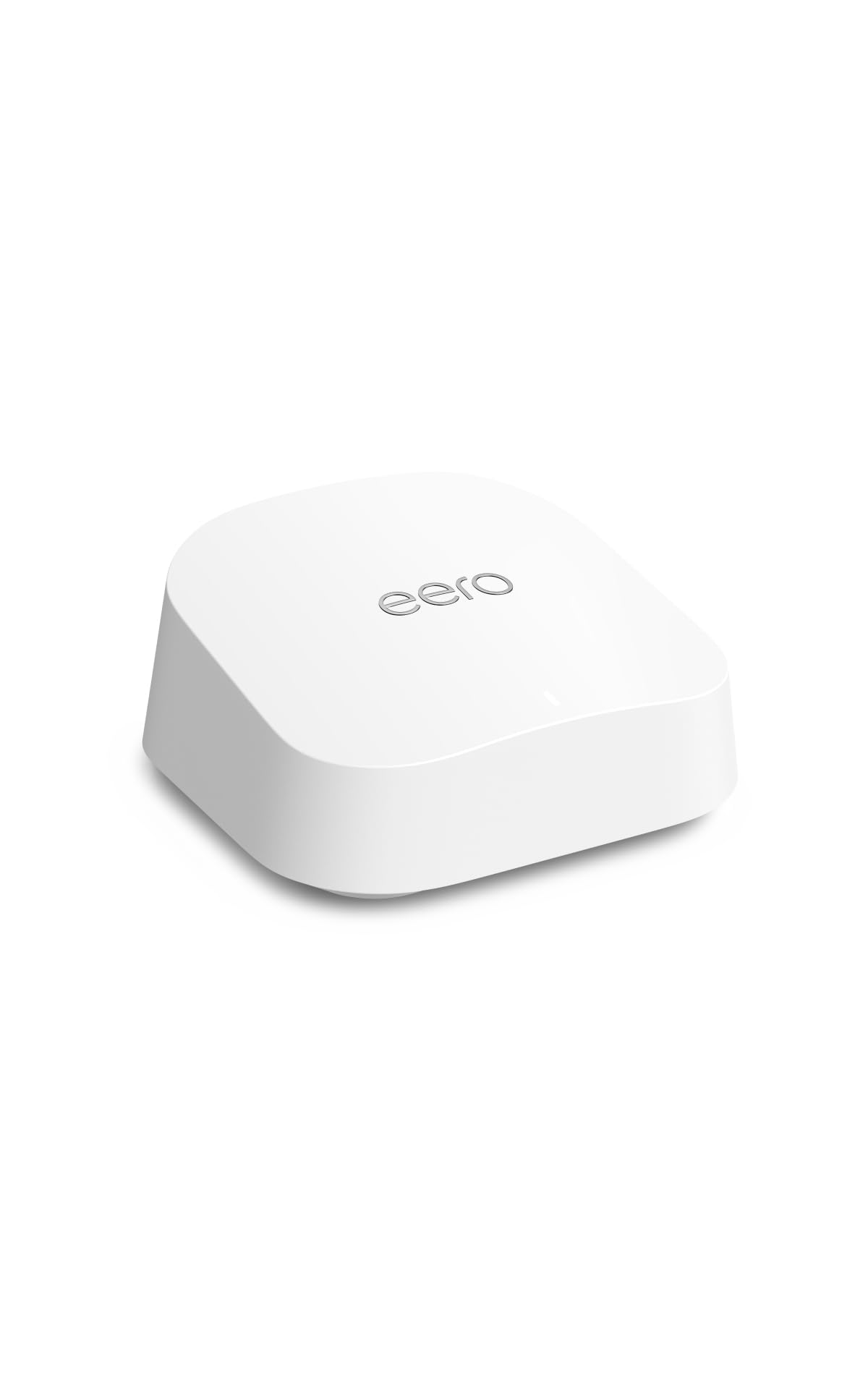
Type: Mesh WiFi router, single unit
Standard: WiFi 7, dual band
Coverage: Up to 2,000 sq. ft.
Plan Support: Internet plans up to 2.5 Gbps
Expandable: Yes, with additional eero units
The eero 7 is a single mesh node that covers up to 2,000 square feet and can be expanded later by adding another unit near the dead spot. WiFi 7 is the current standard, and the dual-band design keeps the hardware simple and the price mid-range. Setup is app-driven and deliberately minimal, which suits buyers who do not want to configure channels or bands. It is the pick for apartments and smaller homes on mainstream internet plans.
This unit suits buyers who want current-generation hardware without paying tri-band prices, and anyone likely to add a second node in six months. Its place in the roundup is the upgrade path: start with one, expand when the back room needs it. The trade-off: as a single unit at this coverage rating, a large or long house will need a second node to actually reach the back — the price advantage disappears once that is added.
Amazon eero Pro 7 Tri-Band Mesh Wi-Fi 7 Router (1-Pack)
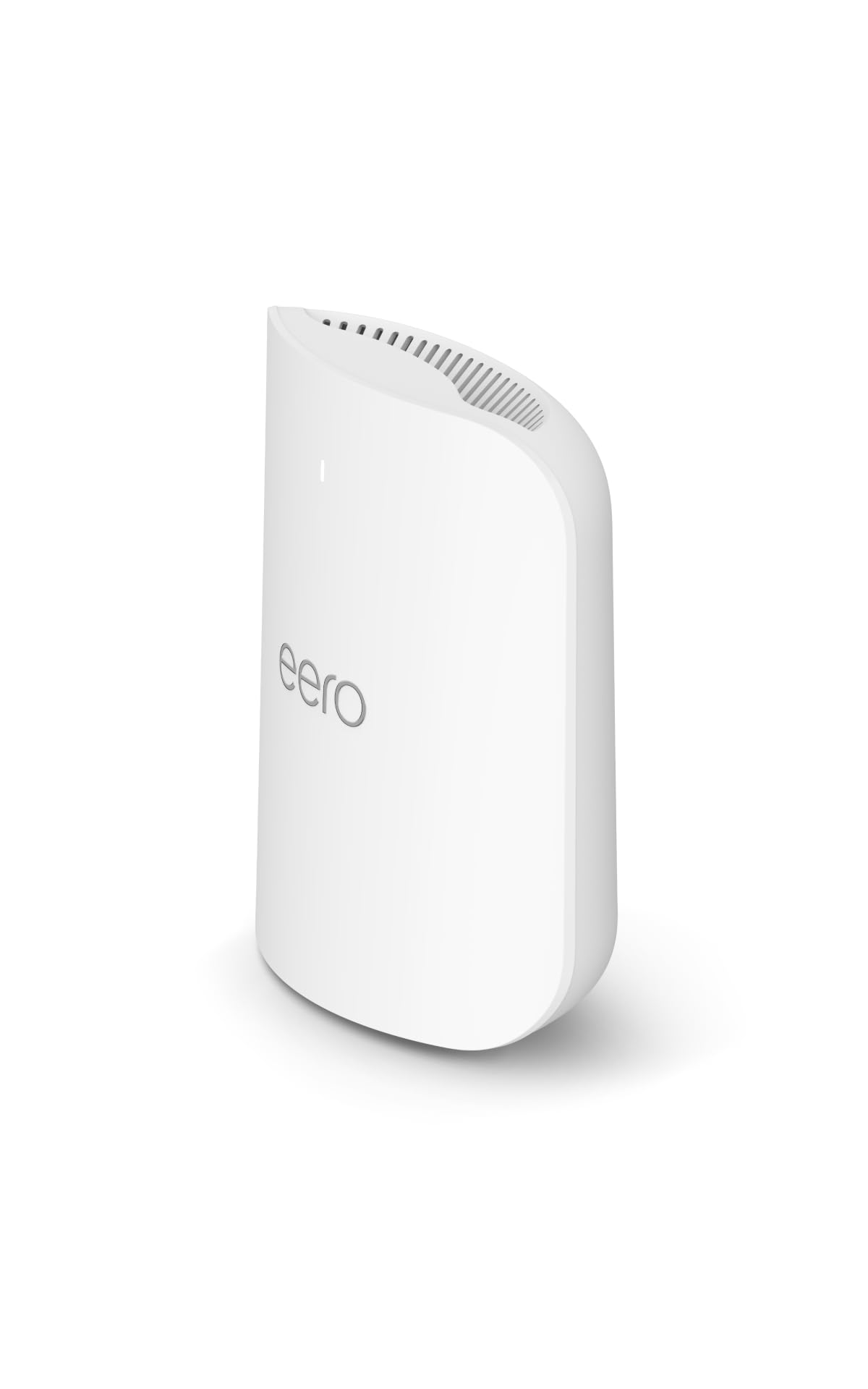
Type: Mesh WiFi router, single unit
Standard: WiFi 7, tri-band
Coverage: Up to 2,000 sq. ft.
Plan Support: Internet plans up to 5 Gbps
Expandable: Yes, with additional eero units
The eero Pro 7 adds a third radio band, which gives mesh units a dedicated lane to talk to each other instead of sharing airtime with devices. That matters most when a second node is placed at the back of the house — the link between nodes stays fast even when the front room is busy. It supports internet plans up to 5 Gbps, so it will not bottleneck a premium connection. It is the pick for crowded homes with many devices and a large floor plan.
This model suits buyers who already know they will add a node and want that node to perform like the main unit. It also fits households with dozens of connected devices across work, streaming, and smart home gear. The trade-off: tri-band hardware costs noticeably more, and a buyer in a small home on a modest plan will pay for capacity that never gets used.
TP-Link BE6500 Dual-Band WiFi 7 Router (BE400)

Type: Single standalone router
Standard: WiFi 7, dual band (BE6500)
Coverage: Up to 2,400 sq. ft.
Ports: Dual 2.5Gbps, USB 3.0
Capacity: Up to 90 devices
Processor: Quad-core CPU
Security: HomeShield, Private IoT network
TP-Link BE6500 Dual-Band WiFi 7 Router (BE400)
The BE400 is the most capable single router here: dual 2.5Gbps ports for wired backhaul or a fast NAS, a quad-core CPU, and a stated capacity of 90 devices. It covers up to 2,400 square feet on its own and runs WiFi 7. The Private IoT setting isolates smart-home devices onto their own network, which is a genuine benefit in a house full of plugs and cameras. It is the pick for buyers who want one strong router plus the option to wire a second access point later.
This model suits tech-comfortable buyers with a fast plan, wired devices, and a device count that overwhelms cheaper routers. The 2.5Gbps ports are the differentiator — they let a wired backhaul to the back of the house run at full speed rather than gigabit. The trade-off: it is still a single unit, so a truly remote back room needs either a wired access point or a mesh node added, and the premium price reflects hardware many casual users will not tax.
Before You Buy
- Coverage vs. layout: Square-footage ratings assume open space. Long, narrow houses and thick interior walls need mesh nodes rather than a bigger single router.
- Standard: WiFi 7 hardware is current, but only devices that support it benefit. Older phones and laptops will fall back to older standards.
- Internet plan: Match the router to the plan. A router rated for 2.5 Gbps adds nothing on a 500 Mbps connection.
- Wired backhaul: If Ethernet already runs to the back of the house, a single router plus a wired access point beats mesh on speed and stability.
- Expandability: Buy into a mesh system if a second node is likely later; mixing brands across a mesh network does not work.
- Ports: Check for 2.5Gbps ports if there is a NAS or a multi-gig plan; gigabit ports cap wired speed.
- Device count: Households with many smart-home devices should favor routers with a stated device capacity and IoT isolation.
Frequently Asked Questions
-
Will a mesh system fix a dead spot better than a more powerful router?
Usually yes, because a mesh node sits closer to the weak area. A stronger single router helps when the dead spot is caused by distance in open space, not by walls. -
How many mesh units are needed for a dead spot at the back?
Two units cover most cases: one at the front where the line enters, one near the back. A three-pack suits larger homes or multi-floor layouts. -
Is WiFi 7 worth it for fixing coverage?
WiFi 7 improves efficiency and speed, not raw range. It is worth it for buyers with fast plans and newer devices; coverage still depends on unit placement. -
Can an old router be combined with a new mesh system?
Not as part of the same mesh network. The old router can sometimes run in bridge mode, but mixing brands in one mesh system is not supported. -
Does placement matter more than the router chosen?
Yes. A mid-range mesh system placed well will outperform a premium router placed in a closet or against an exterior wall. -
What if Ethernet already reaches the back room?
A single router with a wired access point at the far end is the fastest, most stable option, and the BE400’s 2.5Gbps ports are built for exactly that.
Bottom Line
For most houses with a dead spot at the back, the TP-Link Deco S4 Mesh AC1900 WiFi System (3-Pack) is the fastest route to full coverage — three units, one network, and the widest stated reach here at the lowest price tier. Buyers with a fast plan and newer devices should step up to the eero Pro 7 for tri-band headroom, while anyone with Ethernet already running to the back room gets the best result from the BE400 and a wired access point.
