Why there are Amazon links here: Brave Review is paid a commission for qualifying Amazon purchases made through the links below. Your price does not change, and using our links is entirely optional. How this works
Best Router for a House With a Dead Spot Upstairs: 5 Fixes That Actually Reach
A dead spot upstairs is usually a coverage problem, not a speed problem, so the fix is picking a router that pushes signal through floors and walls. This roundup covers five routers that suit three kinds of buyers: budget upgraders replacing an aging box, mesh-first households that want room to expand, and heavy users on fast internet plans who need headroom. Each pick lists its coverage claim, its ports and its trade-off up front. The overview table below shows every option side by side, and each review explains who the pick fits and who should look elsewhere.
The Picks at a Glance
| Product | Key Spec | Best Use | Price Tier |
|---|---|---|---|
| NETGEAR Nighthawk RS90 (BE3600) | Up to 2,000 sq ft, WiFi 7, 2.5G port | Fast standalone upgrade for a mid-size home | Mid |
| NETGEAR Nighthawk R6700AX (AX1800) | Up to 1,500 sq ft, WiFi 6, 4 Gigabit ports | Tight budgets and smaller floor plans | Budget |
| Amazon eero 7 | Up to 2,000 sq ft, WiFi 7, mesh-ready | Households planning to add a node later | Mid |
| Amazon eero Pro 7 | Up to 2,000 sq ft, tri-band, 5 Gbps plans | Congested homes and gigabit-plus internet | Premium |
| Amazon eero 6 | Up to 1,500 sq ft, WiFi 6, 75+ devices | Simple mesh on a standard plan | Budget |
1. NETGEAR Nighthawk WiFi 7 Router RS90 (BE3600)
Type: Standalone dual-band router
Coverage Claim: Up to 2,000 sq ft
Wireless Standard: WiFi 7 (BE3600)
Ports: 1× 2.5G + 3× Gigabit
Device Load: 50 devices
Speed Rating: 3.6 Gbps

NETGEAR Nighthawk WiFi 7 Router RS90 (BE3600)
Check the Current Price on Amazon
This Nighthawk is the traditional-router answer to a weak upstairs signal: one box, a strong dual-band radio and a 2.5G port that keeps a fast internet plan from bottlenecking at the router. The three extra Gigabit ports suit a wired desktop, a console or a NAS, and the 50-device load covers a normal family with phones, laptops, streaming sticks and smart plugs. Setup is the familiar Nighthawk app process rather than a mesh system’s guided placement. Buyers who want a single piece of hardware and no extra nodes should start here.
The trade-off is that a standalone router still fights the same floors and walls that caused the dead spot, so a home with thick masonry or a long diagonal run may need a node anyway. It also earns its place on price-to-speed: WiFi 7 radios and a 2.5G port at this tier are rare. Buyers on a 500 Mbps plan will not notice the difference, and buyers who already own WiFi 6 hardware may find the upgrade incremental.
Trade-off: A single unit cannot guarantee upstairs coverage in an unusually large or solidly built house, so the mesh-ready picks below are the safer bet for stubborn floor plans.
2. NETGEAR Nighthawk WiFi 6 Router R6700AX (AX1800)
Type: Standalone dual-band router
Coverage Claim: Up to 1,500 sq ft
Wireless Standard: WiFi 6 (AX1800)
Ports: 4× Gigabit
Device Load: 20 devices
Speed Rating: 1.8 Gbps

NETGEAR Nighthawk WiFi 6 Router R6700AX (AX1800)
Check the Current Price on Amazon
The R6700AX is the value play: WiFi 6 on a dual-band radio, four Gigabit LAN ports and a coverage claim that fits a smaller two-story home or an apartment. The 20-device load is the honest limit here — enough for a couple with a laptop each plus streaming, but not for a house full of smart devices. Four wired ports is more than most routers at this price offer, which helps anyone who wants to hardwire a desktop upstairs and let wireless handle the rest.
The caution is headroom. A 20-device ceiling and a 1.5 Gbps rating mean this router suits standard cable or fiber plans, not multi-gig service, and a busy household will feel the cap before the coverage claim runs out. It is also the least future-proof pick in the group: WiFi 6 hardware is mature, so the price is right but the ceiling is lower.
Trade-off: The device limit and WiFi 6 radio make this a stopgap for crowded homes rather than a long-term fix for a large one.
3. Amazon eero 7 Dual-Band Mesh Wi-Fi 7 Router
Type: Mesh router (expandable)
Coverage Claim: Up to 2,000 sq ft
Wireless Standard: WiFi 7 (dual-band)
Internet Plan Support: Up to 2.5 Gbps
Pack Size: 1-pack
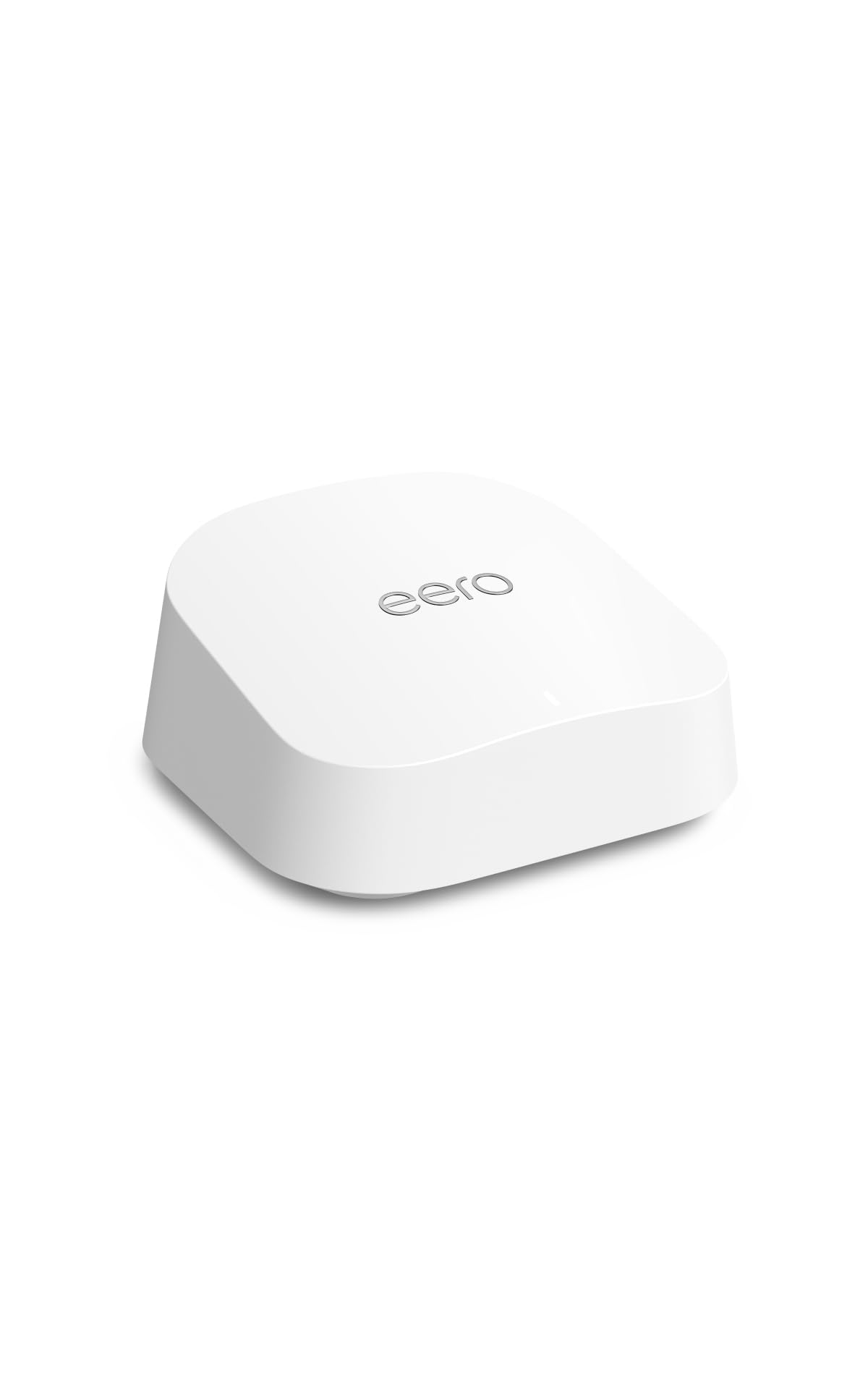
Amazon eero 7 dual-band mesh Wi-Fi 7 router
Check the Current Price on Amazon
The eero 7 is the pick for anyone who suspects the dead spot will not be the last one. It ships as a single unit with a 2,000 sq ft claim, but its real value is that it is a mesh system from day one — a second eero can be added later and the network extends rather than gets replaced. WiFi 7 radios and support for internet plans up to 2.5 Gbps keep it current, and the setup flow is app-guided with no browser login to wrestle with.
The trade-off is that one eero 7 is still one radio set in one place, so a genuinely isolated upstairs room may need a second node to see real improvement — and that is a separate purchase. Buyers who want to configure channels, port forwarding and VLANs by hand will find the app-first approach restrictive compared with a Nighthawk.
Trade-off: The single-pack price buys flexibility rather than instant whole-home coverage, and advanced manual settings are limited.
4. Amazon eero Pro 7 Tri-Band Mesh Wi-Fi 7 Router
Type: Mesh router (expandable, tri-band)
Coverage Claim: Up to 2,000 sq ft
Wireless Standard: WiFi 7 (tri-band)
Internet Plan Support: Up to 5 Gbps
Pack Size: 1-pack
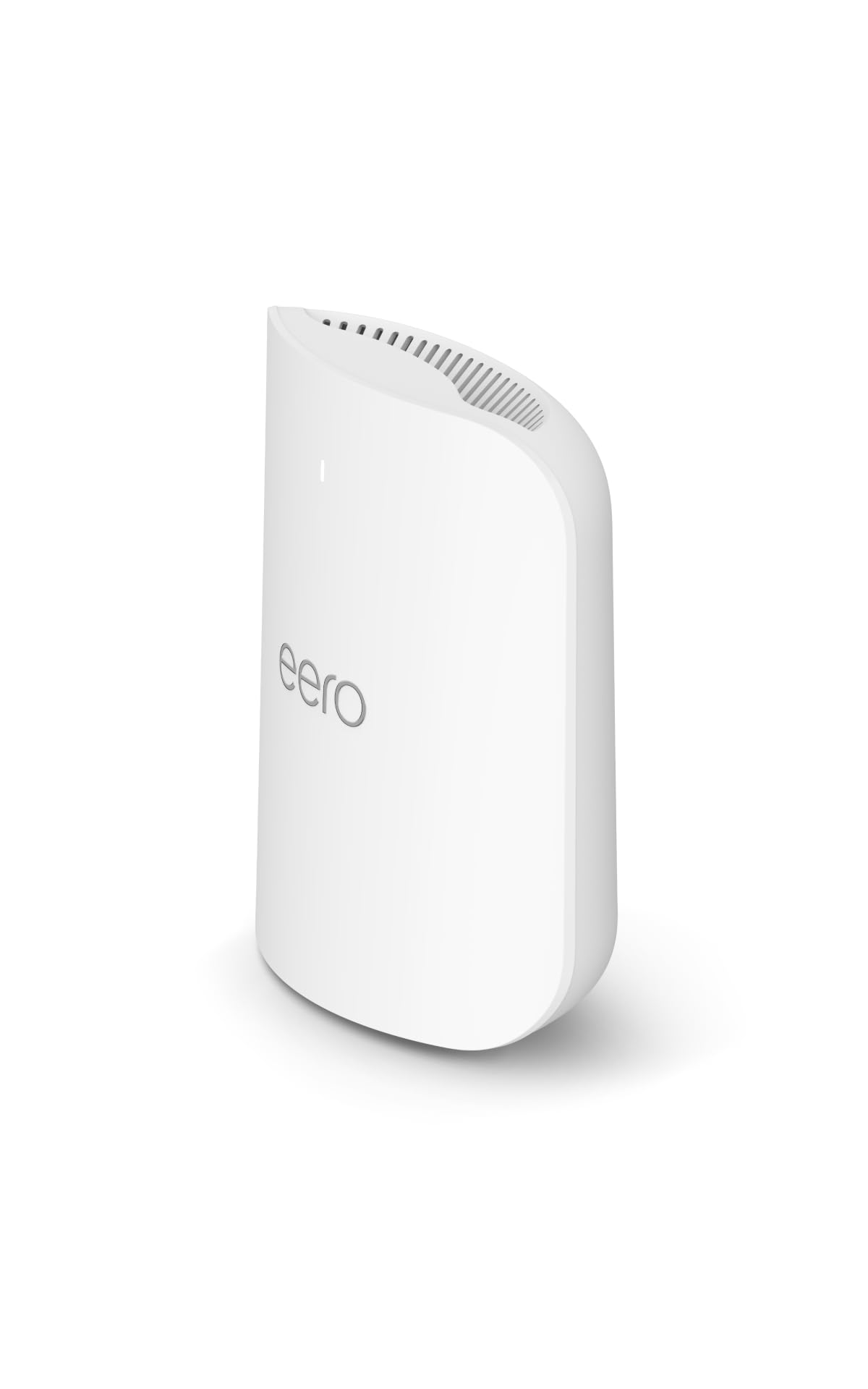
Amazon eero Pro 7 tri-band mesh Wi-Fi 7 router
Check the Current Price on Amazon
The Pro 7 is the same mesh idea with a third radio band and support for internet plans up to 5 Gbps. That extra band matters in a dense house: one band can carry traffic between eero units while the others serve devices, which keeps upstairs clients from competing with the backhaul. For a home with many devices, a fast fiber plan and a dead spot that has resisted every repositioning attempt, this is the most capable single unit in the group.
The cost is the obvious drawback — this is the premium pick, and a single Pro 7 at this tier costs substantially more than the standard eero 7 for the same coverage claim. Buyers on a plan under 1 Gbps will not use the extra throughput, and the tri-band advantage only shows up once a second node joins the network.
Trade-off: The premium price only pays off with a fast plan and a second node, so a single-unit buyer on modest internet is overpaying.
5. Amazon eero 6 Mesh Wi-Fi Router
Type: Mesh router (expandable)
Coverage Claim: Up to 1,500 sq ft
Wireless Standard: WiFi 6
Internet Plan Support: Up to 900 Mbps
Device Load: 75+ devices
Pack Size: 1-pack

Amazon eero 6 mesh wifi router
Check the Current Price on Amazon
The eero 6 is the budget entry into mesh: WiFi 6, a 1,500 sq ft claim and support for 75+ devices, which is a generous device ceiling for the price. It handles a standard cable plan up to 900 Mbps without complaint and, like the other eeros, accepts additional units later. For a smaller home where the upstairs dead spot is mild, this is the cheapest way to get onto a mesh platform that can grow.
The limits are real: no WiFi 7, no multi-gig support, and a 1,500 sq ft claim that leaves little margin in a larger floor plan. A household on a gigabit-plus plan will cap this router’s usefulness immediately.
Trade-off: The older WiFi 6 radio and 900 Mbps ceiling make this a short-term fix for fast internet plans.
Before You Buy
- Coverage claim: Treat the square-footage figure as a best case in open space; solid floors and interior walls cut it, so size up one tier if the dead spot is severe.
- Mesh vs. standalone: A standalone router is one purchase and one placement; a mesh system costs more per unit but lets a second node be added upstairs later.
- Internet plan speed: Match the router’s WAN support to the plan — a 2.5G or 5 Gbps port is wasted on a 500 Mbps connection.
- Device count: Count phones, laptops, TVs, consoles and smart plugs; a 20-device router will choke in a connected home.
- Wired ports: Four Gigabit LAN ports allow a hardwired desktop or console upstairs, which beats wireless for a stubborn room.
- Wireless standard: WiFi 7 hardware is the longer-lived buy; WiFi 6 models are cheaper today but closer to their ceiling.
Frequently Asked Questions
-
Will a new router fix a dead spot upstairs?
Often, yes — if the old router is the weak link. If the dead spot survives a better router, the room is too far from the unit and a mesh node or wired access point is the real fix. -
Is a mesh system better than one powerful router for a dead spot?
A mesh system wins when the problem room is far from where the router can sit. One strong router wins on simplicity and price when the dead spot is mild. -
Does WiFi 7 help with range?
WiFi 7 improves efficiency and throughput more than raw reach. It helps most in crowded homes with many devices, not as a magic range extender. -
Where should the router go to reach upstairs?
Central, elevated and unobstructed — a hallway shelf or upstairs landing beats a closet or a corner behind a TV. Placement changes can close a mild dead spot on their own. -
How many mesh units does a two-story house need?
One unit covers the coverage claim in open space; a second unit upstairs is the usual answer for a two-story home with a confirmed dead spot. -
Can a second eero be added to a single-pack later?
Yes — the eero picks here are mesh systems that accept additional units, which is why they suit buyers who expect to expand.
Bottom Line
For most homes fighting an upstairs dead spot, the NETGEAR Nighthawk WiFi 7 Router RS90 is the best balance of coverage, WiFi 7 headroom and price — one box, a 2.5G port and a 2,000 sq ft claim without mesh complexity. Buyers who expect to add a node later should take the eero 7 instead, and anyone on a tight budget in a smaller home can start with the R6700AX.
