Why there are Amazon links here: Brave Review is paid a commission for qualifying Amazon purchases made through the links below. Your price does not change, and using our links is entirely optional. How this works
Best Router for a House with Thick Walls and a Dead Spot
Thick plaster, brick, and stone walls are the most common cause of a dead spot, and no single router can fix that purely with brawn. This guide covers five routers that attack the problem from different angles: budget Wi-Fi 6, a mesh system that spreads coverage room to room, and newer standards with better range. It is written for three buyer types — the budget fixer who wants one cheap box, the family in an older home who needs coverage in every room, and the buyer future-proofing for multi-gig internet. The overview table below sorts all five by key spec and price tier so a decision can be made in under a minute.
Overview: The 5 Best Routers for Thick Walls and Dead Spots
| Product | Key Spec | Best Use | Price Tier |
|---|---|---|---|
| TP-Link Archer AX21 V5 | AX1800 dual-band Wi-Fi 6 | Budget fix for a single dead spot | Budget |
| NETGEAR Nighthawk RS90 | BE3600 Wi-Fi 7, up to 2,000 sq ft | Future-proof single-box upgrade | Mid-range |
| TP-Link Archer AX73 | AX5400 dual-band Wi-Fi 6 | Streaming and long-range coverage | Mid-range |
| Amazon eero 7 | Dual-band mesh Wi-Fi 7, up to 2,000 sq ft | Simple app-managed coverage | Premium |
| TP-Link Deco XE75 | AXE5400 tri-band Wi-Fi 6E, 3-pack, 7,200 sq ft | Whole-home coverage through thick walls | Premium |
TP-Link Archer AX21 V5
Type: Dual-band Wi-Fi 6 router
Speed Class: AX1800
Ports: Gigabit Ethernet
Mesh: EasyMesh compatible
Voice: Works with Alexa
Certification: Certified for Humans

TP-Link AX1800 WiFi 6 Router (Archer AX21 V5)
The Archer AX21 is the entry point into Wi-Fi 6 and the cheapest way to replace an aging router that chokes behind a thick wall. It uses dual-band Wi-Fi 6 with gigabit ports, and the "Certified for Humans" label means the setup is designed to be short and app-guided rather than a trip through nested menus. EasyMesh support matters here: if one AX21 cannot reach the far bedroom, a second EasyMesh unit can be added later instead of replacing the whole router. It suits renters and small-home owners who want a cheap, competent box.
Best for: Budget buyers in a smaller home who need one reliable router and a path to mesh later.
Trade-off: AX1800 is the lowest capacity tier here, so a house full of 4K streams and gaming consoles will feel the ceiling.
NETGEAR Nighthawk RS90
Type: Dual-band Wi-Fi 7 router
Speed Class: BE3600
Ports: 1× 2.5G + 3× Gigabit
Coverage: Up to 2,000 sq ft
Device Load: 50 devices
Rated Speed: 3.6 Gbps

BE3600 NETGEAR Nighthawk WiFi 7 Router RS90
The RS90 is the forward-looking pick: Wi-Fi 7 hardware at a mid-range price, with a 2.5G port that keeps a fast fiber plan from being throttled at the router. The 2,000 sq ft coverage figure and 50-device load make it a sensible single-box answer for a medium home where the dead spot is really a capacity problem rather than a distance problem. Setup is described as easy, and the port mix covers a NAS or gaming PC alongside ordinary wired devices. It suits buyers who want one box now and no upgrade for years.
Best for: Households with a fast internet plan and many devices that want Wi-Fi 7 without mesh complexity.
Trade-off: One unit still cannot bend around a dense masonry wall, so a genuinely separated wing may need a second node.
TP-Link Archer AX73
Type: Dual-band Wi-Fi 6 router
Speed Class: AX5400
Ports: Gigabit Ethernet
Focus: Streaming and long-range coverage
Band: Dual-band

TP-Link AX5400 WiFi 6 Router (Archer AX73)
The AX73 sits above the AX21 in TP-Link’s line and is marketed squarely at streaming and long-range coverage, which is exactly the brief for a thick-walled house with one stubborn room. AX5400 gives it far more headroom than the budget pick, so multiple 4K streams and video calls do not compete for the same narrow pipe. Gigabit ports keep wired devices off the wireless bands entirely, which is the cheapest way to relieve a congested airwave. It suits a family that streams heavily and wants one router to cover a whole floor.
Best for: Streaming-heavy households that want stronger throughput than a budget router without jumping to mesh.
Trade-off: It is still a single dual-band unit, so the far corner of a long house may remain weak without a second access point.
Amazon eero 7
Type: Dual-band mesh Wi-Fi 7 router
Coverage: Up to 2,000 sq ft
Internet Plans: Supports up to 2.5 Gbps
Pack: 1-pack
Model Status: Newest model
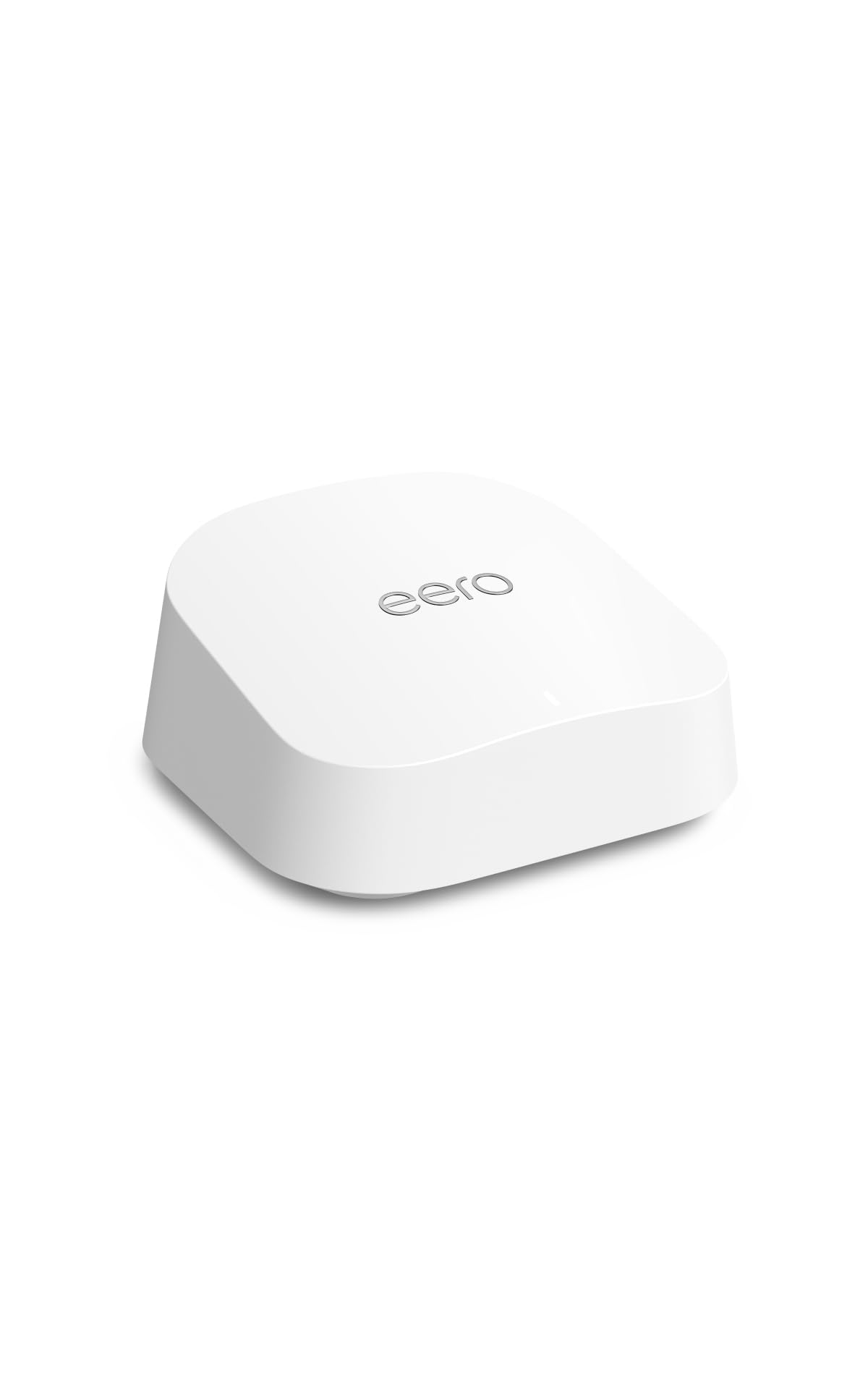
Amazon eero 7 dual-band mesh Wi-Fi 7 router
The eero 7 is the simplest option for a buyer who does not want to think about channels, bands, or admin pages. It is a mesh router by design, so adding a second unit later to reach a dead spot is the intended use rather than an afterthought, and the app handles setup and management. Wi-Fi 7 and support for internet plans up to 2.5 Gbps mean it will not be the bottleneck on modern fiber. The 2,000 sq ft figure covers a typical single-floor home or a small two-story.
Best for: Buyers who value an app-first, set-and-forget experience and may expand to mesh later.
Trade-off: The premium price buys simplicity and the eero ecosystem, not raw throughput per dollar.
TP-Link Deco XE75
Type: Tri-band Wi-Fi 6E mesh system
Speed Class: AXE5400
Pack: 3-pack
Coverage: Up to 7,200 sq ft
Band: 6GHz band included
Security: WPA3
Features: AI-driven, replaces router and extender

TP-Link Deco XE75 AXE5400 Tri-Band WiFi 6E System, 3-Pack
The Deco XE75 is the heavy hitter and the obvious answer when thick walls have defeated every single router tried so far. Three units blanket up to 7,200 sq ft, and the dedicated 6GHz band gives the nodes a cleaner path to talk to each other — the part that usually fails when a mesh system is asked to push through masonry. It replaces both the router and any old extender, uses WPA3 security, and the AI-driven features handle band steering automatically. It suits large or multi-story homes where one box was never going to work.
Best for: Large, multi-story, or thick-walled homes where coverage — not speed — is the core problem.
Trade-off: Three nodes mean three power outlets and more visible hardware, and the 6GHz band’s reach is shorter than 2.4GHz through dense walls.
Before You Buy
- Wall material: Brick, stone, and plaster-with-metal-lath absorb signal far more than drywall; expect any single router to lose a room or two.
- Square footage: Match the stated coverage to the whole home, not just the dead room, and leave margin for walls that block more than open plan.
- Mesh readiness: EasyMesh or a mesh-native system lets a second unit be added later instead of replacing the router outright.
- Ports: A 2.5G port matters only if the internet plan exceeds gigabit; otherwise gigabit ports are sufficient.
- Standard: Wi-Fi 6 is the value sweet spot, Wi-Fi 6E adds a clean 6GHz band, and Wi-Fi 7 is the future-proof choice at a higher price.
- Device count: Homes with dozens of smart devices need a router rated for that load, not just raw speed.
- Placement: Central, elevated, and out of cabinets — no router performs well inside a metal media box or against a thick exterior wall.
Frequently Asked Questions
-
Will a single router fix a dead spot behind a thick wall?
Sometimes, if the dead spot is caused by an old or weak router. If the wall is genuinely dense masonry, a mesh system with multiple nodes is the more reliable fix. -
Is Wi-Fi 6 enough, or is Wi-Fi 7 worth it?
Wi-Fi 6 covers most households comfortably. Wi-Fi 7 makes sense for buyers with fast fiber, many devices, and no intention of upgrading again soon. -
Do mesh systems work through brick walls?
Better than a single router, because nodes can be placed on either side of the obstruction. The 6GHz backhaul band has shorter reach, so node placement still matters. -
How many mesh units does a thick-walled house need?
Match units to square footage and to the number of separated zones. A three-pack suits a large or multi-story home; a two-unit setup often covers a smaller one. -
Does a Wi-Fi extender solve the same problem?
An extender can help, but it typically halves throughput on the repeated signal. A mesh system that replaces the router and extender is the cleaner long-term answer. -
Where should the router or main node go?
Central and elevated, away from thick exterior walls and metal objects. Placement often matters more than the router’s spec sheet.
Bottom Line
For a house with thick walls and a genuine dead spot, the TP-Link Deco XE75 3-pack is the pick that actually solves the problem rather than masking it — three nodes, a clean 6GHz backhaul, and coverage rated for a whole large home. Buyers on a tight budget in a smaller space should start with the TP-Link Archer AX21 V5 and add an EasyMesh unit later if the dead spot persists.
