Why there are Amazon links here: Brave Review is paid a commission for qualifying Amazon purchases made through the links below. Your price does not change, and using our links is entirely optional. How this works
Best Sensor Bundle for a First Home
A first home deserves a security setup that is simple to install, easy to live with, and priced for a new homeowner’s budget. This guide covers five sensor bundles — from a full professional-monitoring alarm kit to a bare-bones door and window pack — and explains which buyer each one fits. Renters and new owners who want fast coverage will find a plug-and-play option, while tinkerers and budget planners get choices that skip monthly fees entirely. The overview table below puts every pick side by side, so a decision is possible in under a minute.
Overview of the Picks
| Product | Key Spec | Best Use | Price Tier |
|---|---|---|---|
| Ring Alarm 14-Piece Kit | 14 pieces, professional monitoring | Whole-home coverage with app control | Premium |
| GEN 2 Wireless Home Security System | 16 pieces, WiFi + 4G hub | Full DIY kit with no monthly fee | Mid-range |
| Instant App Alerts 24-Piece System | 24 pieces, WiFi + 4G | Maximum sensor count on a budget | Budget |
| YoLink Door and Window Sensor Kit | 4-pack + hub, LoRa protocol | Long-range entry alerts, no alarm | Entry-level |
| Ring Window & Door Sensor 6-Pack | 6 sensors, no base station | Expanding an existing Ring setup | Budget add-on |
Ring Alarm 14-Piece Kit
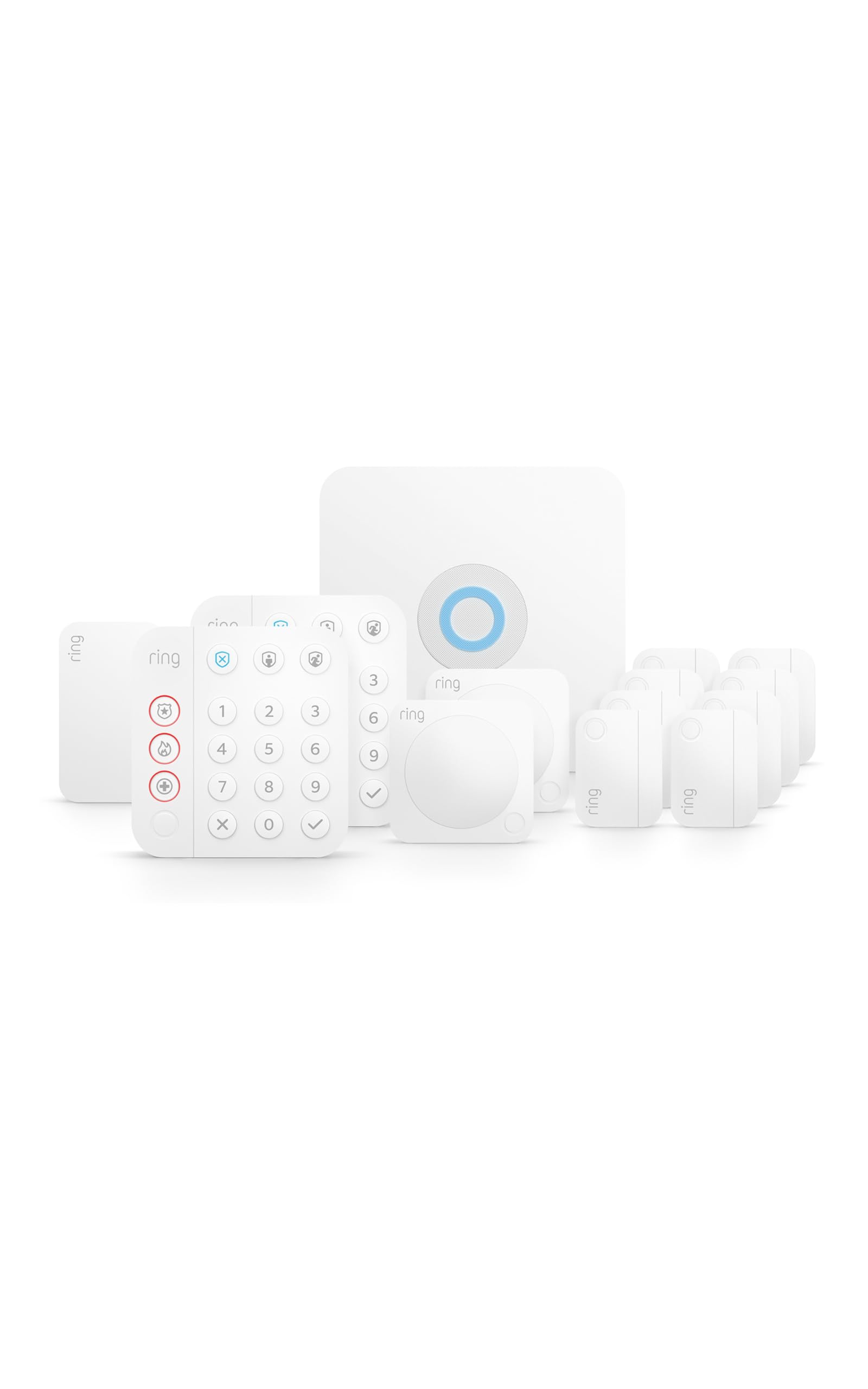
Type: Wireless smart home security system
Pieces: 14
Setup: DIY, expandable
Control: Mobile app, Alexa compatible
Monitoring: 24/7 professional monitoring available
The Ring Alarm 14-Piece Kit is the closest thing to a turnkey security system for a first home. The kit bundles the sensors and components needed to cover main entry points, and the whole set talks to the Ring app for arm, disarm, and status checks from a phone. Because it is expandable, a homeowner can add sensors later as the layout of the house becomes familiar. Alexa compatibility lets voice commands handle arming and status without opening the app.
This pick earns its place for buyers who want professional monitoring as an option and prefer a well-known ecosystem over a no-name kit. The trade-off is that professional monitoring is a paid subscription, so the long-term cost runs higher than the sticker price suggests.
GEN 2 Wireless Home Security System

Type: DIY wireless alarm kit
Pieces: 16
Hub: WiFi and 4G touchscreen
Alerting: App alerts, 120dB wired siren
Fees: No monthly fee
Intended use: House or apartment
The GEN 2 kit packs a full alarm system into 16 pieces with a touchscreen hub that runs on both WiFi and 4G, so a dropped home network does not silence the system. Door sensors and motion detectors cover the usual entry paths, and the wired 120dB siren gives a loud local deterrent. App alerts push activity to a phone, and the no-monthly-fee model keeps ownership costs flat after purchase.
This is the pick for buyers who want alarm-grade coverage without a subscription. The caveat is that a DIY kit at this price tier leans on self-installation and self-monitoring, so there is no professional response team behind the siren.
Instant App Alerts 24-Piece System

Type: Wireless alarm system
Pieces: 24 total (10 door sensors, 5 motion sensors)
Connectivity: WiFi and 4G
Control: App and voice, Alexa compatible
Extras: SOS panic button
Fees: No monthly fee
The 24-piece system offers the most sensors of any pick here: 10 door sensors and 5 motion sensors stretch across more windows and rooms than the smaller kits. The SOS panic button is a thoughtful add for a first home, giving a one-press alert path. WiFi plus 4G connectivity keeps the system reachable, and app and voice control make daily use low-friction.
This bundle suits a larger first home or a buyer who wants to cover every window without buying add-ons later. The trade-off is that a large sensor count at this price tier usually means simpler individual sensors, so buyers should expect basic entry and motion detection rather than premium hardware.
YoLink Door and Window Sensor Kit

Type: Door and window sensor kit
Pack: 4 sensors plus hub
Protocol: LoRa (YoLink)
Alerts: Open/close and left-open
Battery: Up to 5 years
Automation: Works with IFTTT
The YoLink kit is a sensor-only system, not an alarm, and that is its strength. Each sensor reports open, close, and left-open states, which is genuinely useful for doors that get propped open. The LoRa protocol is built for long range and low power, and the battery life claim reflects that design. IFTTT support opens the door to automations like lights or notifications.
This pick fits a first home where the goal is awareness rather than sirens, or a buyer who wants to add entry monitoring to a smart home setup. The trade-off is that there is no alarm, siren, or professional monitoring here, so it complements a security system rather than replacing one.
Ring Window & Door Sensor 6-Pack
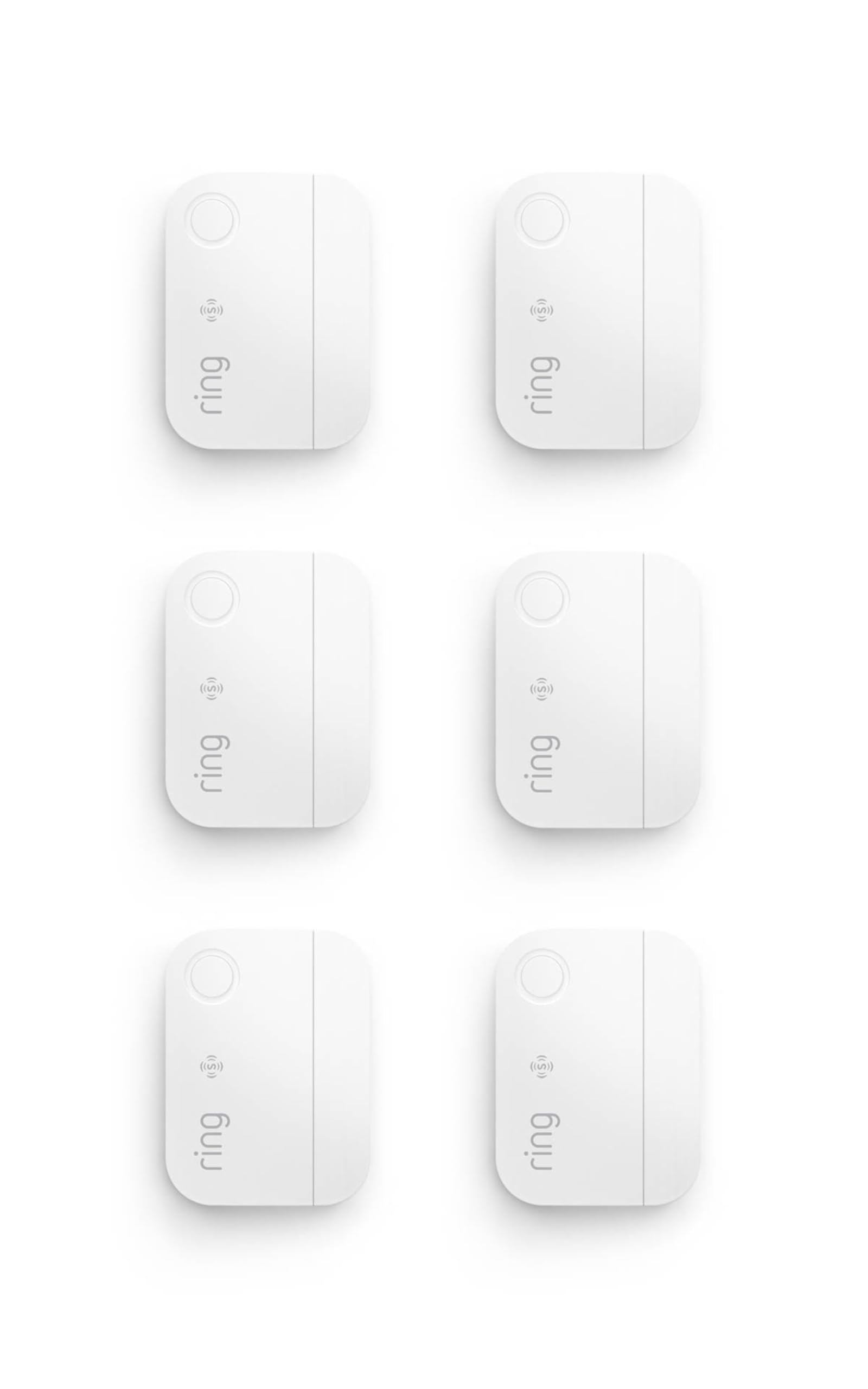
Type: Window and door sensors
Pack: 6 sensors
Installation: Easy, no base station needed
Alerts: Instant entry-point alerts
Monitoring: Professional monitoring sold separately
Ecosystem: Ring
The Ring 6-pack is the expansion play: six window and door sensors that install easily and report instant alerts to the Ring app. No base station is required, which lowers the entry cost for a first home already using Ring gear. The sensors protect entry points and slot into the same app that handles the rest of the Ring ecosystem.
This is the pick for a buyer who already owns a Ring system or plans to add one, since the sensors are only as useful as the app they connect to. The trade-off is that professional monitoring is sold separately, so the pack alone delivers alerts, not a monitored alarm.
Before You Buy
- Coverage: Count doors and ground-floor windows first; a sensor count below that number means a second pack.
- Monitoring fees: Decide up front whether professional monitoring is worth a recurring cost or whether no-fee self-monitoring fits better.
- Connectivity: WiFi-only systems drop with the home network; WiFi plus 4G hubs keep reporting during outages.
- Ecosystem: Sensors from one brand usually need that brand’s app, so pick the hub before the sensors.
- Installation: Renter-friendly sensors use adhesive mounts; permanent mounts demand more commitment.
- Automation: IFTTT and voice-control support decide whether the sensors can trigger lights, routines, or alerts elsewhere.
- Battery: Sensor battery life varies widely; shorter-life sensors mean more maintenance trips.
Frequently Asked Questions
-
What is the best sensor bundle for a first home overall?
The Ring Alarm 14-Piece Kit offers the most complete starting point for buyers who want app control and optional professional monitoring. -
Do sensor bundles require a monthly fee?
Not always. The GEN 2 kit and the 24-piece system both advertise no monthly fee, while Ring monitoring is a paid subscription. -
Can a sensor bundle work in a rental?
Yes. Adhesive-mounted door and window sensors like the YoLink pack and the Ring 6-pack install without drilling in most cases. -
How many sensors does a first home need?
Start with every exterior door plus ground-floor windows; a 6-pack covers a small home, while 14 to 24 pieces suit larger layouts. -
Is a sensor-only kit enough for security?
Sensor-only kits provide awareness and alerts but no siren or monitoring, so they work best alongside an alarm system. -
What is the difference between WiFi and LoRa sensors?
WiFi sensors rely on the home network, while LoRa sensors like the YoLink kit use a long-range, low-power protocol that does not depend on WiFi.
Bottom Line
For most first homes, the Ring Alarm 14-Piece Kit is the safest single purchase: it covers the main entry points, runs through one app, and leaves room to expand. Buyers who refuse a monthly fee should look at the GEN 2 kit instead, and anyone who already owns Ring gear can add the 6-pack sensors without buying a new hub.
