Why there are Amazon links here: Brave Review is paid a commission for qualifying Amazon purchases made through the links below. Your price does not change, and using our links is entirely optional. How this works
Best Smart Light Switch for a UK Home: 5 Picks Worth Wiring In
The best smart light switch for a UK home depends on three things: whether the wall box has a neutral wire, which smart platform the household already uses, and whether dimming matters. The picks below cover budget single-pole switches, multi-packs for whole-house installs, a Matter-ready premium option, and a dimmer three-pack for rooms that need scene control. Renters and anyone without a neutral wire should read the Before You Buy section first, because most Wi-Fi switches here need one. The overview table gives a one-line verdict on each pick before the full reviews.
The Picks at a Glance
| Product | Key Spec | Best Use | Price Tier |
|---|---|---|---|
| Kasa Smart Light Switch HS200 | 2.4GHz Wi-Fi, no hub, neutral wire required | First smart switch on a budget | Budget |
| GHome Smart Switches 4 Pack | 4-pack, 2.4GHz Wi-Fi, Alexa and Google | Fitting out a whole flat at once | Budget multi-pack |
| Leviton Decora Smart Switch D315S-1RW | Matter, wired or wire-free 3-way | Premium, platform-agnostic setups | Premium |
| Kasa Smart Dimmer Switch HS220P3 | 3-pack dimmer, 2.4GHz Wi-Fi | Living rooms and bedrooms with dimmable bulbs | Mid-range multi-pack |
| Amazon Basics Smart Light Switch | Alexa only, 2.4GHz Wi-Fi, no hub | Alexa households on the tightest budget | Budget |
1. Kasa Smart Light Switch HS200 — Best Overall Budget Pick

Protocol: 2.4GHz Wi-Fi
Hub Required: No
Voice Control: Alexa and Google Home
Wiring: Single pole, neutral wire required
Certification: UL Certified
Colour: White
Kasa Smart Light Switch, Single Pole, Need Neutral Wire, HS200
The HS200 is the switch most UK buyers picture when they start looking: a plain white rocker that replaces an existing single-pole switch and joins the home Wi-Fi directly, with no hub or bridge in the chain. Kasa’s app handles scheduling and timers, and Alexa and Google Home both pick the switch up for voice control. It is a straightforward device rather than a feature showcase, which is exactly why it suits a first install.
This pick earns its place as the default recommendation for anyone wiring a single switch and unsure where to start. It suits renters-with-permission and homeowners alike, provided there is a neutral wire in the wall box. Buyers without a neutral, or anyone wanting dimming from the same unit, need to look elsewhere.
Trade-off: A single switch at this price does nothing beyond on/off and scheduling, so a whole-room install quickly costs more than a multi-pack.
Check the current price on Amazon
2. GHome Smart Switches 4 Pack — Best for Whole-Home Installs
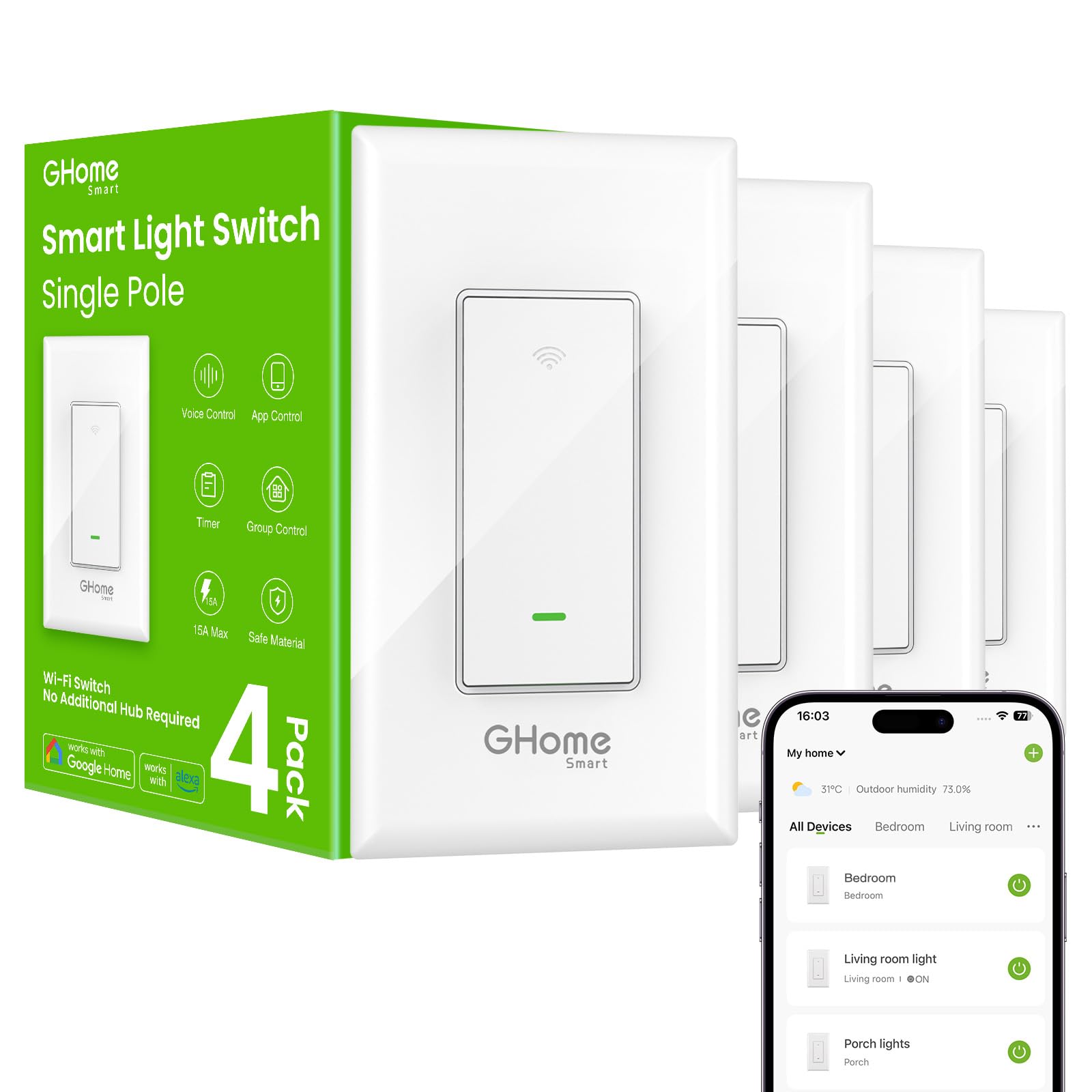
Protocol: 2.4GHz Wi-Fi
Hub Required: No
Voice Control: Alexa and Google Home
Wiring: Single pole, neutral wire required
Pack Size: 4 switches
Certification: UL and FCC listed
Colour: White
GHome Smart Switches for Lights, 4 Pack
Buying four switches in one box is the cheapest route to a consistent look across a hallway, kitchen, living room and bedroom. Each unit is a single-pole Wi-Fi switch with app control, schedules, timers and voice control through Alexa and Google Home, and the set is listed as UL and FCC compliant. Matching units from one pack also means one app, one pairing routine and one style of rocker throughout the home.
This pack suits a buyer fitting out a flat or a floor of a house in one go, or anyone replacing a bank of switches beside a front door. It does not suit a household that only needs one switch, or one that wants dimming — these are on/off units.
Trade-off: Four identical switches commit the whole home to one brand’s app, and the per-unit saving only pays off if all four actually get installed.
Check the current price on Amazon
3. Leviton Decora Smart Switch D315S-1RW — Best Premium, Matter-Ready Pick
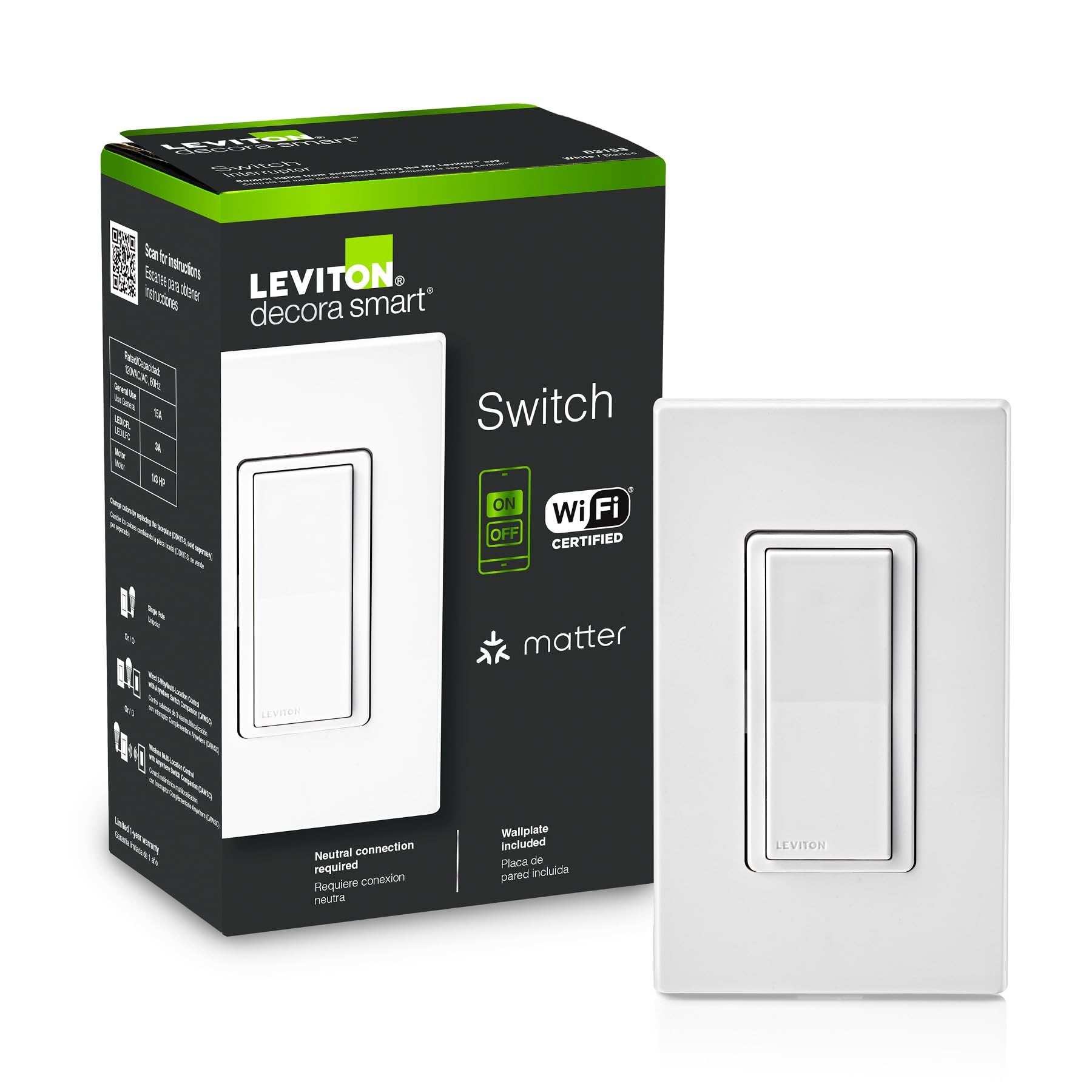
Protocol: Wi-Fi with Matter
Platforms: Alexa, Google Assistant, Apple Home/Siri, My Leviton
Wiring: Neutral wire required, wired or wire-free 3-way
Type: Single pole and 3-way
Colour: White
Leviton Decora Smart Switch, Wi-Fi, D315S-1RW
The Decora Smart switch is the pick for households that do not want to be locked into one ecosystem. Matter support means it can be shared across Alexa, Google Assistant, Apple Home and Siri, and the My Leviton app handles setup and schedules. The wiring is the standout feature: it works as a single-pole switch or as a wired or wire-free 3-way, so a two-switch staircase or hallway circuit can be smartened without running new traveller cable.
This is the premium choice for Apple Home users in particular, since most budget Wi-Fi switches skip HomeKit entirely. It also suits anyone with a 3-way circuit who has been told a smart switch cannot handle it. Buyers on a tight budget, or those happy inside a single voice ecosystem, will not get their money’s worth.
Trade-off: The price buys platform flexibility and 3-way wiring rather than extra features, so a single-pole install in an Alexa-only home pays for capability it will never use.
Check the current price on Amazon
4. Kasa Smart Dimmer Switch HS220P3 — Best Dimmer Multi-Pack

Protocol: 2.4GHz Wi-Fi
Hub Required: No
Voice Control: Alexa and Google Home
Wiring: Single pole, neutral wire required
Pack Size: 3 dimmers
Certification: UL Certified
Colour: White
Kasa Smart Dimmer Switch HS220P3, 3-Pack
Dimming is where smart switches start to feel worth the money, and this three-pack puts it in the rooms that matter: living room, main bedroom, dining room. Each unit is a single-pole Wi-Fi dimmer controlled by app, voice or the physical paddle, with scheduling and scenes handled through Kasa’s app. The set is UL certified and needs no hub, matching the rest of the Kasa range.
This pack suits a household that already has dimmable bulbs or dimmable LED fittings and wants scene control across several rooms without buying three separate boxes. It is the natural step up for someone who bought the HS200 first and now wants dimming in the main rooms. Buyers with non-dimmable bulbs, or with a neutral-free wall box, should not buy it.
Trade-off: Dimming performance depends on the bulbs fitted, so cheap non-dimmable LEDs will buzz or flicker regardless of how good the switch is.
Check the current price on Amazon
5. Amazon Basics Smart Light Switch — Best Budget Alexa-Only Pick

Protocol: 2.4GHz Wi-Fi
Hub Required: No
Voice Control: Alexa only
Wiring: Single pole
Extras: Voice control, schedules
Colour: White
Amazon Basics Smart Light Switch
This is the cheapest way into a smart switch, and it is unapologetically narrow: it works with Alexa and nothing else. Setup runs through the Alexa app, scheduling and voice control come as standard, and the 2.4GHz Wi-Fi radio connects directly with no hub. Installation is pitched at the DIY end, and the plain white faceplate blends into a standard UK-style wall.
It suits an Alexa-only household — an Echo in the kitchen or hallway already — that wants one switch smartened for the lowest outlay. It is also a sensible first purchase for testing whether smart lighting is actually used before spending more. Google Home and Apple Home users should skip it entirely, since it will not pair.
Trade-off: Locking into Alexa only is a real limit, and the budget build means fewer extras than the Kasa equivalents at a similar price.
Check the current price on Amazon
Before You Buy
- Neutral wire: Most Wi-Fi switches, including four of these five, need a neutral wire in the wall box. Check before ordering, because a box with only live and switched-live will not support them.
- Wiring type: Confirm whether the circuit is single-pole or 3-way. Only the Leviton handles 3-way, and it does so wired or wire-free.
- Compatibility: Match the switch to the voice platform already in the home. The Amazon Basics unit is Alexa only; the Leviton covers all four major platforms via Matter.
- Dimming: Choose a dimmer only if the bulbs are dimmable. Standard LEDs on a dimmer circuit will flicker or hum.
- Pack size: Price per switch drops sharply in multi-packs, so count the switches needed before buying singles.
- App and ecosystem: Every brand here uses its own app. Fitting one brand throughout keeps control in one place.
- Certification: Look for UL or FCC listing on the box, as with the Kasa and GHome units here.
Frequently Asked Questions
-
Do smart light switches need a neutral wire in a UK home?
Most Wi-Fi switches do, including the Kasa, GHome, Leviton and Amazon Basics picks here. The neutral wire powers the radio inside the switch, so a box without one will not support these models. -
Can a smart switch replace a two-way circuit?
Only with the right hardware. The Leviton D315S-1RW is the pick here that supports wired or wire-free 3-way operation; the others are single-pole only. -
Which smart switch works with Apple Home?
The Leviton Decora Smart Switch, via Matter and Apple Home/Siri support. The budget Wi-Fi switches in this list are Alexa and Google only, or Alexa only in the case of the Amazon Basics unit. -
Is a hub required?
No. All five picks connect directly over 2.4GHz Wi-Fi without a hub or bridge. -
Can these switches dim lights?
Only the Kasa HS220P3 three-pack dims. The other four are on/off switches, and dimming also requires dimmable bulbs. -
Which pick is cheapest per switch?
The multi-packs win on price per switch — the GHome four-pack and the Kasa dimmer three-pack both undercut buying singles.
Bottom Line
For most UK homes the Kasa Smart Light Switch HS200 is the safest first buy: no hub, wide voice support, UL certified and cheap enough to try one before committing. Households fitting out several rooms should go straight to the GHome four-pack, while Apple Home users and anyone with a 3-way circuit should pay the premium for the Leviton.