Why there are Amazon links here: Brave Review is paid a commission for qualifying Amazon purchases made through the links below. Your price does not change, and using our links is entirely optional. How this works
Best Smart Lock for a Door With a Step Up for a Safe, Easy Landing
A door with a step up behind it changes what a smart lock has to do. The lock has to clear a raised threshold, sit at a reachable height from the landing, and still read a fingerprint or keypad without the user leaning through the opening. The five picks below cover budget keypad deadbolts, fingerprint-first models, and one premium name brand. Renters and light users should start with the entry-level picks, while households that want app control, voice unlock and auto-lock should go straight to the mid-range or premium models. The overview table below lines up every option before the detailed reviews.
Overview of the Picks
| Product | Key Spec | Best Use | Price Tier |
|---|---|---|---|
| eufy Security Smart Lock C220 | Fingerprint + Wi-Fi, IP53, BHMA Grade 3 | Budget fingerprint entry | Budget |
| Philips WiFi Keypad Deadbolt with Handle | Fingerprint + keypad + lever handle | Full handle-and-lock replacement | Mid-range |
| Philips Fingerprint Door Lock with Touchscreen | Touchscreen + 9-month battery | Long battery life, hands-free | Mid-range |
| Schlage Encode Smart WiFi Deadbolt | Certified deadbolt, app + voice | Premium, brand-name security | Premium |
| Philips Wi-Fi Smart Deadbolt Lock | Backlit touchscreen, auto-lock | Low-cost keyless entry | Budget |
1. eufy Security Smart Lock C220
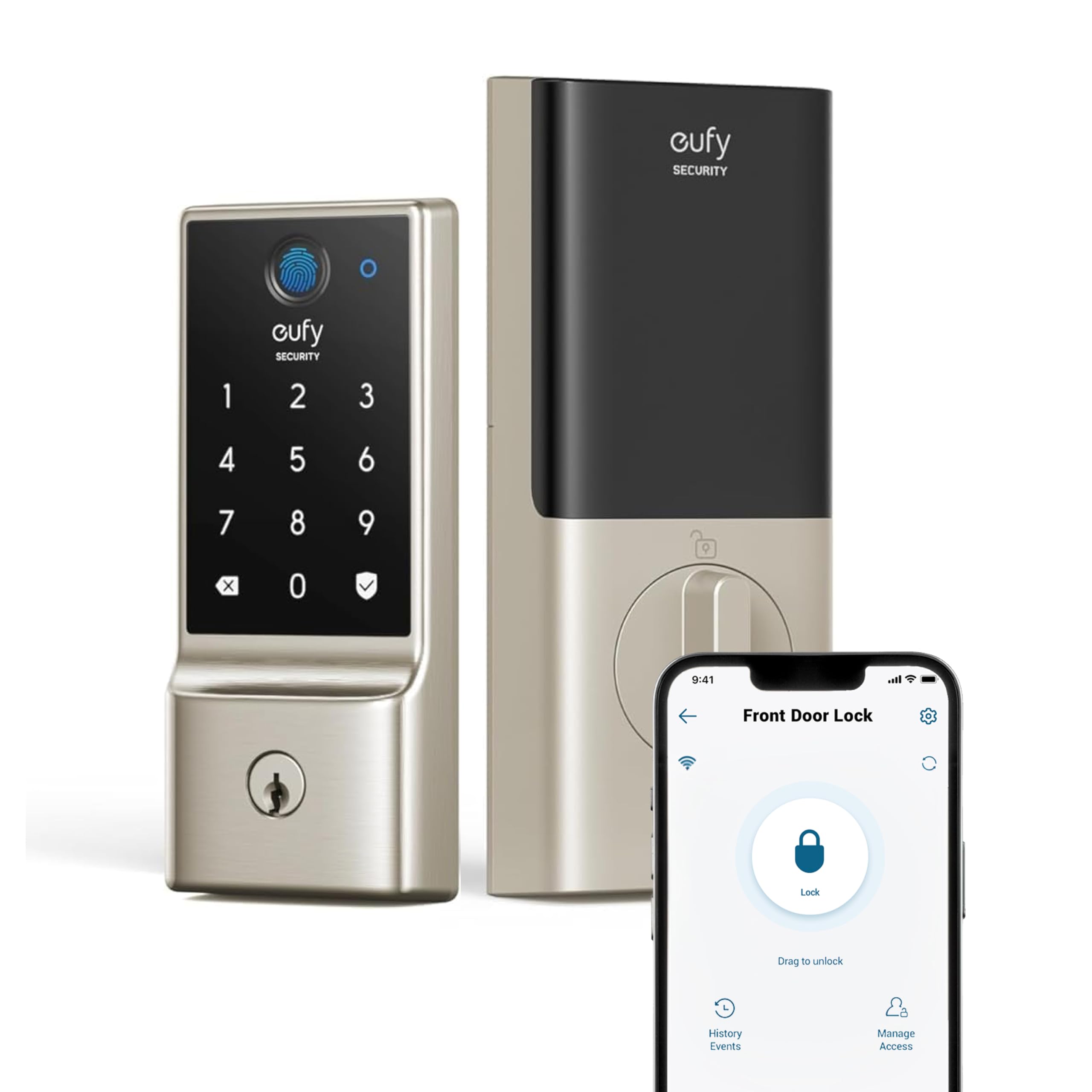
Type: Smart deadbolt with fingerprint
Connectivity: Built-in Wi-Fi
Battery: Up to 8 months
Rating: IP53 rated, BHMA Grade 3
Finish: Nickel
This is a deadbolt-only lock, which matters on a stepped door because the existing handle and lever stay untouched and the deadbolt footprint is the only thing that changes. The nickel finish suits most entry doors, and the built-in Wi-Fi means no separate hub is needed for app control or remote unlock. The fingerprint reader sits on the exterior face, so a person standing on the lower landing can unlock with one touch without juggling keys or a phone.
The IP53 rating and BHMA Grade 3 designation point to a lock built for everyday outdoor exposure and standard residential duty rather than heavy commercial traffic. Buyers who want a simple, fast upgrade to a step-up door and who mostly use fingerprint entry will find this the most direct fit. It is not for anyone who needs a matching handle or a full entry set in the same box.
Trade-off: The deadbolt-only design leaves the existing handle in place, so an older or mismatched lever will still be the weak visual link on the door.
Check the current price on Amazon
2. Philips WiFi Keypad Deadbolt with Handle

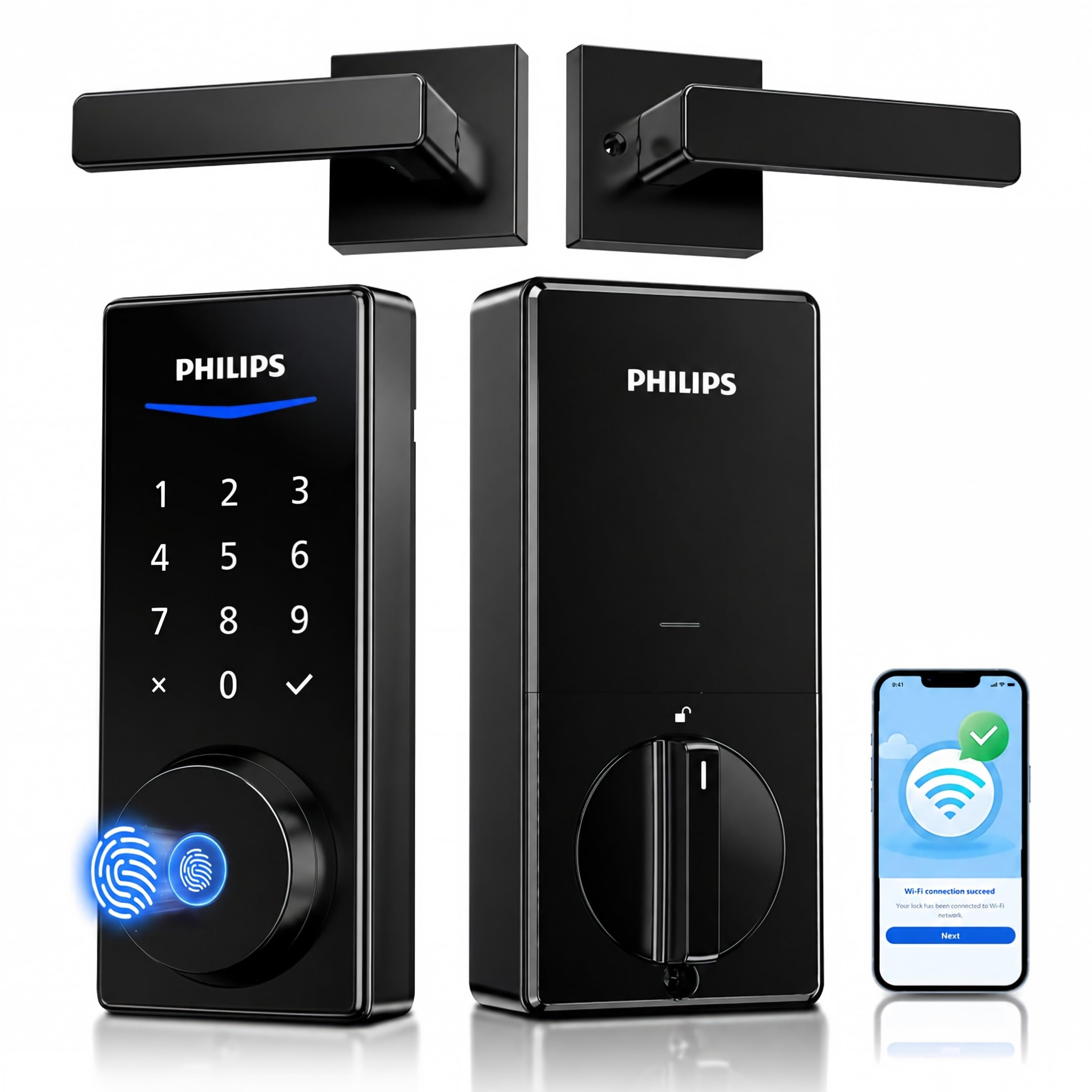
Type: Deadbolt with lever handle set
Unlock methods: Voice, fingerprint, keypad, app
Connectivity: Built-in Wi-Fi
Extras: Flexible codes, auto-lock, backlit keypad
This pick replaces both the deadbolt and the door lever in one set, which is the practical choice when the existing handle is worn or the door hardware is being refreshed at the same time. The backlit keypad stays visible on a shaded landing, and the flexible code system lets a household issue and revoke entry codes without handing over a physical key. Fingerprint and voice unlock round out the options for people carrying groceries up the step.
The built-in Wi-Fi keeps app remote control available without a bridge, and auto-lock removes the worry of a door left unlatched after a hurried exit. Buyers remodeling a front entry or replacing mismatched hardware get the most from this set. It is not for anyone who wants to keep the current lever or who only needs a deadbolt swap.
Trade-off: A full handle-and-deadbolt set takes more installation work than a deadbolt-only model, and the lever fit has to match the door prep.
Check the current price on Amazon
3. Philips Fingerprint Door Lock with Touchscreen
Type: Fingerprint deadbolt with touchscreen
Battery: Up to 9 months
Unlock methods: App, keypad, fingerprint, Alexa and Google voice
Extras: Auto-lock, Wi-Fi
The touchscreen replaces physical buttons, which keeps the exterior face cleaner and easier to wipe down on a door exposed to weather. Battery life is rated up to nine months, the longest of the group, so a household that unlocks several times a day faces fewer battery swaps. Fingerprint entry works well from a step-up landing because the reader is reached with a single extended hand.
App control, Alexa and Google voice unlock, and auto-lock make this a fit for a connected home where the lock joins a wider routine. Buyers who want the longest gap between charges and a modern touchscreen face will see the value here. It is not for anyone who prefers tactile buttons or who wants the lowest possible upfront cost.
Trade-off: Touchscreens can smudge and lose sensitivity in cold or wet conditions, so gloved hands may fall back to the app or a code.
Check the current price on Amazon
4. Schlage Encode Smart WiFi Deadbolt Lock with Century Trim

Type: Smart Wi-Fi deadbolt
Unlock methods: Touchscreen keypad, app
Compatibility: Alexa, Google Home, Ring, Airbnb
Finish: Matte black with Century trim
Certification: Certified security
Schlage is a long-established lock brand, and the Encode line carries that reputation into a Wi-Fi deadbolt with a touchscreen keypad and app control. The matte black Century trim gives a step-up entry a sharper look than a plain nickel face. Compatibility with Alexa, Google Home, Ring and Airbnb makes it the pick for a home that already runs smart-home routines or a short-term rental that needs remote code management.
This is the premium option in the group, and the price reflects the brand, the certified security claim and the broad ecosystem support. Buyers who want a recognized name on the front door and tight integration with Ring or Airbnb will find it worth the step up. It is not for budget-focused shoppers or anyone who wants fingerprint unlock, which this model does not list.
Trade-off: The premium price buys brand and ecosystem support rather than fingerprint entry, so households that want one-touch unlock should look elsewhere.
Check the current price on Amazon
5. Philips Wi-Fi Smart Deadbolt Lock

Type: Wi-Fi smart deadbolt
Unlock methods: Code, fingerprint, app, Alexa and Google voice
Extras: Auto-lock, backlit touchscreen, remote access
This is the lowest-cost way into the group to get fingerprint, code, app and voice unlock in one deadbolt. The backlit touchscreen stays readable on a dim landing, and remote access through the app lets a household let in a guest or a delivery without being home. Auto-lock keeps the door secured after entry, which is a useful safeguard on a door that gets used in a hurry.
Buyers on a tight budget who still want the full feature set will find this the best value of the five. It suits a first smart lock or a secondary entry door where the spend needs to stay low. It is not for anyone who wants a handle included or who prioritizes a long-established lock brand over features per dollar.
Trade-off: At the lowest price in the group, the finish and internal components are likely to feel less substantial than the premium pick, and the battery rating is not stated as generously as the mid-range model.
Check the current price on Amazon
Before You Buy
- Door prep: Measure the existing deadbolt bore and backset before ordering, since a step-up door often has older or non-standard prep.
- Threshold clearance: Check that the exterior keypad or fingerprint reader sits at a comfortable reach from the lower landing, not just from inside.
- Handle vs. deadbolt: Decide whether the existing lever stays or gets replaced; only the Philips handle set includes a new lever.
- Connectivity: Built-in Wi-Fi avoids a hub, but confirm the door is within range of the router for reliable app and voice control.
- Battery access: Confirm the battery compartment is reachable from inside the home so a swap does not require standing on the step.
- Ecosystem: Match the lock to the home’s smart assistant and, for rentals, to the platform used for guest codes.
- Weather exposure: A covered entry extends the life of any touchscreen or fingerprint reader; an exposed door benefits from an IP-rated model.
Frequently Asked Questions
-
Does a step-up door need a special smart lock?
No special model is required, but the lock should be reachable from the lower landing and should clear the raised threshold. A deadbolt-only design is usually the simplest fit. -
Which pick is best for a rental property?
The Schlage Encode is the strongest fit for short-term rentals because of its Airbnb and Ring compatibility and remote code management. -
Can a smart lock be added without replacing the handle?
Yes. Four of the five picks are deadbolt-only, so the existing lever stays in place. Only the Philips handle set replaces both. -
How often do the batteries need changing?
Ratings in this group range from up to eight months to up to nine months, depending on use. Heavier daily traffic shortens that window. -
Is fingerprint unlock reliable outdoors?
It works well in normal conditions, though wet or gloved hands may need the keypad or app as a backup. -
Do these locks work with Alexa and Google?
The Philips models and the Schlage Encode list Alexa and Google voice support; the eufy C220 focuses on app and fingerprint entry.
Bottom Line
For most step-up doors, the eufy Security Smart Lock C220 is the best smart lock for a door with a step up: it is a simple deadbolt swap, it reads a fingerprint in one touch from the landing, and it needs no hub. Households replacing the whole entry set should choose the Philips handle set, while buyers who want a recognized brand and rental-ready app control should pay for the Schlage Encode.
